
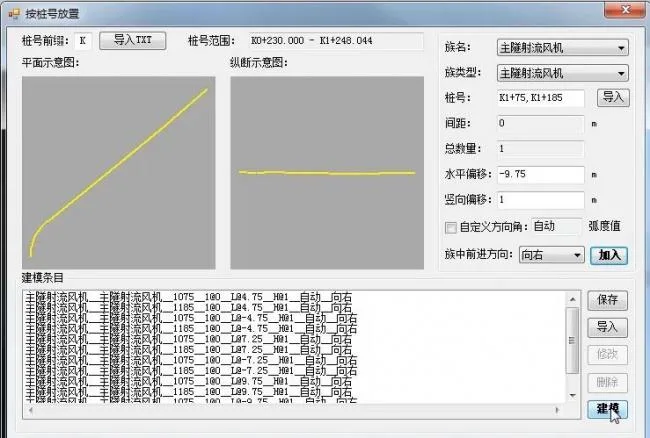
Main Functions of the Software:
This program is designed for the rapid, parameterized creation of 3D models including terrain, roads, open excavations, underground excavations, shield tunnels, bridges, foundation pit supports, comprehensive pipe galleries, municipal pipelines, and more. It automatically handles modeling tasks such as wall panel drilling and batch placement of equipment components, road signs, and markings.
Supported Revit Versions:
Compatible with Revit versions 14 through 18.
Installation Instructions:
- Program Installation:
Double-clickInstall.exeto open the “Install Sour Grape Municipal BIM Assistant v1.70” window. Click the “Install” button to begin installation. To remove the program, click the “Uninstall” button. - Note 1: When upgrading, you do not need to uninstall the previous version; simply install the new version to overwrite it.
- Note 2: Please ensure that CAD and Revit software are closed during installation, uninstallation, or upgrades.
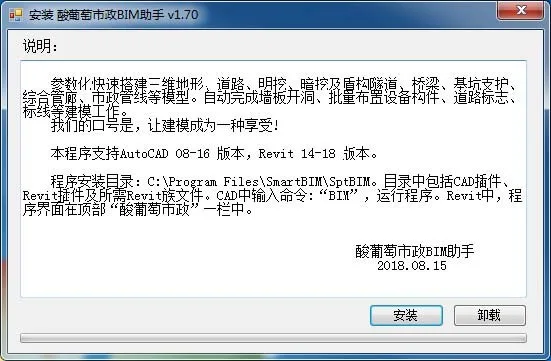
Installation Directory:
The program installs to C:Program FilesSmartBIMSptBIM. This folder contains CAD plugins, Revit plugins, and necessary Revit family files.
To launch the program, type BIM in the CAD command line. In Revit, the program interface can be found under the “Sour Grape Municipal” tab at the top of the screen.
Function Screenshots:
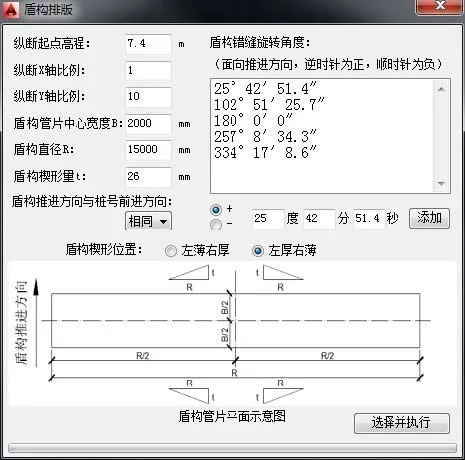
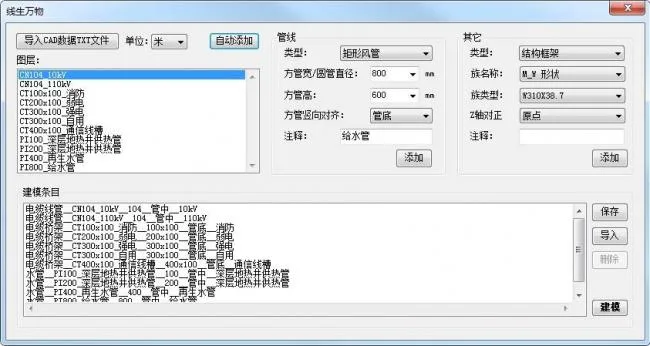













Must log in before commenting!
Sign Up