
Feature Introduction
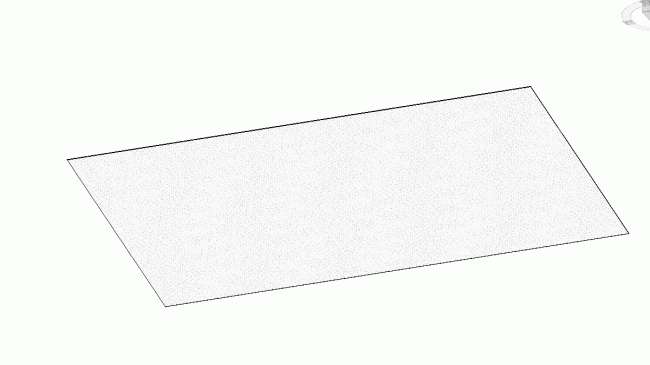
1. Grid Conversion
Automatically detect grid lines in drawings, then generate grids and annotations directly within Revit.
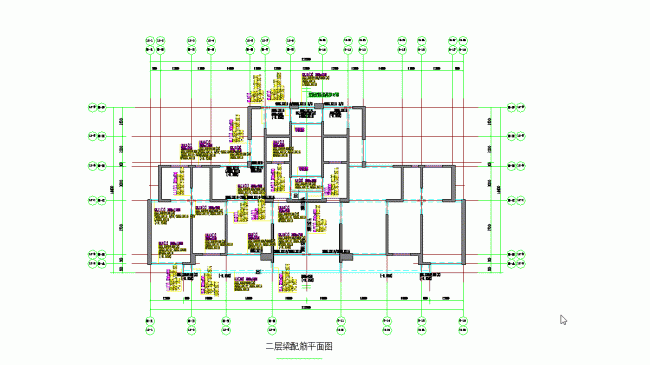
2. Wall Conversion
Identify wall edges and set wall widths based on the drawing. Select the appropriate Revit wall category and automatically create multiple wall instances.
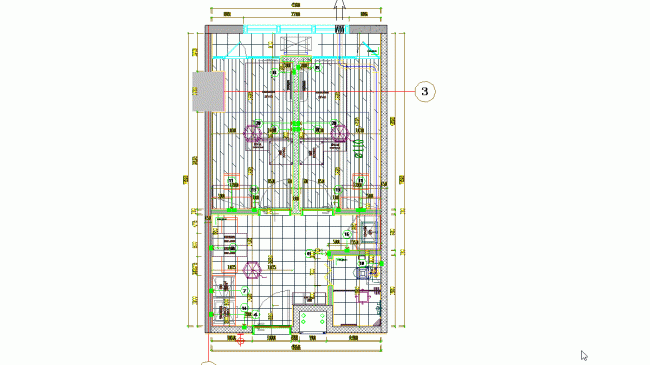
3. Column Conversion
Automatically recognize column cross-sectional profiles and annotations in drawings, then generate Revit column instances in batches.
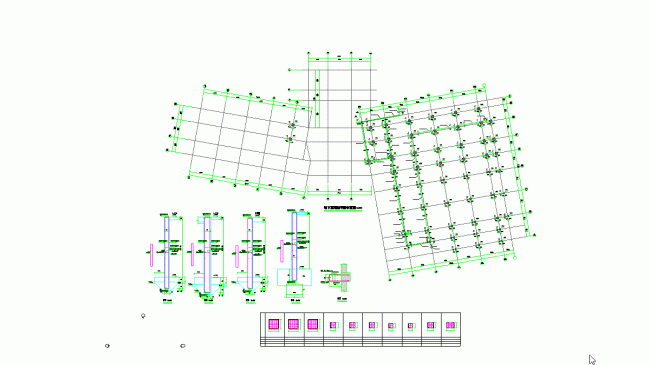
4. Beam Conversion
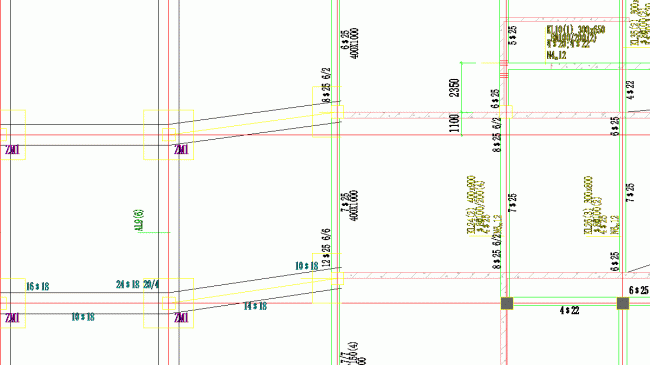
Automatically create beam instances in Revit based on beam edges and annotations found in the drawing. Span numbers are determined using column and wall layers to ensure accuracy.
5. Pile Conversion
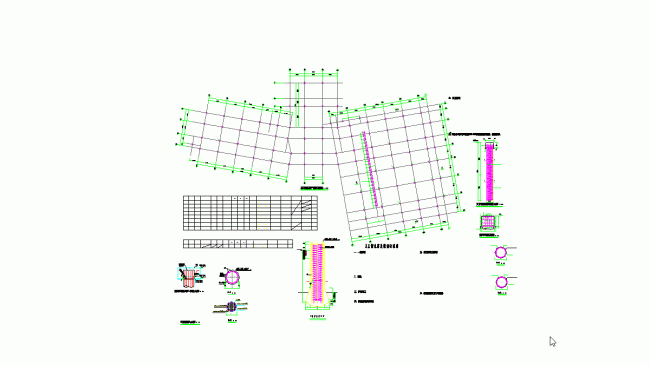
Automatically detect pile legends within drawings and batch-create Revit pile instances based on annotations. Users can input pile top elevations and lengths.
6. Platform Conversion
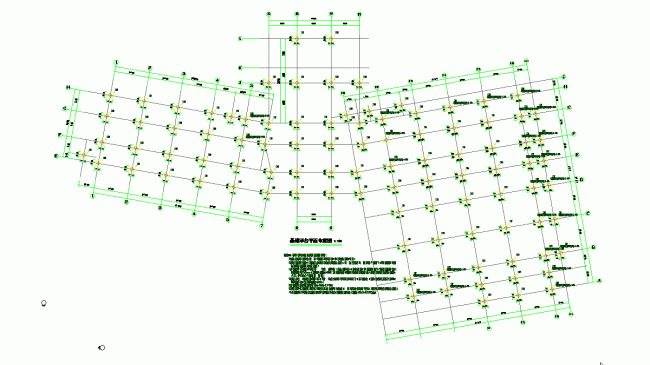
Automatically recognize platform legends in drawings. Enter top elevation and thickness to batch-create Revit platform instances.
7. Fill Recognition
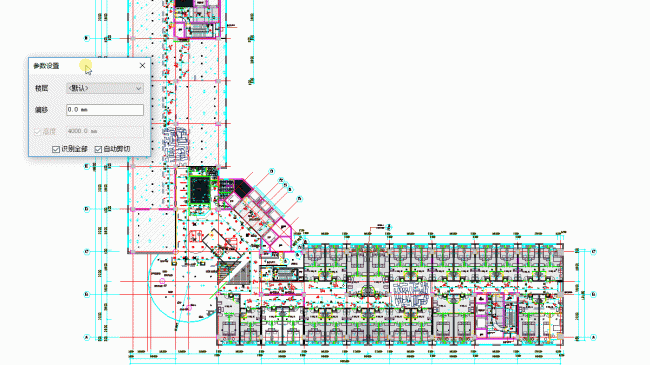
Automatically identify identical fills in drawings to batch-create floor slabs, family instances, and more.
8. Legend Recognition
Automatically detect identical legends within drawings to batch-create family instances.
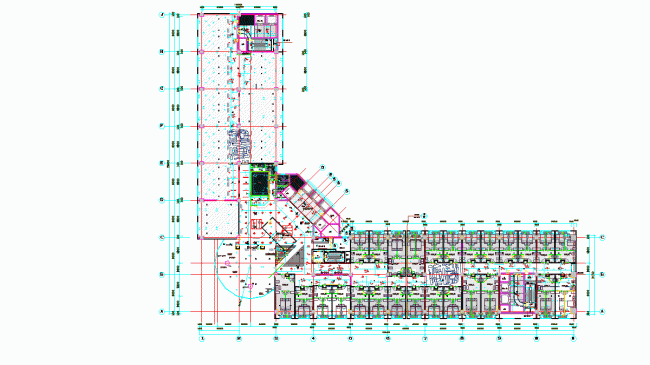
9. Rectangular Layout
Quickly arrange family instances using specified horizontal and vertical spacing for efficient layout organization.
10. More Features
Explore additional features waiting to be discovered!












Must log in before commenting!
Sign Up