
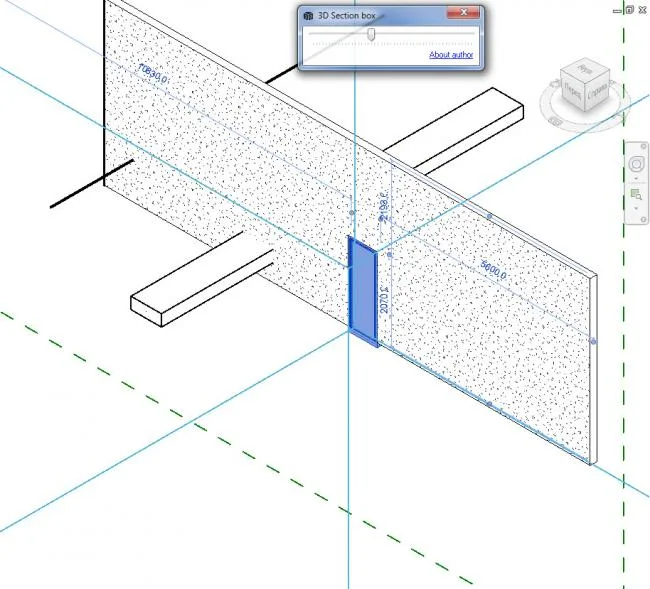
This application creates a section box around the selected element, allowing you to focus on specific parts of your model.
To use it, select the elements within your model and click the ‘3D Section Box’ submit button. If you are working in 2D, the application will generate a special 3D view named after your username (for example, “{3D – username}”) and provide zoom options.
You can easily adjust the size of the section box by scrolling or moving the tracking bar within the application. This feature is especially useful when working with large data models.
If you select a different element and move the tracking bar again, the application will create a new section box and zoom in for that selection.
![BIM Plugin | 3D Section Box [Revit Create Specific Element Section Box] Download](https://bim5.com/wp-content/uploads/2019/09/0b7dde6124c5c0b.webp)
![BIM Plugin | 3D Section Box [Revit Create Specific Element Section Box] Download](https://bim5.com/wp-content/uploads/2019/09/eb3eb6f955b7c0b.webp)












Must log in before commenting!
Sign Up