
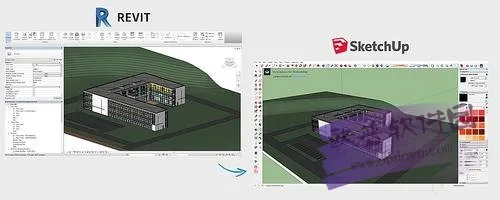
Revit supports exporting files compatible with SketchUp through a dedicated plugin. The Revit to SketchUp tool, developed by Kubity software, allows users to transfer Revit models into SketchUp easily. This enables convenient viewing, creating walkthrough animations, managing terrain and landscaping, and more. Since Revit itself does not have a built-in conversion function, this plugin provides a simple solution. If you’re interested, you can download it!
Installation Instructions
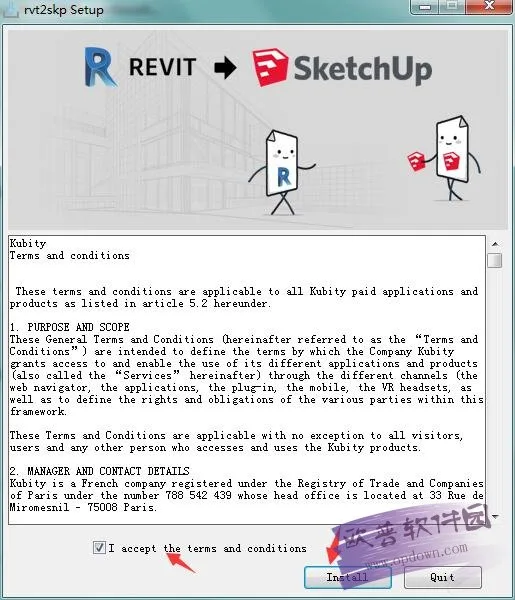
To install, double-click the rvt2skpSetup.exe file. The installation window will appear as shown below. Read the license agreement carefully, then check the box labeled “I accept the terms…” and click Install to begin the installation process.
How to Use the Revit to SketchUp Plugin
After installing the plugin, open your Revit model and switch to the 3D view. Then, under the Add-Ins menu, click the rvt2skp button to directly convert your model into a SketchUp file.












Same question. I can’t install it either. A Revit version is required for display. Do not know what that mean?
Can’t install it