
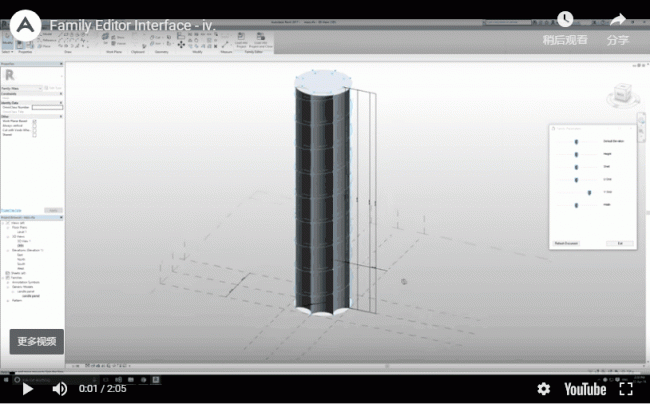
DescriptionFamily Editor Interface is a simple tool that offers a more interactive way to create or edit family content. It provides intuitive control over the Family Bone-Muscle-Skin paradigm by manipulating existing parameters within the Family Editor. This tool is only available in Family Editor Mode, allowing users to dynamically adjust parameter values and receive immediate feedback on their changes.
The interface automatically detects when new parameters are added to the Family Types dialog. It also includes a ‘Refresh Document’ button to recognize new parameters added on the fly. This feature is especially useful when switching between multiple Family Projects.
![BIM Plugin | Family Editor Interface [Slide Adjustment Family Parameters] Download](https://bim5.com/wp-content/uploads/2019/09/1568302384.gif)
![BIM Plugin | Family Editor Interface [Slide Adjustment Family Parameters] Download](https://bim5.com/wp-content/uploads/2019/09/25db3623499d971.webp)
User Interface
The interface consists of several parts:
- Launching the plugin from the ribbon.
- Switching between projects.
- Editing the conceptual volume workflow.
The third part: Editing the conceptual volume workflow – step 3.












Must log in before commenting!
Sign Up