
Description
This tool is designed to shape terrain instances by using model lines. It adds additional terrain points along the selected model line, allowing you to divide the line based on either the number of points or the distance between them. If multiple terrain instances are present, the tool will prompt you to select only one.
It supports all types of model lines, including lines, arcs, ellipses, curves, and NURBS. Please ensure that the selected model lines are not closed loops. If a closed loop is detected, the tool will issue a warning and ignore it. To work with closed loops like circles or ellipses, use Autodesk Revit’s Split Element tool to divide the loop into two or more segments.
Since terrain is represented as a grid object, it’s important to carefully consider how points are divided. Increasing the number of points does not always lead to better results.
Another useful feature allows you to save the current terrain state. You can export the terrain points to a CSV file and later restore the terrain using Revit’s Massing and Site > Terrain Surface > Import > Specify Point File tool. Note that the saved CSV file always uses meters as the unit of measurement.
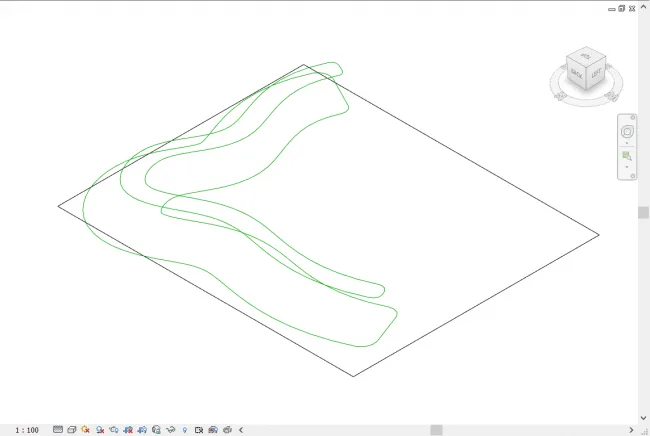
Current status showing terrain and model lines.

You can access the tool from the Add-ons tab on the Revit ribbon.
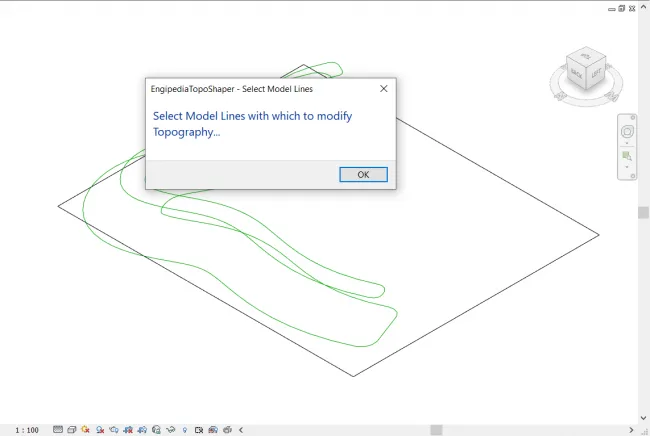
Initially, the tool will prompt you to select both the terrain and the model lines.
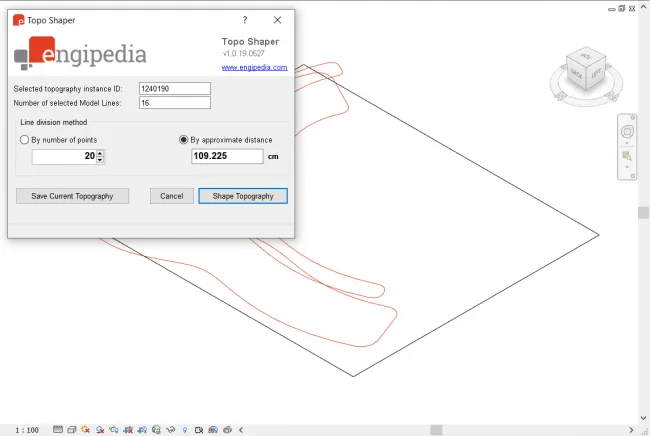
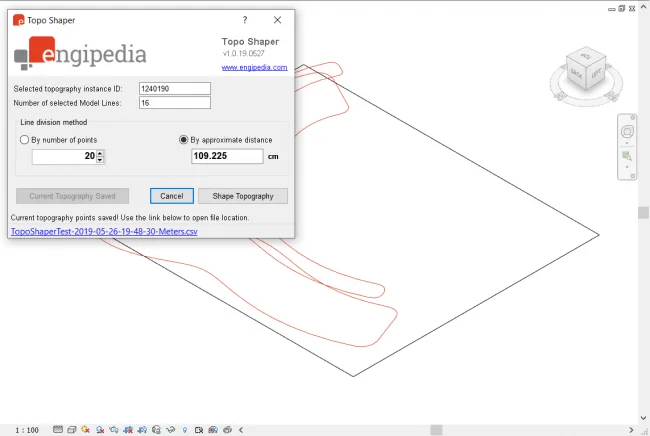
You can save the current, unchanged terrain as a CSV file containing terrain points.
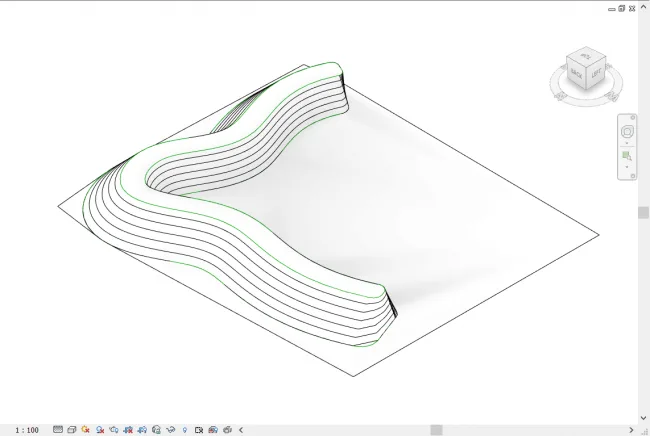
Clicking the ‘Shape Terrain’ button will modify the terrain instance based on your settings.
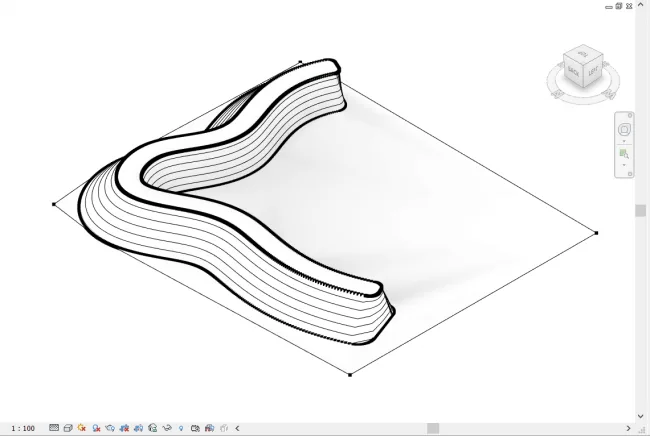
Terrain points spaced 20 centimeters apart.
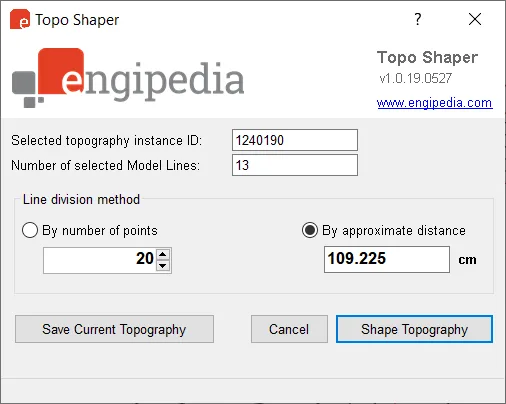
Main tool window interface.












Must log in before commenting!
Sign Up