
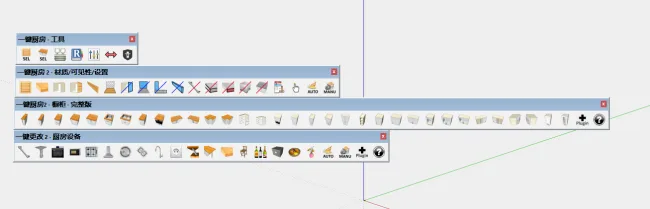
Click Kitchen, formerly known as Click Cuisine, has been upgraded and renamed as the 2nd generation version. As the name implies, this enhanced plugin offers more powerful features, extending beyond cabinet design to cover all kitchen-related functions.
With Click Kitchen, you can automatically replace models using just a simple mouse click. Since 95% of the tasks are completed by viewing images and clicking, the plugin is user-friendly and free from language barriers.
Thanks to dynamic components within the model, detail sizes automatically adjust based on user settings, making the plugin very convenient and efficient to use.
How to Use: After extracting the files, copy the folders TNTC_ClickCuisine2 and TNTC_ClickCuisine2-pro, along with the files TNTC-ClickCuisine2-pro.rb and TNTC-ClickCuisine2.rb, into the Sketch Master plugin directory. Then, restart Sketch Master. For example, for SketchUp 2018, the plugin directory path is:
C:Users[Your Username]AppDataRoamingSketchUpSketchUp 2018SketchUpPlugins












Continuously displaying extraction code errors
The download link has been updated.