
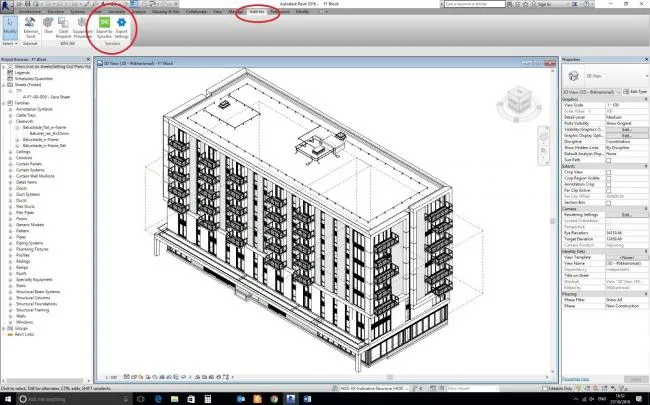
Installation Tutorial:
Double-click the setupSynchroRevitPlugin (x64).msi file to begin the installation.
Click Next to continue.
Check the box for “I accept the terms in the license agreement”, then click Next.
Select the Revit version you want to install the plugin for, then click Next.
If needed, change the installation path, then click Next.
Click Install to start the installation process.
Once the installation is complete, click Finish.












Must log in before commenting!
Sign Up