
Revit view templates are collections of view properties, such as view scale, discipline, detail level, and visibility settings. By applying view templates, you can standardize settings across multiple views, ensuring compliance with company standards and achieving consistency throughout the construction document set.
Before creating a view template, it is important to consider how each view will be used. Decide what style should be applied to different types of views, including floor plans, elevations, sections, and 3D views. For example, designers may utilize floor plan views in various styles, such as power and signal, zoning, demolition, furniture layouts, and then zoom in for detailed information.
You can create dedicated view templates for each style to control settings like category visibility, graphic overrides, view scale, detail level, graphic display options, and more.
Sample:
The following examples illustrate the construction and display of floor plans. You can develop view templates for each style using predefined visibility and graphic settings.
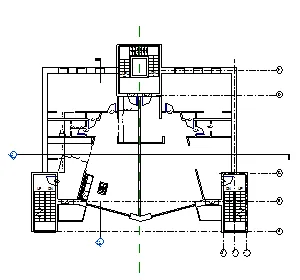
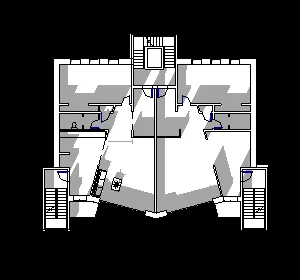
View templates can be used to control views in the following ways:
- Apply the attributes in the view template to a specific view. Any changes made to the view template in the future will not affect the view.
- Specify a view template to link it with a view. Any modifications made to the view template will be automatically applied to any linked views.
You can also transfer a view template from one project to another.
















Must log in before commenting!
Sign Up