
Source: Applied Consultation Society

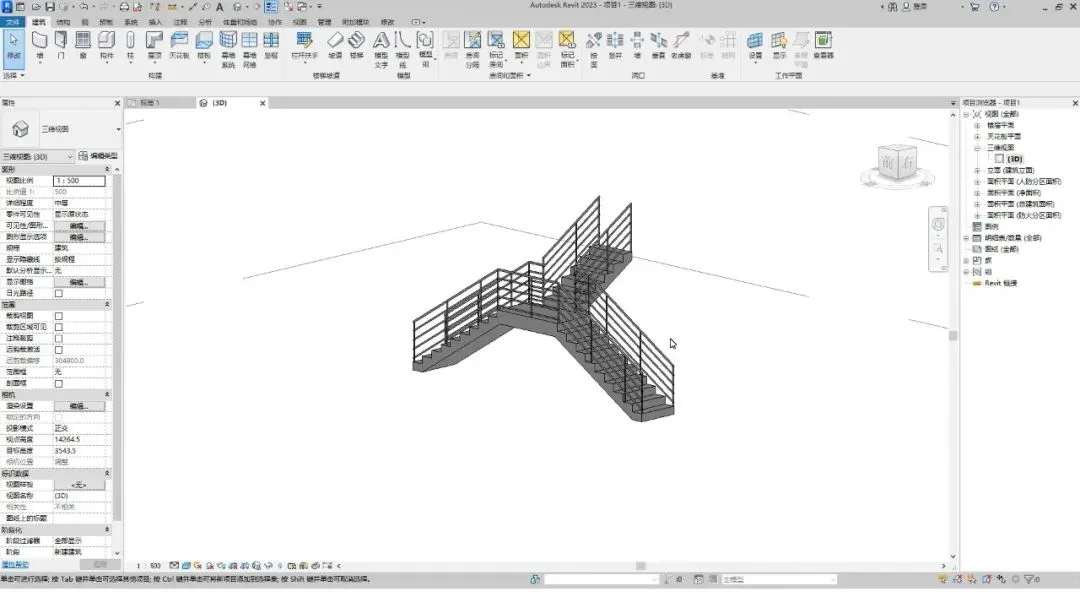
This staircase design requires only a landing platform to connect two stair sections, making it possible to complete in just two steps.
Step 1: Draw the Staircase
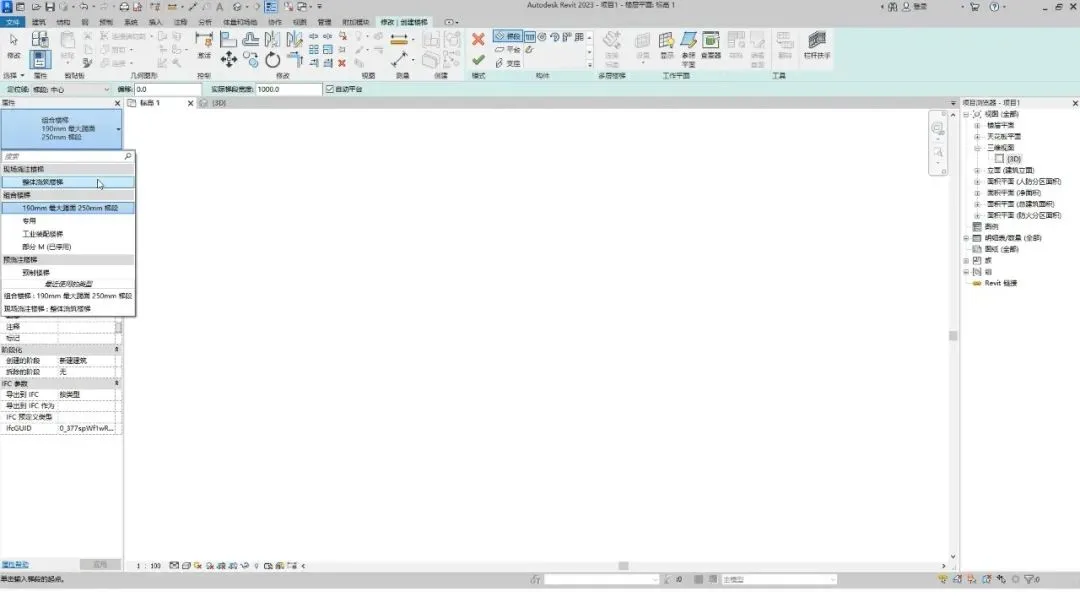
Begin by clicking the staircase button under the building tab, and select the “Integral Pouring Staircase” type.
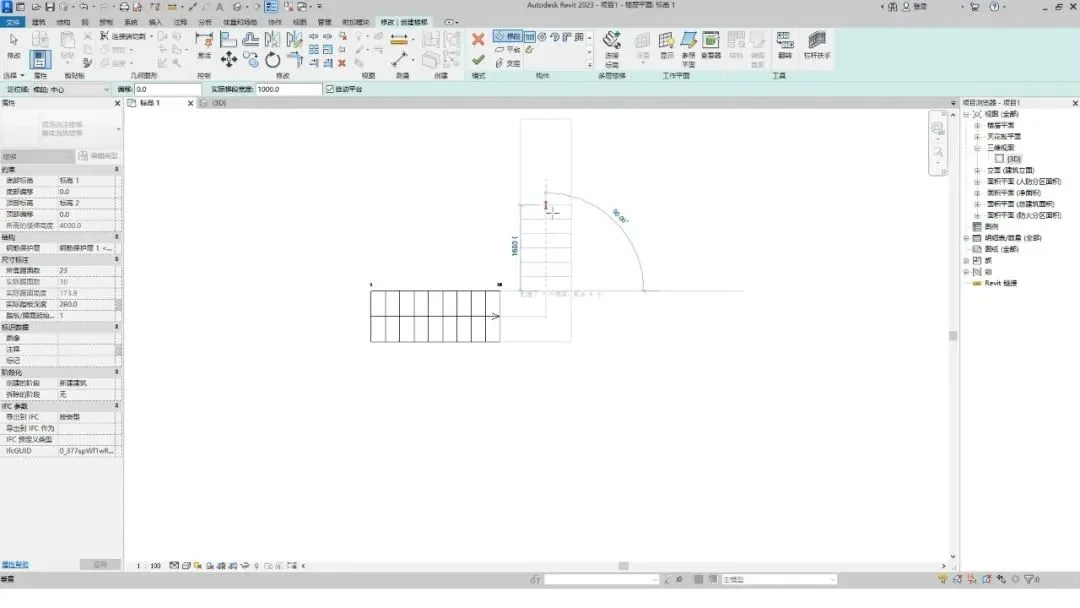
Next, draw the left and middle sections of the staircase.
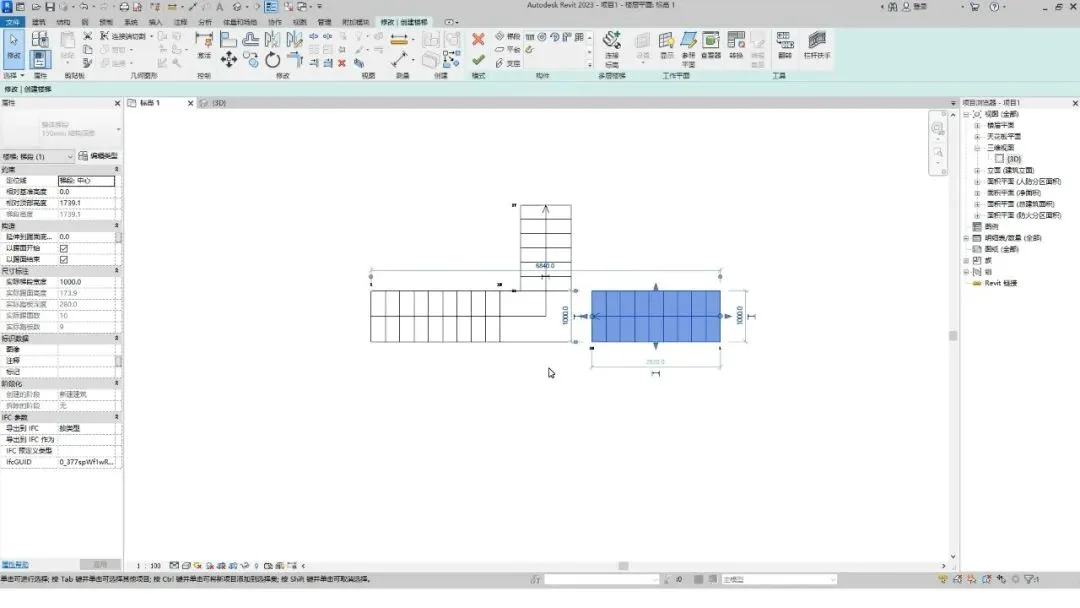
Then, select the left flight and mirror it to create the right flight.
Step 2: Connect the Staircase
Choose the landing platform, then drag the arrow on the right side to connect it to the adjacent flight of stairs.
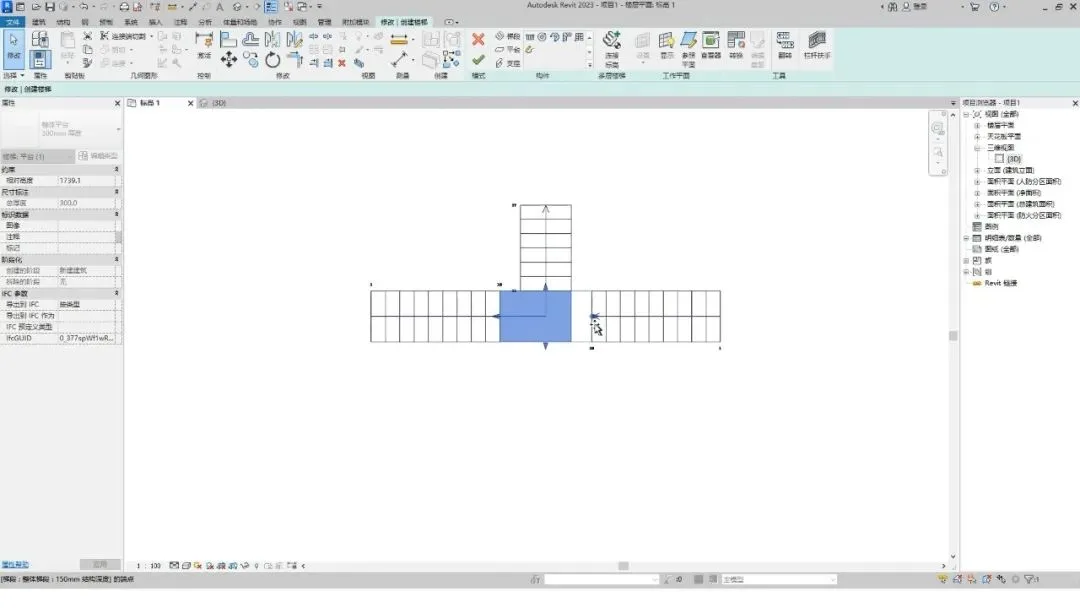
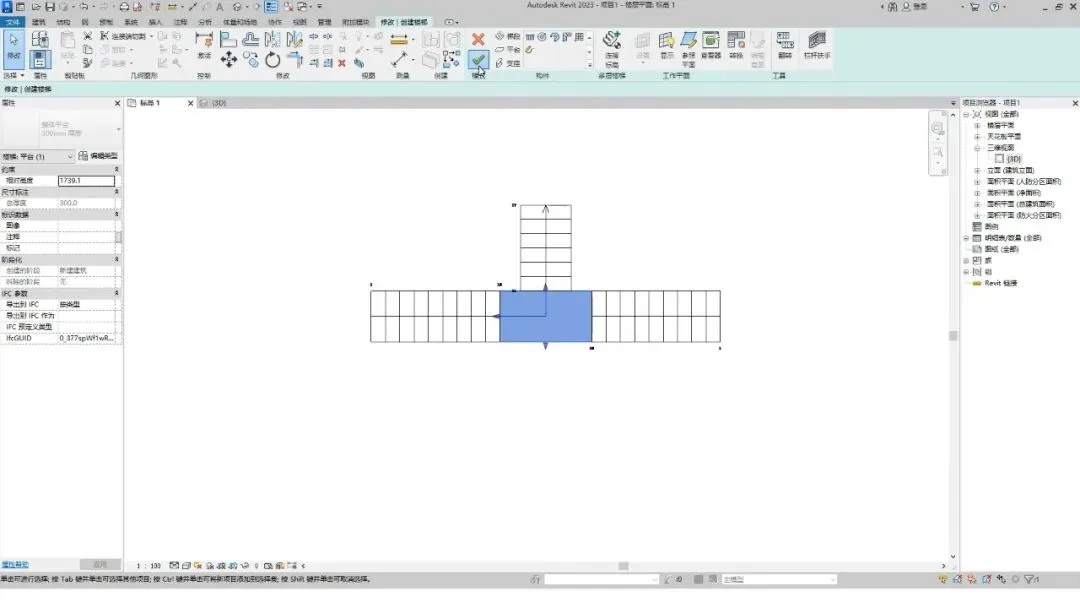
Finally, click the ‘Finish’ button to complete the staircase.
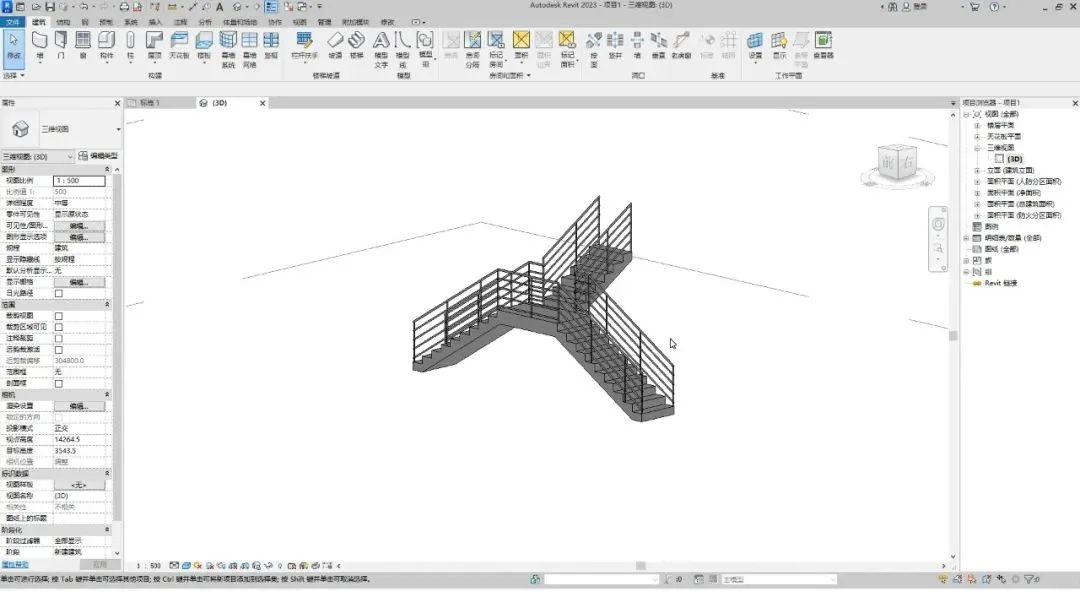
Switch to the 3D view to inspect the finished staircase.

xuebim
Follow the latest BIM developments in the architecture industry, explore innovative building technologies, and discover cutting-edge industry insights.
← Scan with WeChat















Must log in before commenting!
Sign Up