
Source: Jizhi Numerical Science

During the early or later phases of a project, tasks such as dismantling and layering are often required for work execution or model delivery. In Revit, issues may arise with component dismantling throughout this process. These issues can be resolved by copying components across different project files using the following method.
Step 1: Select
This method allows you to copy all families. First, select the desired component and copy it to the clipboard. Then, switch to the target project file.
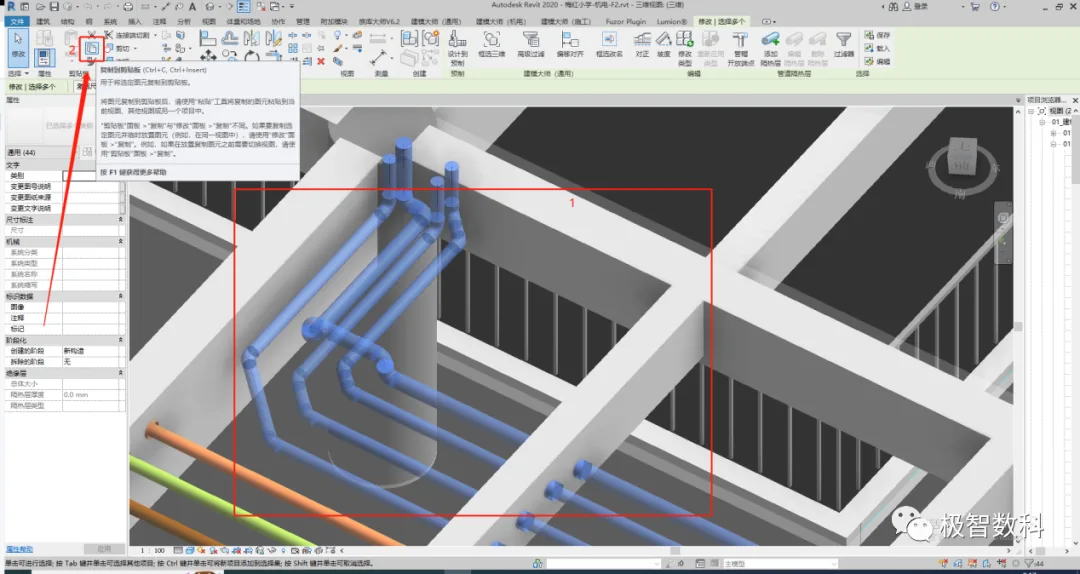
Figure 1
Step 2: Paste
After switching to the new project, click the Modify button. Then, click the drop-down arrow under the Paste option and select Align to Selected Level. Next, choose the elevation where the component will be placed and click OK.
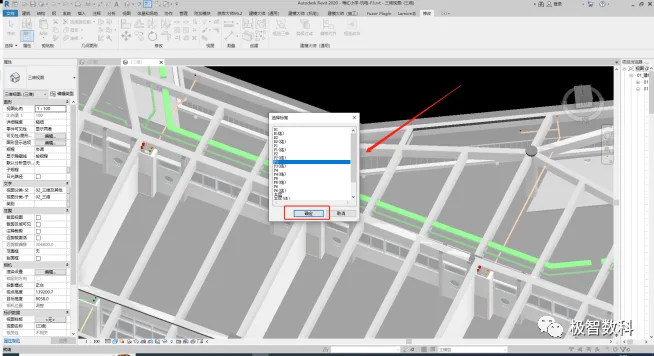
Figure 2
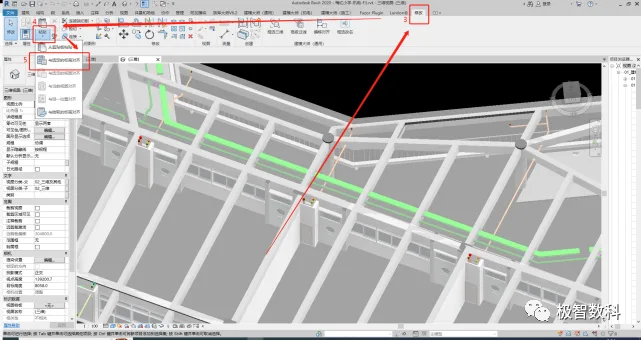
Figure 3
















Must log in before commenting!
Sign Up