
Content source: Rhinoceros KeyShot Tribe Author: Teacher Stone

Have you ever struggled with semi-transparent materials, unable to achieve the desired result? The main issue is often a lack of understanding about what semi-transparent materials truly are. Today, we will explore the nature of semi-transparent materials and how to work with them effectively. There are various types of semi-transparent materials in V-Ray, such as fast SSS skin materials. This guide focuses on the semi-transparency of universal materials in V-Ray. Let’s dive in.
Rendering Steps
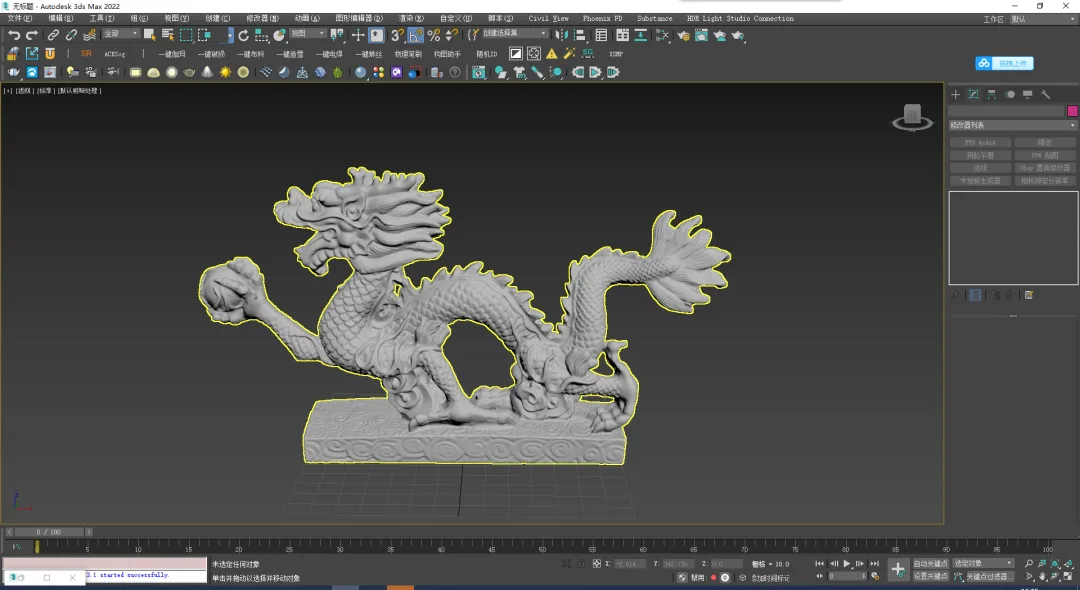
01. Import the model you want to render. In this example, we are using a scanned dragon.
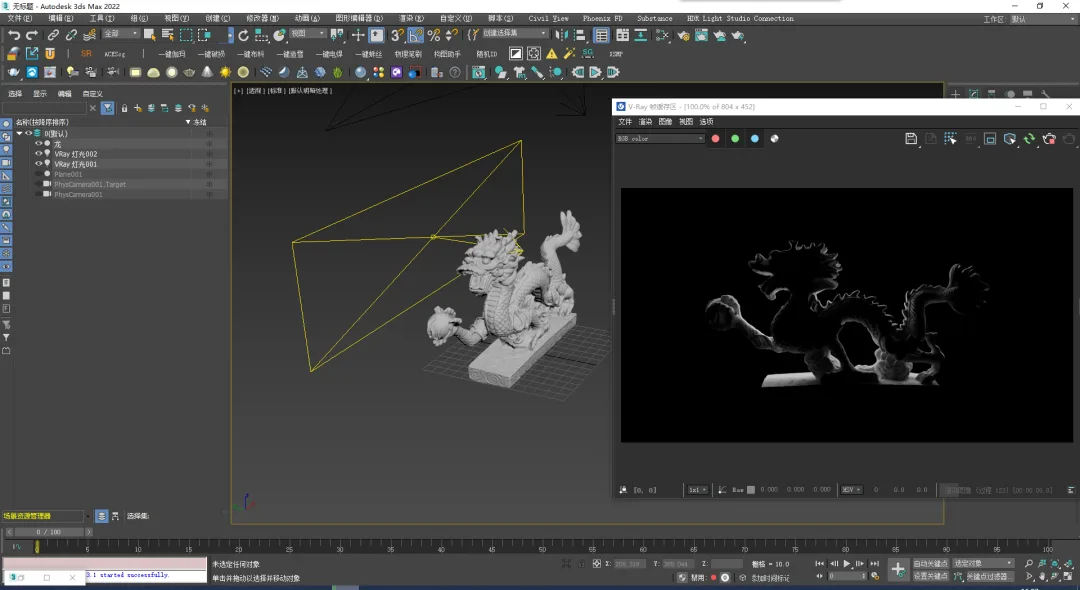
02. Set up backlighting to illuminate the model.
03. Add a top light as the second light source to create volume.
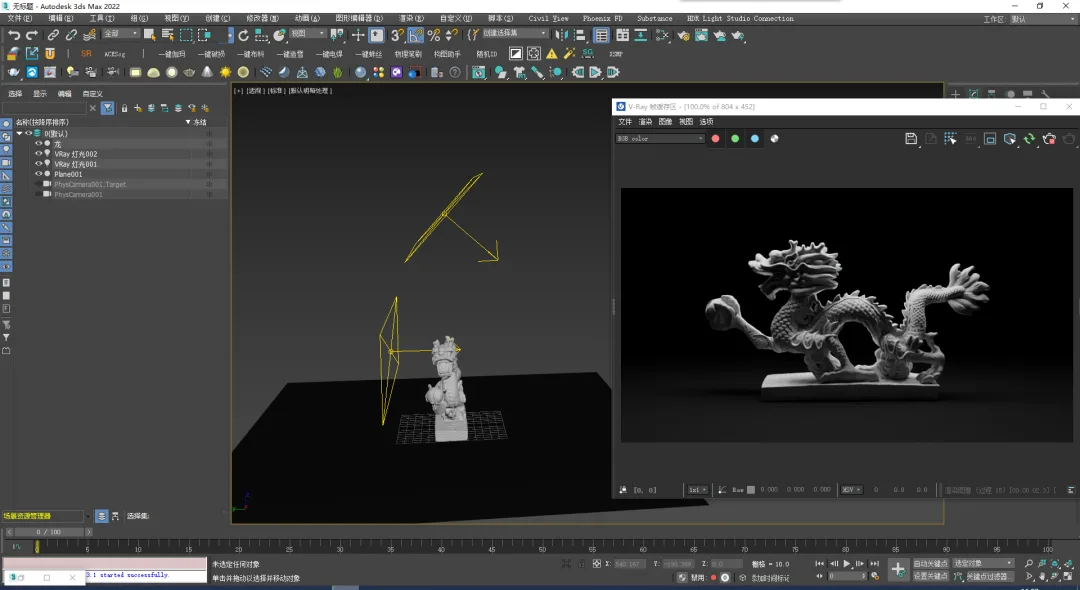
04. Apply a black frosted material to the ground.
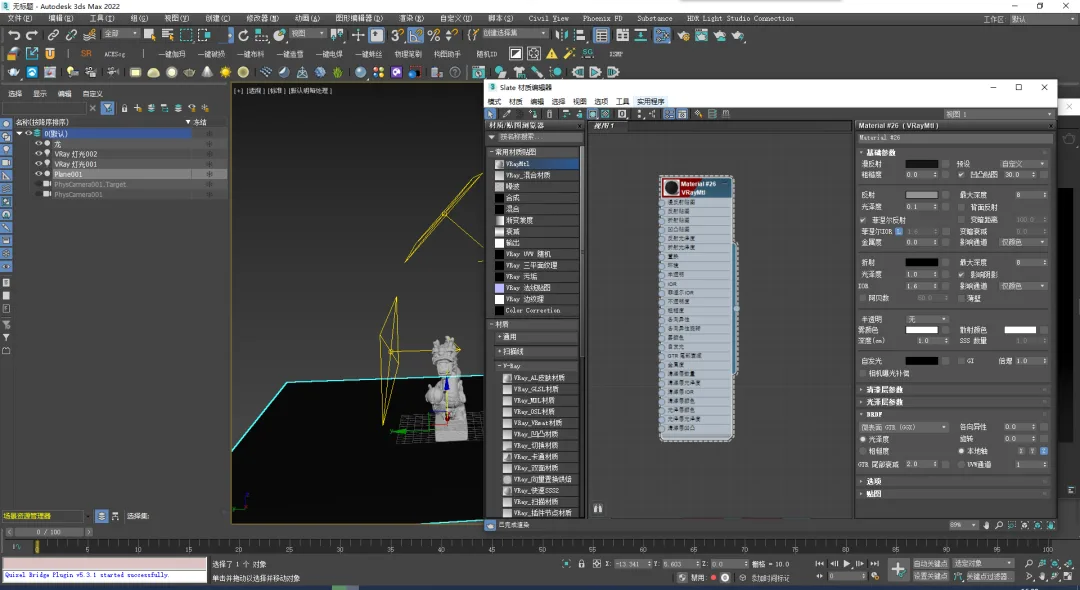
05. Assign a material to the Jade Dragon. There are three semi-transparent modes in the V-Ray universal material: None, Volume, and SSS. Let’s examine each.
First, None mode:
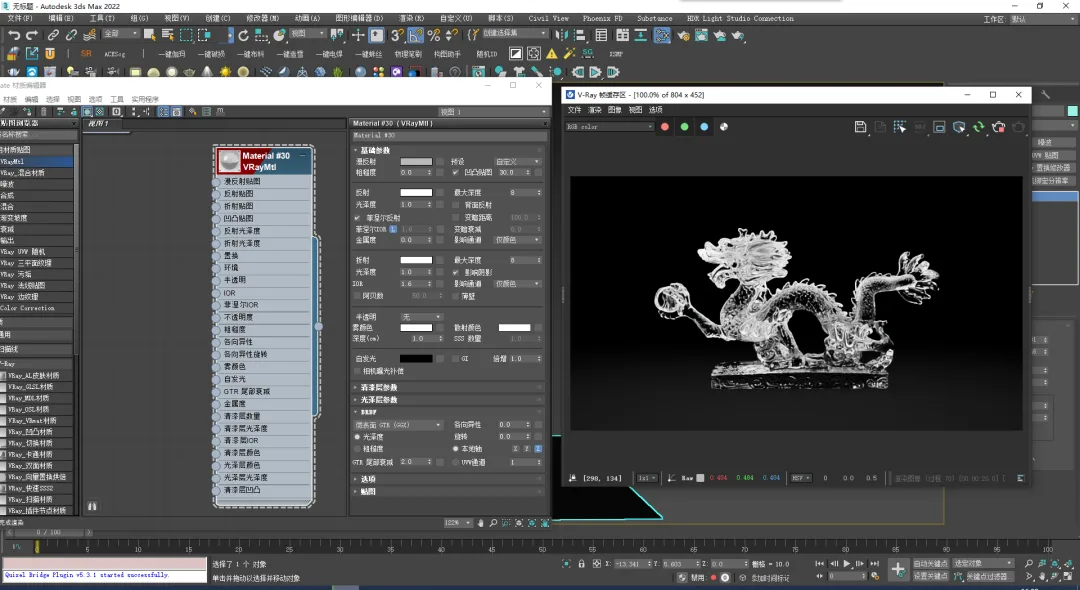
For most materials, the default setting is None. Think of it like glass: instead of adjusting refracted color, you modify the fog color. The fog color controls color depth variations depending on the thickness of the glass.
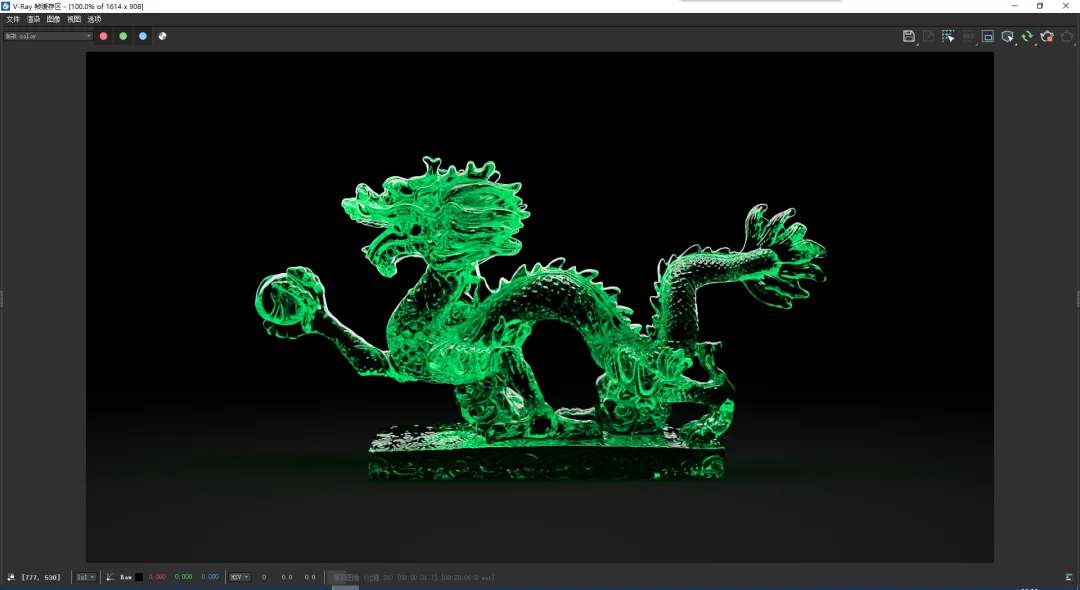
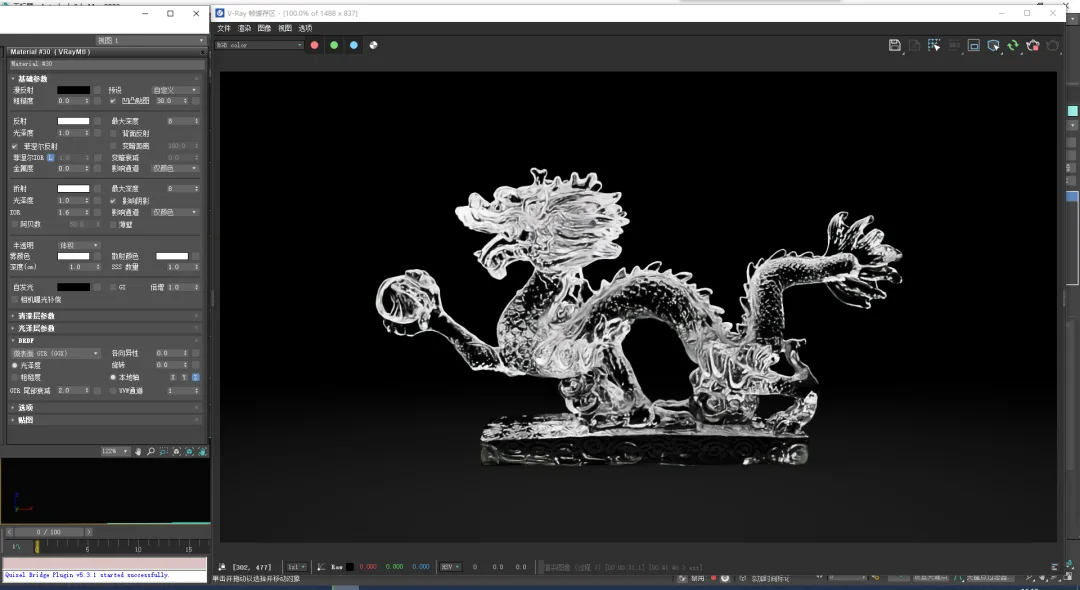
06. Volume mode is used alongside the material’s refractive color to scatter light inside objects. It suits liquids and other highly transparent materials.
Here are the four key parameters:
- Mist color: Controls the balance between light absorption and scattering as light passes through the material.
White means no light absorption—light passes through fully, making the object transparent.
Black means most light is absorbed, causing internal scattering that makes the object opaque and bright.
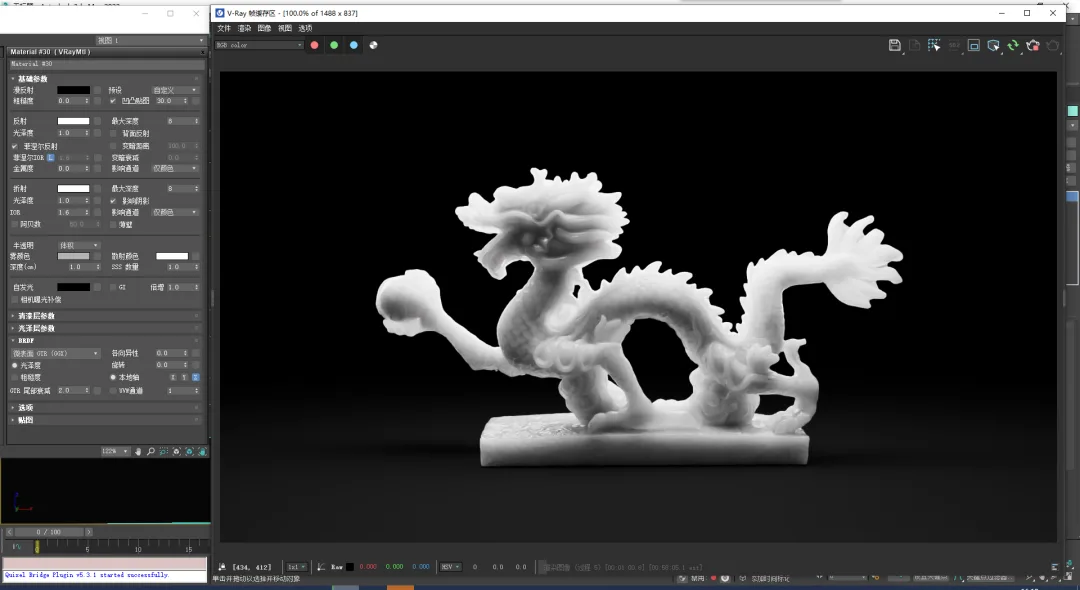
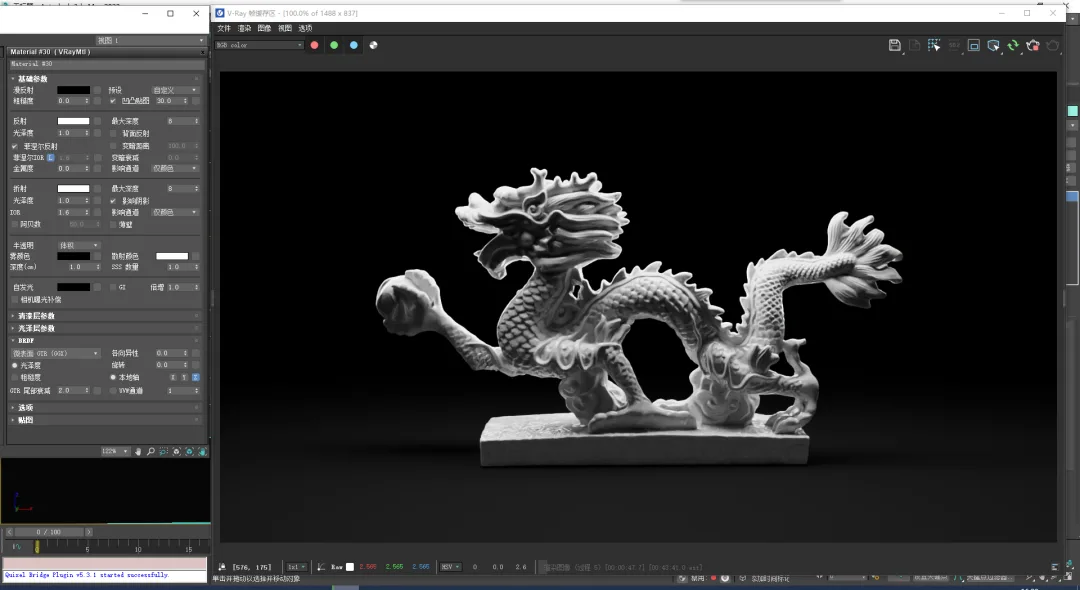
- Depth: Controls how much the fog color affects the material.
A higher value reduces fog color influence, making the material more transparent.
A lower value increases fog color influence, making the material more opaque.
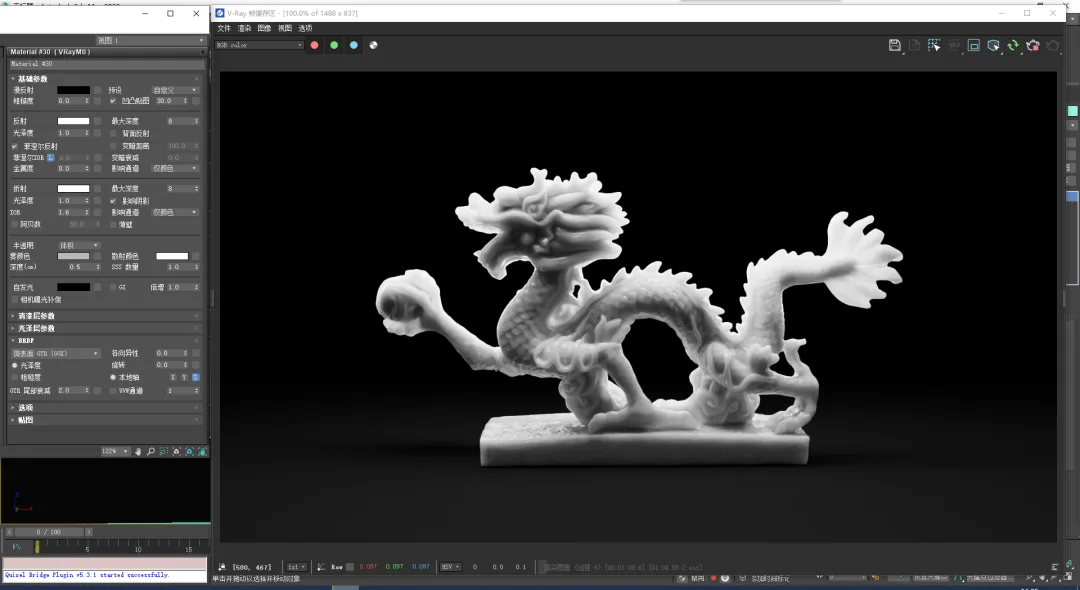
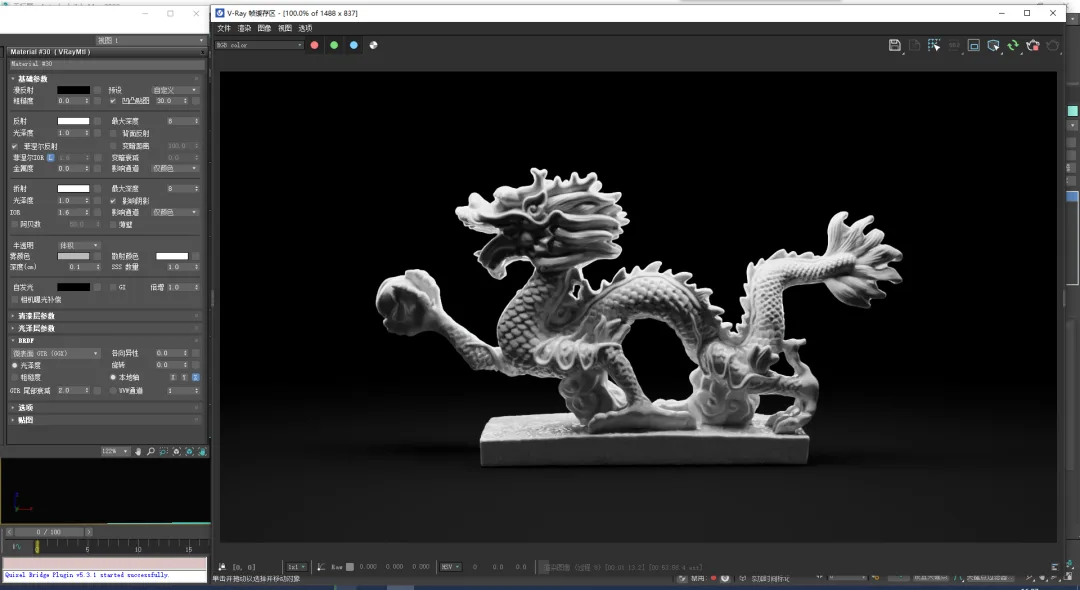
- Scattering color: Controls the amount of light scattering.
Whiter colors scatter more light, resulting in brighter, more transparent materials.
Darker colors scatter less light, producing darker, less transparent materials.
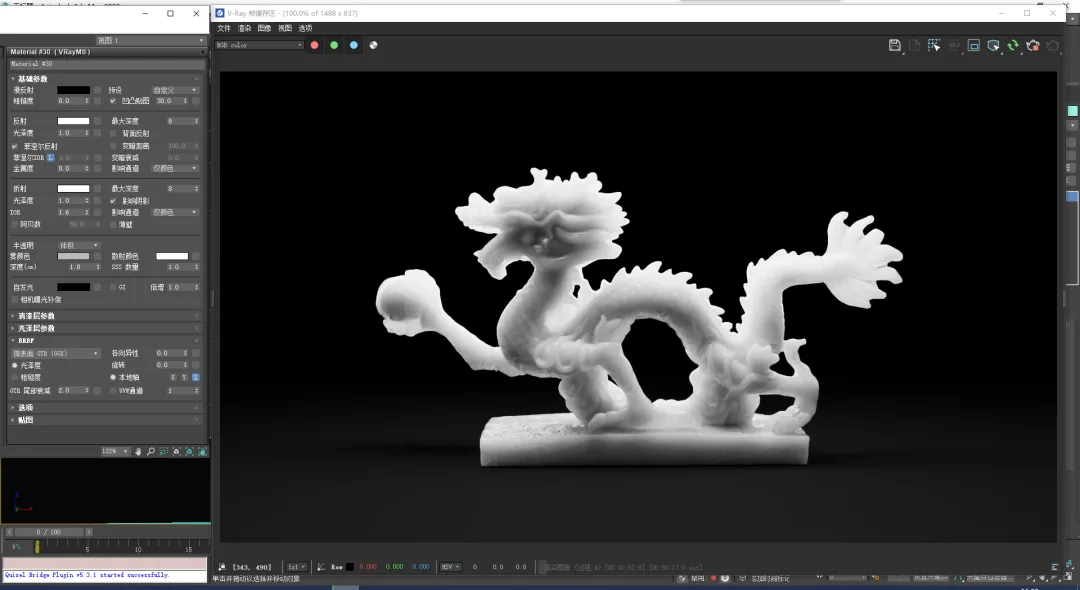
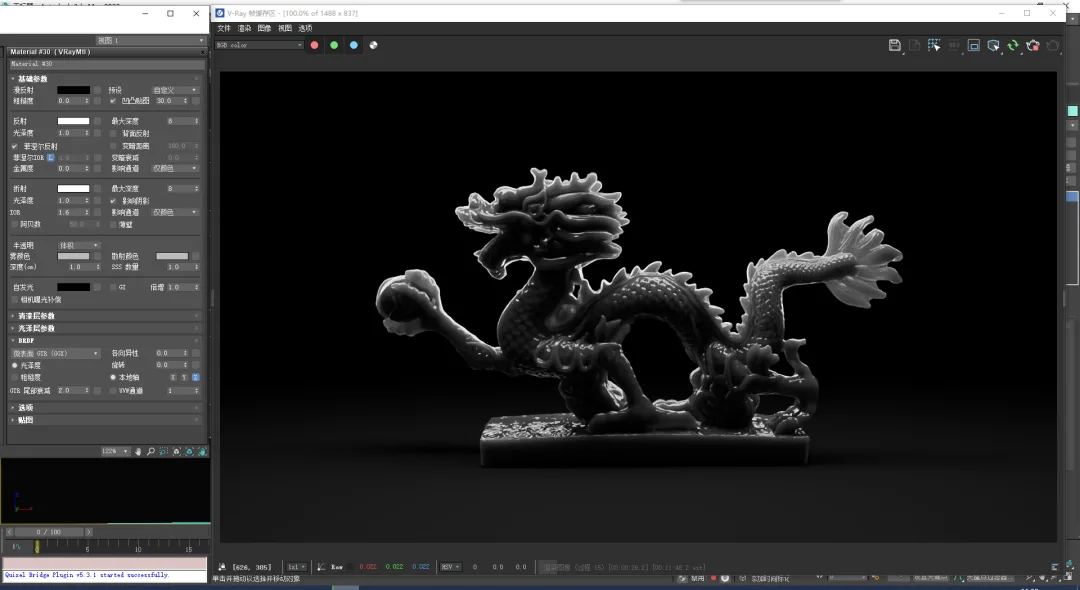
- SSS Quantity: Controls the influence of scattering color on the material (range 0-1).
A smaller value increases the effect of scattering color, making the material more opaque and darker.
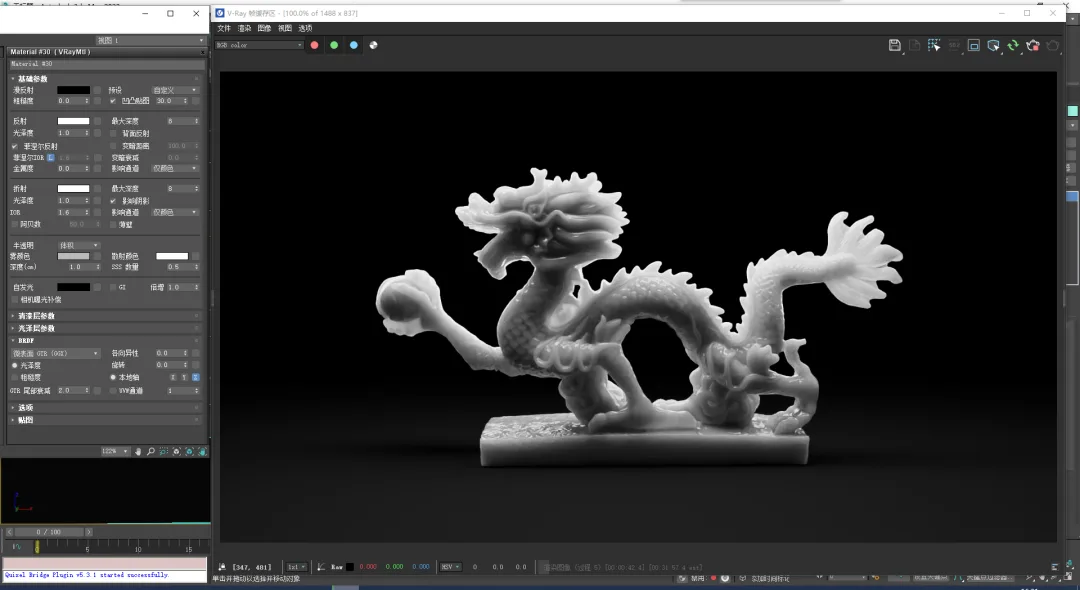
Summary: Volume mode is best suited for relatively transparent materials. These four parameters can be grouped into two categories: fog color and depth control the overall semi-transparency, while scattering color and SSS quantity fine-tune the effect.
07. Now, let’s explore the SSS mode, which works independently of refractive color and glossiness. It is ideal for materials like skin, wax, marble, and other relatively opaque surfaces. This mode has four parameters:
- Scattering radius: Controls how far the red, green, and blue components scatter within the volume.
Whiter values make the object more transparent, while darker values make it more opaque.
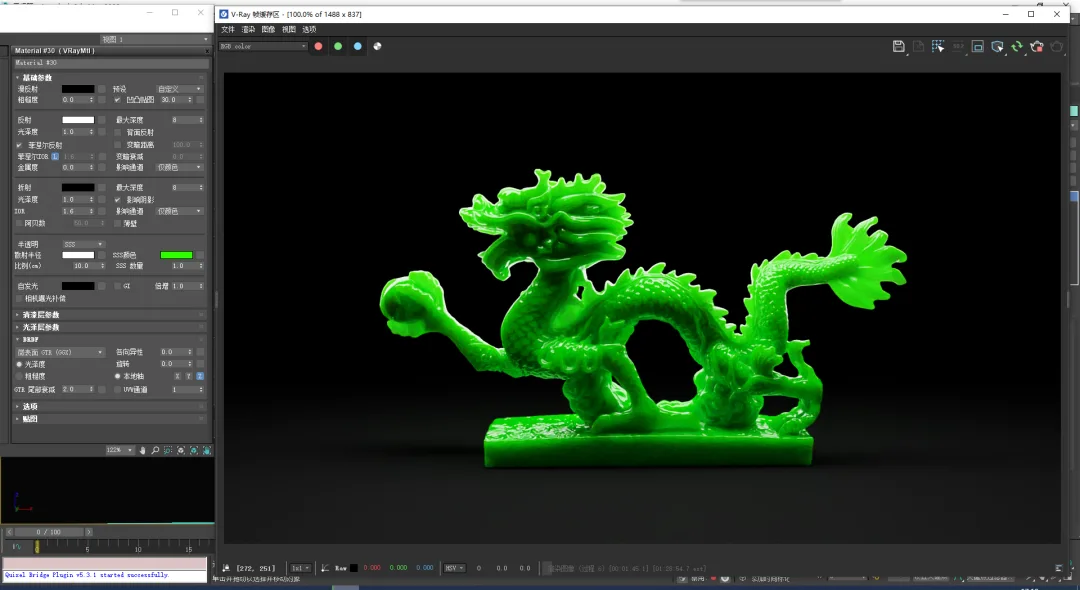
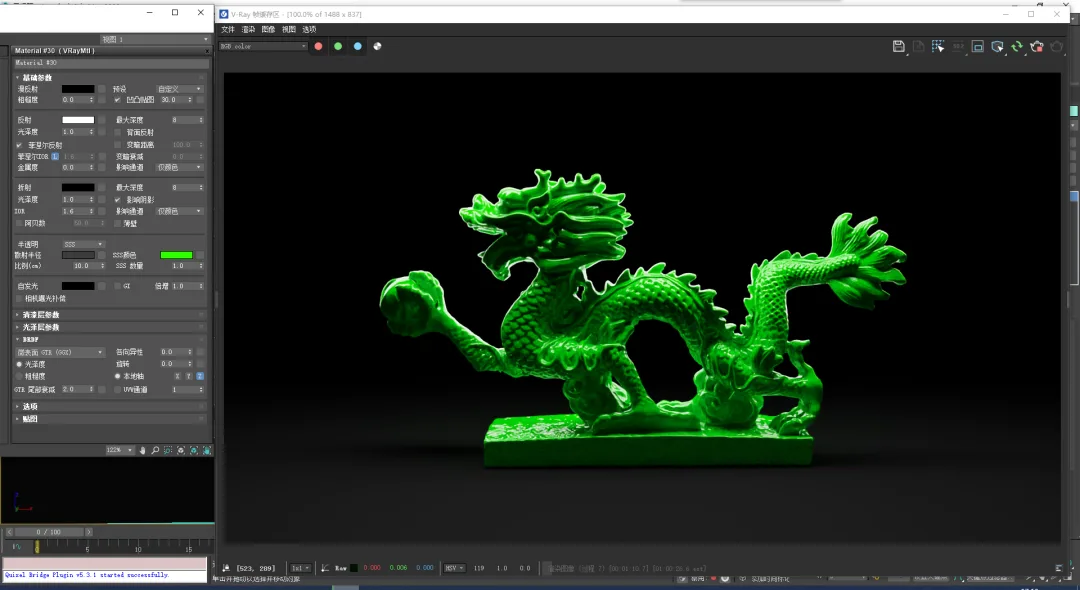
- Ratio (cm): Adjusts the intensity of the scattering radius effect.
Lower values reduce the size of the highlighted edges.
Higher values increase the size of the highlights.
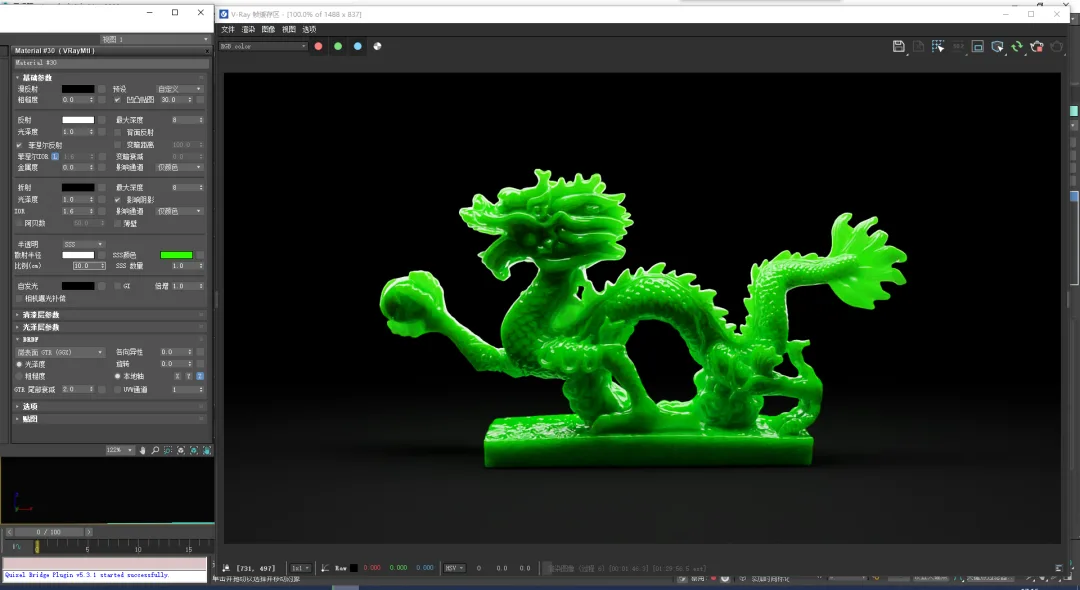
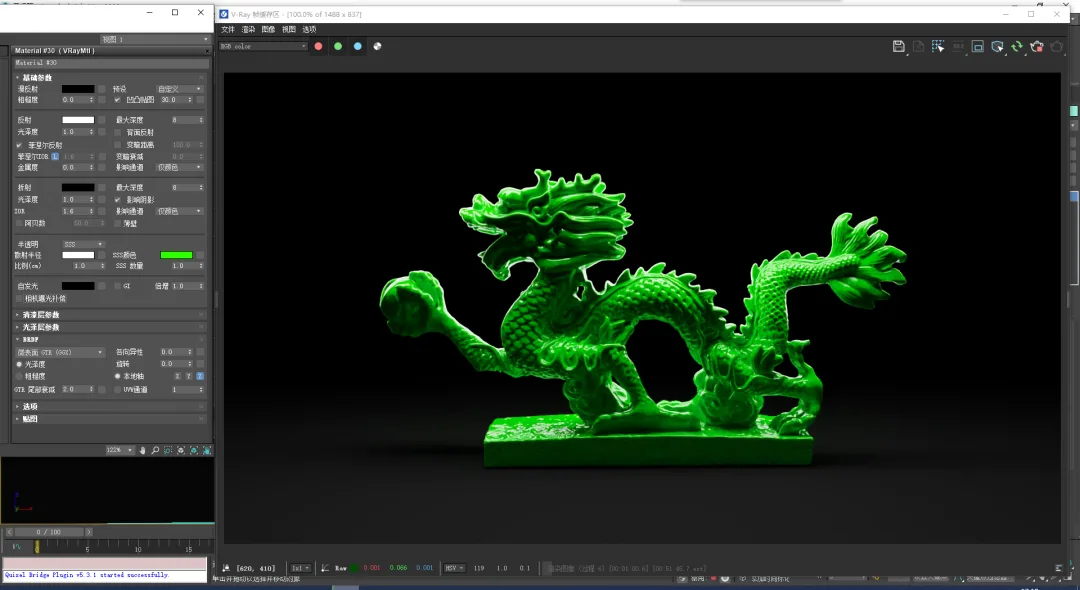
- SSS color: Defines the overall appearance of the surface.
- SSS quantity: The mix between scattered color and diffuse reflection. Increasing diffusion makes the material more opaque.
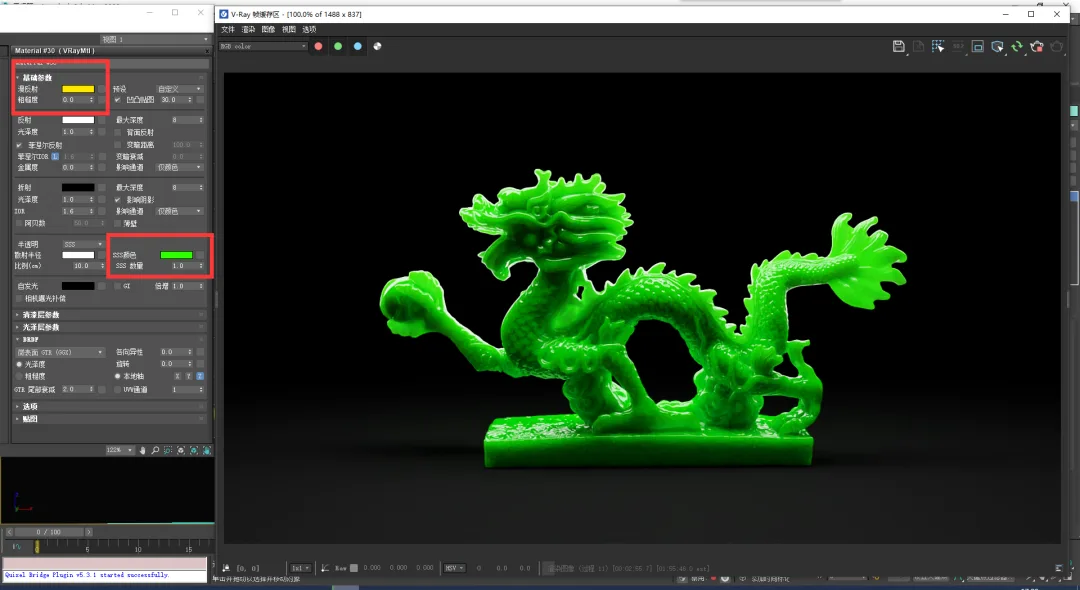
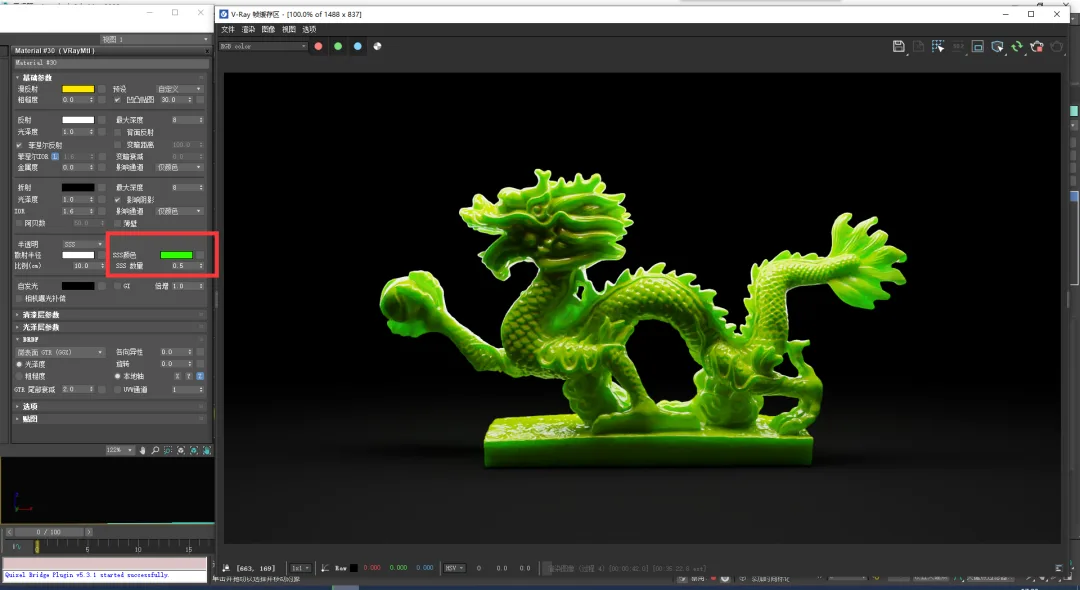
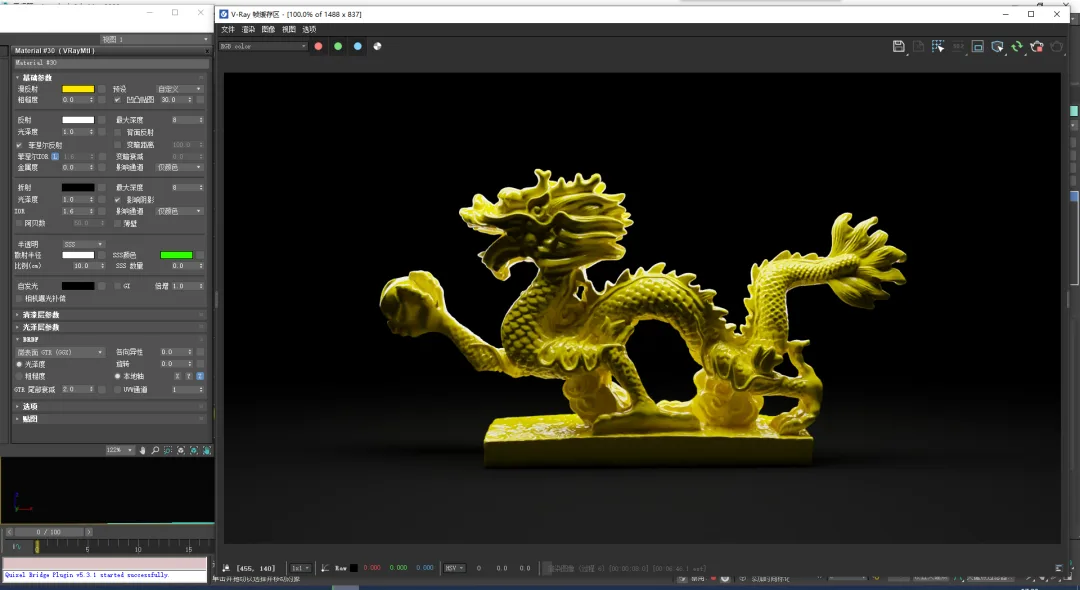
Summary: In SSS mode, transparency is mainly controlled by scattering radius and ratio. Note that the ratio is based on actual units.
The model’s overall appearance is influenced by SSS color, the blend of SSS and diffuse reflection, and the scattering radius, as illustrated below:
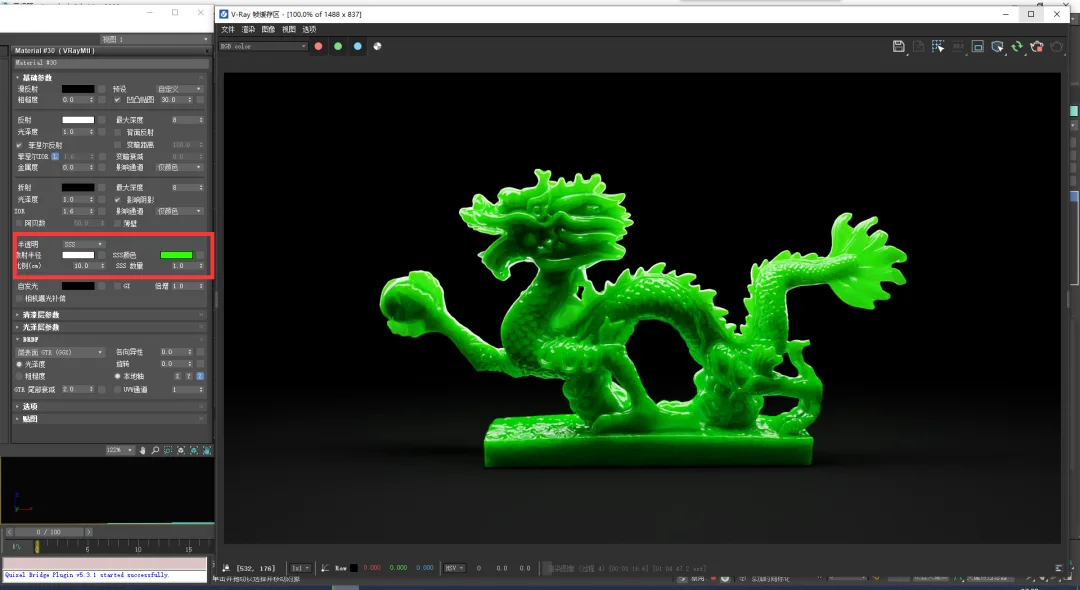
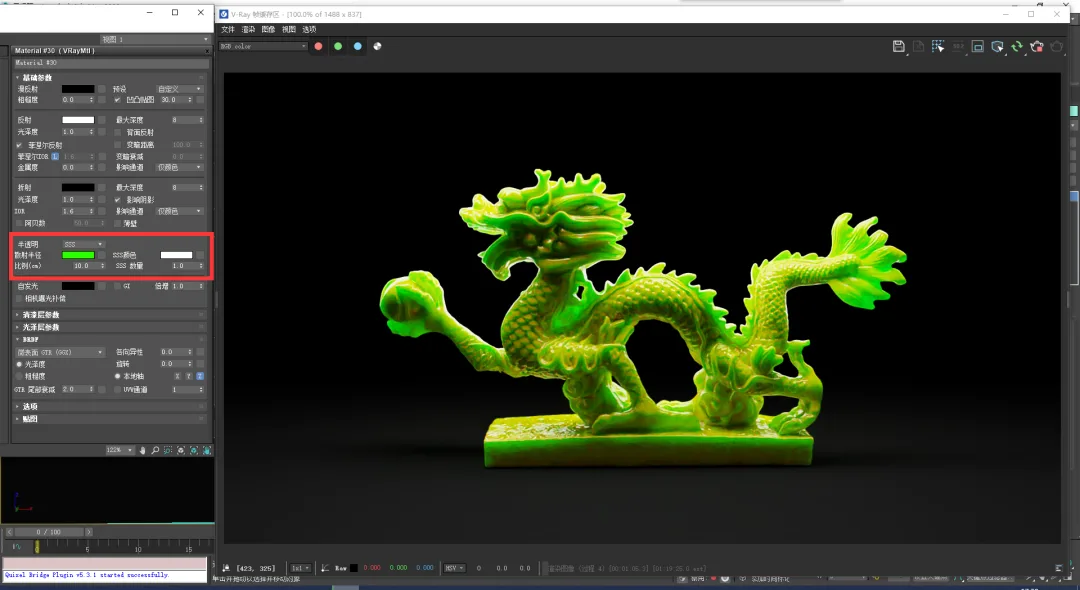
Using the same green color, you may notice a color shift in the scattering radius, especially in thicker areas. Although this is generally considered an incorrect way to adjust materials, it can be used creatively to produce interesting effects. However, it is not recommended for standard workflows.
















Must log in before commenting!
Sign Up