BIM World
A Professional BIM Learning Platform


BIM Techniques: The Simplest Way to Classify Infill Wall Sections in Revit

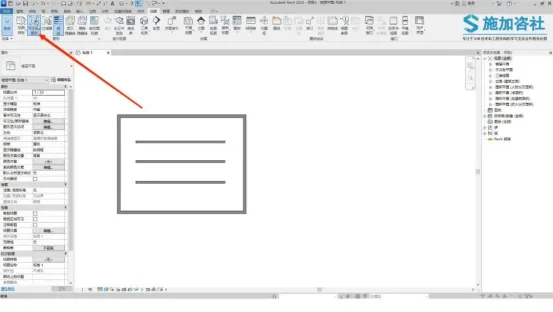
In Revit, the standard approach to classify and fill wall interfaces involves directly modifying the wall’s cross-sectional pattern within the Visibility/Graphics settings.
BIM Techniques | How does Revit classify sections of infill walls? This is the easiest way to do it!

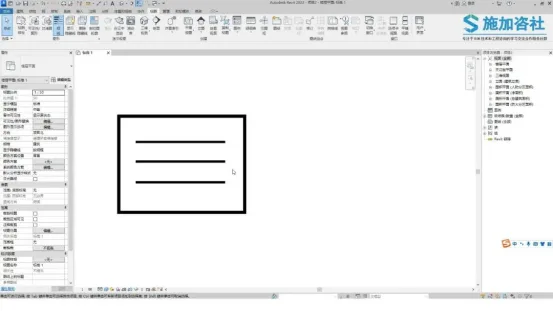
All wall types will be affected. Here, we have two types of walls: an exterior wall enclosing an interior wall. To clearly differentiate the exterior wall from the interior one, we need to change the cross-sectional fill color of the exterior wall. How can this be done? It only takes two simple steps.
BIM Techniques | How does Revit classify sections of infill walls? This is the easiest way to do it!

Step 1: Create a New Exterior Wall Filter

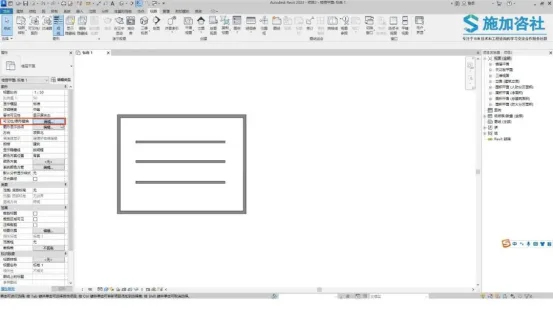
Begin by clicking the Edit button next to the Visibility/Graphics overrides in the Properties panel.
BIM Techniques | How does Revit classify sections of infill walls? This is the easiest way to do it!

Next, select Filters and click on Edit or Create.
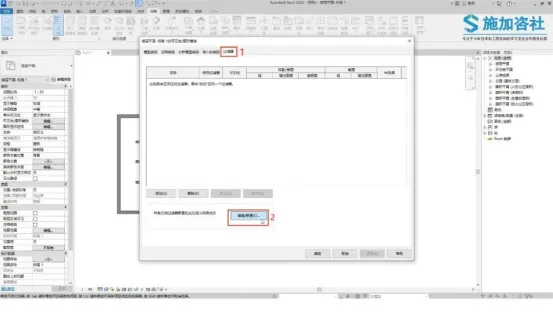
BIM Techniques | How does Revit classify sections of infill walls? This is the easiest way to do it!

Click the New button and name the filter Exterior Wall.
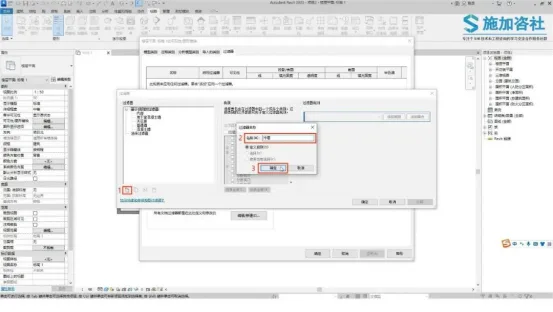
BIM Techniques | How does Revit classify sections of infill walls? This is the easiest way to do it!

Find the walls by expanding the Family Category dropdown.

Change the selection from No selection to Type Name. In the first blank column of the second row, select Include, and in the second blank column, type Exterior Wall.

This filter will now select all walls classified as exterior walls. Click OK to confirm.
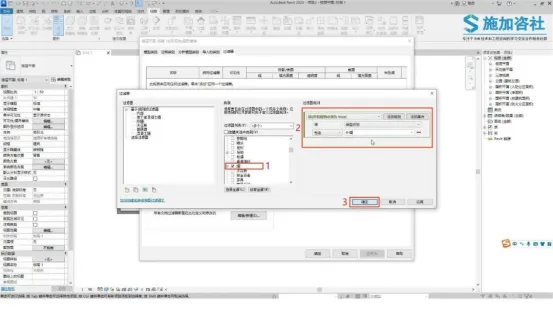
BIM Techniques | How does Revit classify sections of infill walls? This is the easiest way to do it!

Click the Add button.

Add the filter you just created.
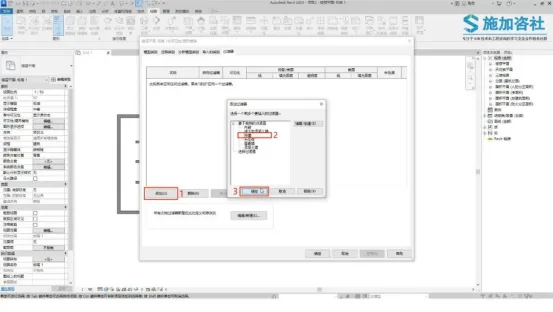
BIM Techniques | How does Revit classify sections of infill walls? This is the easiest way to do it!

Step 2: Modify the Wall Section Fill

Under the section options bar, select the Replace button next to the fill pattern. Change the fill pattern to Solid Fill and set the color to red. Confirm by clicking OK.
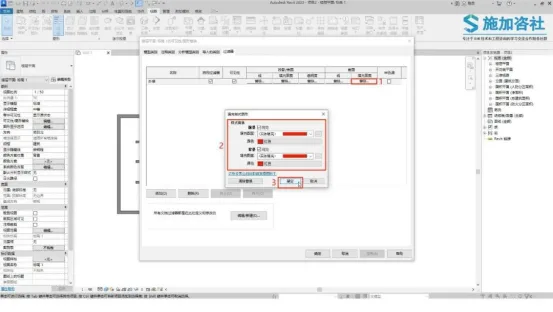
BIM Techniques | How does Revit classify sections of infill walls? This is the easiest way to do it!

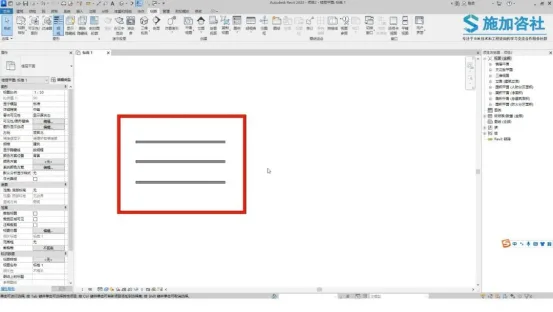
Apply the changes and confirm to complete the process.
BIM Techniques | How does Revit classify sections of infill walls? This is the easiest way to do it!

Content source: Applied Consultation Society

BIM Techniques | How does Revit classify sections of infill walls? This is the easiest way to do it!

xuebim
Follow the latest BIM developments in the architecture industry, explore innovative building technologies, and discover cutting-edge industry insights.
← Scan with WeChat
Like(0) 打赏
BIM WORLD » BIM Techniques: The Simplest Way to Classify Infill Wall Sections in Revit

Comment Get first!

Must log in before commenting!


BIM World, A Professional BIM Learning Platform

Stay updated on the latest architecture trends and share new building technologies.

Contact UsAbout Us

觉得文章有用就打赏一下小编吧

非常感谢你的打赏,我们将继续提供更多优质内容,让我们一起创建更加美好的网络世界!

支付宝扫一扫

微信扫一扫

Account Login

By signing in, you agree toUser Agreement

Sign Up














