
Revit has become a widely used tool among architects due to its excellent capabilities in addressing design challenges and reducing the overall design workload.
Focusing on BIM projects, the HVAC system often represents a significant portion of the work. While modeling ducts in Revit, you might encounter an issue where some duct fittings exist but are not visible. This problem usually arises for two main reasons:
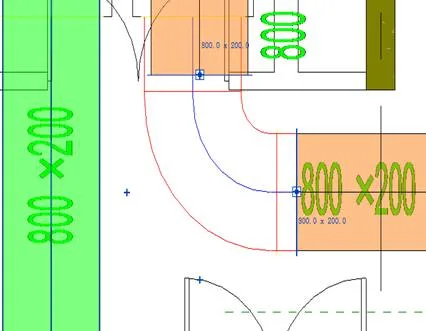
1. The most common cause is that the duct fittings category is not checked in the visibility/graphics settings (VV).

2. Another reason is related to the family element visibility settings. By double-clicking the fitting to enter family editing mode, you can access the family properties bar, where visibility options are available. The interface looks like this:
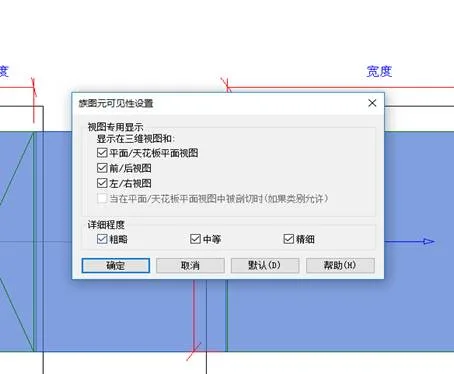
If the corresponding view discipline or detail level is unchecked in these settings, the fittings won’t appear in that view.
These are the two primary reasons why duct fittings might not be visible in Revit. However, other factors such as filter settings can also affect visibility. You can start troubleshooting by reviewing these two areas to resolve the issue effectively.
















Must log in before commenting!
Sign Up