
Did you know that Tekla models can be exported as a webpage? The process is straightforward! Let’s follow the steps demonstrated by the author to complete this task.
1. Open the Model
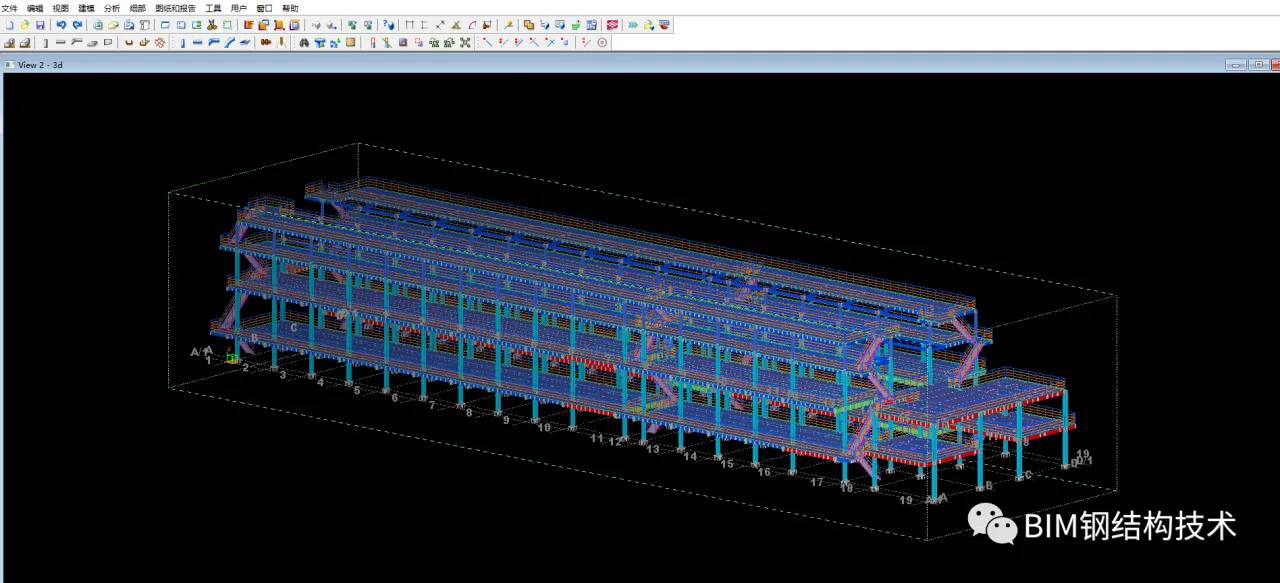
2. Export as a Webpage
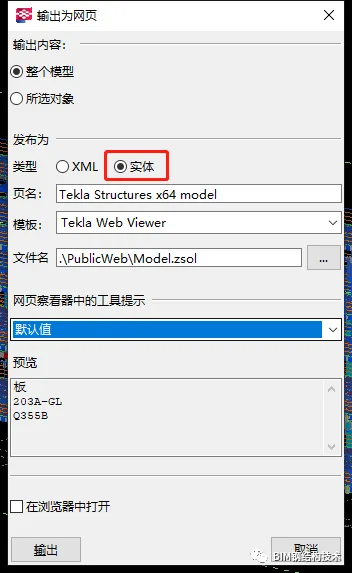
3. Locate the PublicWeb * * *.html File in the Model Folder
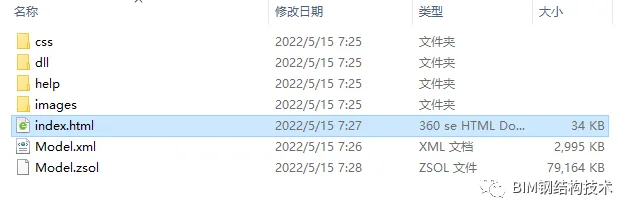
4. Right-Click and Select “Open with File Explorer”
5. When Prompted, Choose “Allow Blocked Content”

At this point, the screen may appear blank because the browser version is too new to display the content correctly.
6. Press the “F12” Key and Select “5” in the Bottom Right Corner
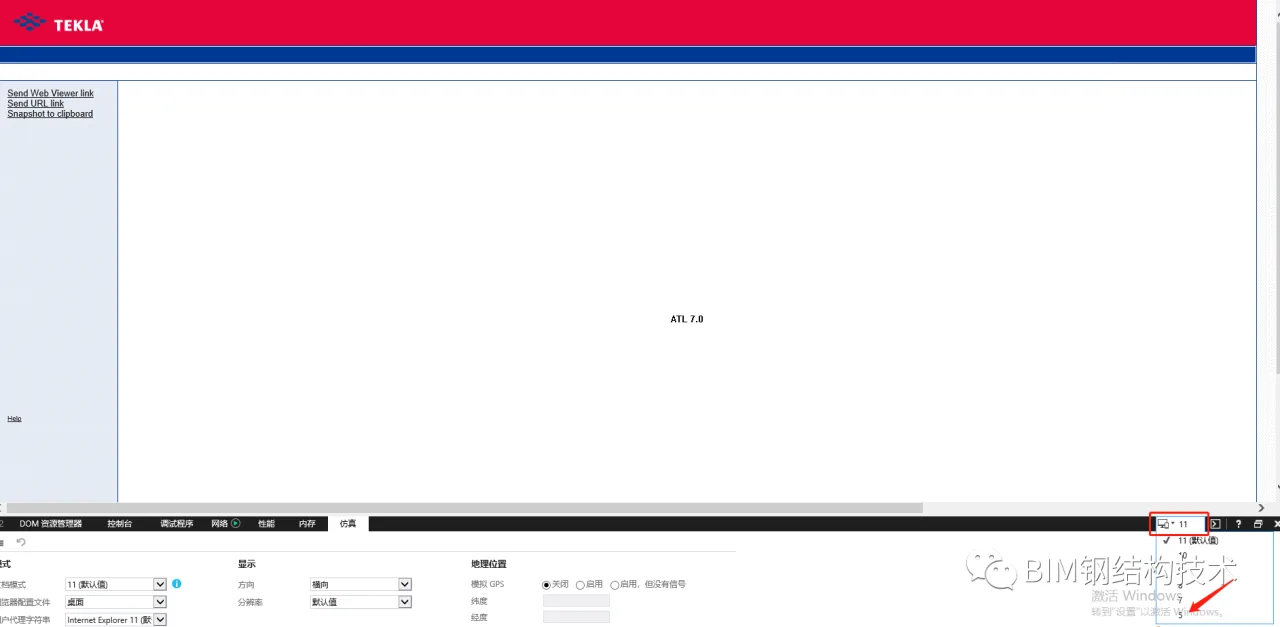
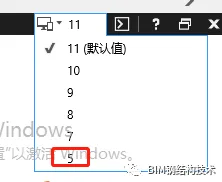
7. Wait for the Model to Load Completely
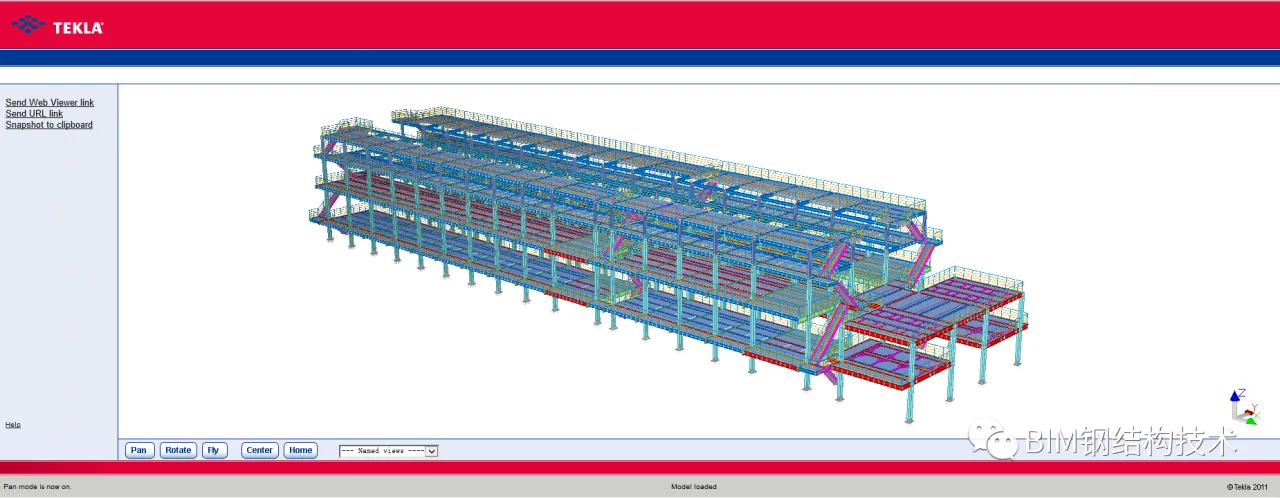
8. Use ‘Ctrl’ + Middle Mouse Button to Rotate and Explore the Model
To share this with others, be sure to send the entire PublicWeb folder.
Isn’t that simple?

xuebim
Follow the latest BIM developments in the architecture industry, explore innovative building technologies, and discover cutting-edge industry insights.
← Scan with WeChat















Must log in before commenting!
Sign Up