
This article is from the WeChat official account: BimLearing.
When using Tekla, it’s often necessary to download plugins that require access keys. (Tekla offers free access to key plugins for customers under maintenance plans.)
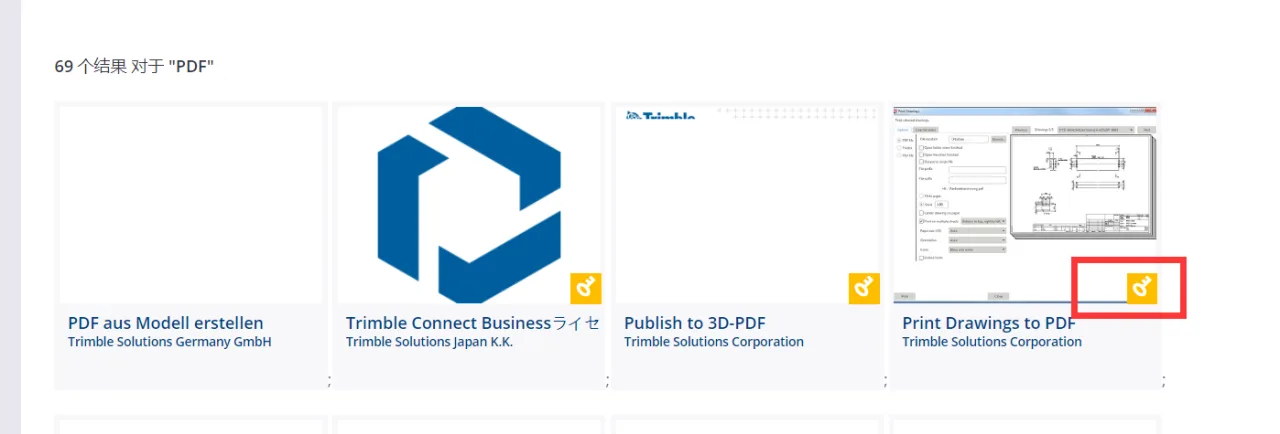
At this stage, the company administrator or relevant Tekla technical personnel must invite and grant permissions to users who need access. The process is as follows:
Step 1:
Go to __AI_S_TURL_0__.
Step 2:
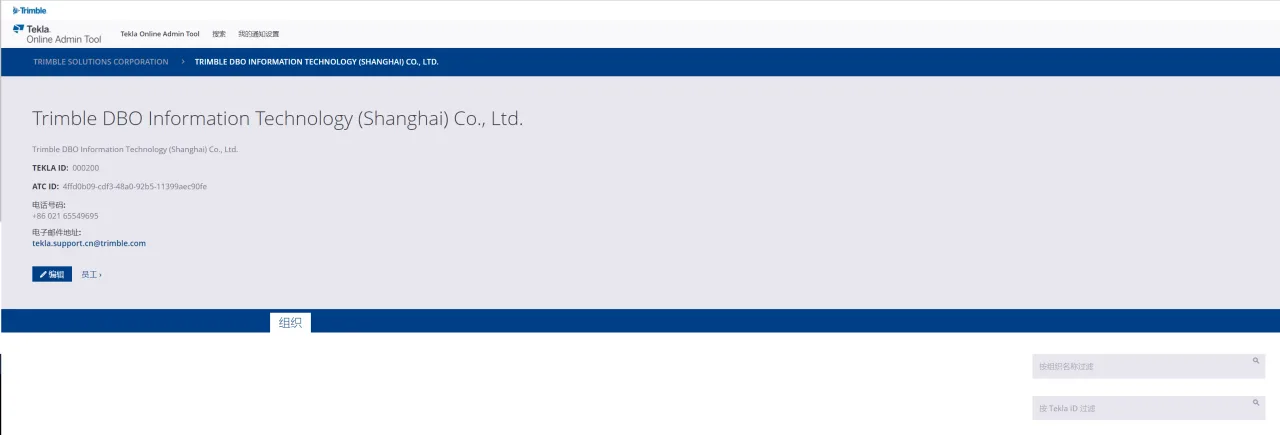
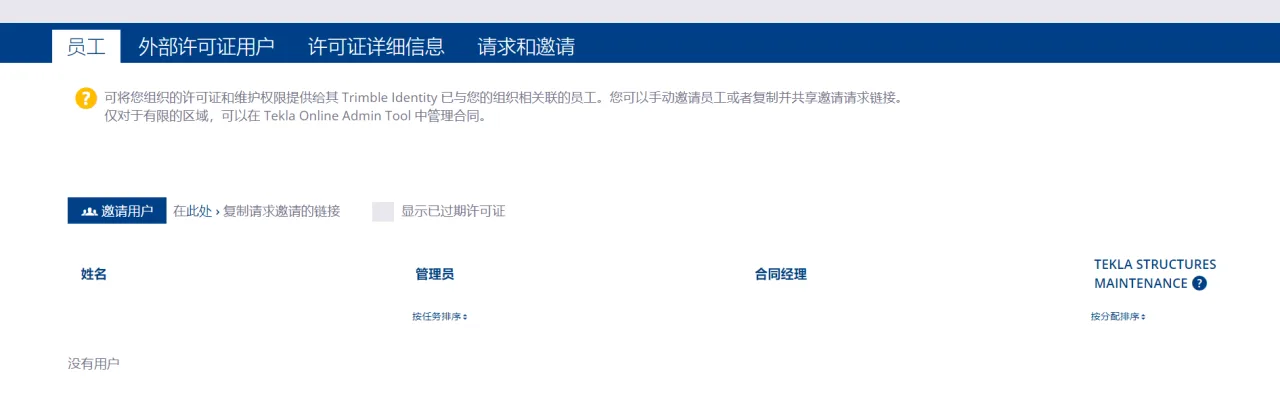
Search for the customer company by its name (filtered by organization name) or by Tekla ID. Then, click on “Employees” and select “Invite Users.”
Step 3:
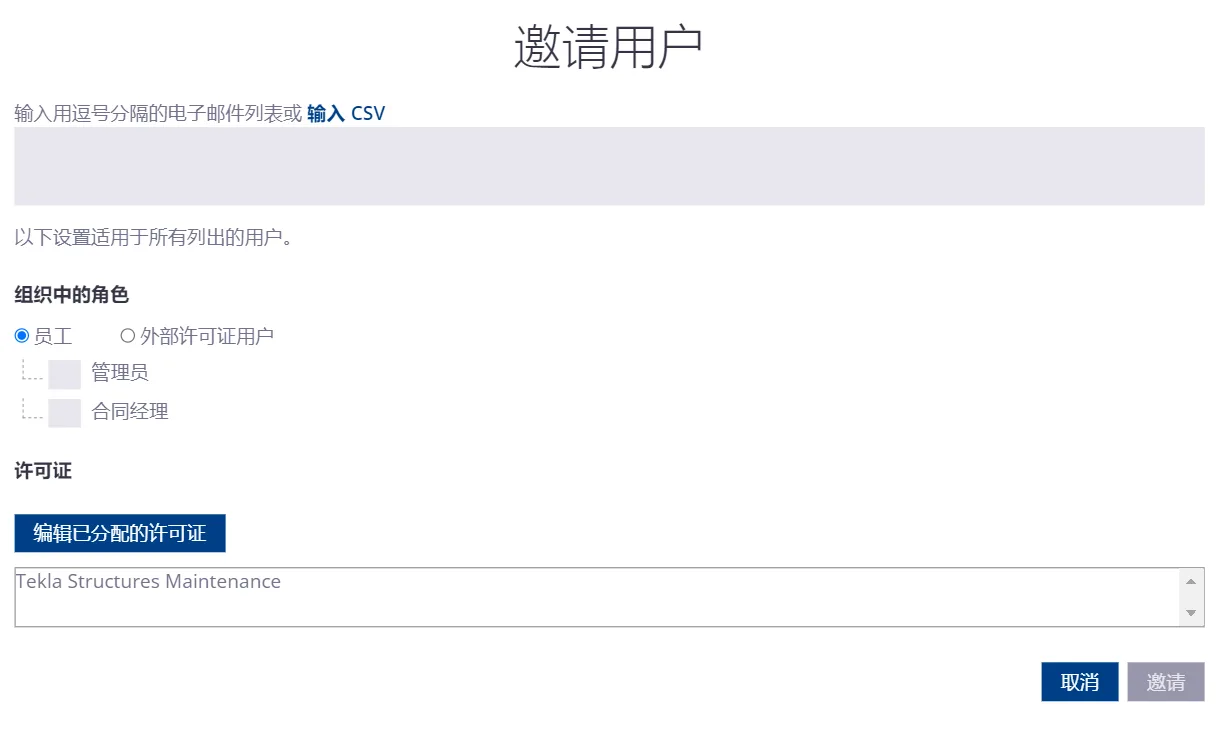
Enter the email address of the user you want to invite, choose the appropriate role, and click “Invite.” Roles include Employees (such as administrators and contract managers) and External License roles.
Step 4:
Once the invitation is sent, the invited user will receive a confirmation email. After confirming, their email will automatically be added to the organization and granted access to the Tekla Warehouse (provided the company is under maintenance).
Note: This guide is based on personal experience and is not intended for commercial use. If any infringement occurs, please contact us promptly.
















Must log in before commenting!
Sign Up