
When working with BIM, the Autodesk suite—including Revit and Navisworks—is commonly used, along with the project management software MSPuild for scheduling. Each software serves a distinct purpose: Revit is dedicated to creating detailed 3D models, Project is used for developing schedules, and Navisworks integrates models and various data to perform construction simulations, providing dynamic project visualization.
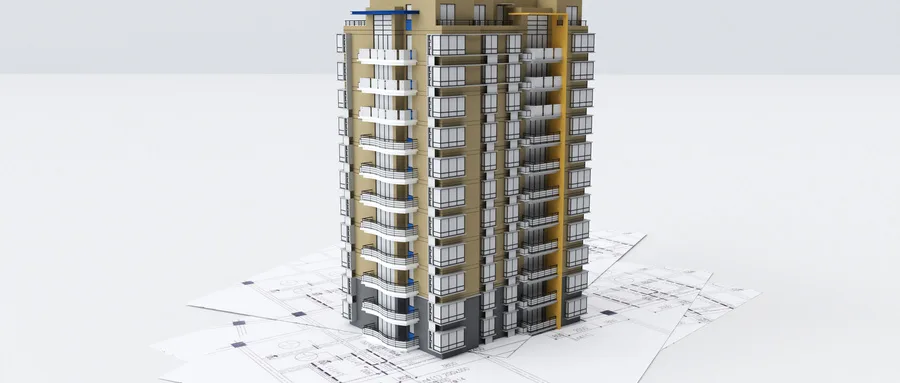
1. Creating a 3D Model
Using Revit to build a model involves several key steps: starting a new project, setting positioning information such as elevation grids, and creating core components like exterior walls, columns, beams, and slabs. Next, doors and windows are added, followed by stair design and detailed table and view configurations. Altogether, these steps complete the BIM 3D building model.
2. Developing the WBS and Preparing the Schedule
For prefabricated buildings, the entire project is broken down into WBS (Work Breakdown Structure) work packages based on various prefabricated component types. This breakdown serves as the foundation for preparing the project schedule.
3. Integrating Progress Information
When importing a 3D model into Navisworks, .rvt files created in Revit can be directly imported. If the model originates from other BIM software, it must be converted to the IFC format. It is essential that the components within the model align with the WBS work package divisions to enable automatic linking between model elements and the project schedule.
Once the schedule is prepared, importing it into Navisworks completes the connection between components and timeline data. During import, task names in the schedule are matched with component names in the timeline field selector. Start and end dates are then assigned, allowing the software to automatically associate schedule information with the corresponding model components.
4. Executing Construction Simulation
Navisworks offers a simulation feature that dynamically visualizes the entire construction process of prefabricated buildings. After completing initial work phases, a construction simulation can be run to forecast resource and material demands on-site, identify any conflicts within work zones, detect potential issues, and enable proactive optimization.
In the construction simulation, green highlights indicate components currently under construction, while gray represents completed structures. The simulation interface also displays the current simulation date and other relevant information in the upper left corner.
















Must log in before commenting!
Sign Up