
This article is from the official account: modulus engineer.
Grasshopper is a plugin that operates within the Rhino environment, using programming algorithms to generate models. It is currently considered the entry-level software for parametric design in design-related fields. Unlike traditional modeling tools, Grasshopper’s key advantage is its ability to issue advanced and complex logical modeling instructions, enabling the computer to automatically produce model results based on the defined algorithm.
In this tutorial, Cat Sir presents a Grasshopper parametric design lesson focused on the Advanced Twist technique. Cat Sir regularly shares parametric design case tutorials weekly. If you’re interested, make sure to follow for more updates!
Below is the main content of the tutorial:
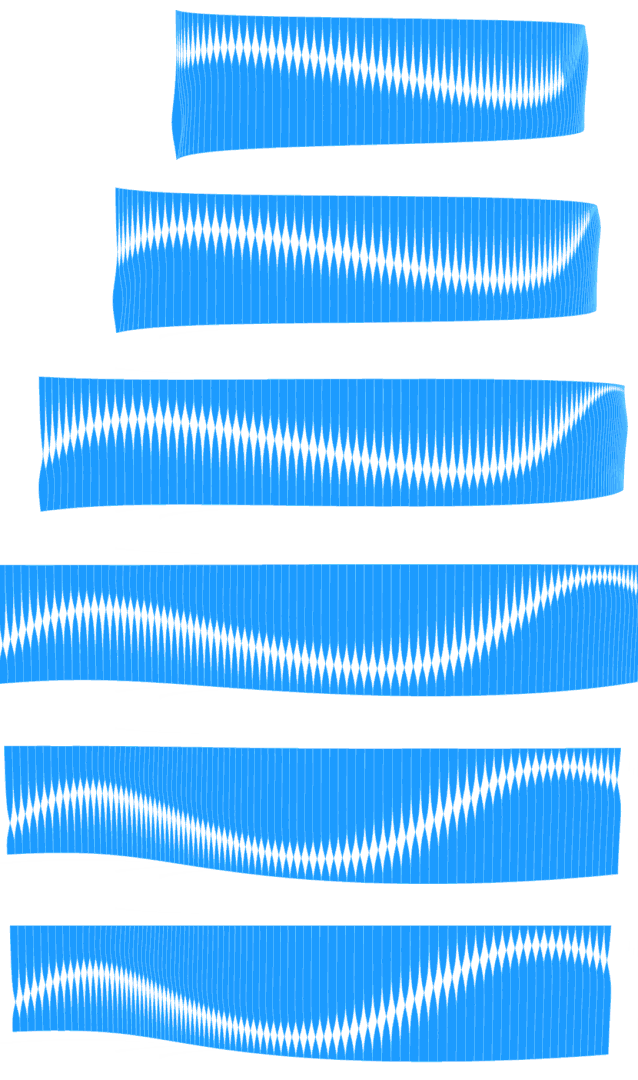
Some time ago, we shared a project involving twisted blinds. Recently, I discovered another innovative design based on a similar concept.
The fundamental idea remains twisted blinds, but the logic behind it differs slightly.
Often, the difference between a good design and a bad one is just a single step.
Similarly, a great designer is only one step away from being a poor designer.
Put in a bit more effort and create a great design!
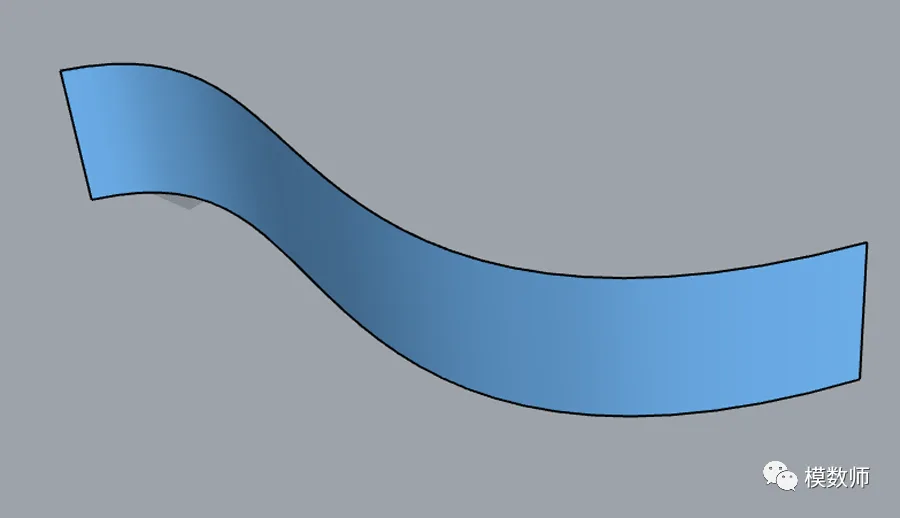
1. Start by drawing a surface randomly;
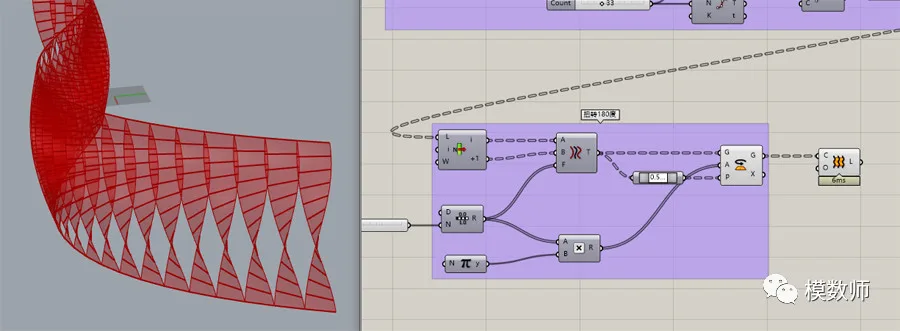
2. Divide the edges of the surface evenly and subdivide the surface accordingly;

3. Apply a 180-degree twist. We’ve previously shared this effect, so let’s briefly review it here;
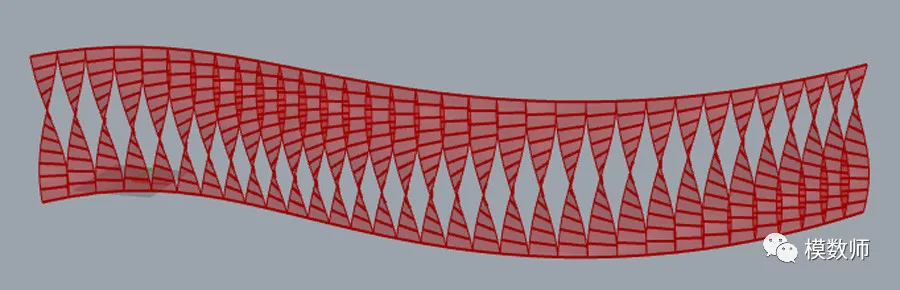
4. Draw an interference line across the surface;
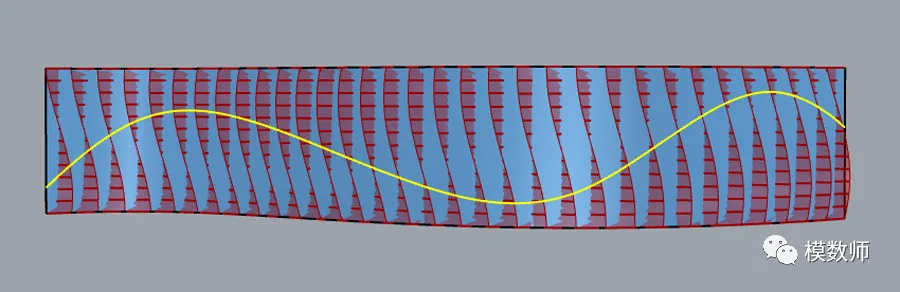
5. Adjust the rotation near the interference line more aggressively, gradually flattening the twist towards both sides;

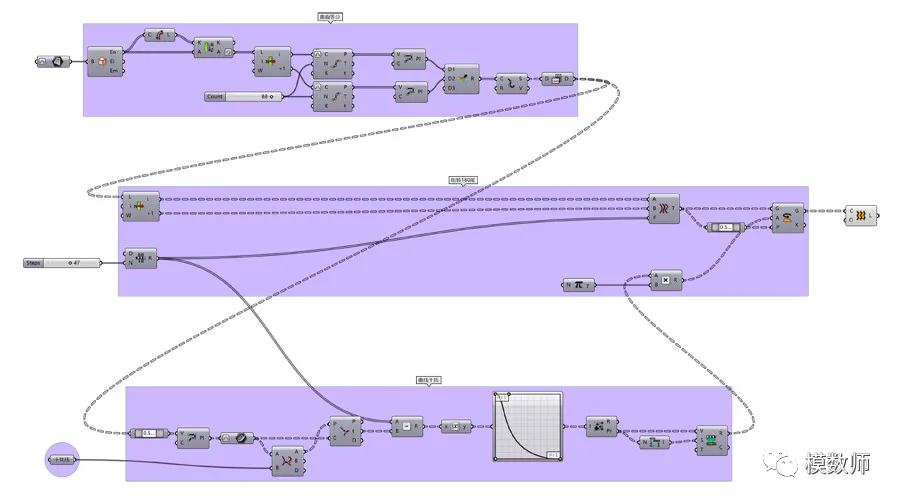
Below is the flowchart diagram:
















Must log in before commenting!
Sign Up