
Research on cost and schedule control in construction projects using BIM technology primarily involves several key software tools. Revit is used to create 3D models, Microsoft Project helps prepare scheduling plans, and Navisworks is utilized for schedule integration, clash detection, and virtual construction simulation.
1) Revit Software
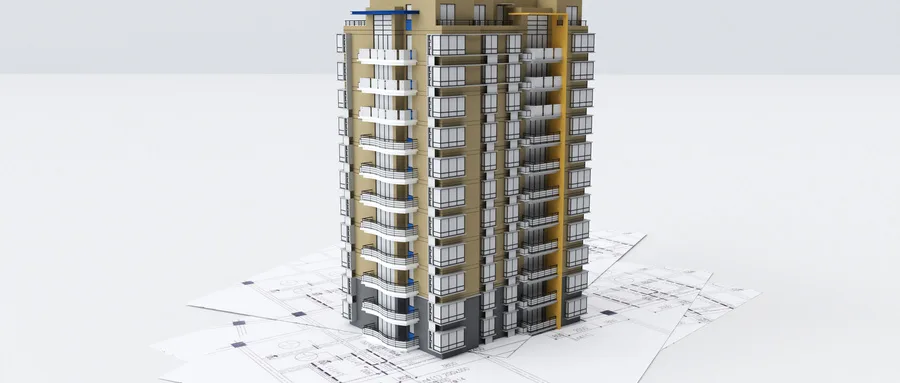
Revit holds a significant position among mainstream BIM software in China. Developed by AutoDesk, it offers comprehensive functionality for buildings, structures, and equipment. Its capabilities include creating detailed BIM 3D models down to graphic components, automating graphics and report generation, managing construction information, and overseeing facility maintenance.
During design and modeling, Revit enables users to build a family library and link materials and other component properties. This allows for direct calculation of volume, area, net load, and more, which can then be compiled into detailed data tables. Designers can modify project designs by adjusting parameters within existing models, which changes the appearance and physical characteristics of the model. This dynamic updating facilitates accurate cost and schedule predictions.
Widely adopted, Revit supports the IFC international standards and can interact with Tekla steel structure data. RVT files created in Revit can be imported into virtual construction software like Navisworks and cost management tools such as Luban, enabling dynamic project management.
2) Microsoft Project Software
Microsoft Project is a globally popular project management tool developed by Microsoft Corporation. It is extensively used across various industries, including new product development, IT, real estate, engineering, and large-scale events. The software primarily assists in preparing and tracking project schedules.
In construction management, Microsoft Project automatically generates progress charts by organizing project task information. Project teams can adjust schedules and allocate resources efficiently based on these charts and actual progress, helping project managers effectively control time, resources, and costs.
3) Navisworks Software
Navisworks is a 3D/4D design and review software suite. It comes in three versions: Freedom, Simulate, and Manage, each offering increasing functionality. Freedom serves as a tool for sharing and reviewing models. Simulate adds construction simulation capabilities, while Manage includes all features plus advanced clash detection.
Originally developed by Dr. Tim Wiegrand at the University of Cambridge in the 1990s and later acquired by Autodesk in 2007, Navisworks is now widely used throughout the construction project lifecycle—from bidding and design to construction and facility operation and maintenance.
The software’s powerful features, such as model aggregation, 4D construction simulation, 3D walkthroughs, and collision detection, provide an accurate basis for project audits. Even in the most complex projects, Navisworks enhances work efficiency and ensures high-quality outcomes.
















Must log in before commenting!
Sign Up