
Issue:
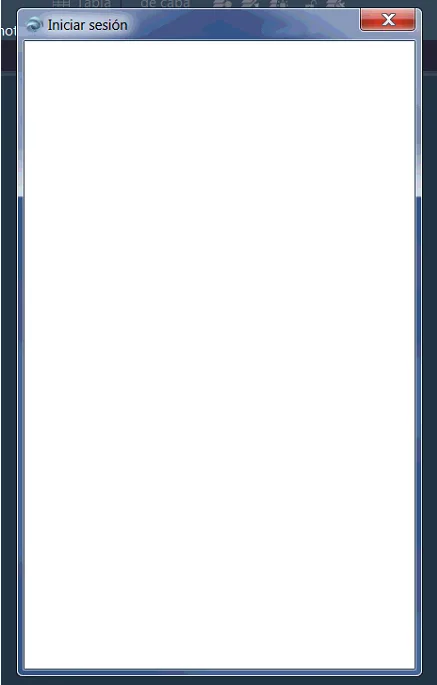
When launching Autodesk software, users may encounter a blank “Login” dialog box that prevents access to the application.
Environment:
Windows
Cause:
This issue is typically related to graphics card or driver problems.
Solution:
To resolve this problem, please follow the steps below and test the software after completing each one:
- For 2020 and newer versions (2021 and later), ensure that the Autodesk Single Sign-On Component (AdSSO) is installed and updated.
- Update your graphics card drivers by visiting the GPU manufacturer’s official website to download and install the latest version.
- Uninstall the Autodesk Single Sign-On component via the Control Panel, then reinstall it. You can download the latest version of this component for 2020 products from Autodesk’s official update page.
Note: If the above steps do not resolve the issue, try installing the Autodesk 2019 version with a single-user fixed-term license. Log in through this version first. Afterwards, when launching the 2020 or later version, select “Login” in the License Generation System (LGS) dialog box. Your Autodesk credentials should then be automatically transferred and the license verified.

xuebim
Follow the latest BIM developments in the architecture industry, explore innovative building technologies, and discover cutting-edge industry insights.
← Scan with WeChat















Must log in before commenting!
Sign Up