
Question:
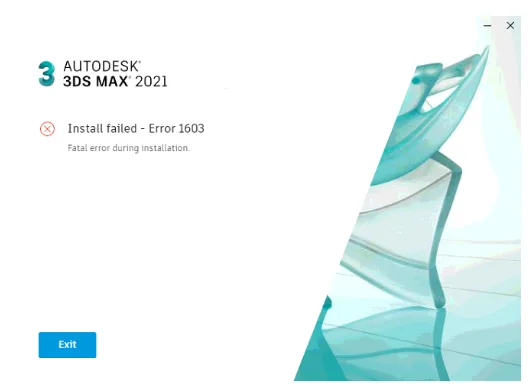
Installation of 3DS Max failed with an error message showing Error 1603:
Installation failed – Error 1603
A fatal error occurred during the installation.
Cause:
- Damaged AdskLicensing component.
- The old single sign-on component (AdSSO) from 3DS Max 2019 is already installed and cannot be removed automatically during the installation process.
- AutodeskAuthenticService is either damaged or missing.
Solution:
If you are installing Autodesk 3ds Max 2021 using the “Browser Download” or “Download Now” methods, try the following fix:
Replace the original pkg.AGS.xml file in the installation package with the attached updated file.
The default path to pkg.AGS.xml is:
C:AutodeskAutodesk_3ds_Max_2021-EFGJKPs_Win_64bitx86AGS
Note: Depending on your browser, the downloaded pkg.AGS.xml file might lose its .xml extension or be renamed as a .zip file. If this happens, please rename the file back to pkg.AGS.xml before replacing the original.
To further troubleshoot, check if the methods described in the following article help:
If that does not resolve the issue, use the Microsoft installation troubleshooter (“Microsoft Fix It”) to remove the “Single Sign-On Component” before attempting to reinstall 3DS Max 2021.
If none of the above solutions work, performing a complete uninstallation of all Autodesk software and components before reinstalling is recommended.
Please also verify that all required Visual Studio Redistributable packages are installed on your system.
















Must log in before commenting!
Sign Up