
Question:
When launching an Autodesk software product, you may encounter the following message:
License error
Please contact Autodesk customer support.
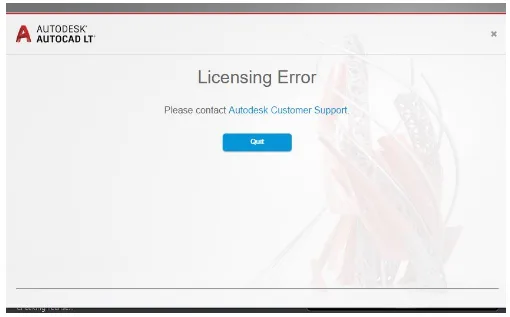
Along with this message, you might also see errors such as:
- License Manager is not functioning correctly or is improperly installed
- License detection failure or timeout
Cause:
This is a general licensing error that can stem from various issues.
Solution:
To resolve this issue, try the following steps one at a time, testing the software after each:
- Reset the login cache by deleting the
LoginState.xmlfile. - Verify license type and assignment:
- Make sure the license type in use is correct.
- Confirm that the license has been properly assigned to the end user.
- Update the software: Install all available updates through the Autodesk Desktop Application to ensure your version is up to date.
- Check TLS requirements: For Autodesk 2018 versions, install the Autodesk License Service (x64) – 5.1.5 Hotfix to meet the latest TLS standards.
- Set system time and time zone to automatic: Ensure your device’s clock and time zone settings are correct and set to update automatically.
- Verify network configuration: Consult your network administrator to confirm that necessary ports and domains required by Autodesk are accessible.
- Configure antivirus exclusions: Make sure your antivirus software is not blocking Autodesk applications or services.

xuebim
Follow the latest BIM developments in the architecture industry, explore innovative building technologies, and discover cutting-edge industry insights.
← Scan with WeChat















Must log in before commenting!
Sign Up