
Source: Shaanxi Xiaoge Technology Co., Ltd
Revit is widely recognized as a leading software in the construction industry, known for its user-friendly interface and high modeling efficiency. It integrates various professional disciplines within construction, making it the preferred choice for architectural modeling.
This article focuses on comparing Revit with other modeling software, specifically in terms of modeling operations.
Revit employs a building block modeling approach, where different building components are combined to create a complete model. This process is intuitive, as users don’t need to deal with the underlying modeling logic.
For example, to draw a wall in Revit, simply click the wall tool, set the wall’s height and thickness, and begin drawing. The software also categorizes elements and prompts for necessary information input, streamlining the workflow.
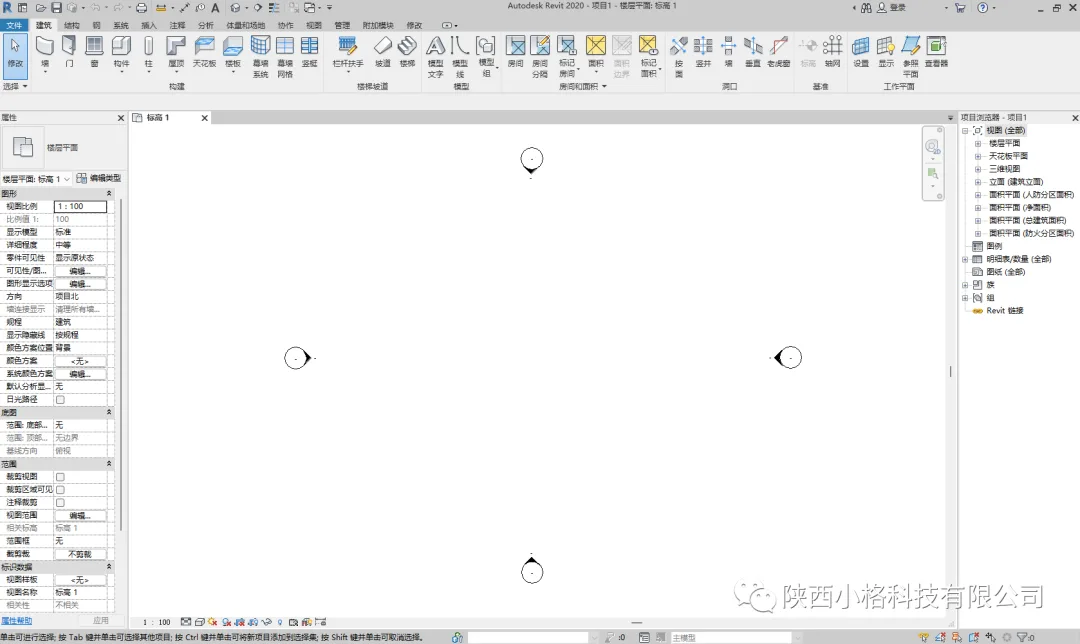
Our benchmark for comparison is 3ds Max, another leading modeling software. To create walls in 3ds Max, you first select the create command, choose geometry, pick a rectangular prism, and then input specific dimensions for length, width, and height. However, this 3D model lacks embedded information and classification—it is simply a geometric shape without any attributes.
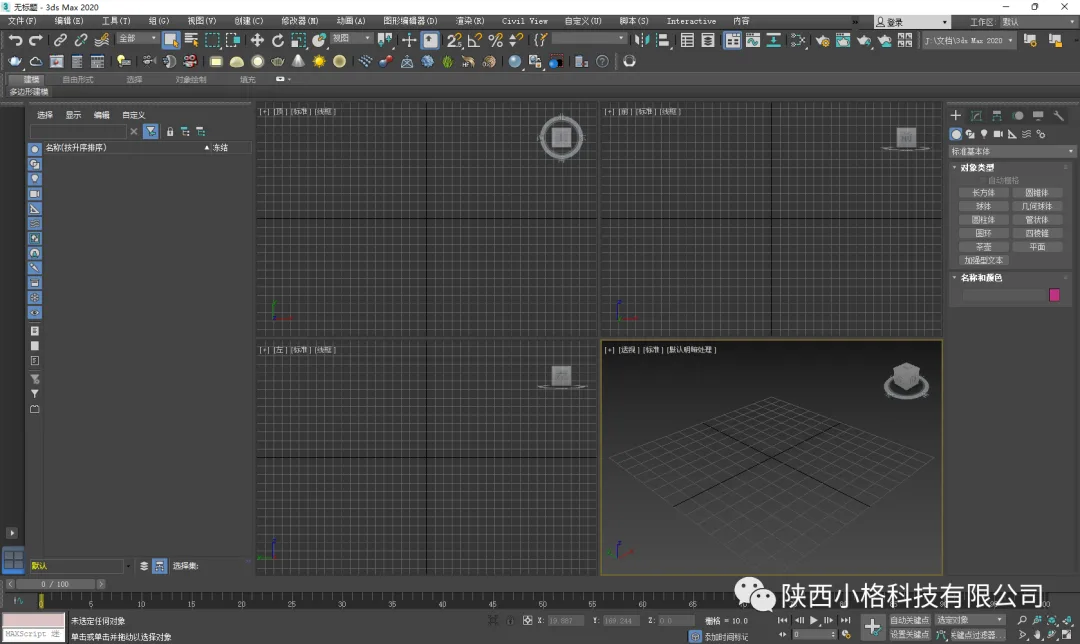
When comparing pipeline modeling, Revit simplifies the process by allowing users to select the pipeline tool, specify the material and size, and draw the pipeline directly. In contrast, 3ds Max requires drawing 2D shapes, creating paths, and using layout commands. The resulting models in 3ds Max contain no classification or embedded information, merely representing 3D geometry.
While modeling within families in Revit is possible, it is rarely done due to its complexity and time-consuming nature. This approach is similar to modeling in 3ds Max and is necessary only when creating intricate forms. This distinction highlights why Revit is favored for construction industry modeling: it excels at producing simple, regular models efficiently. For complex or curved shapes, 3ds Max remains the better choice.
In summary, Revit focuses on delivering results efficiently. Its modeling process is straightforward and convenient, suitable for most architectural forms, which are typically not overly complex. The software emphasizes planning, adjustments, and comprehensive management rather than intricate modeling. For highly complex shapes, other software like 3ds Max can be used, and the models can then be imported into Revit for integration.
















Must log in before commenting!
Sign Up