
Autodesk 3ds Max 2022 has been officially released, delivering robust features for professional design. Shortly after its launch, some experts online developed an impressive crack patch. Here, I will share the details with you!
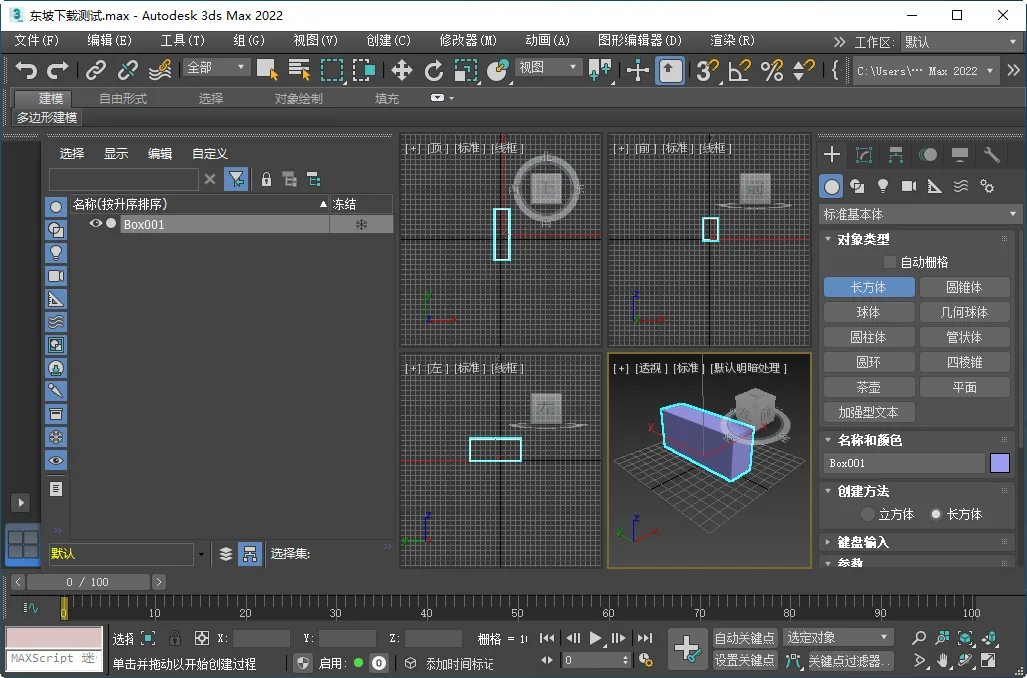
3ds Max 2022 Installation Guide
To install 3ds Max 2022, please follow these steps carefully:
1. Download the installation package, then double-click to launch Autodesk’s official decompression tool.
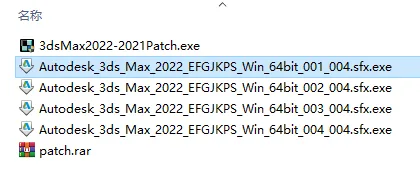
2. Click OK to begin unpacking the software package.
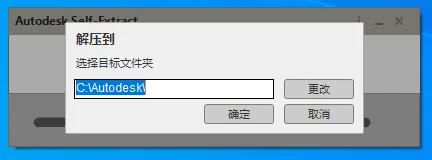
3. The file size is large, so please wait patiently while it unpacks.
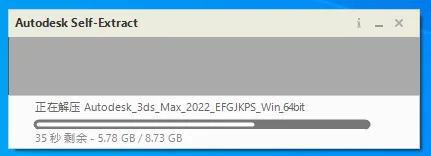
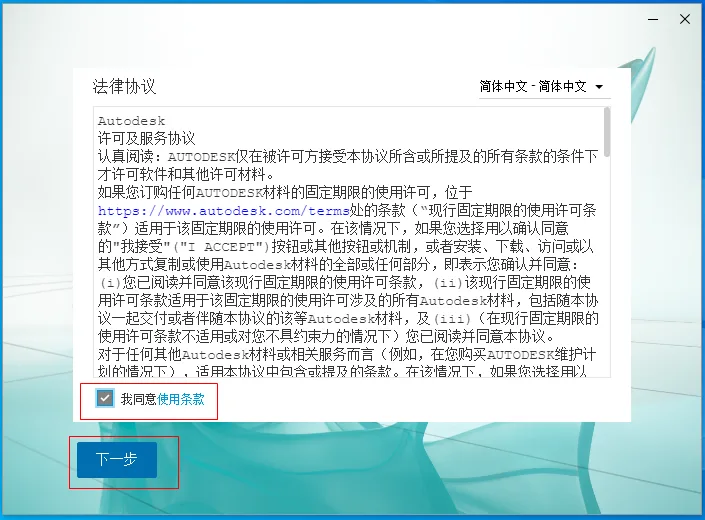
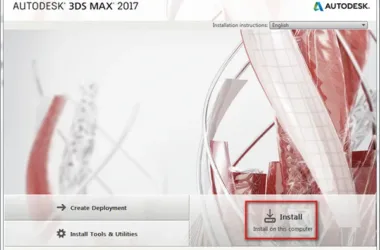
4. After decompression finishes, the installer will launch automatically. Agree to the license terms and click Next.
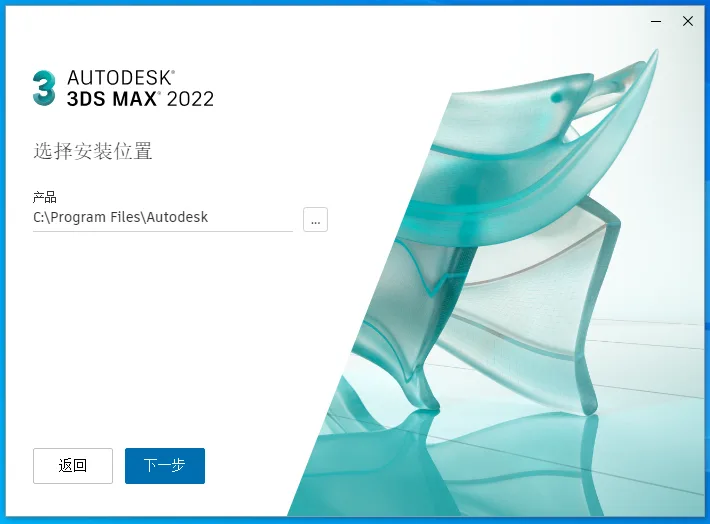
5. Choose your desired installation directory and click Next.
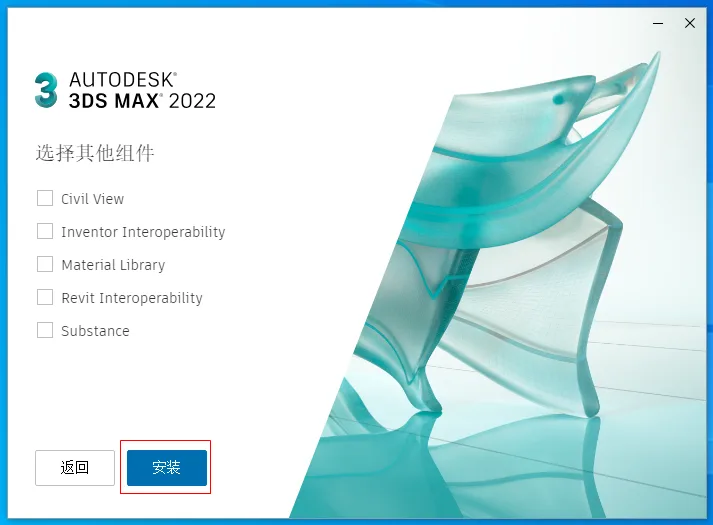
6. Select the components you want to install, then click Install.
7. Wait for the installation to complete.
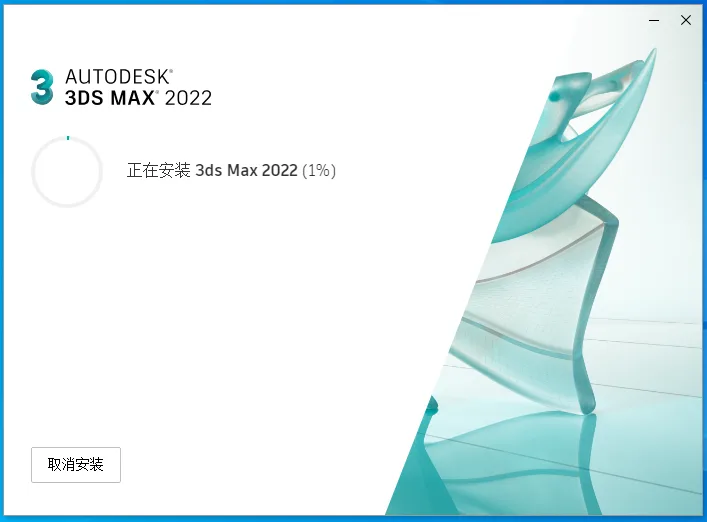
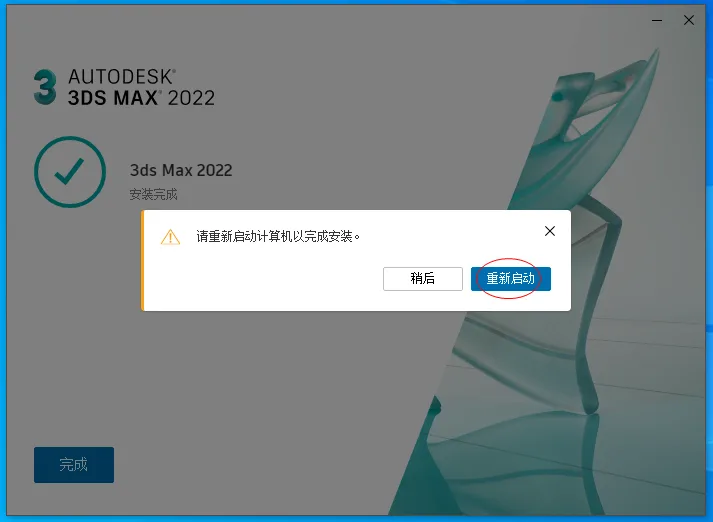
8. Once the installation finishes, you will be prompted to restart your computer.
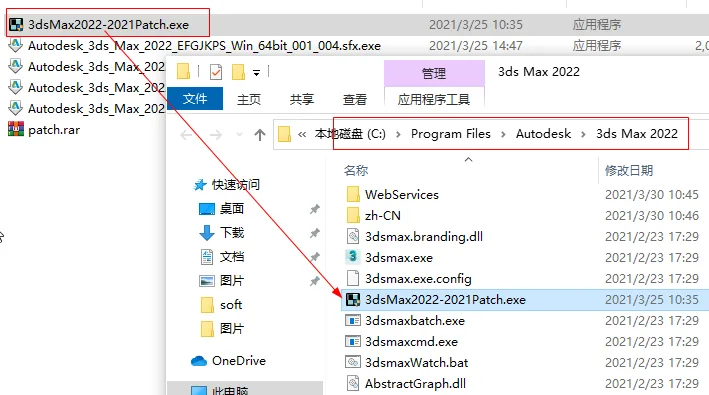
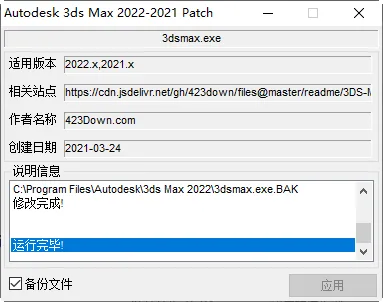
9. After rebooting, copy the crack patch into the software installation folder.
10. Double-click the crack patch file and click Apply.
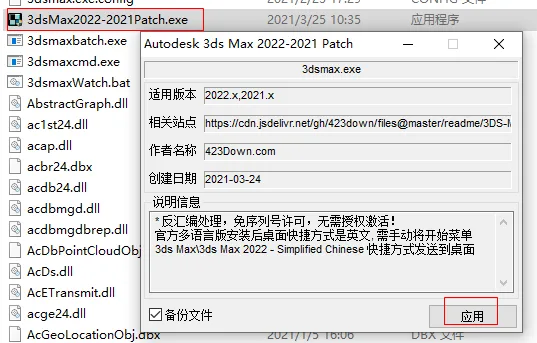
11. The crack process is now complete!
Switching 3ds Max 2022 to Simplified Chinese
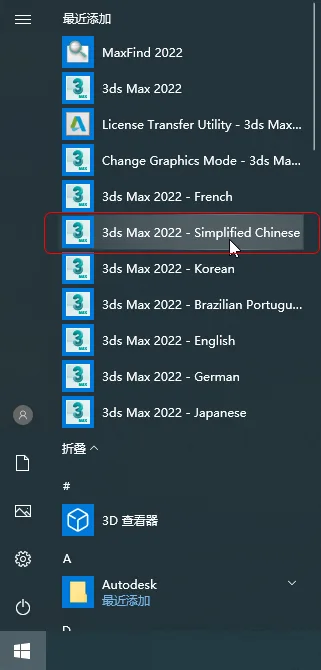
3ds Max 2022 supports multiple languages, but it defaults to English after installation, including desktop shortcuts.
To change the interface to Simplified Chinese:
- Click the computer icon to open the Easter eggs menu.
- Scroll down to find shortcuts for different language versions.
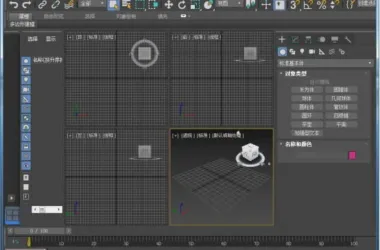
- Open the Simplified Chinese shortcut to launch 3ds Max in Chinese.
- Right-click the shortcut, choose More → Open File Location, then copy the Simplified Chinese shortcut to your desktop for easier access.
New Features in 3ds Max 2022
- Enhanced Intelligent Extrusion: Hold Shift while dragging on editable polygons or polygon modifiers to activate two new extrusion modes.
- Updated Slice Modifier: New features added to simplify various modeling tasks.
- Improved Symmetry Modifier: Enhanced for faster and more intuitive modeling.
- Relaxation Modifier Upgrade: The Keep Volume option smooths details and noise while maintaining the model’s shape and clarity.
- Extrusion Modifier Improvement: Now delivers faster and more interactive results.
- Bake to Texture: Includes predefined textures, simplifying common baking workflows.
- Viewport Enhancements: Improved control over ambient occlusion and support for floating viewport windows.
- Arnold Renderer – MAXtoA: Updated to MAXtoA 4.3.0.78, based on Arnold 6.2.0.0.
- Rendering Enhancements: Various improvements to speed up and simplify rendering processes.
- Security Enhancements: Better protection for your 3ds Max scenes and files.
- Edit Polygon Modifier: Now includes the “Intelligent Extrusion” feature previously exclusive to editable polygon objects.
- Automatic Smoothing: Significantly improved performance, handling thousands to millions of surfaces smoothly.
How to Uninstall 3ds Max 2022
To completely remove 3ds Max 2022 from your system, follow these steps:
- Open the Control Panel and uninstall 3ds Max 2022 listed under Autodesk products.
- Open the Start menu, select Run, type
regedit, and press Enter to open the Registry Editor. - Navigate to
HKEY_CLASSES_ROOT, which stores registry data for all installed software. Note that 3ds Max entries may remain even after uninstalling. - Locate the
Installerfolder, then open theProductssubfolder. - Delete the folder starting with
7CEto fully remove 3ds Max 2022 registry entries. - Restart your computer. You can now reinstall the software if desired.











I extracted it but couldn’t find the installation program