
1. After downloading the file, click on it to begin the installation process.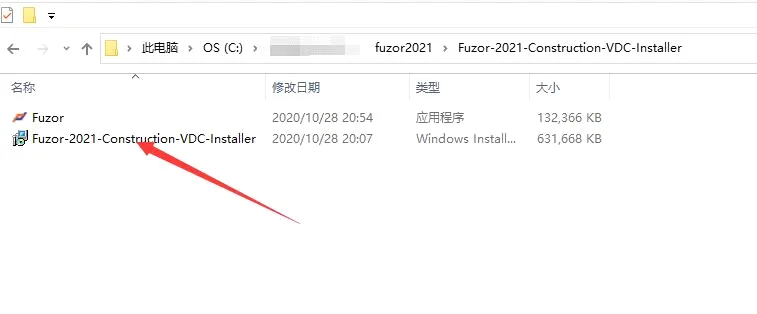
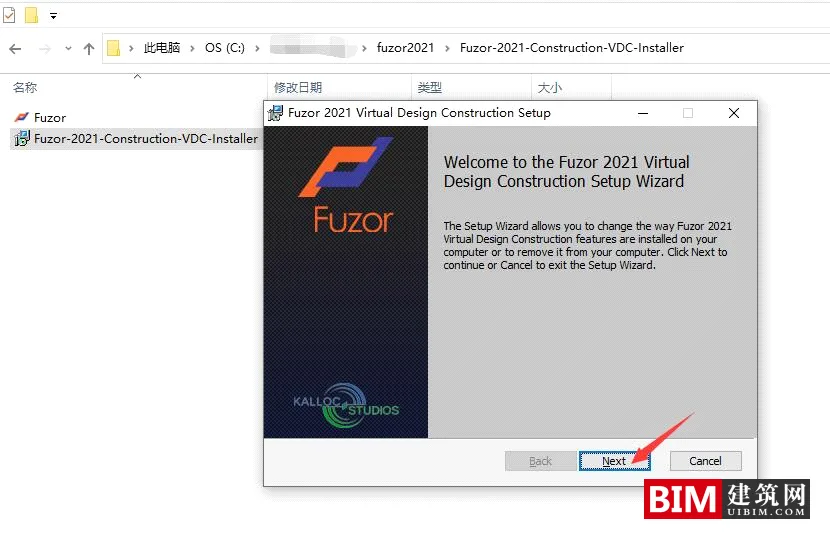
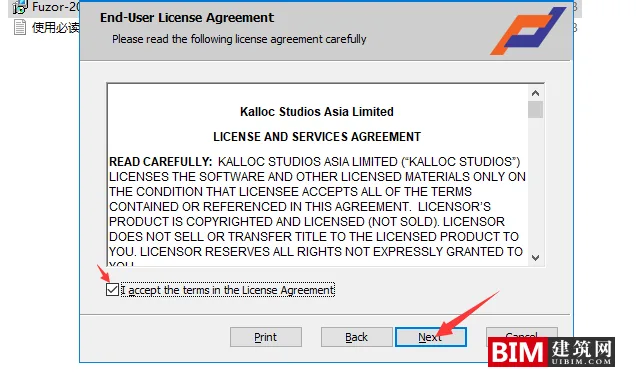
2. Choose an installation path using only English characters to avoid potential issues.
3. During installation, you will encounter several prompts: select OK for the first two prompts, and select NO for the final prompt.
4. This software includes a shell component. If your antivirus software flags it as a virus, please add it to your trusted list.
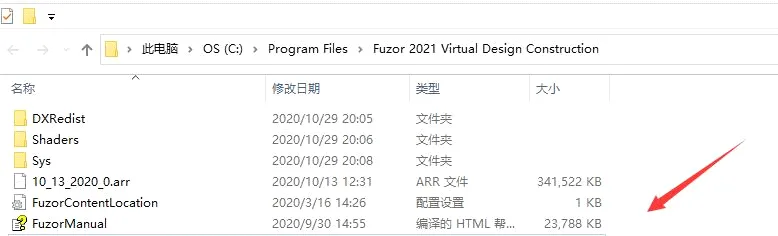
5. Copy the main FUZOR program file into the software installation directory.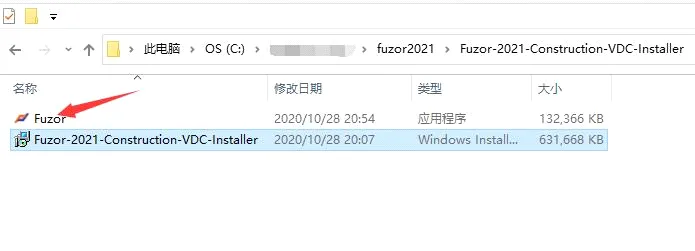
6. Launch the software.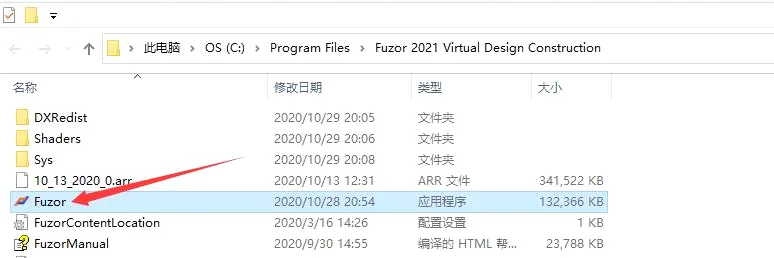
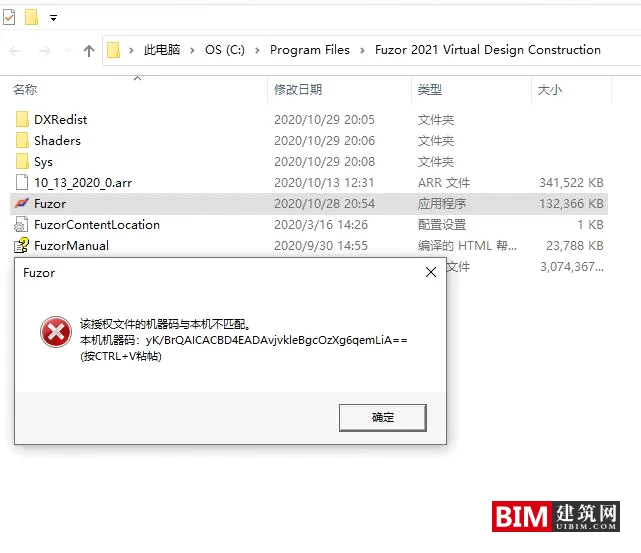
7. Place the obtained key file into the software installation directory, then open the software to activate and use it.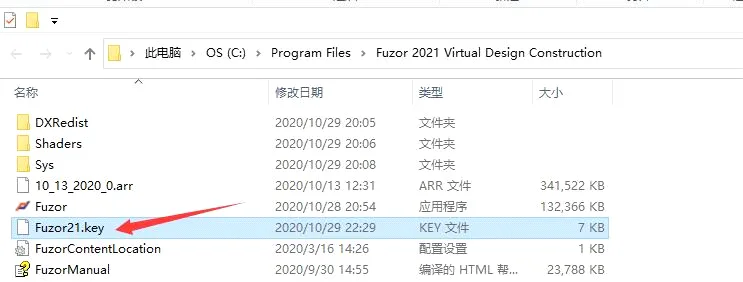

xuebim
Follow the latest BIM developments in the architecture industry, explore innovative building technologies, and discover cutting-edge industry insights.
← Scan with WeChat











reinstall before giving the installation address there does not dock me the key
how i can get " Fuzor21.key" file