
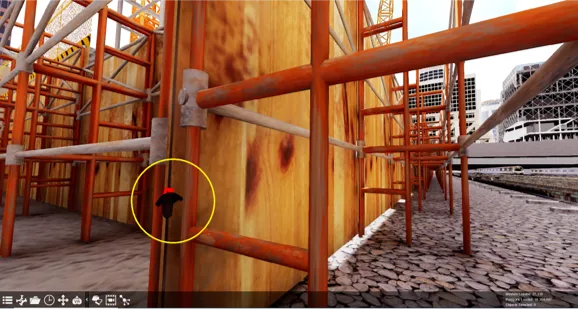
Overview of New Features in Fuzor2021
Fuzor2021 is a comprehensive 3D motion production and 4D construction simulation software that introduces an innovative design approach to significantly boost user productivity. This powerful platform allows you to efficiently complete a wide variety of construction simulation projects. Download and experience it today!
Fuzor2021 Installation and Activation Guide
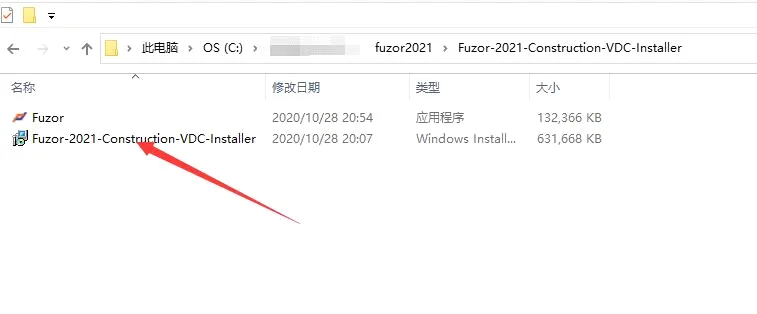
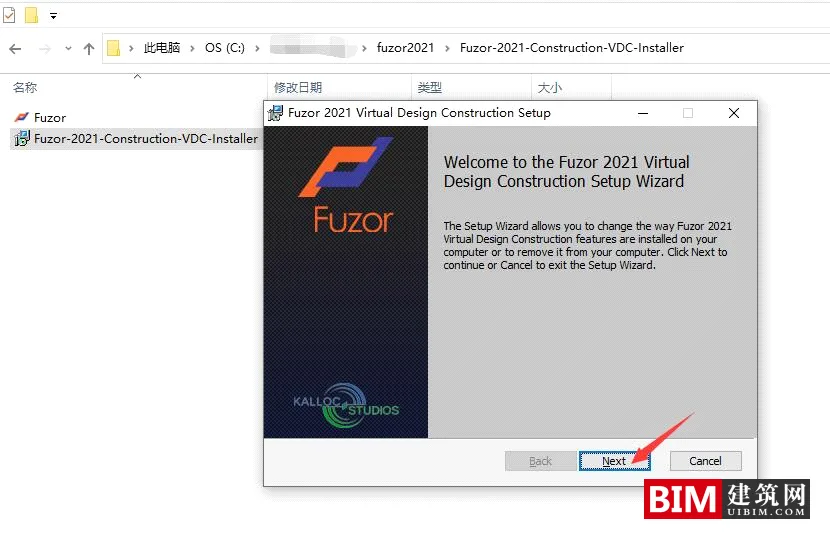
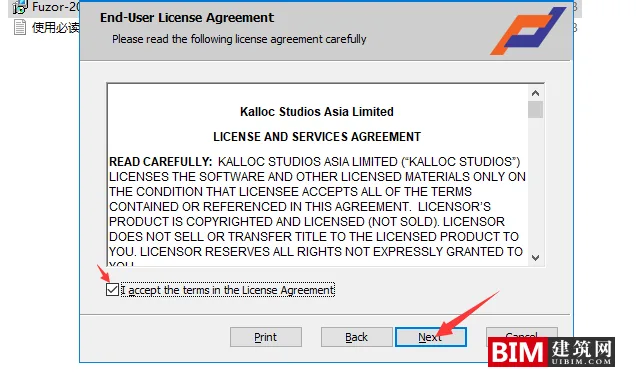
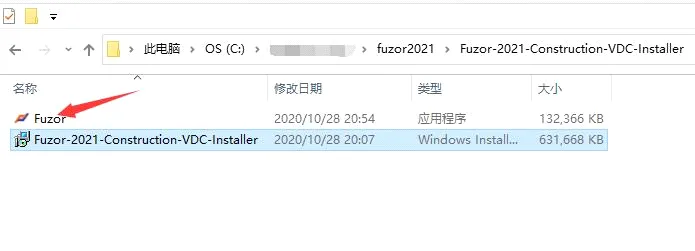
- After downloading, double-click the installer file to launch it.
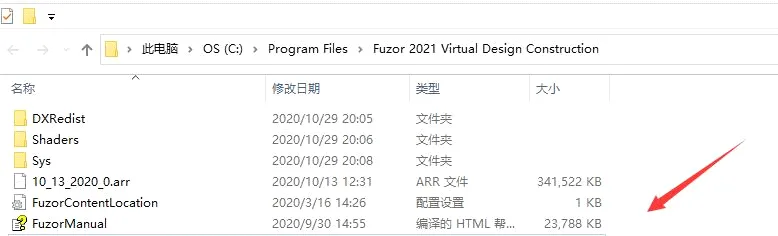
- Choose an installation path that contains only English characters.
- During installation, click OK on the first two prompts, then select NO on the final prompt.
- The software includes a protective shell; if your antivirus flags it, please add the program to your trusted exceptions.
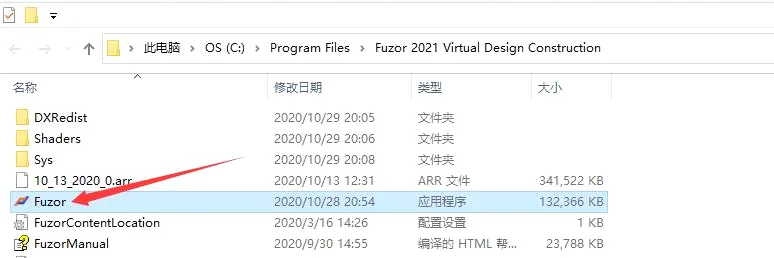
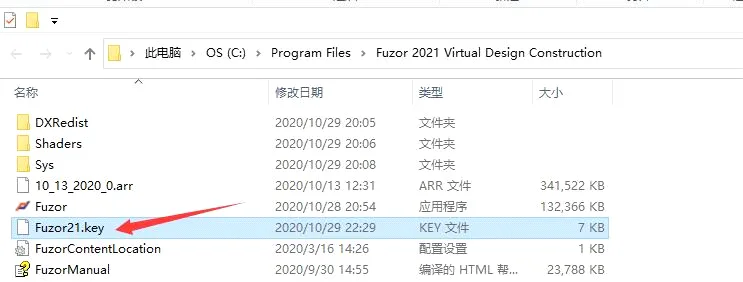
- Copy the main FUZOR program file into the installation directory.
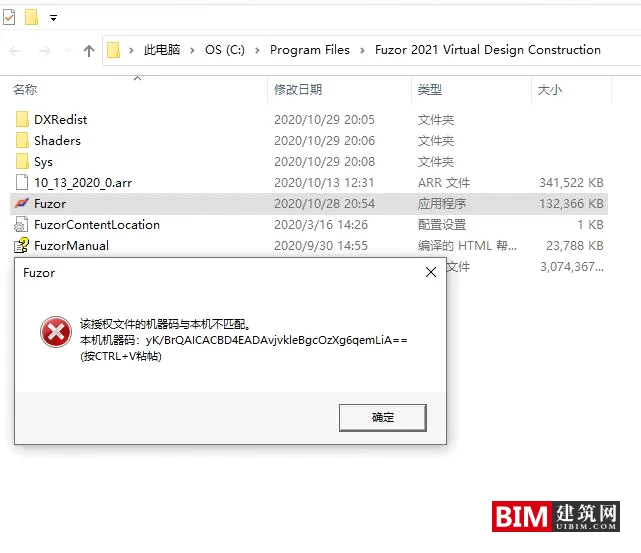
- Open the software and click OK when the machine code prompt appears.
- Place the key file you obtained into the installation folder, then launch the software to start using it.
Fuzor2021 Material Library Download
Collision Induction
When the VR controller collides with a 3D model, it vibrates to provide tactile feedback, enhancing the immersive experience.
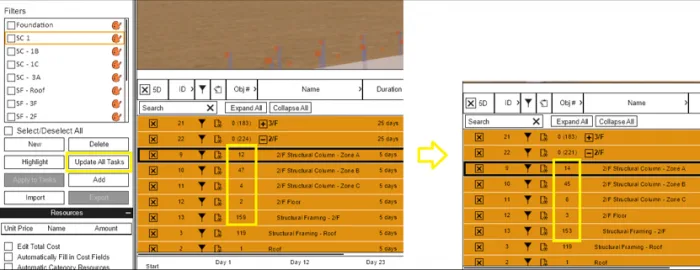
One-Click Filter Update
This feature allows for a quick refresh of filters across all 4D construction tasks when applying filters or adding components, streamlining your workflow.
Support for Multiple Activity Charts
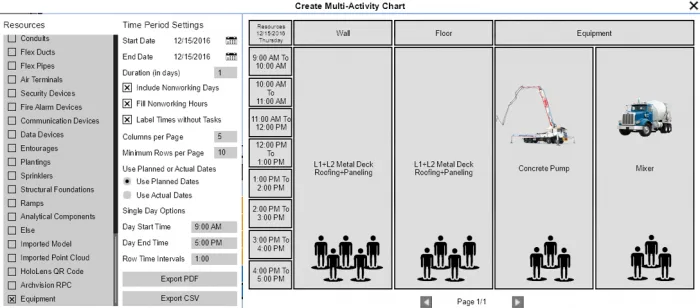
Multiple activity charts enable you to quickly identify idle periods for workers and machinery, improving construction schedule management.
Simultaneous Editing of Multiple Task Animations
Enhance your workflow by editing animations for components across multiple construction tasks simultaneously.
Real-Time Construction Progress Display
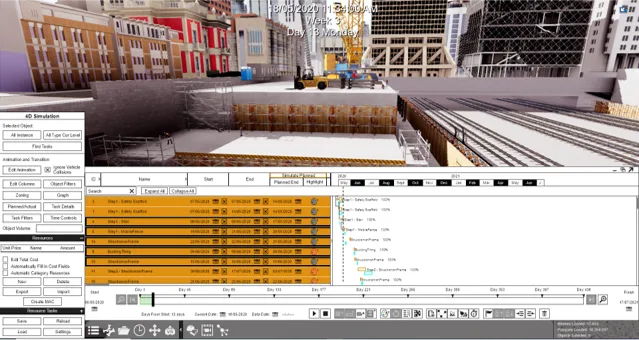
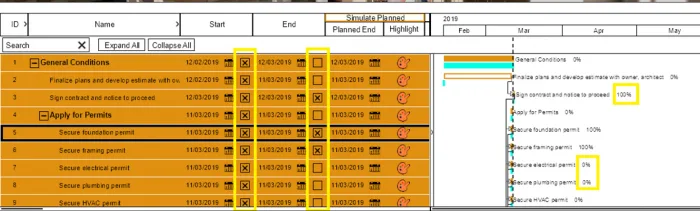
The software supports real-time visualization of construction task completion percentages, enabling more accurate project tracking.
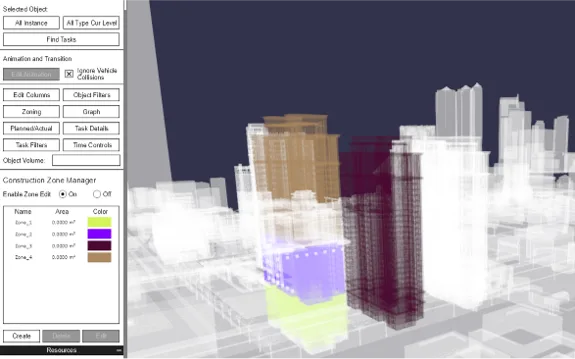
Layered Division of Construction Areas
Adjust height ranges within construction zones to enable layered division, improving management of different areas.
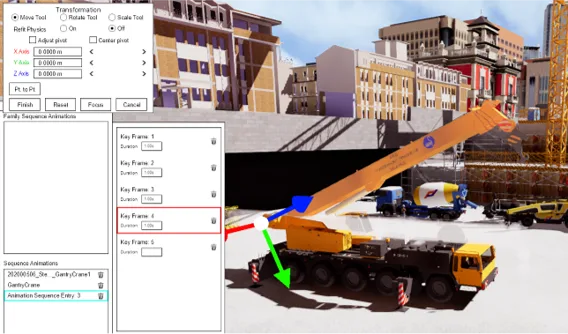
Save Central Axis Position
During sequence animations, the center axis position for each frame is saved, simplifying editing of subsequent frames.
Support for Multi-Track Animation
Multi-track animation enables simultaneous editing of multiple animations for the same component, increasing flexibility.
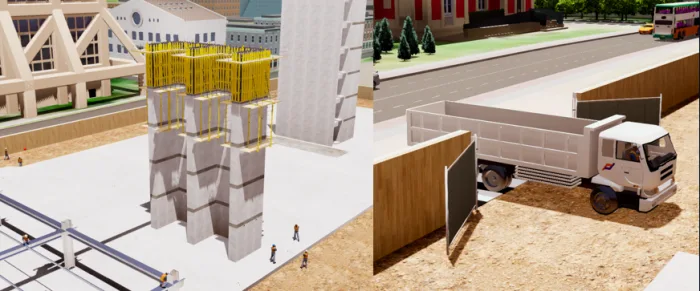
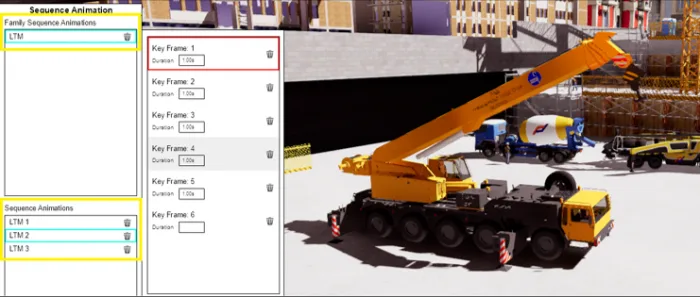
Edit Sequence Animation Families
Edit saved sequence animation groups to create your own library of animation assets.
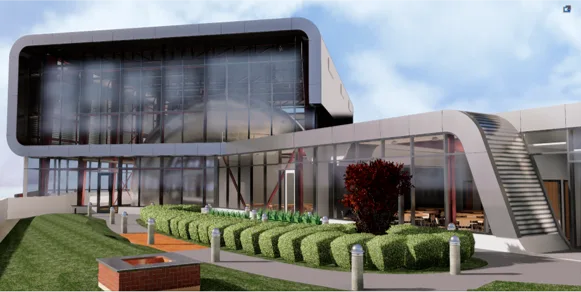
Improved Rendering Effects
Rendering quality has been enhanced, particularly for materials like water and glass, delivering more realistic visuals.
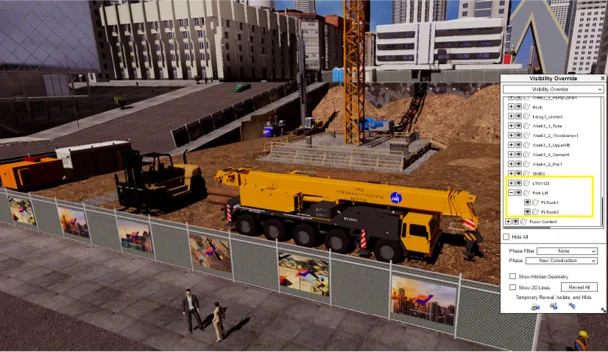
Support for SKETCHUP and FBX Model Directory Trees
View directory trees for SketchUp and FBX models within visibility filters, enabling quick and easy component selection.
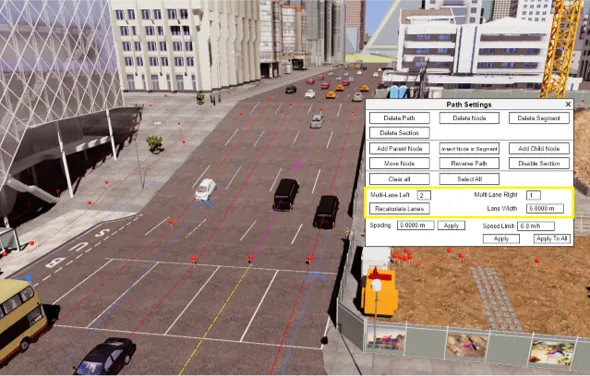
Quick Creation of Multiple Lanes
Easily create multiple lanes to facilitate traffic simulation within your projects.
New Trigger Events and Action Types
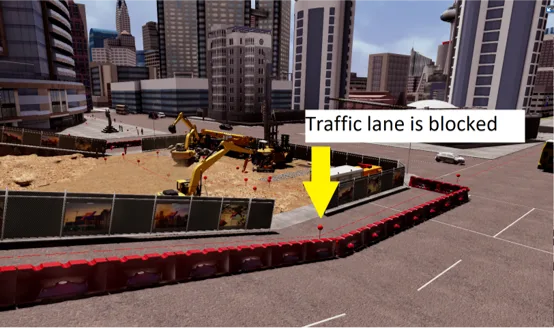
A new event type, “on a specific date”, and a new action type, “switch route setting”, have been added. This enables activation of specific states on designated dates, such as blocking traffic at the start of construction.
Support for Particle Effects
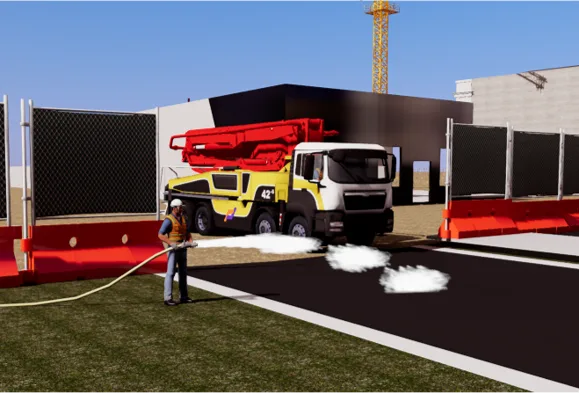
Attach particle effects to any component, adding an extra layer of realism to your scenes.
3D Marking Support
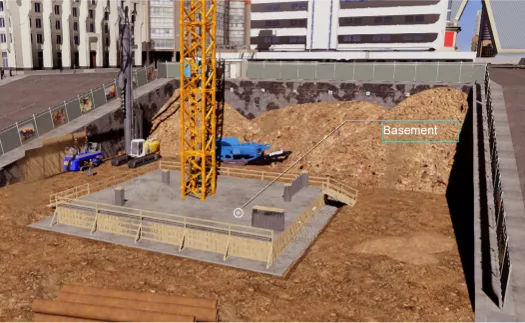
Add 3D markers that track camera movement, simplifying the creation of construction animations.
Subtitle Addition
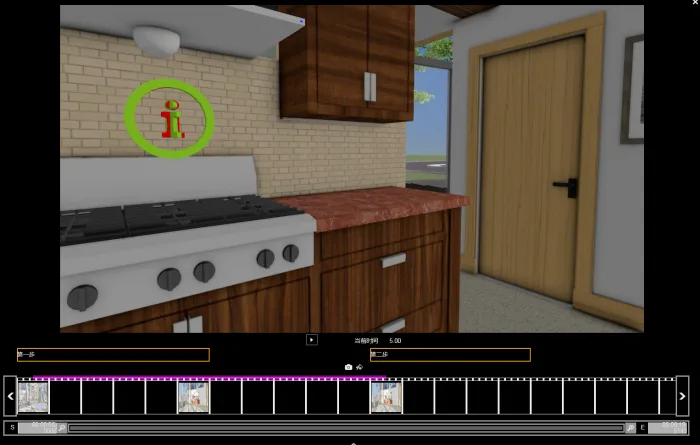
Add text subtitles to viewpoint animations to facilitate captioning of your videos.














Must log in before commenting!
Sign Up