
Installation Instructions and Download for Fuzor2021 Material Library
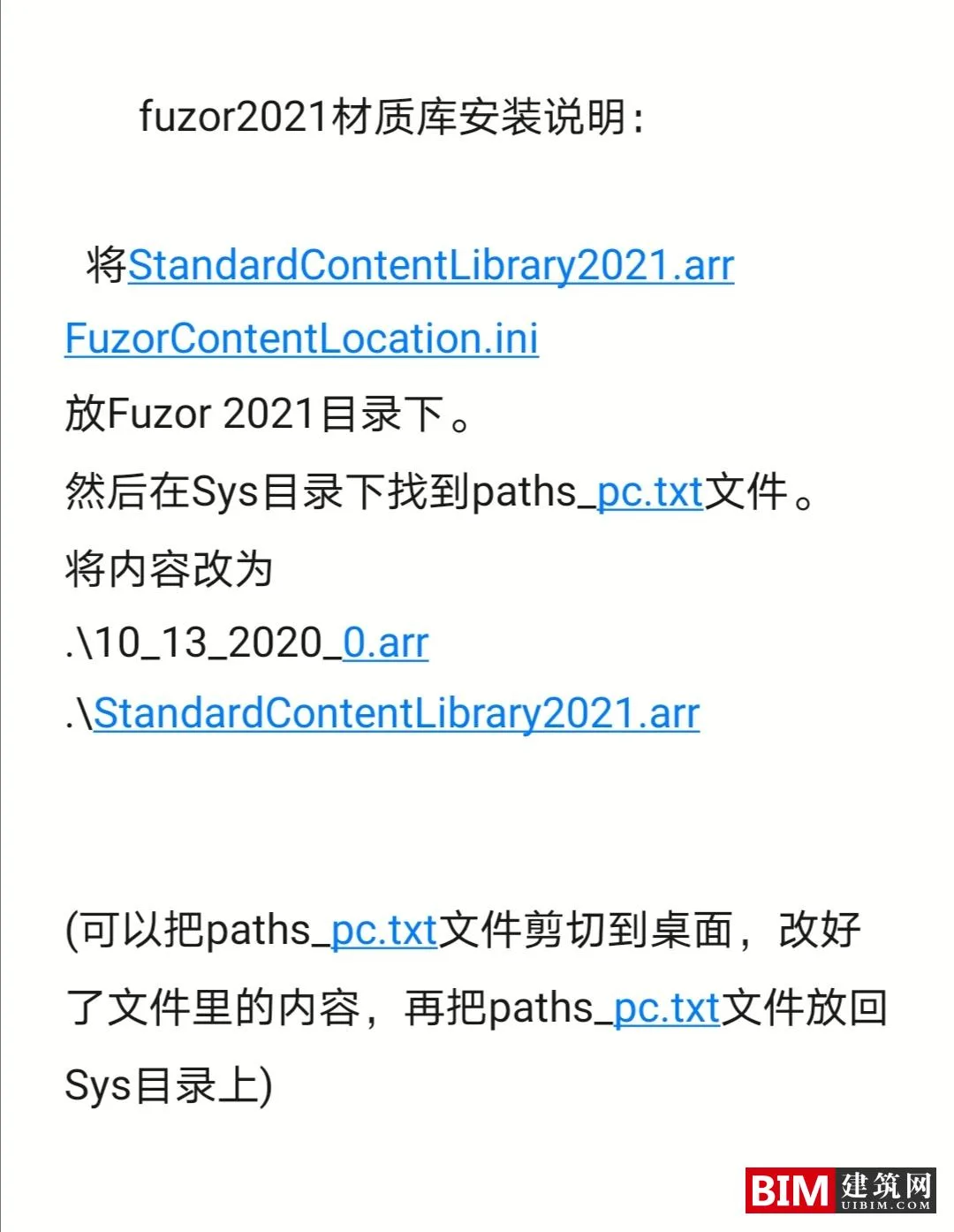
Start by copying the StandardContentLibrary2021.arr and FuzorContentLocator.ini files into your Fuzor2021 folder.
Next, locate the paths_pc.txt file inside the Sys directory. Open this file and replace its entire content with the following lines:
10_13_2020_0.arr
StandardContentLibrary2021.arr
For easier editing, you may temporarily move the paths_pc.txt file to your desktop, make the changes there, and then move it back to the Sys folder.
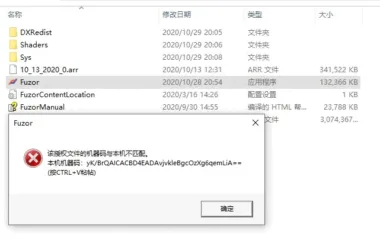











Don’t download it without fuzor21.key, it’s useless
May I ask where I found the key file fuzor21.key for Fuzor 2021?
Same question
Do I need to turn off antivirus during installation
No need.