
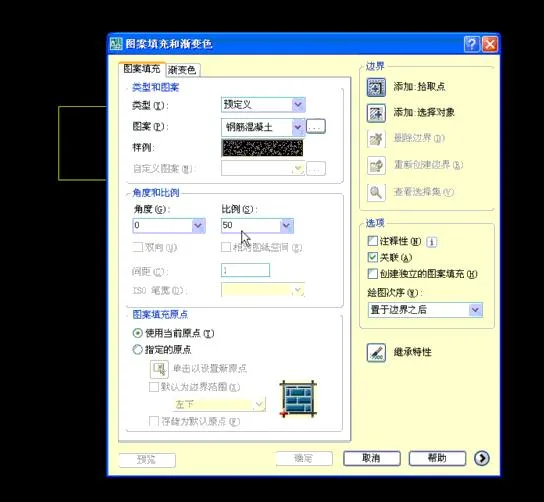
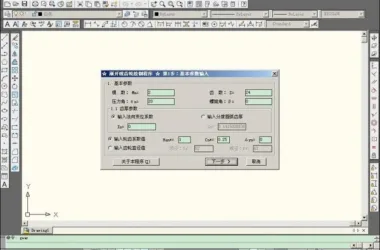
CAD Quick Fill Plugin is designed to simplify the process of filling CAD images. Activated by the shortcut key ff, this plugin allows diagonal fills without needing to select any graphics. It also inherits the fill properties from existing styles, making the process quick and convenient.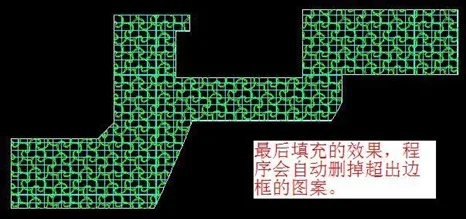
Instructions for Use
- Enter the load command:
ap - Select the CAD plugin and click Load (L)
- Start the plugin by entering the command:
FF
Installation Instructions
To install, go to the dropdown menu: Tool > Autolsp > Load. In the loading dialog box, load your plugin to enable its use.
If you close and reopen CAD, you will need to load the plugin again.
To avoid loading it every time, add the plugin to the startup group in the loading dialog box. This way, the plugin will load automatically each time CAD starts.












Must log in before commenting!
Sign Up