
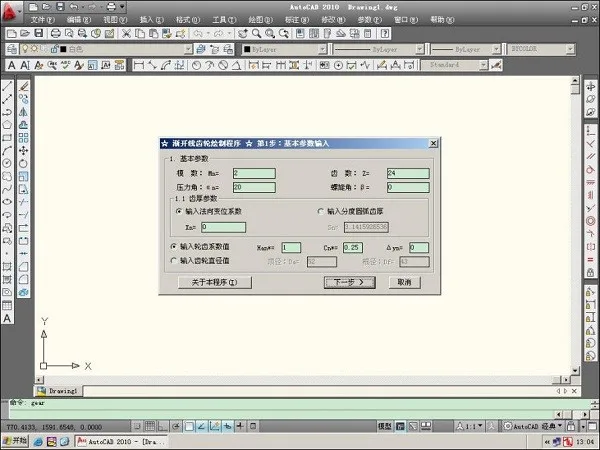
The CAD Gear Toolbox is a specialized plugin designed to assist with gear design in AutoCAD software. This VLX-format plugin offers a variety of gear types, including helical gears, spur cones, and involute splines. It serves as an essential toolkit for gear designers, providing multiple features to enhance both drawing and design efficiency.
How to Use
1. Download the CAD Gear Toolbox and extract the VLX file.
2. Launch AutoCAD.
3. Navigate to the menu bar in the upper left corner and select Tools > Load Application.
4. Browse to the folder containing the VLX file, select it, and click Load to activate the plugin.
5. If the plugin fails to load, verify that the tool plugin file is complete and not corrupted.
6. When prompted in the command line, type Y and press Enter.
7. Once loaded, you can start using the plugin immediately within AutoCAD.
Key Features
1. Involute spline contour drawing system
2. Internal and external spur gear contour drawing system
3. Text decomposition tool
4. Chain wheel contour drawing system
5. Wire cutting programming system
6. Rectangular spline contour drawing system
7. Archimedean spiral cam contour drawing system

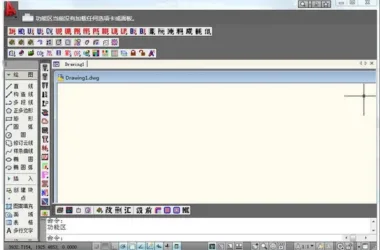











After installation, entering Y will not pop up the interface