
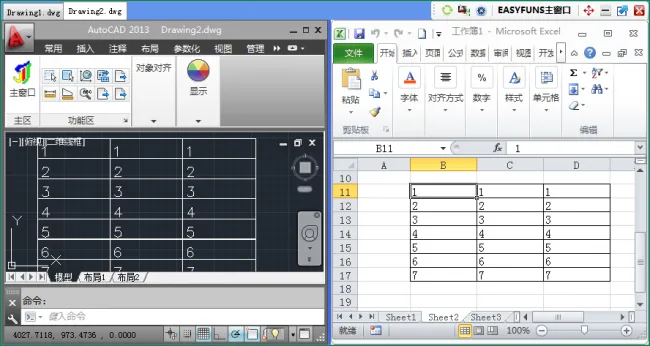
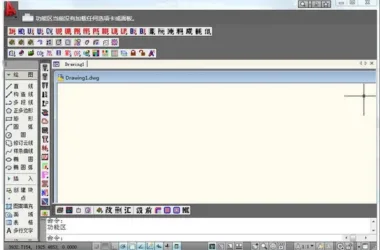
Easyfun (CAD Plugin) is designed for use with AutoCAD, developed using CAD’s Visual Lisp. It offers a variety of features including text merging, alignment, classification summaries, XY coordinate positioning, layer control, layer separation and merging, as well as customizable function keys. The plugin provides an easy and intuitive user experience.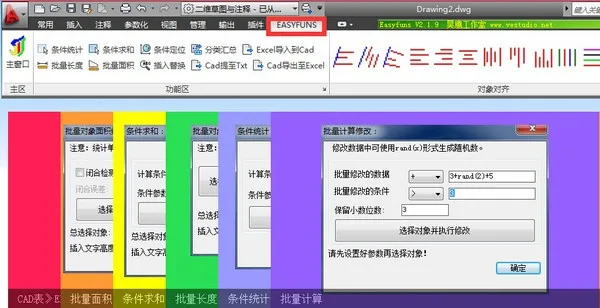
Features Overview
Fill and Edge Detection (New): Automatically regenerate edges based on existing fill patterns.
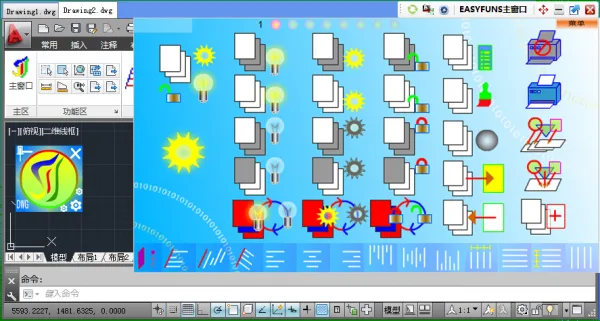
Layer Control (New): Offers 25 operations on layers, such as selecting layers to close, lock, freeze, or disable printing; selecting layers to display, unlock, unfreeze, or enable printing; opening all layers, unlocking all, unfreezing all, and enabling printing for all layers; reversing closing, locking, and freezing; reversing selection to close, lock, or freeze; and separating or merging layers by object.
Text Merging: Merge selected text, including conversion between single-line and multi-line text.
Alignment: Align selected objects by line, left, right, top, or bottom. Disperse objects evenly along the X, Y, or both axes.
Classification Summary: Classify and summarize selected content (text, including block text, Tianzheng text, and Tianzheng doors and windows) based on specified criteria. The summary list is displayed and can be inserted into the CAD file.
XY Coordinate Alignment: Restore the original coordinate positions of graphics that have been moved or rotated.
Excel Import (New): Import the content from selected areas of Excel spreadsheets directly into CAD.
WPS Table Import (New): Import content from selected areas of WPS tables into CAD.
Text Overediting (New): Edit text within blocks without entering block edit mode, as well as edit other CAD text. Modify colors, layers, line widths, angles, styles, and special symbols.
Custom Ribbon (New): Add frequently used or hard-to-remember commands to a custom ribbon for easy access.
Export CAD Tables to Excel (Upgraded): Export selected text content to Excel with optimized table formatting. Accurately locate tables in CAD, merge hashed text, and resolve positioning errors with Tianzheng text. Includes Excel installation detection and auto-adjusts column widths based on content.
Export CAD Tables to WPS Tables (New): Export selected text content to WPS tables with optimized formatting. Accurately locate tables in CAD, merge hashed text, and fix height positioning errors with Tianzheng text. Includes WPS installation detection and column width adjustment according to content.
Area Generation (Optimized): Continuously measure the area of closed or open wireframes in CAD. Generates labels such as “S=area m²” that can be placed anywhere in the drawing.
Insert Replace (Optimized): Uniformly add text to selected content at the beginning, end, or throughout.
Batch Offset (New): Apply offset to multiple selected objects simultaneously.
System Built-in Enhancements (Optimized): Adds multiple commonly used CAD shortcut keys.
Conditional Statistics: Count text elements that meet specified conditions.
Conditional Summation: Sum values of text elements meeting specific criteria.
Batch Length (Optimized): Summarize lengths of straight lines, polylines, splines, circles, arcs, and more.
Batch Area (Optimized): Calculate areas of closed or open shapes.
Conditional Transfer: Move or copy graphic objects that meet certain conditions.
Batch Extraction (Optimized): Extract text content from graphics in bulk.
Batch Calculation: Perform addition, subtraction, multiplication, or division on a batch of selected content.
Two-Number Operation: Perform arithmetic operations (+, -, *, /) on two objects within a graphic, including text objects, dimension annotations, or elevation markers.
Conditional Positioning: Scale and position objects that meet specified conditions.
Exploding Multiple Blocks: Decompose multiple block objects simultaneously.
Group Interruption: Disconnect groups of selected objects.
Overlap Detection: Detect overlapping areas in graphic objects and perform scaling and positioning accordingly.
Serial Number Generation: Generate a sequence of numbers starting from a specified value.
Changelog
Version 2.3.0.4 | 2017.06.21
1. Optimized various functions for improved performance.












Must log in before commenting!
Sign Up