
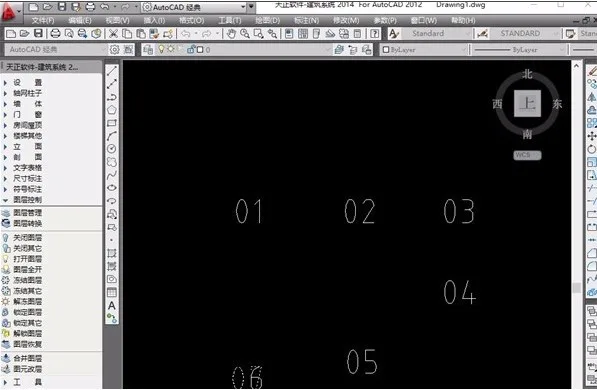
CAD Copy Digital Increment Plugin is a powerful tool designed for CAD software, primarily used in architectural drawing design. It enables drafters to quickly generate digital sequences within drawings, significantly streamlining their workflow. If you need this tool, download it now!
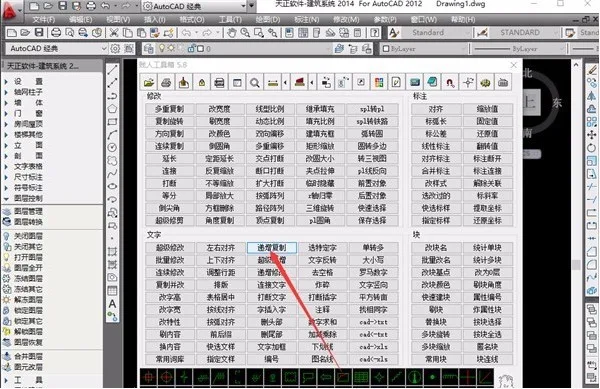
Overview
The CAD digital increment plugin is extensively used in the construction industry. Numbers are essential in any drawing as they convey critical information clearly. Therefore, the capability of CAD software to handle digital data directly impacts drawing efficiency. This plugin helps drafters quickly list and manage numerical data, making the drafting process easier and more efficient.
How to Use
Increment: Define the value by which numbers will increase.
Spacing: Set the spacing for the increment. This can be entered manually or selected with the cursor by clicking the button on the right.
Quantity: If no quantity is specified, the system will determine the number of increments based on the cursor’s starting position.
Incremental Object Selection: When a text line contains a mix of uppercase letters, lowercase letters, and numbers, users can specify which elements to increment.
Steps to use:
1. Start the increment command;
2. Select the objects to increment;
3. Choose the increment method to complete the process.













Must log in before commenting!
Sign Up