
Zhizaojia AutoCAD Assistant is a powerful batch processing tool designed for DWG and DXF drawings, enabling efficient batch printing of drawings. Leveraging the AutoCAD environment, it segments drawings with zero manual configuration, ensuring high precision of graphic elements without needing to handle CAD components like shapes, fonts, or print styles. This streamlines subsequent drawing and printing tasks, making the workflow significantly faster. 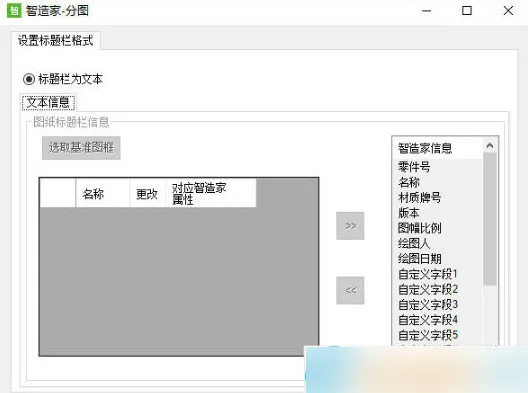
Features
- Automatically detects the print range (frame) in multiple drawings within a file and accurately recognizes each drawing’s aspect ratio.
- Automatically scales drawings of various formats and sizes to fit the print area or paper for batch printing.
- Offers customizable frame selection to maximize recognition of different frame types, ensuring broad compatibility and high accuracy.
- Generates BOM files in Excel format automatically during batch processing, extracting drawing number, name, material, and frame information from the title block.
- Simplifies complex tasks through automation, significantly reducing time spent on non-value-added work and minimizing errors, allowing engineers to focus on critical tasks.
- Compatible with multiple versions of AutoCAD software.
- Ideal for multi-drawing scenarios such as assemblies and components.
- Automatically recognizes engineering drawing frames.
- Supports batch splitting operations and enhanced drawing management, enabling users to quickly organize and handle various drawings.

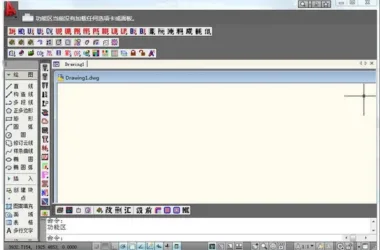











No matter how it’s used, I can’t find it after installation