
Cloud Architecture Plugin is a CAD batch drawing tool developed by NetEase Cloud Architecture. It offers features such as automatic disassembly of CAD files, automatic detection of drawing frames, batch export of PDF/DWF/PLT files, and facilitates efficient electronic drawing reviews!
Frequently Asked Questions
1) Batch Printing Operation Video
2) Does it support batch printing in layout?
Yes, it supports inserting picture frames in the layout and performing batch printing.
3) How to adjust the scale of the inserted image frame?
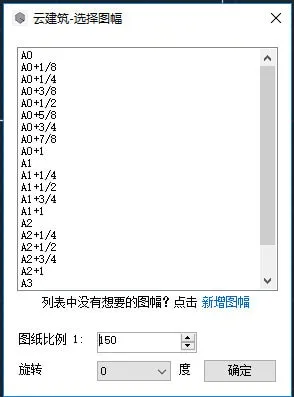
You can set the scale and select the angle for the image frame in the insertion dialog box.
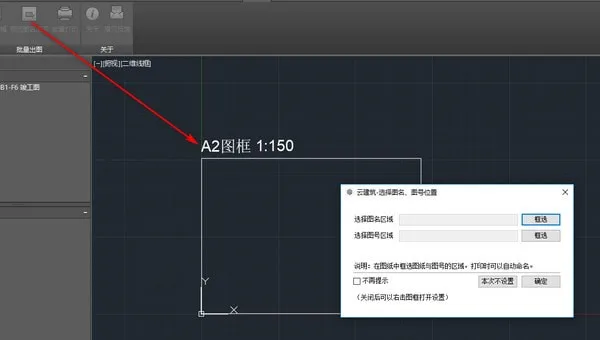
4) How to change the selection area for the drawing name and number?
4.1 Click on the “Box Select Image Name and Image Number” function.
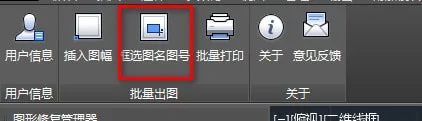
4.2 Click on the already inserted image frame, and a settings dialog box will appear.
5) How to insert a 90° image frame?
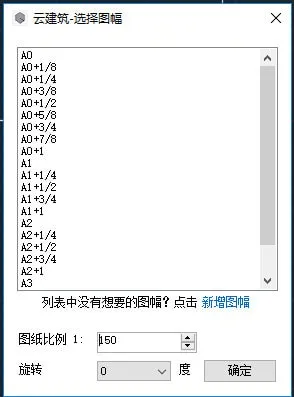
In the image frame insertion dialog, you can set the scale and select the rotation angle, including 90°, for the image frame.
6) What file formats are supported for printing?
The plugin supports DWF, PDF, and PLT formats to accommodate electronic drawing review requirements across various regions.
7) Unable to select a print style?
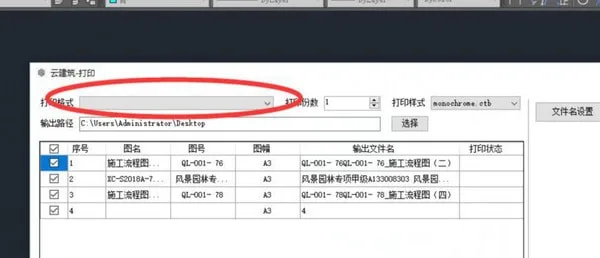
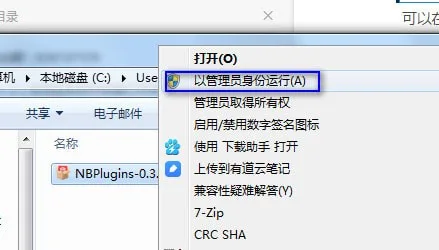
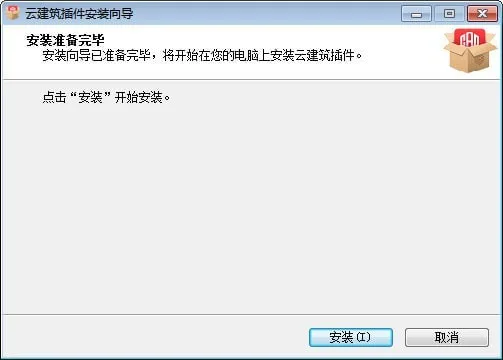
Solution: Close CAD, then reinstall the plugin by running the installer as Administrator.
8) Which CAD versions are supported?
Currently, the plugin supports CAD versions from 2007 through 2018. Support for newer versions will be added gradually. Stay tuned for updates.












Must log in before commenting!
Sign Up