
Solution 1:
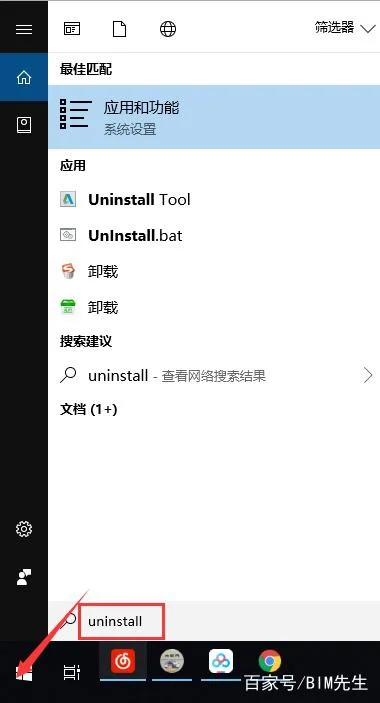
① Right-click on the ‘Start’ button and select ‘Search’. Type uninstall in the search box, then click on the Uninstall Tool.
② Select the program you want to uninstall, then click Uninstall.
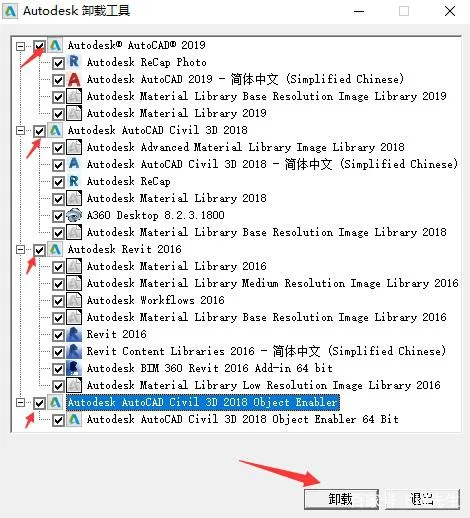
③ After the uninstallation is complete, you can proceed with reinstalling the software.
Solution 2:
Open the Computer Management window.
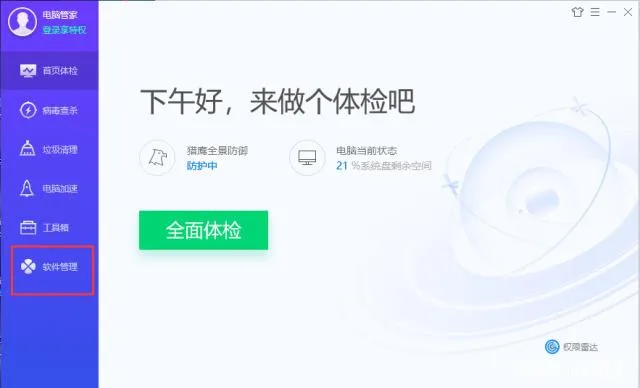
Navigate to Software Management.
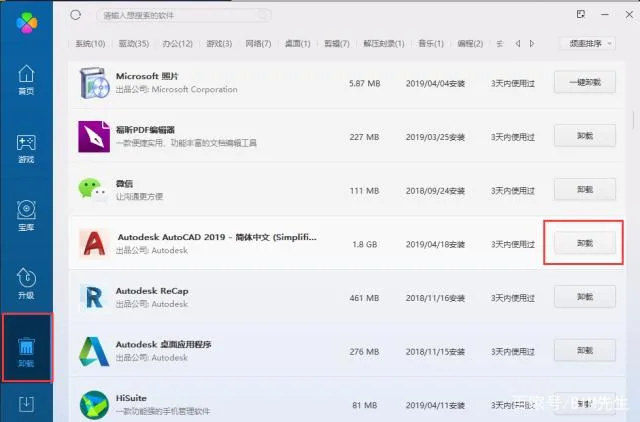
Click on Uninstall.
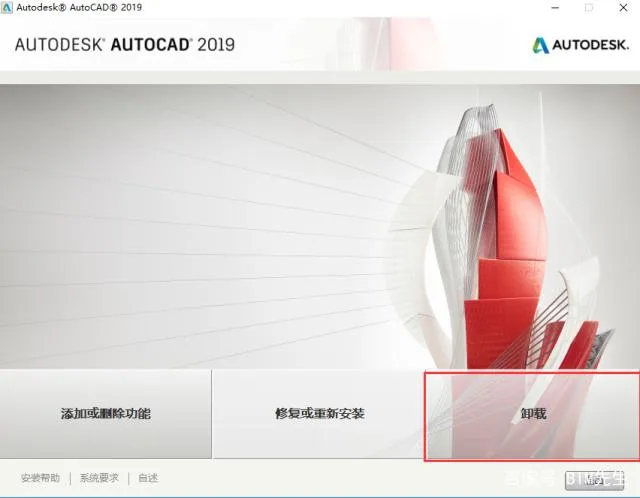
Wait for the uninstallation process to finish.

xuebim
Follow the latest BIM developments in the architecture industry, explore innovative building technologies, and discover cutting-edge industry insights.
← Scan with WeChat















Must log in before commenting!
Sign Up