
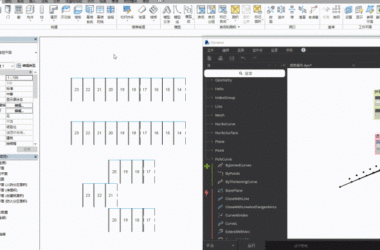
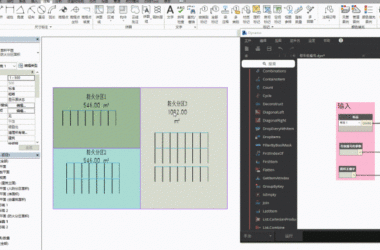
Recently, I took over a BIM project and used Revit for drafting. It was necessary to add new drawings alongside the original ones. However, since each original drawing has a serial number, inserting new drawings requires rearranging all the serial numbers—a task complicated by the large number of drawings. To streamline this process, I used Dynamo to handle the numbering adjustments automatically.
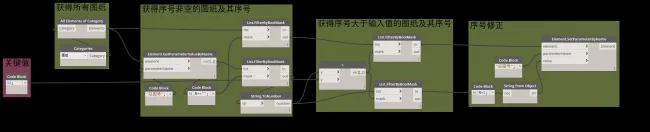
The logic behind the solution is straightforward: input a reference number, filter out all drawings with serial numbers greater than this number, and then increment those serial numbers by 1. This allows the new drawing to be inserted directly without manual renumbering.
Here is the Dynamo node setup used for this task:

xuebim
Follow the latest BIM developments in the architecture industry, explore innovative building technologies, and discover cutting-edge industry insights.
← Scan with WeChat













Must log in before commenting!
Sign Up