
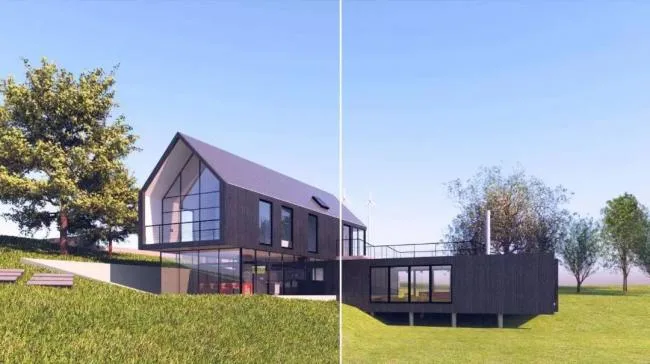
VRay for Revit is a powerful rendering plugin designed specifically for Revit. The latest version introduces a simplified user interface, global material overlays, advanced lawn and fur rendering, an asset browser, mixed rendering capabilities, and more. It supports indoor, outdoor, day, and night scenes, making it highly versatile. Compatible with Revit 2019, 2018, and 2017 versions, users in need can download it directly from this website!
New Features in VRay 3.6 for Revit
- Simplified User Interface
Enhances workflow efficiency. - Global Material Coverage
- Improved color coverage for materials
- Support for RPC material coverage
- Vray Proxy
Utilizes RPCs to load complex 3D geometry efficiently. - Vray Lawn and Hair
Renders realistic 3D grass and fur. - Speed Improvements
Faster scene rendering and output. - Resource Browser
- Select and edit multiple items simultaneously
- Filter materials through linked files
- Manage proxy objects and grass assets
- Mixed Rendering
Supports simultaneous GPU and CPU rendering. - Infinite Ground Plane
New controls for ground coverage. - Independent Material Editor
- Brand new surface light effects
- New gradient texture options
- Improved Sharing Settings
Share settings organized by category. - Enhanced VRay Frame Buffer Window
Copy entire frame buffer images directly to Photoshop. - Compatibility with VRscans
Access to the world’s most authentic material library. - VRay Official Cloud Rendering
Coming online soon!
VRay 3.6 for Revit Installation Guide
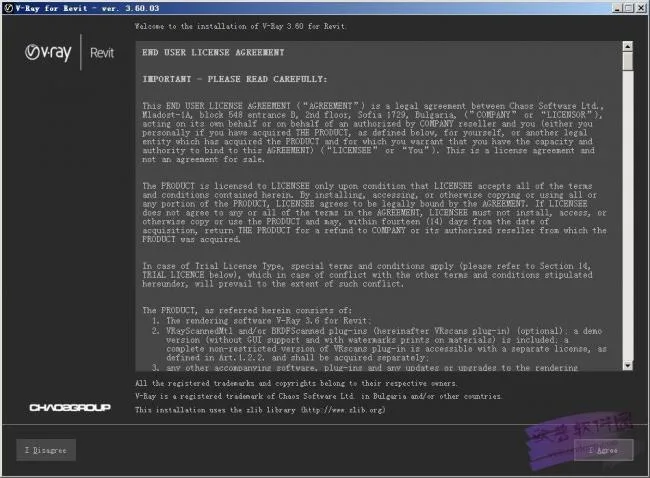
- Double-click the installation file to open the setup interface as shown below. Read the license agreement carefully and click “I Agree” to continue.
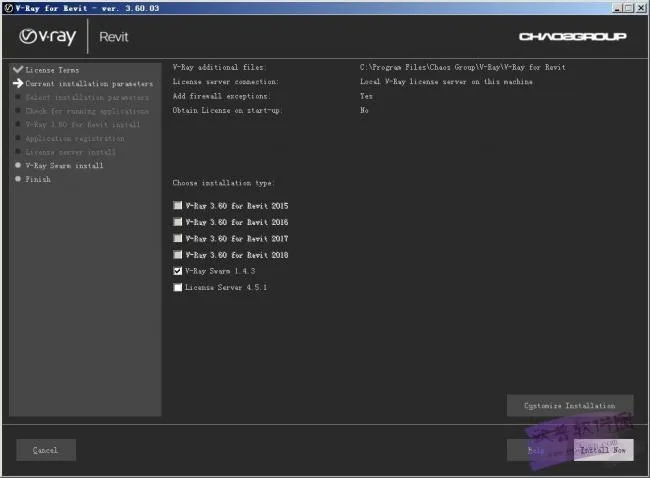
- Select the appropriate V-Ray version for your Revit installation, then click “Install Now.”
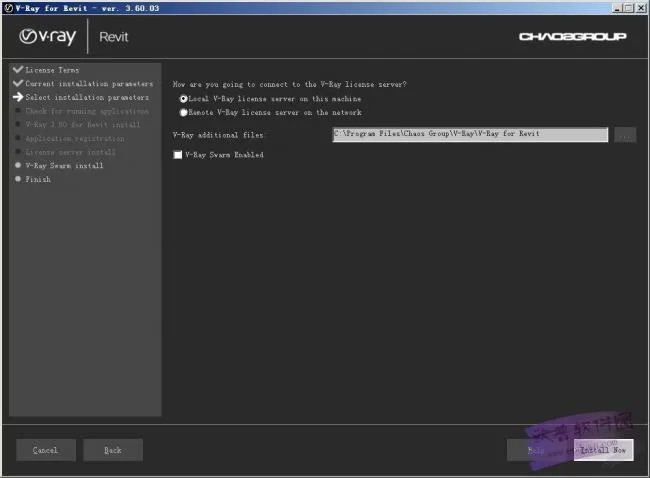
- Choose a custom installation location if desired, then click “Install Now” to begin the installation process.
- Installation completed successfully.
These are the thirteen major updates included in VRay 3.6 for Revit.
Interested? Download and start using it today!
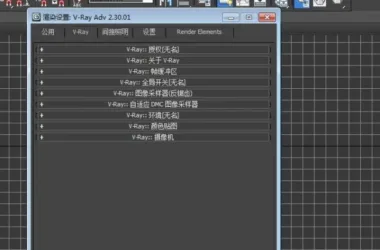











After installation, everything is gray
Require password, user name; What to do
After my installation, everything is also gray
Why is the V-Ray interface in Revit all gray and unusable after I have installed it
I need a license, I can’t use it
This cannot be used with Revit2019