
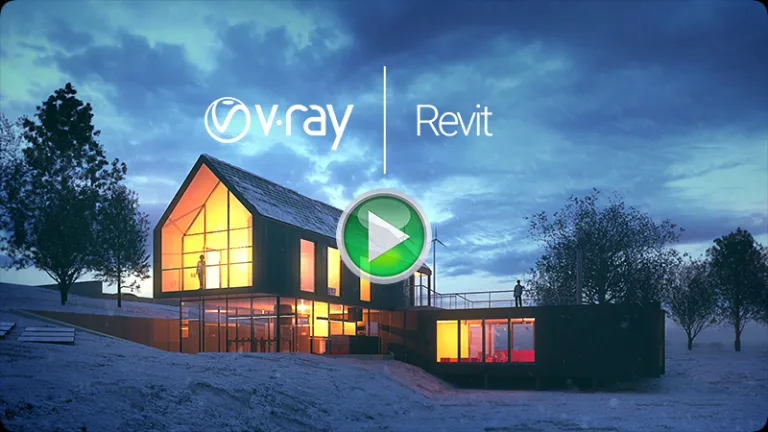
V-Ray 3 for Revit is designed specifically for architects and designers. Combining advanced features with an intuitive interface, it allows any Revit user to create stunning imagery quickly and effortlessly.
Built with design in mind, V-Ray for Revit is easy to set up and optimized for speed, delivering the high-quality results expected from the industry-standard renderer in AEC. Make faster design decisions and achieve outstanding visuals every time.
It’s About Design
Key Features
Design-Friendly Interface
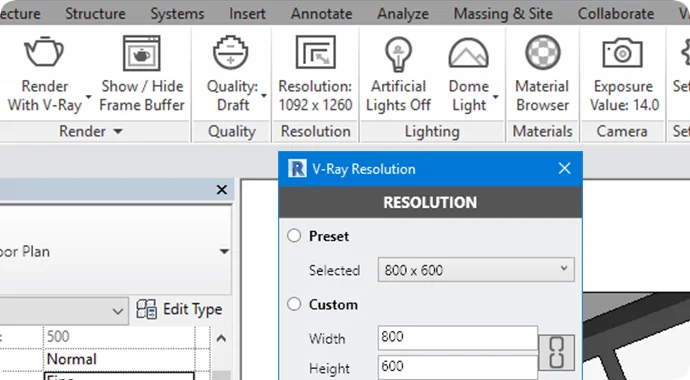
Quickly balance quality and speed using V-Ray for Revit’s render presets. Work in draft mode during early iterations and switch to high quality for final presentations.
Interactive Rendering
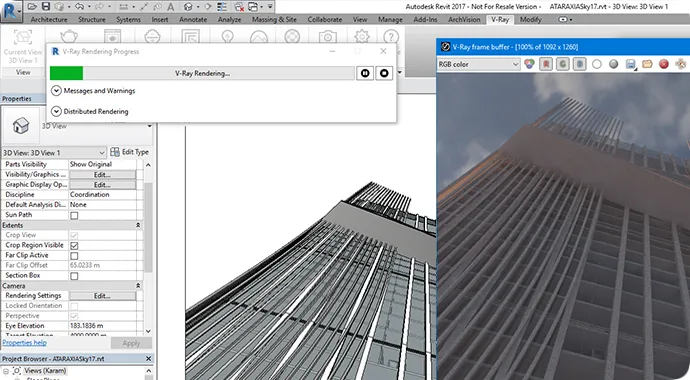
Render interactively as you design. Adjust lights and materials, and see the results instantly.
Physically-Based Lighting
Use accurate lighting options including IES and HDR image-based lighting, along with full support for Revit Sun and Sky.
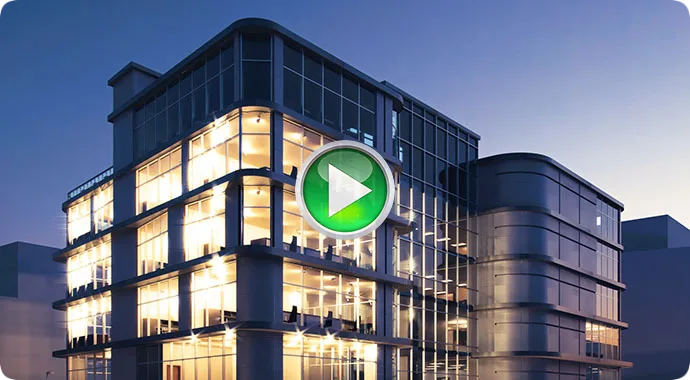
Real-World Cameras
Simulate photographic cameras directly from Revit’s native camera views for realistic perspectives.
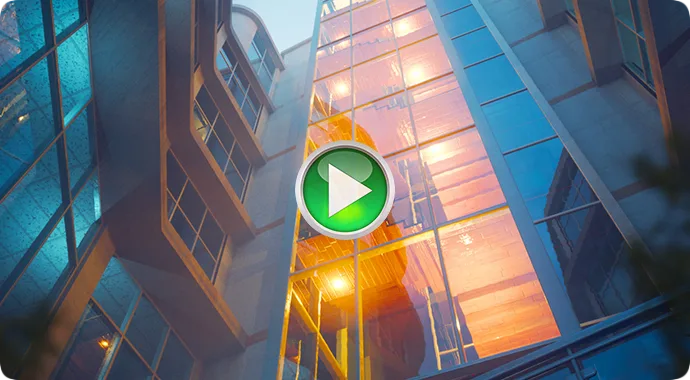
Physical Materials
Automatically convert Revit materials to V-Ray’s physically accurate formats. Refine material properties using the V-Ray Material Editor.
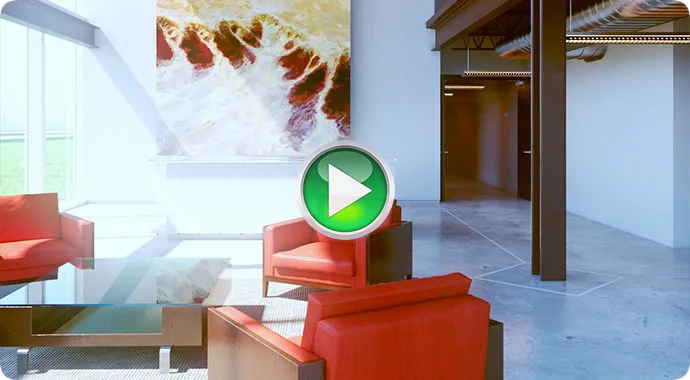
Diagrammatic Materials
Easily create scenes that look diagrammatic or like scale models with presets such as basswood and foam core materials.
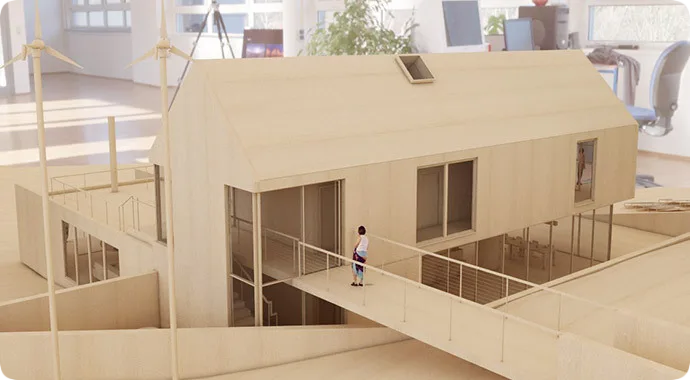
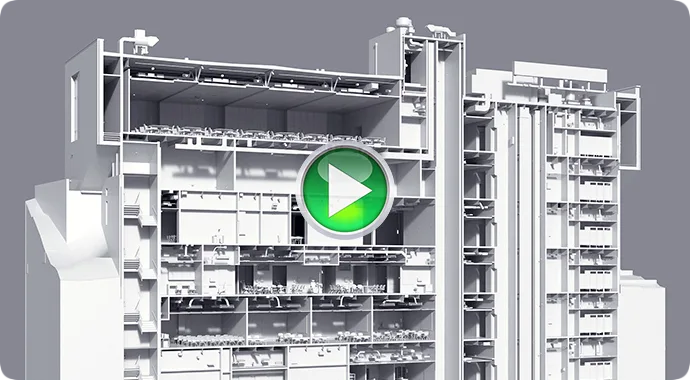
Section Boxes
Render sections effortlessly with full support for Revit’s native section boxes.
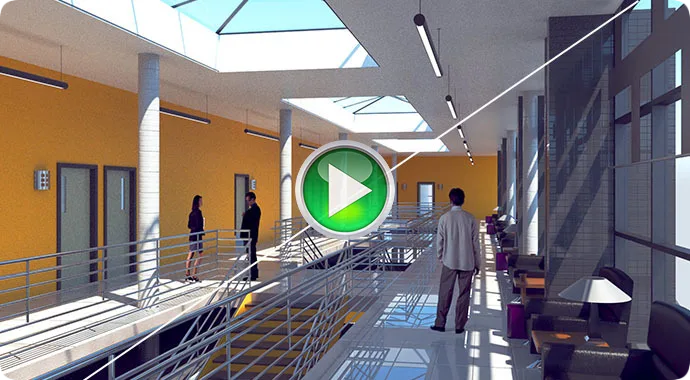
Denoiser
Automatically remove artifacts and noise, reducing render times thanks to GPU-accelerated denoising.
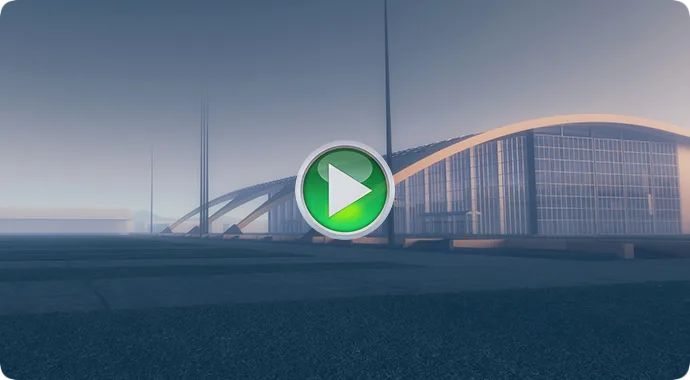
Aerial Perspective
Add realistic atmospheric depth with aerial perspective and environmental fog effects.
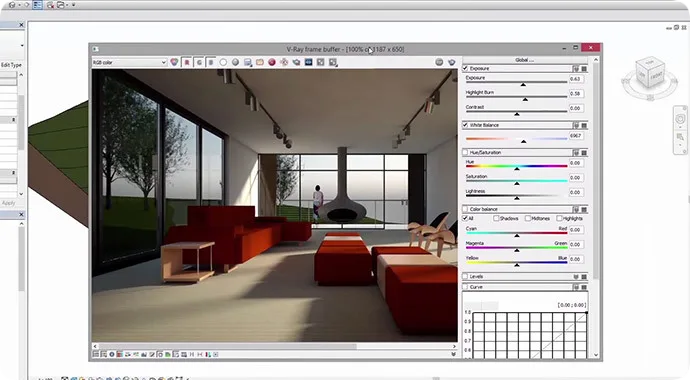
V-Ray Frame Buffer
Adjust your render’s color, exposure, and more directly within V-Ray’s frame buffer interface.
Virtual Reality
Review designs at a 1:1 scale using popular VR headsets such as Google Cardboard, Samsung Gear VR, Oculus Rift, and HTC Vive.
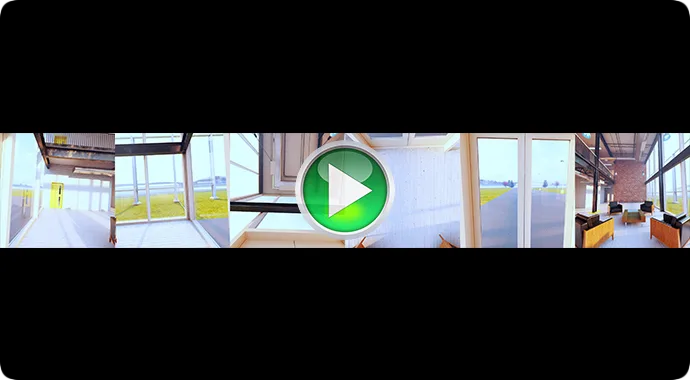
V-Ray Swarm
Leverage web-based distributed rendering to accelerate rendering by utilizing the combined power of all available desktops and render nodes.
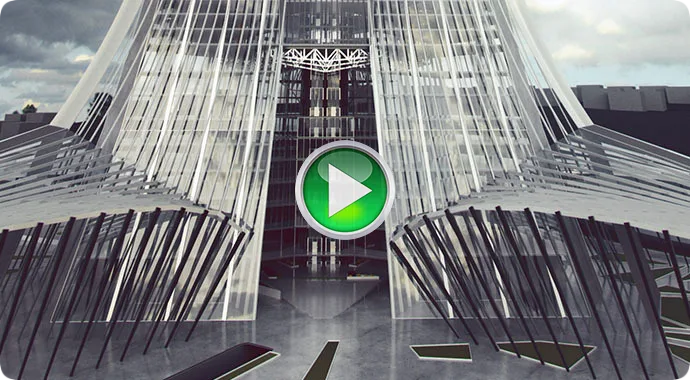
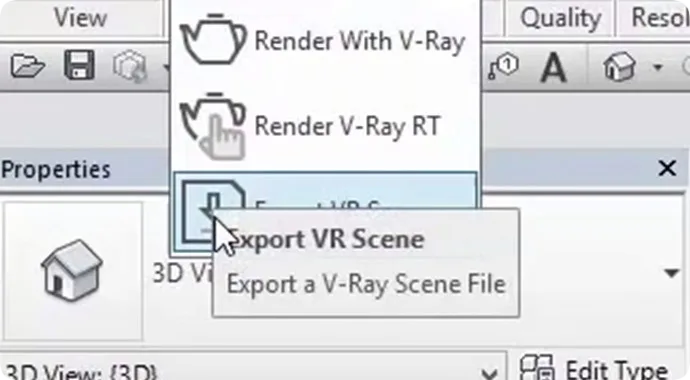
Export to V-Ray Standalone
Export scenes ready for rendering from Revit directly to V-Ray Standalone.
System Requirements
Windows
Please ensure your system meets the following requirements before installing V-Ray. Note that V-Ray supports only 64-bit operating systems and 64-bit versions of Revit.
| Processor | Single- or Multi-Core Intel® Pentium®, Xeon®, or i-Series processor, or AMD® equivalent with SSE2 technology. A higher CPU speed rating is recommended for best performance. |
| RAM | Minimum 8 GB RAM and 8 GB swap space |
| Operating System | Windows® 7 SP1 64-bit, Windows® 8 & 8.1 64-bit, Windows® 10 |
| Version of Revit | Supported Years |
| Revit | 2015, 2016, 2017, 2018 |
| Revit Architecture | 2015, 2016, 2017, 2018 |
| Revit MEP | 2015, 2016, 2017, 2018 |
| Revit Structure | 2015, 2016, 2017, 2018 |
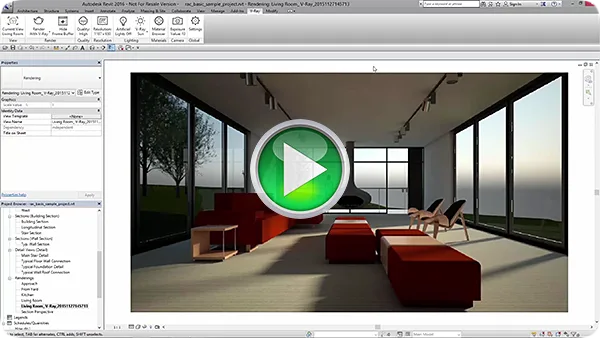
Quick Start: Intro Video











Can it be activated?
Download and try it out
Thanks for sharing.
Download it first and give it a try!!!
Has anyone succeeded? Can you share it!