
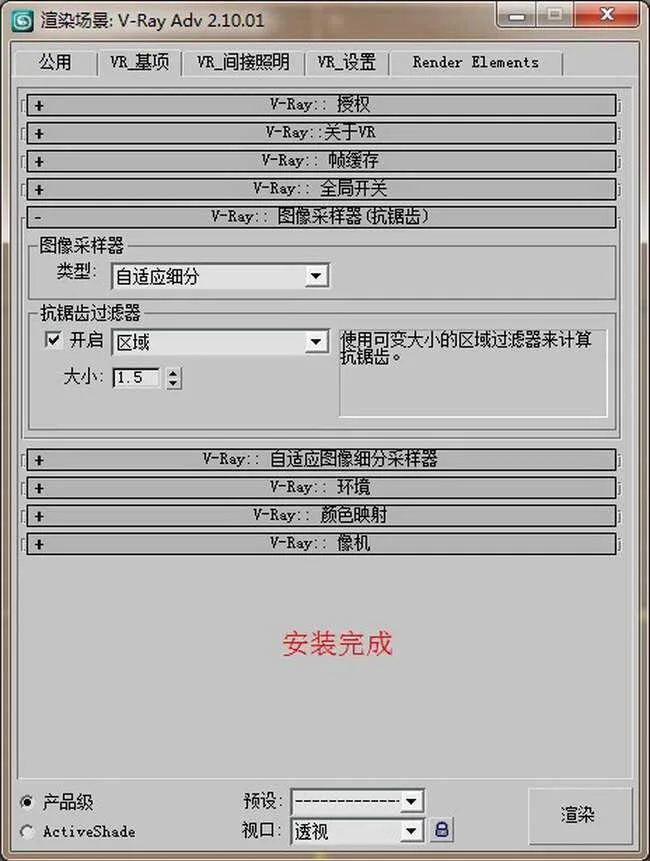
VRay 2.0 [v2.0] SP1 for 3ds Max – Official Bilingual Switching Introduction
Compatible Operating Systems: Windows XP, Windows 7 (32/64 bit)
Supported 3ds Max Versions: 3ds Max/Design 9.0, 3ds Max 2008, 2009, 2010, 2011, 2012 (32/64 bit)
About the Software: The VRay 2.0 SP1 bilingual switching version is ideal for learning and mastering V-Ray. It allows seamless switching between Chinese and English, enabling a comprehensive understanding of every software parameter. This makes it perfect for users transitioning from beginner to expert.
Additionally, the bilingual version can be temporarily disabled when VRay is not needed, conserving computer resources and improving system stability. It supports simultaneous operation on multiple 3ds Max versions installed on your computer. For example, if you have both 3ds Max 2011 and 3ds Max Design 2011 in Chinese and English, this software can run on all four versions concurrently, overcoming the original V-Ray’s limitation of running on only one version at a time.
This package includes the original English V-Ray SP1 and a second version in Simplified Chinese optimized for high-end rendering. The language switch is handled by a separate program, bypassing Windows 7 permission restrictions commonly encountered with plugins. The installer intelligently detects your 3ds Max/Design version and requires no registration.
Key Features:
1. Easily switch to Chinese if preferred.
2. Easily switch to English whenever needed.
3. Temporarily disable VRay when not in use to save system resources and avoid conflicts with other plugins.
4. Independent switching mechanism that bypasses Windows 7 permission restrictions.
Security Notice: This software has passed security checks, including Rising Antivirus 2011 and Kaspersky 2011. Note that some antivirus programs may falsely flag it as containing trojans; please mark it as trusted.
Installation Instructions:
1. Ensure the corresponding 3ds Max/Design version is installed first.
2. Uninstall any previously installed VRay versions before proceeding.
3. Install this software using the included detailed installation guide.
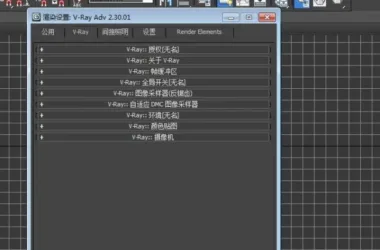
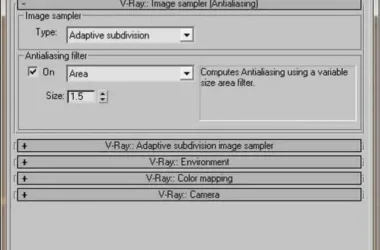
VRay 2.0 Plugin Interface Preview:











Must log in before commenting!
Sign Up