
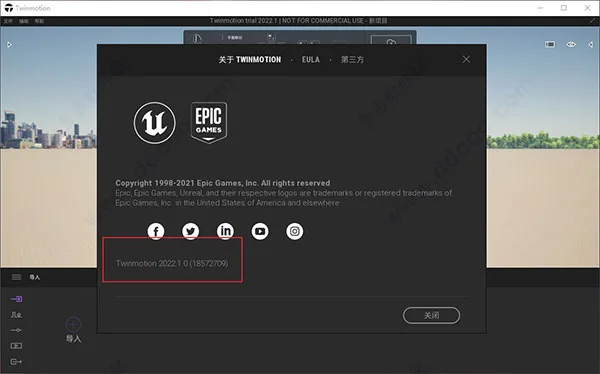
The highly anticipated architectural innovation, Twinmotion 2022, has finally been released. This latest version introduces a cutting-edge path tracer that enables you to create final pixel images comparable to offline rendering, featuring perfect global illumination, physically accurate refraction, super sampling anti-aliasing, and more. For those seeking a more realistic sky, a brand-new HDRI Sky Ball is available. Combined with the HDRI canopy integration, which serves as an alternative to Twinmotion’s dynamic sky system, users can choose whether the sky impacts scene lighting, adjust effect intensity, and even lock the sun’s position to match the sky.
Additionally, Twinmotion 2022 supports point cloud data in various common formats, including LAS, LAX, PTS, XYZ, and TXT. On Windows, E57 files can be imported directly through the “Import” dock panel and managed like other imported assets.
Twinmotion is a real-time immersive 3D architectural visualization tool capable of generating high-quality CGI, animations, and 360° VR videos without the long rendering times typical of traditional software. As a popular real-time visualization program, Twinmotion 2022 supports nearly all current BIM software and modeling tools, enabling rapid creation of renderings, video animations, and stereoscopic 3D animations.
It facilitates communication and technical exchange across all project types, including large infrastructure developments such as airports, train stations, and commercial centers. Whether in early concept stages, client presentations, product pre-sales, or strategic planning, Twinmotion is an indispensable assistant, seamlessly integrating with all commonly used 3D software on the market.
Twinmotion 2022 Installation Guide:
- Download and unzip the SketchUp plugin and Epic Games downloader from this website.
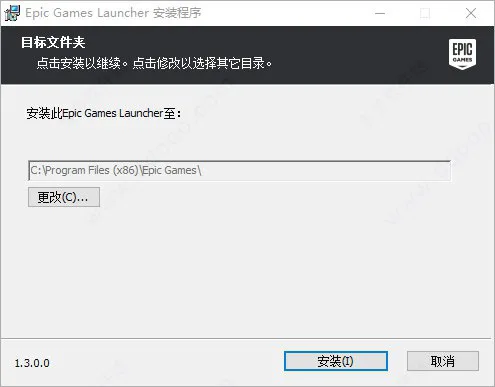
- Run the “EpicInstaller-13.0-twinmotion.MSI” installer and install it to the default directory.
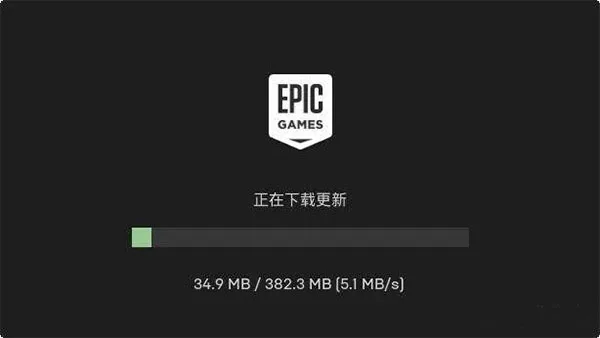
- After installation, the software will update automatically—just wait for it to complete.
- Tip: You can also log in directly or access the installation page via the Unreal Marketplace.
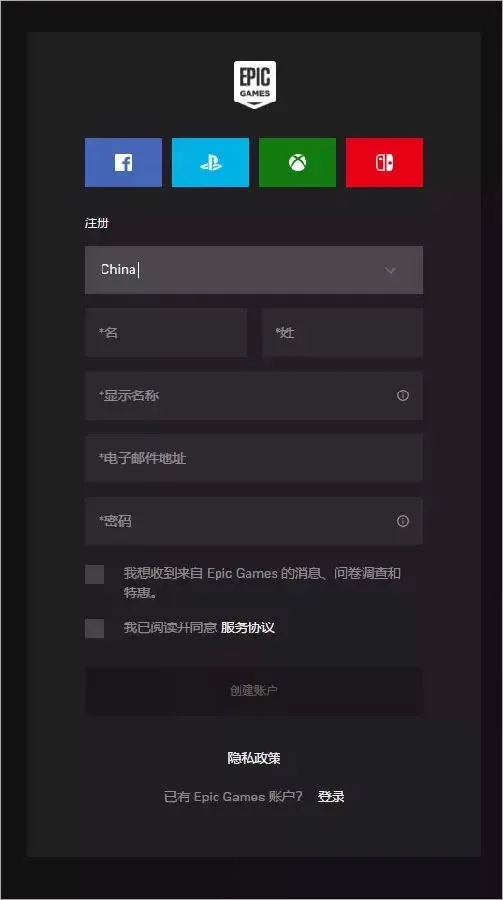
- Create an Unreal Engine developer account by registering yourself.
- After registration, navigate to Unreal Engine – Twinmotion and click “Install”.
- Proceed with the installation using the default directory, or choose a custom location if preferred.
- Monitor the installation progress via the visible progress bar.
- Once installed, click “Start” to launch the software.
- The software is now ready for free use. The above steps detail Twinmotion 2022 installation in Chinese.
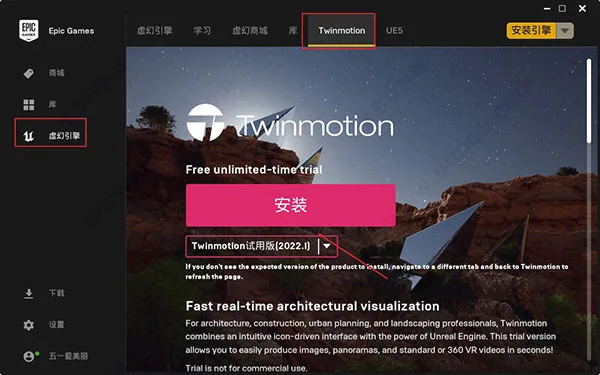
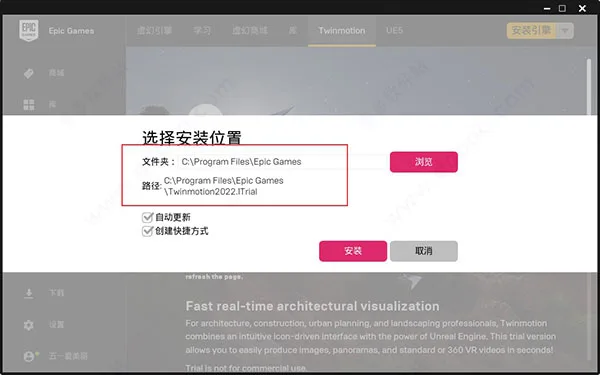
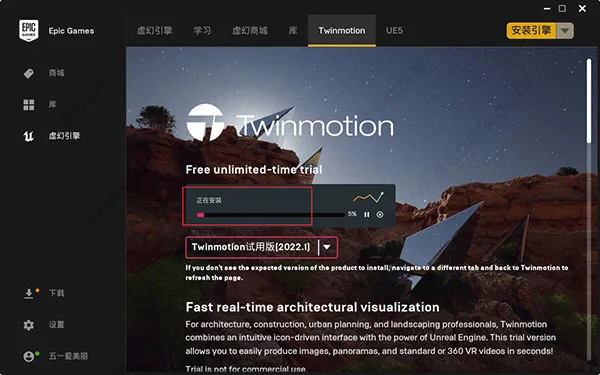
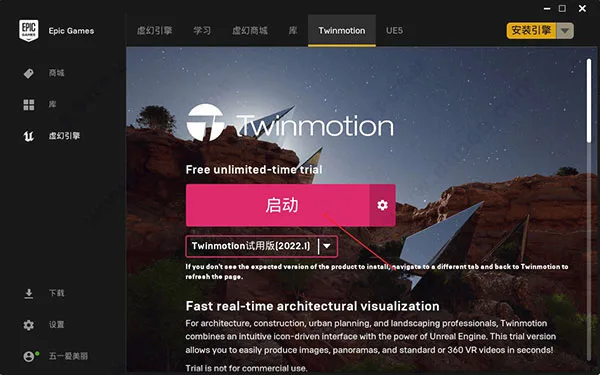
How to Switch Twinmotion to Chinese
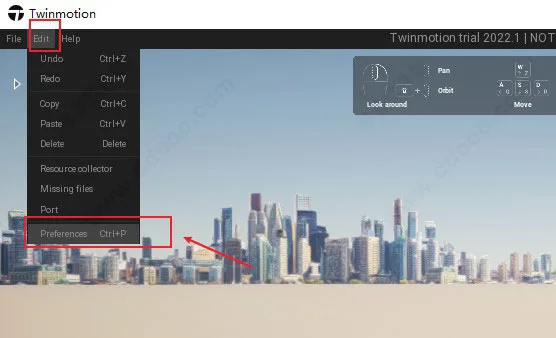
When you first open the software, click Edit > Preferences to access the settings interface.
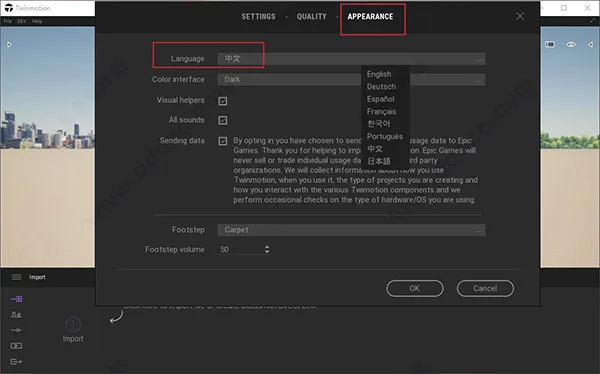
Next, select Appearance > Language > Chinese, then click OK.
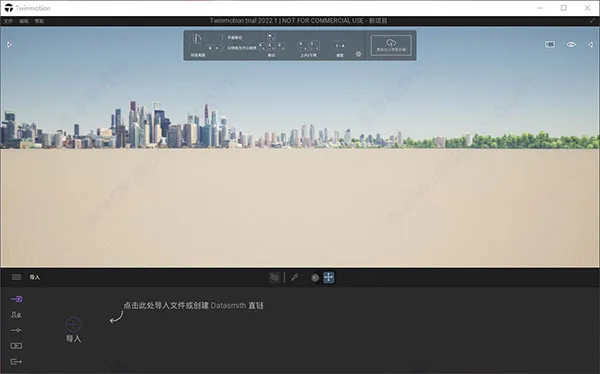
Finally, the entire interface will switch to Simplified Chinese.
New Features in Twinmotion 2022.1
Path Tracer: Utilize the latest path tracer to generate final pixel images comparable to offline rendering. It features perfect global illumination, physically accurate refraction, super sampling anti-aliasing, and more. This progressive rendering mode, accelerated by DXR* and physically precise, is enabled with a single click in the viewport and produces stunning static and panoramic images within minutes. It also supports orthogonal top views with shadows.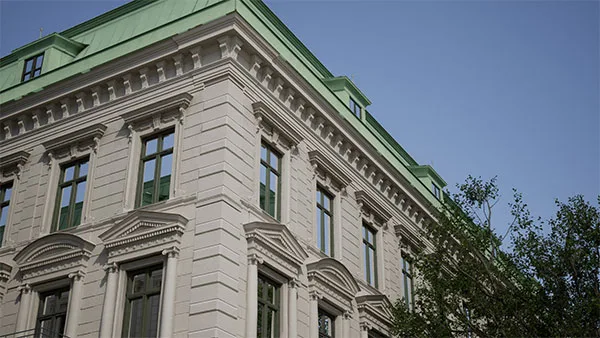
Fully Open Twinmotion Cloud Services: Share projects globally with stakeholders using just a basic desktop, tablet, or smartphone and a web browser. Presentations and panoramic images run on high-end GPUs in cloud servers, allowing interactive engagement. This feature is now part of the Early Access Program, available to all users including those with educational licenses and trial versions. Additionally, a new panoramic image collection feature allows you to highlight specific viewpoints during reviews, eliminating the need to share a fully navigable scene. Sharing links and updating demos have never been easier.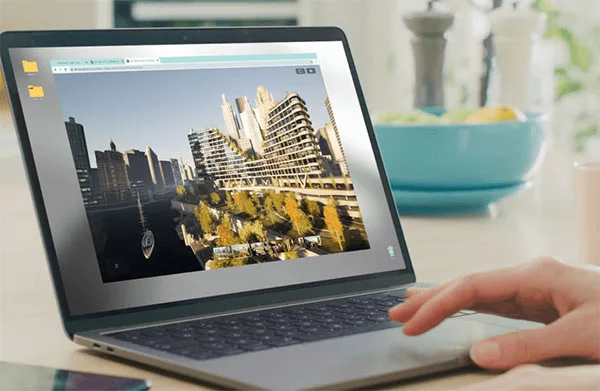
HDRI Sky Ball: When paired with the path tracer, the new Sky Ball creates more realistic skies and lighting, enhancing the realism of outdoor scenes. The extensive library includes 285 sky presets, with the option to use custom HDRI textures.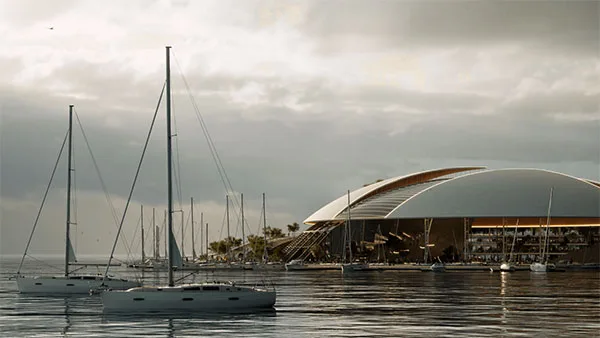
Datasmith Multi-Source Synchronization: Synchronize files from multiple CAD tools into the same Twinmotion scene simultaneously using Datasmith. For example, terrain in Rhino and buildings in Revit can be edited separately while viewed combined in Twinmotion.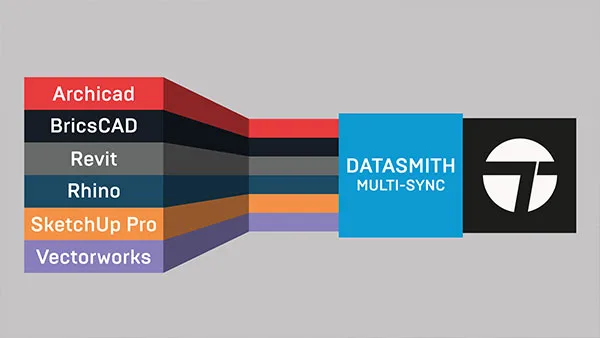
LiDAR Point Cloud Import: Import and visualize laser scan data from popular formats, commonly obtained via scanners like Leica or Trimble in construction and industrial environments. This enables visualization of projects within existing terrain and structures.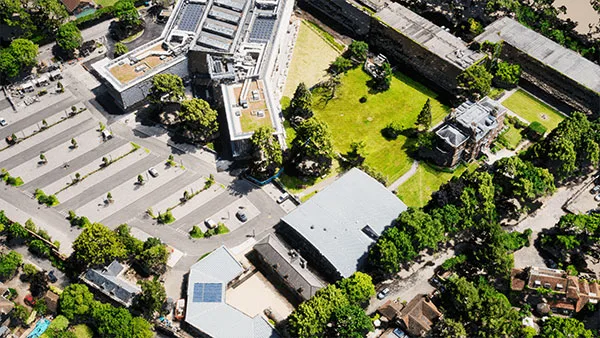
Thousands of New Assets: Two new categories from Quixel Megascans add over 200 new 3D plant species, each with multiple variants, and more than 2,000 new decals. Users can select which plant variants to use. Nearly 150 sets of indoor and outdoor furniture have also been added. Furthermore, custom reflectivity, luminosity, concavity, and metallicity textures can now be assigned to stickers within both the standard and latest Quixel sticker libraries.
3Dconnexion SpaceMouse Support: Added compatibility with 3Dconnexion SpaceMouse devices for smooth and efficient 3D navigation, quick access to frequently used commands, and seamless switching between 3D applications.
Full-Screen Mode Editing: Perform editing tasks such as transform, copy, paste, and delete in full-screen mode, allowing immersive scene adjustments.
Central Pivot and Local Coordinate Axis: Edit object pivots and operate in local space for precise control over translation, rotation, and scaling.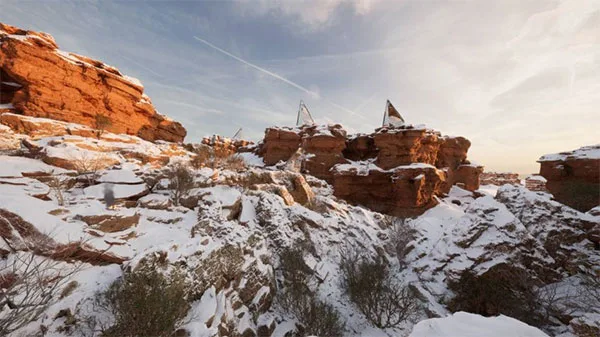
Changelog Highlights
- Fixed reversed left rear wheel on SK-WheelLoader construction machinery.
- Corrected spotlight and omni light intensity issues in material room demo scene.
- Resolved normal map visibility and decal opacity inconsistencies.
- Metal materials corrected on concrete pipes.
- Added missing library thumbnail for Brian Worker animator.
- Addressed M-StdEmissive handling of opaque masks since version 2020.1.
- Transparent glass material now renders correctly on both sides.
- Fixed issue where rain appeared to rise instead of fall.
- Restored subsurface scattering effects.
- Corrected distortion caused by three-plane mapping on normals.
- Resolved decal rendering issues on dark surfaces.
- Fixed semi-transparent fabric material level.
- Corrected cut leaves on Japanese walnut models.
- Opacity textures no longer associate with floral materials on trees.
- Addressed opacity issues in aircraft materials.
- Added missing reflectivity to MI_GlossyMetalBlack asset.
- Fixed incorrect icon for Ronald in human pose category.
- Improved tree LOD visibility based on scope.
- Corrected snow sticker normal direction; stickers no longer disappear under snow.
- Accessory materials are now non-selectable and non-editable.
- Fixed geometry intersections between trunk and branches on cork oak trees.
- Character animation playback now matches animation displayed in Dock.
- Last LOD using PaintVegetable/Settings workflow fixed.













Must log in before commenting!
Sign Up