
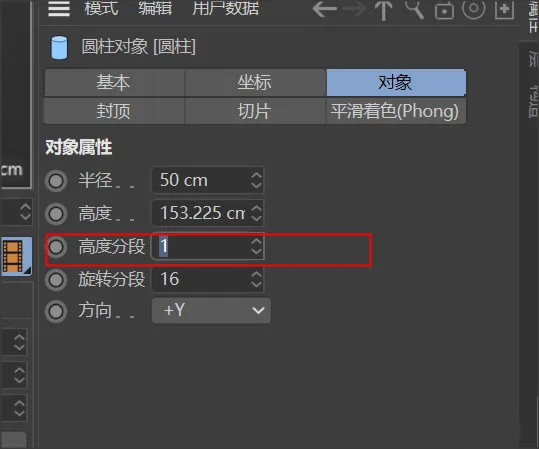
Start by creating a cylindrical object. Use the scaling tool to adjust the base radius and height to your desired dimensions. In the object’s properties panel, set the number of height segments to 1.
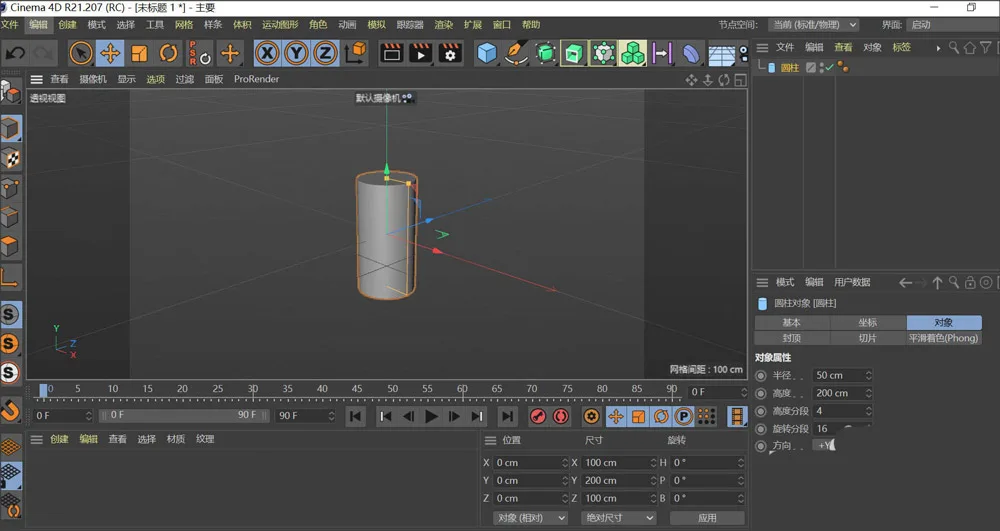
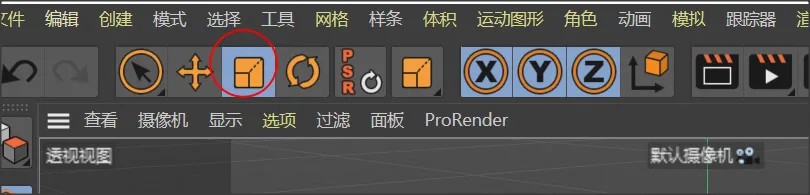
Press the C key to enter edit mode. Switch to face selection mode, then select the top and bottom faces of the cylinder. Scale the top and bottom faces outward appropriately to adjust their radii.
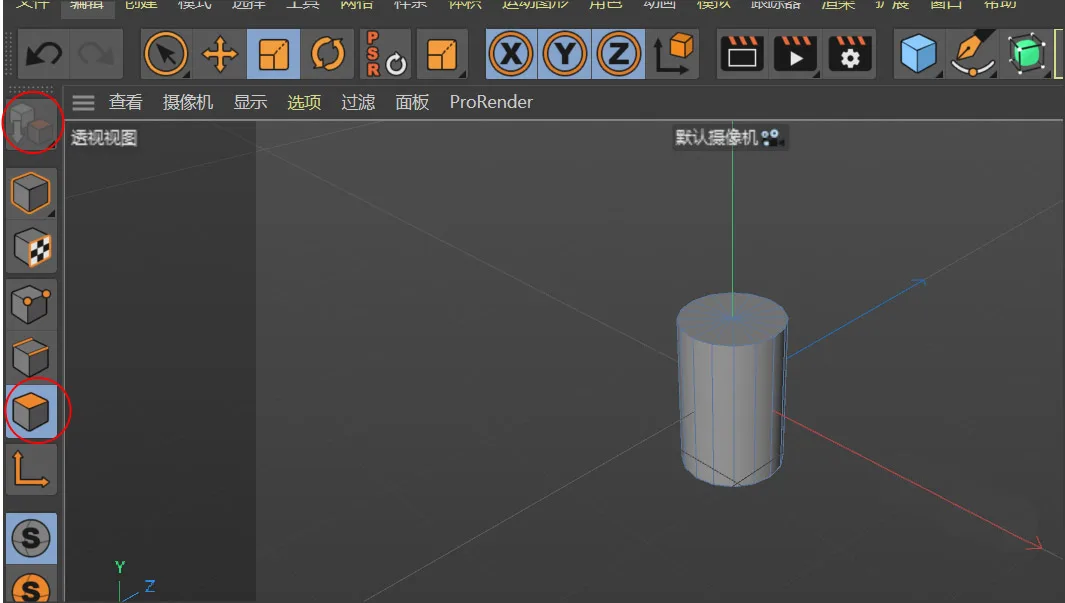
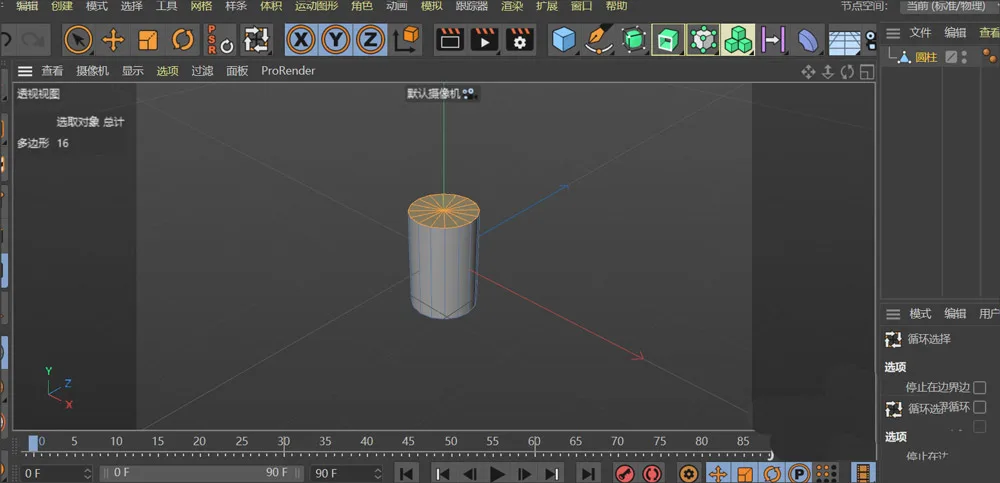
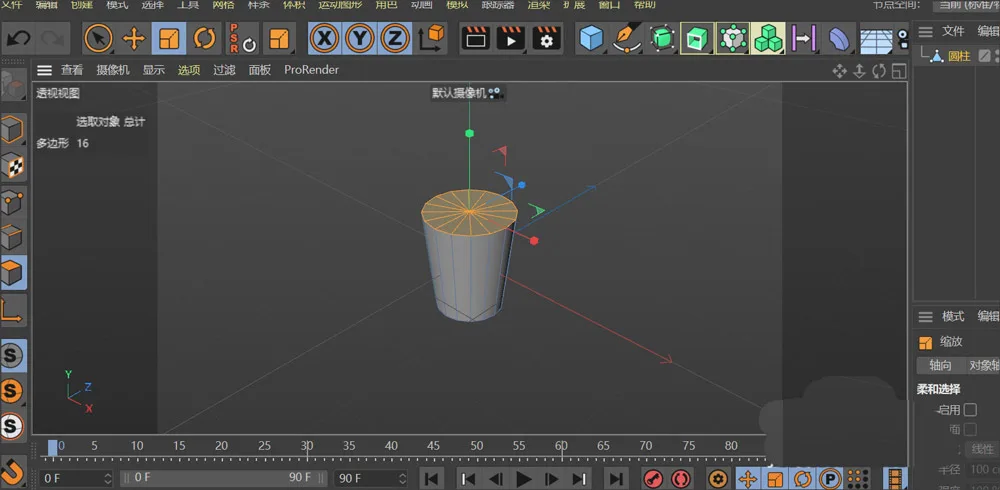
Since paper cups have open ends, let’s create the openings. In face selection mode, select the top and bottom faces again, then delete them. This will create the hollow openings of the cup.
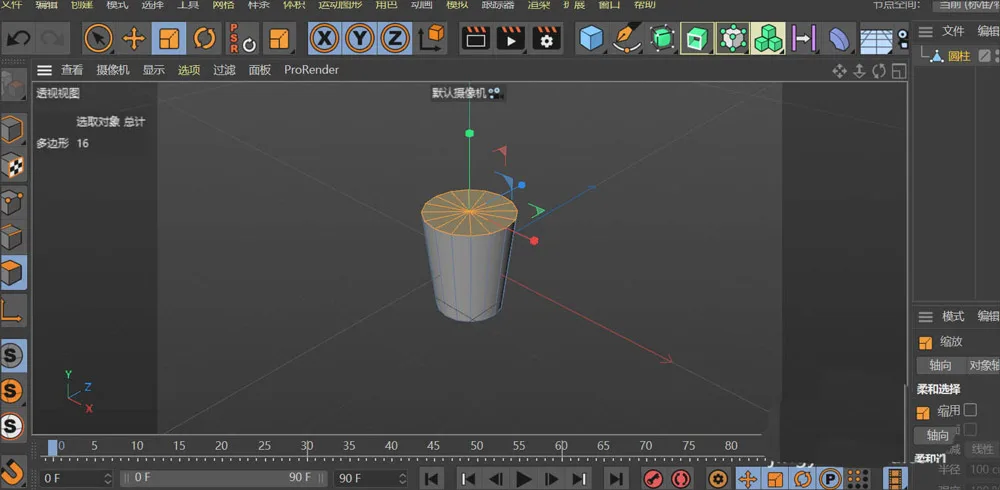
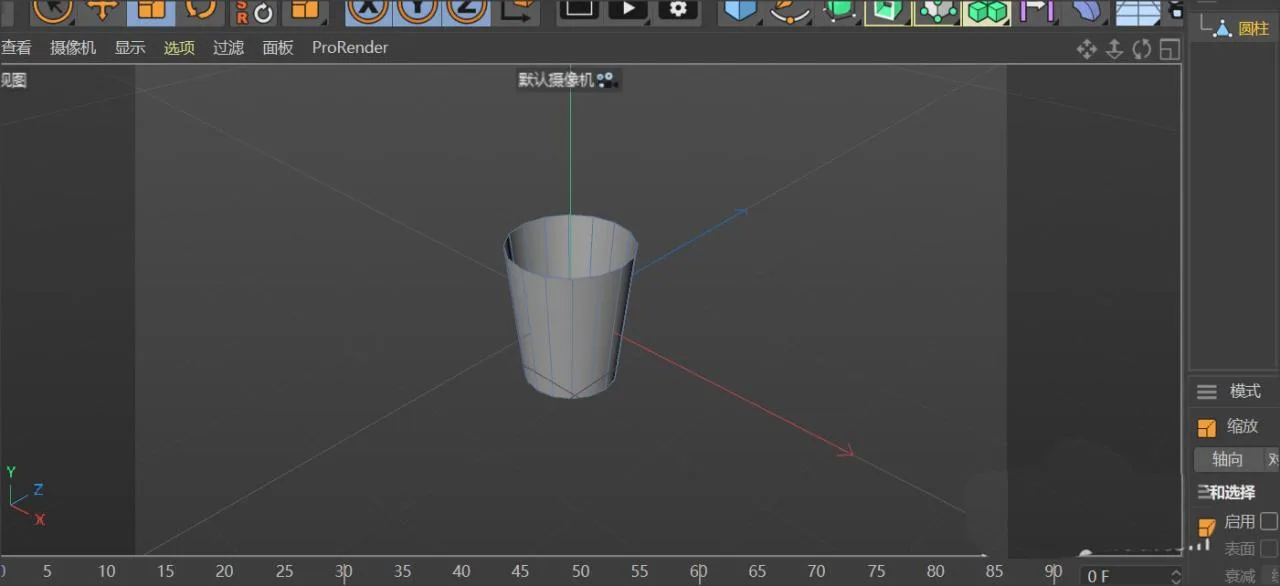
Notice the small circular ring around the cup’s opening. To create this, switch back to object mode and add a ring object. Adjust its outer and inner diameters so it fits snugly inside the cup’s opening.
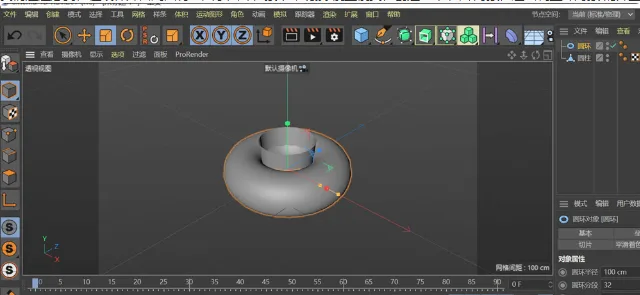
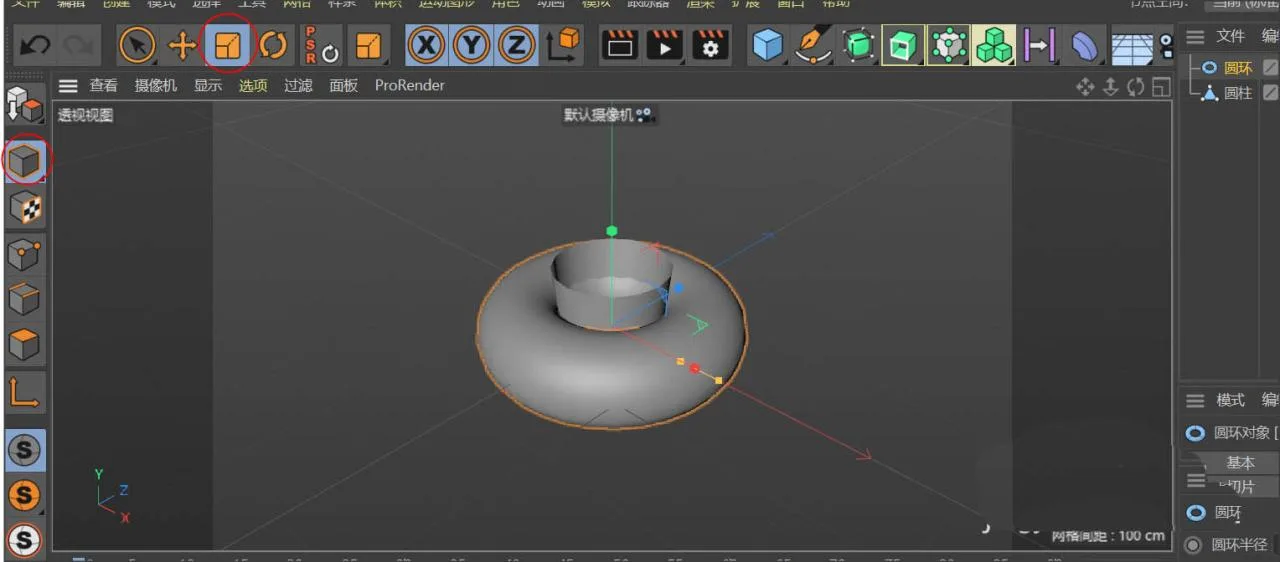
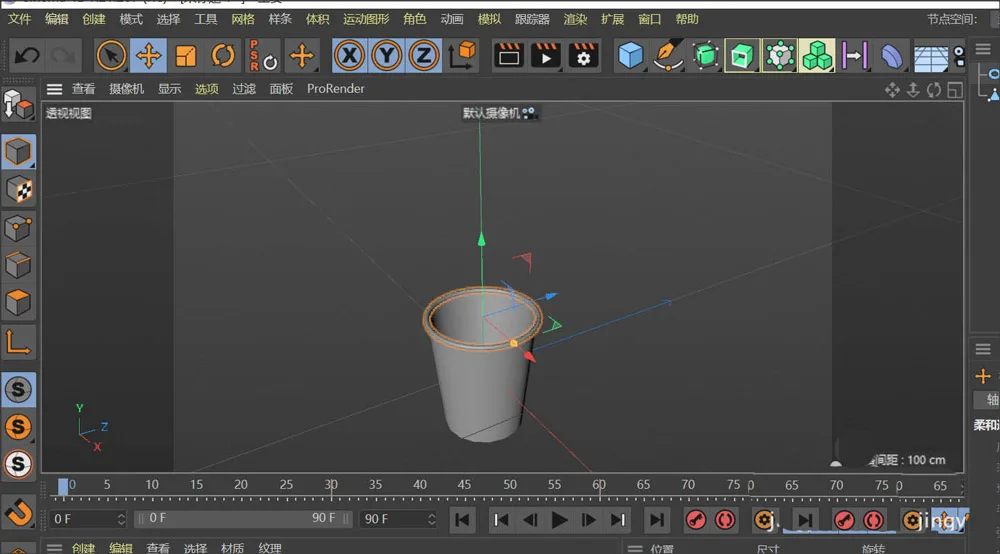
And there you have it—a small paper cup model is complete! Let’s take a look at the final result.
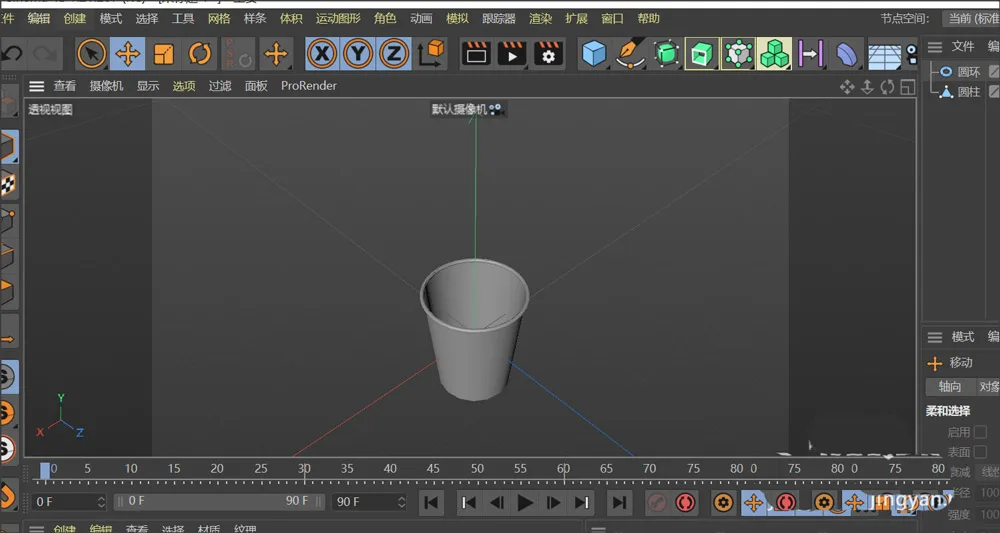
This concludes the tutorial on creating disposable paper cup models using C4D. I hope you find this guide helpful!
















Must log in before commenting!
Sign Up