
Content source: Geek BIM Workshop

The model featured in this article is a small project the author is currently working on, serving as an ideal experimental case. From today’s perspective, smaller projects often prove more interesting. In cities with neat, uniform apartment blocks, architectural design tends to be minimal, and achieving beauty in such contexts is considered a real achievement. The so-called “black iron era” of real estate is inevitable, and many architects who have fallen out of favor might need to consider retirement or pivot their careers.
Out of boredom, I started experimenting with this small project. Below are sample images rendered using ArchiCAD’s default settings, provided for AC enthusiasts to reference and utilize.
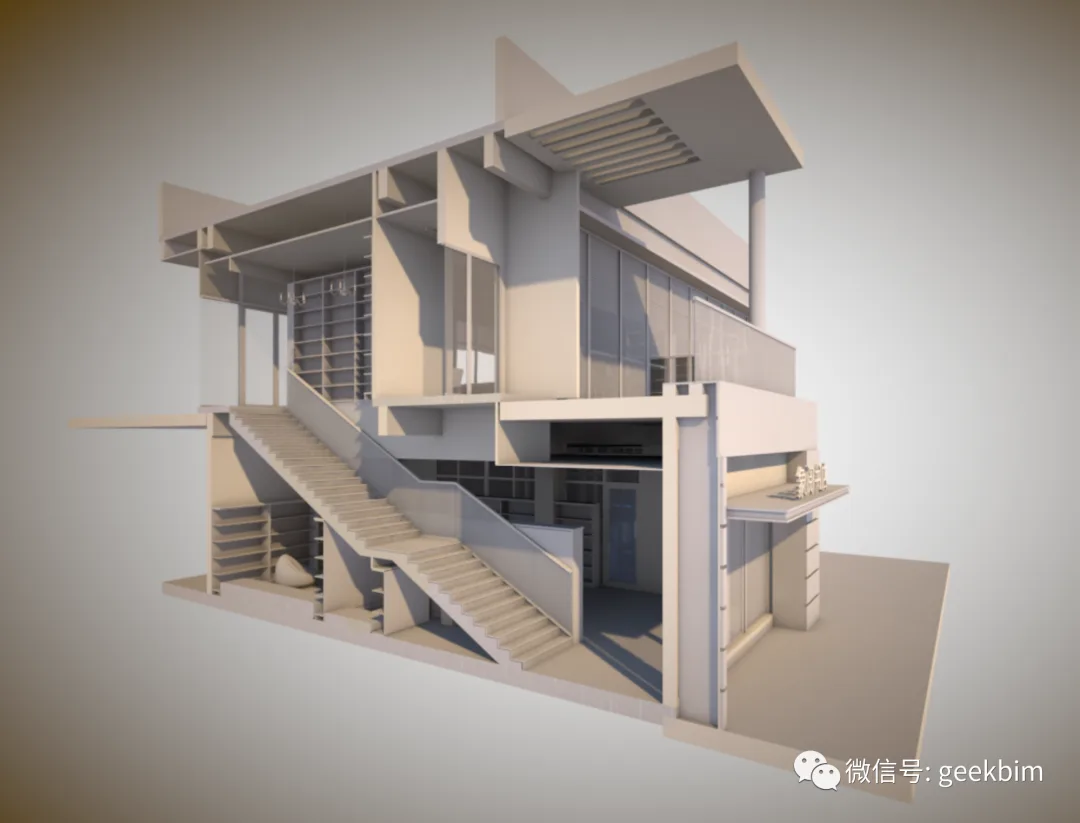
To achieve quality rendering effects in ArchiCAD, a highly detailed model is essential. Understanding how rendering parameters correspond to visual outcomes is a fundamental skill, useful for creating analysis visuals, though its practical application might be limited.
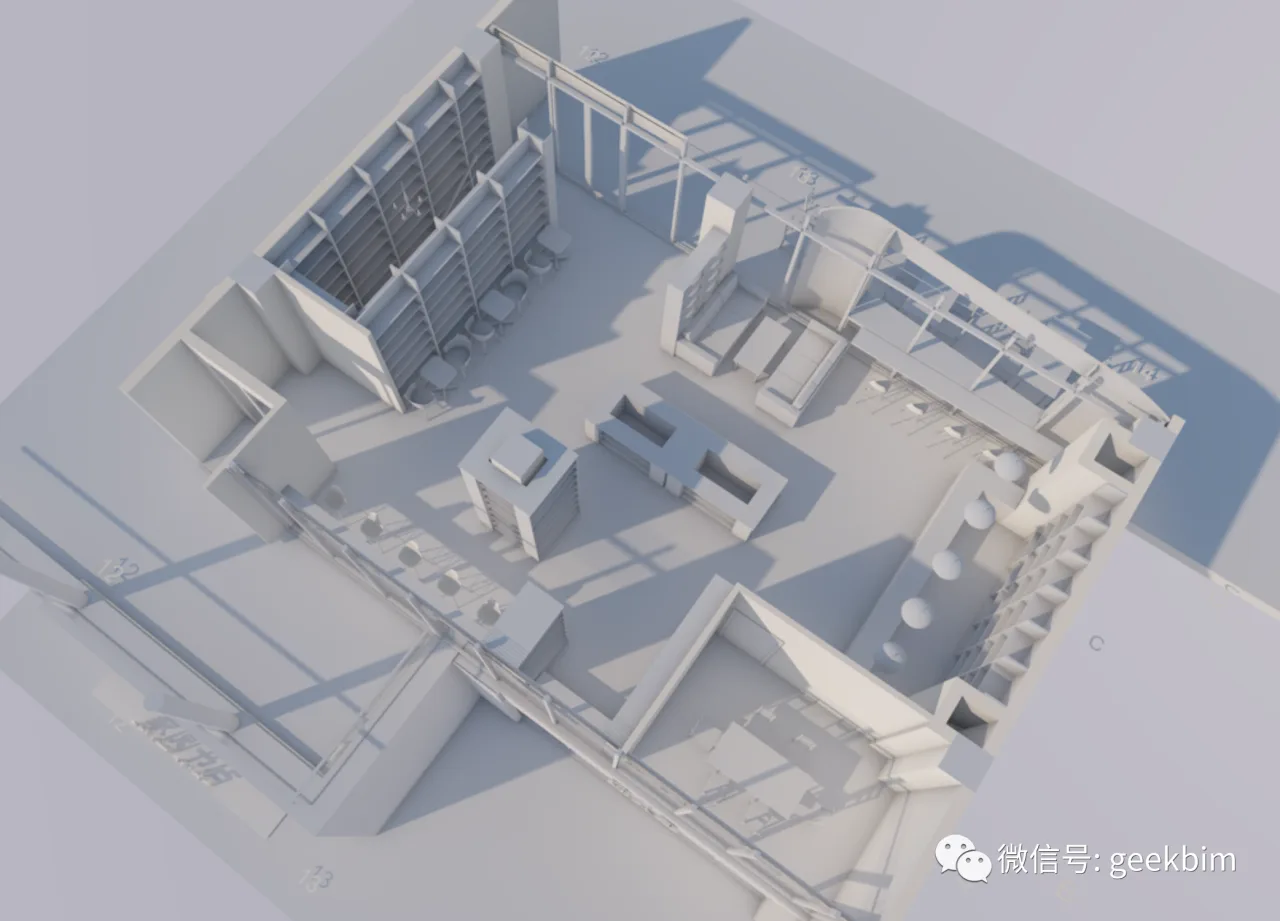
For those familiar with Piranesi software, this might ring a bell—you can still find this software today, __AI_S_TURL_0__.
This represents a classic era of computer-assisted design. ArchiCAD emerged alongside Apple’s first-generation personal computers, carrying a strong emphasis on manual drawing techniques. However, as computer technology advances, virtual reality and digital simulation have become commonplace, making traditional manual simulation less relevant. This shift means software logic now operates with its own autonomy, focusing on making optimal use of computer capabilities.
When working with a well-developed model, ArchiCAD’s rendering still produces impressive results. The rendering filters, which echo manual drawing styles, add a nostalgic touch reminiscent of early image editing software.
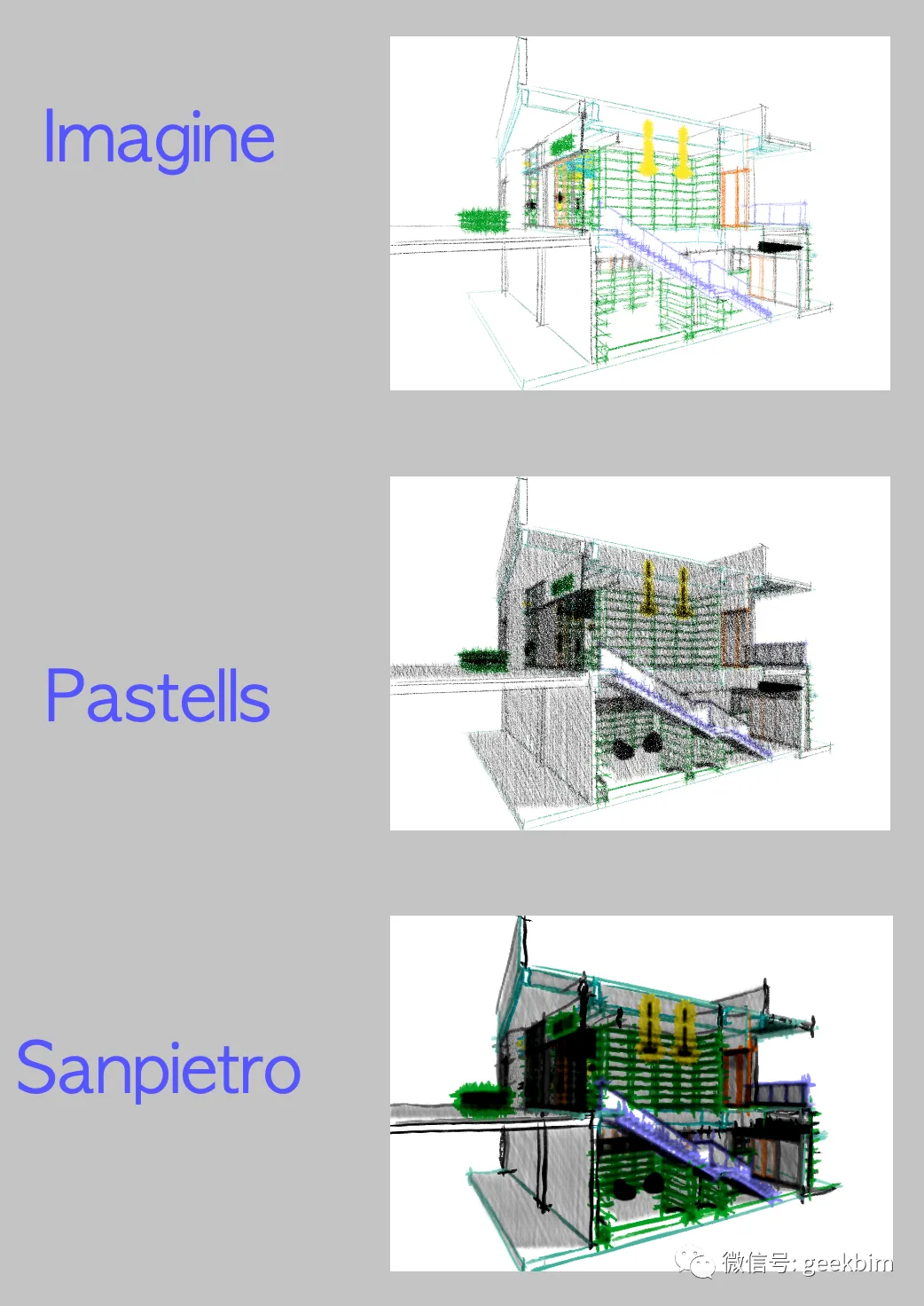
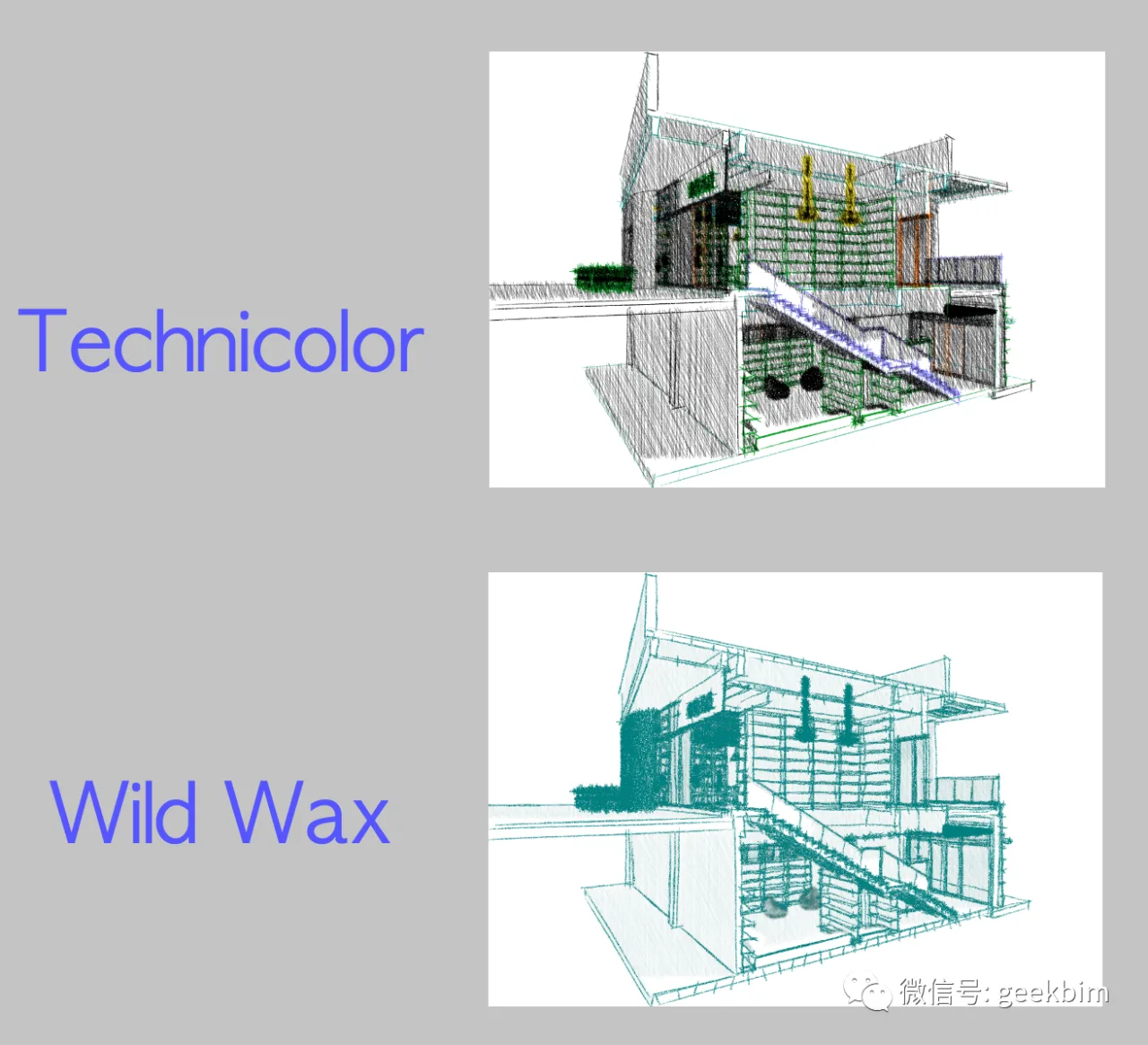
The following image showcases a sample from the Rough Scenes rendering style.
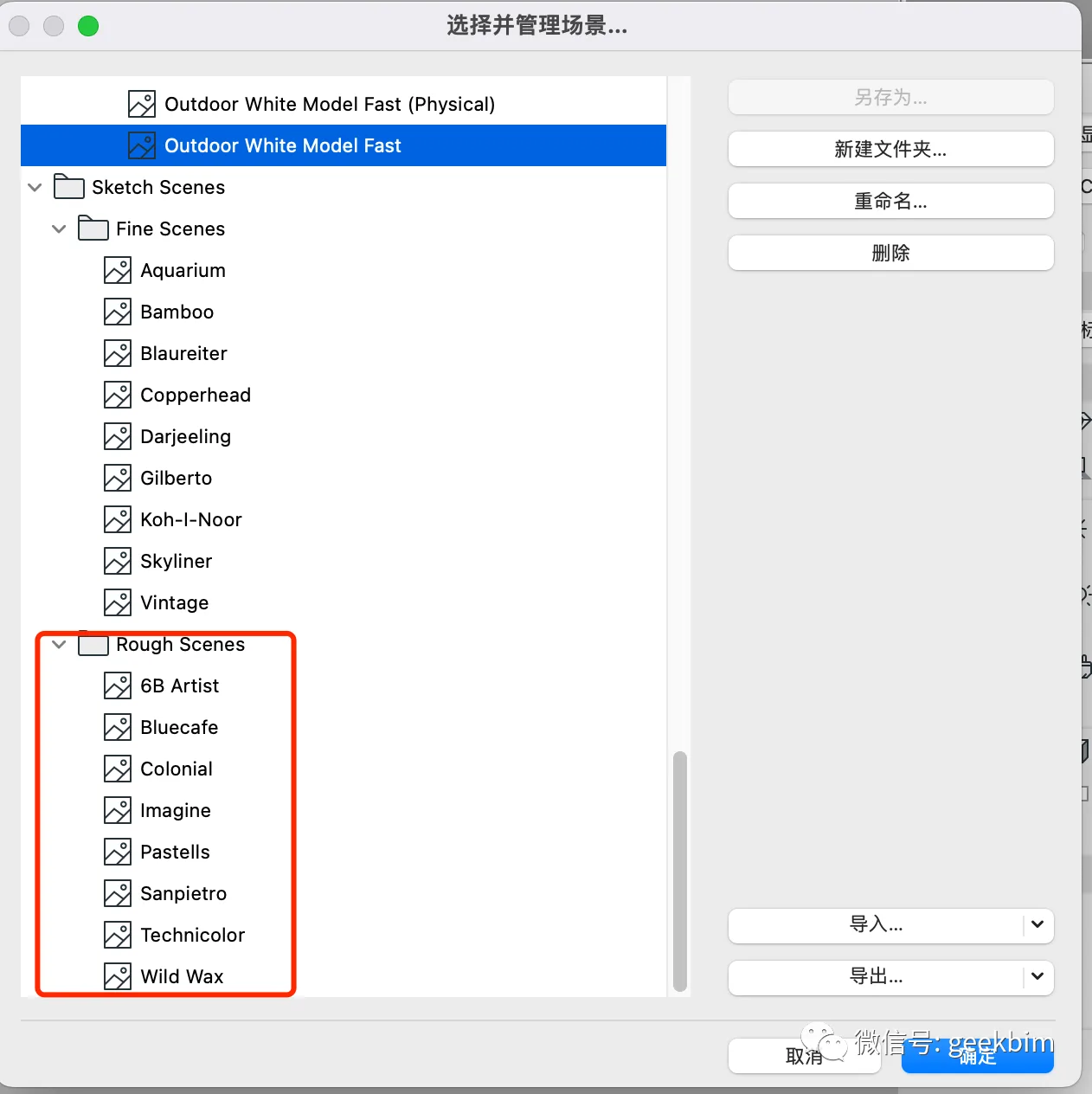
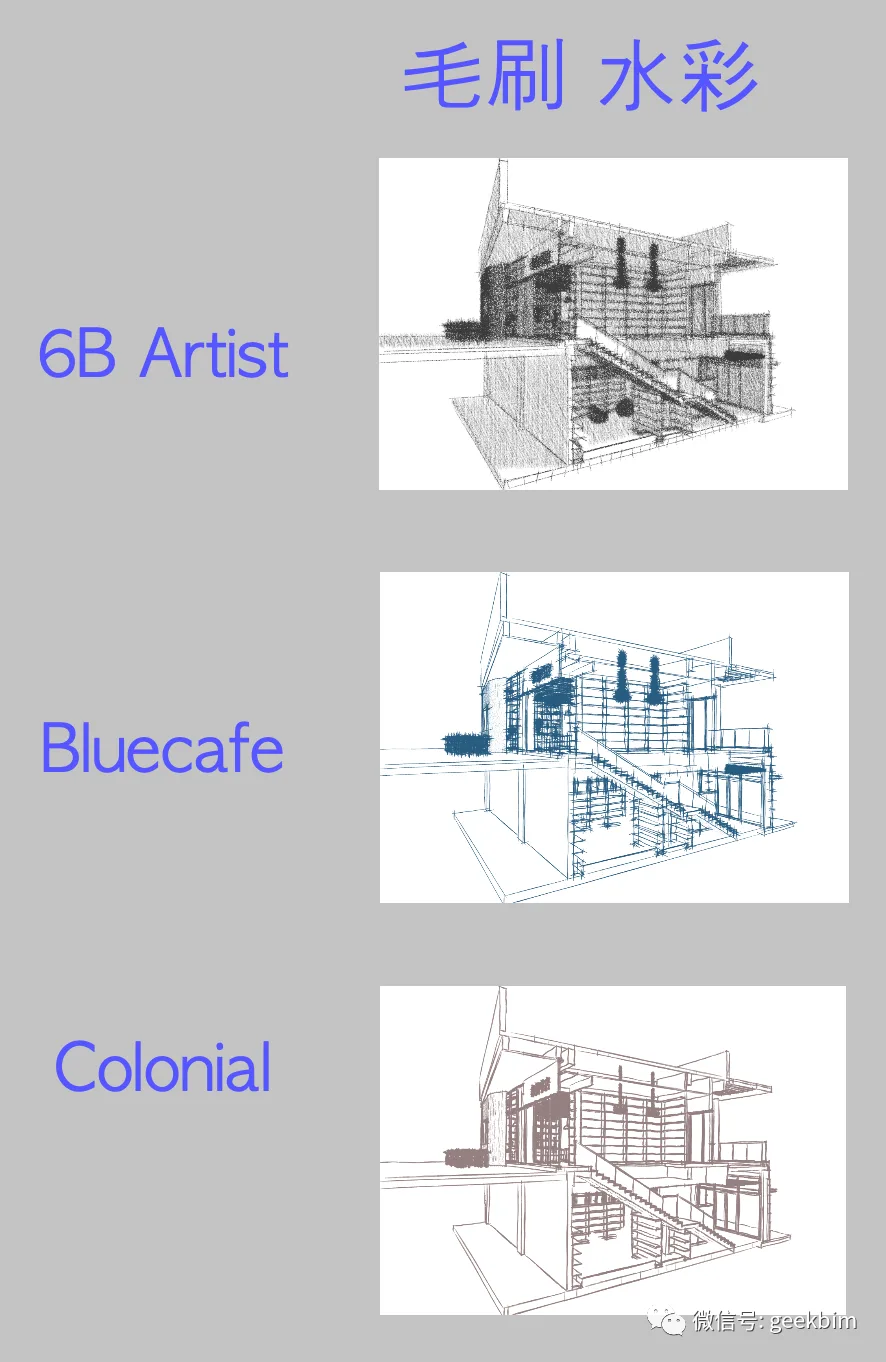
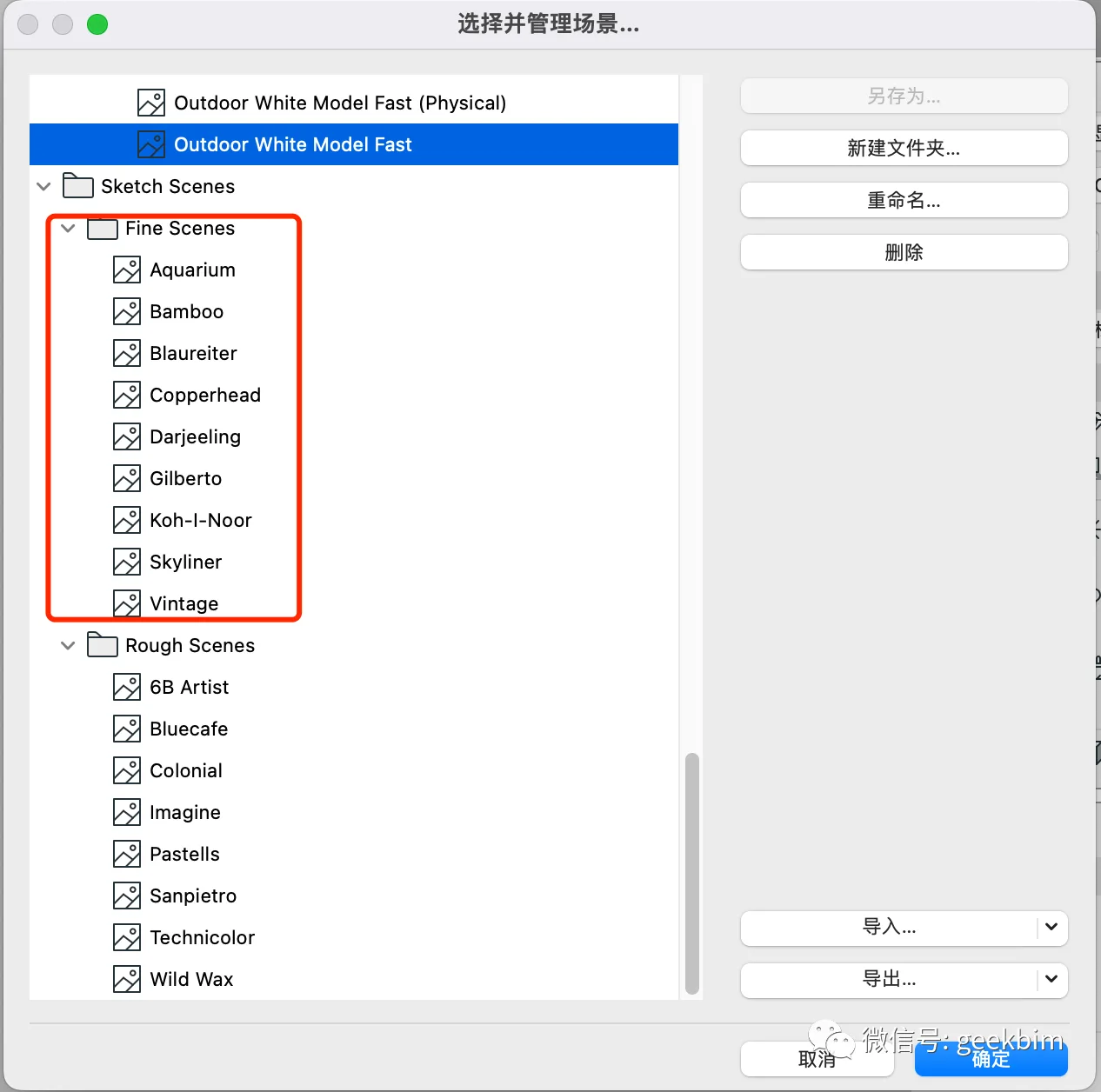
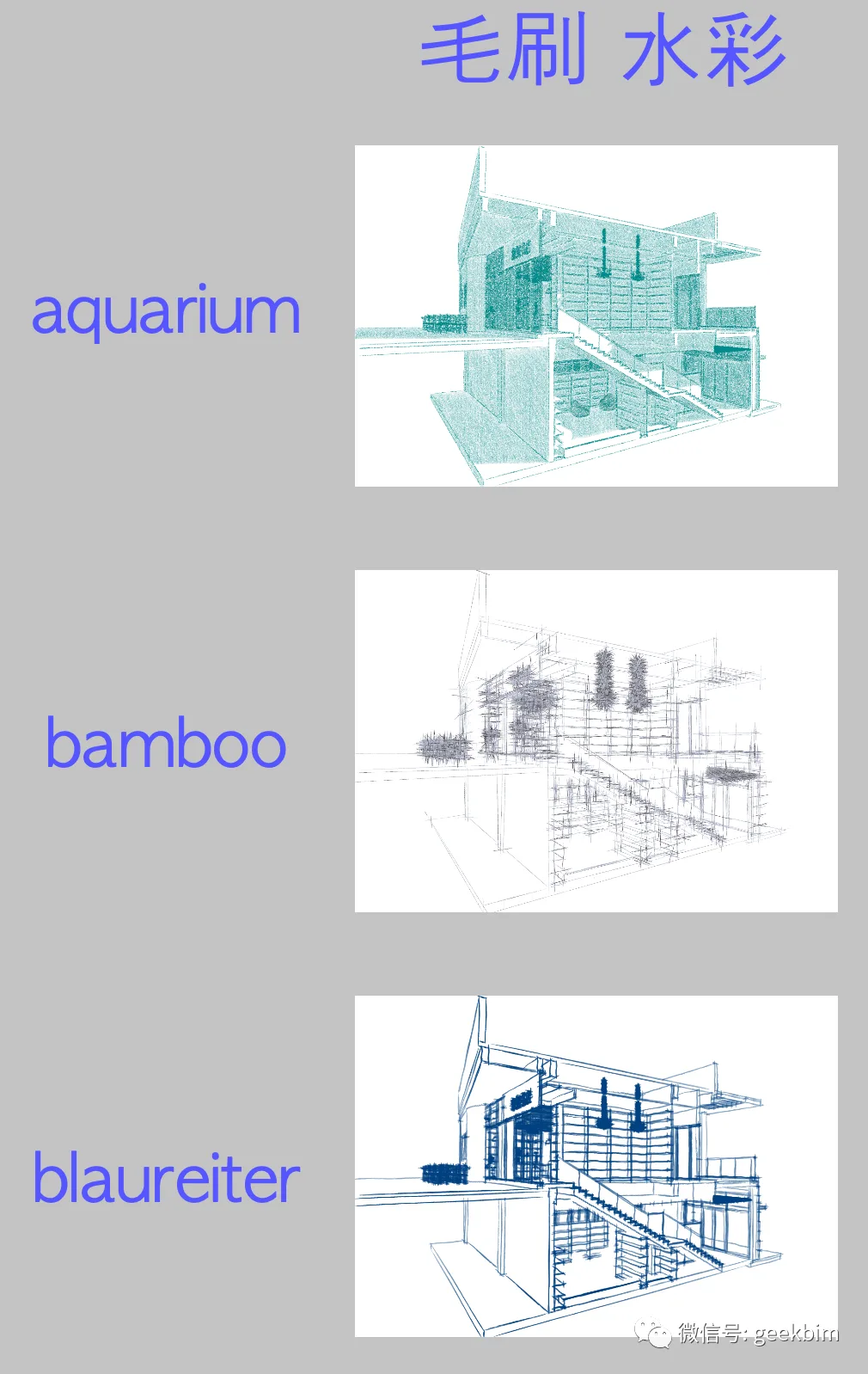
Next, here are some samples using the FineScenes rendering style.
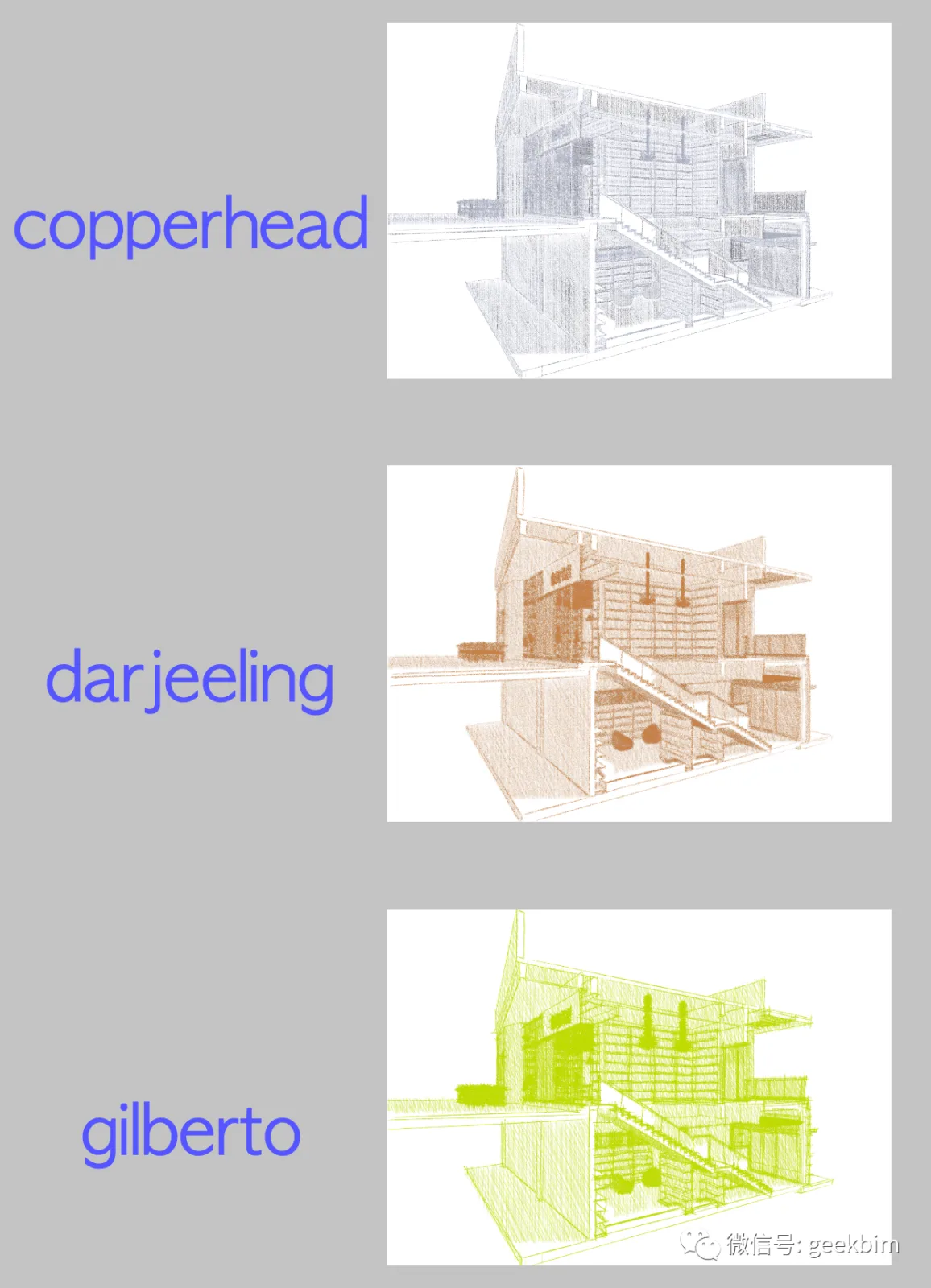
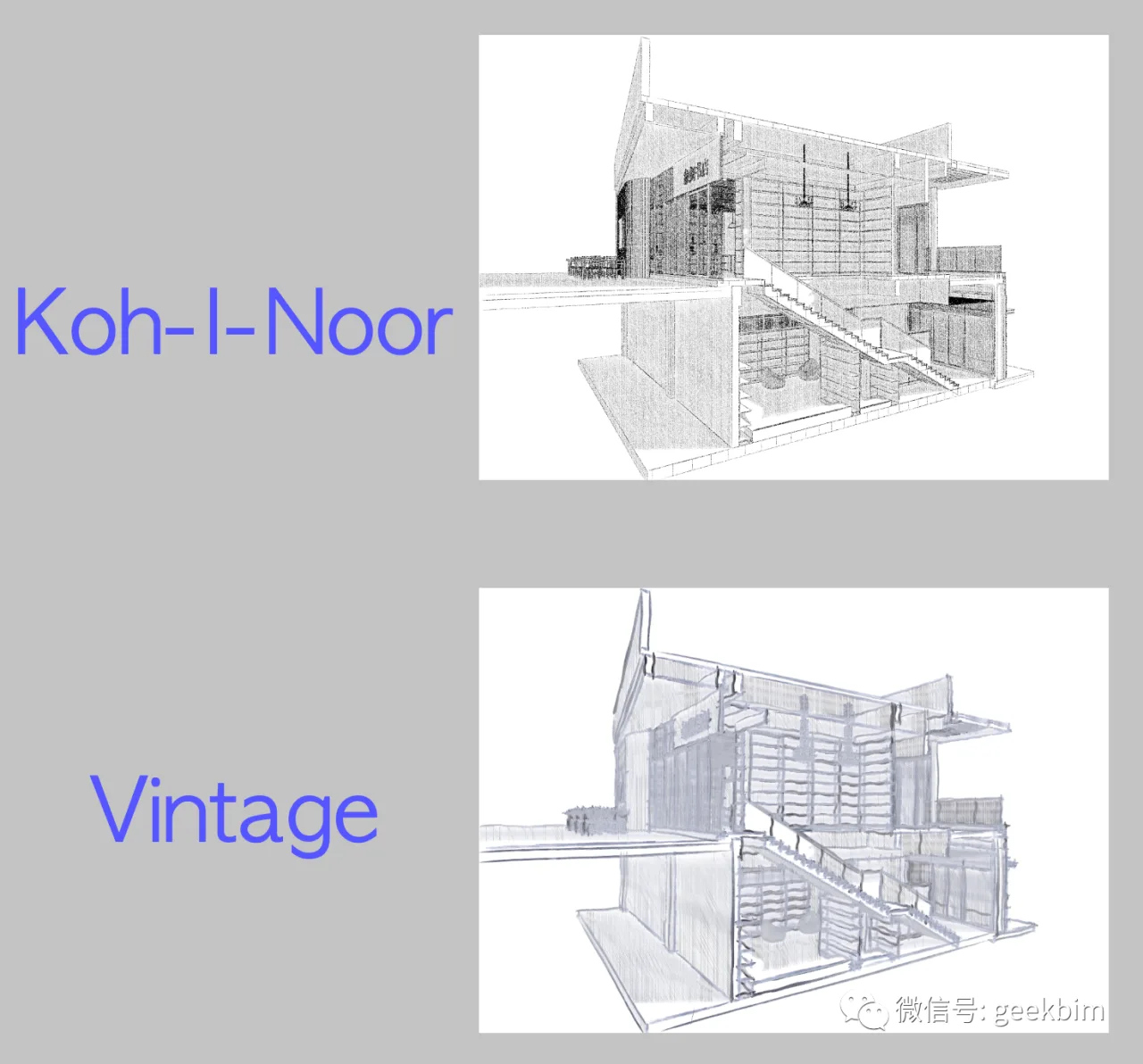
Below are test images rendered using the Rendering mode, which is very convenient and adequate for studying the model’s details.
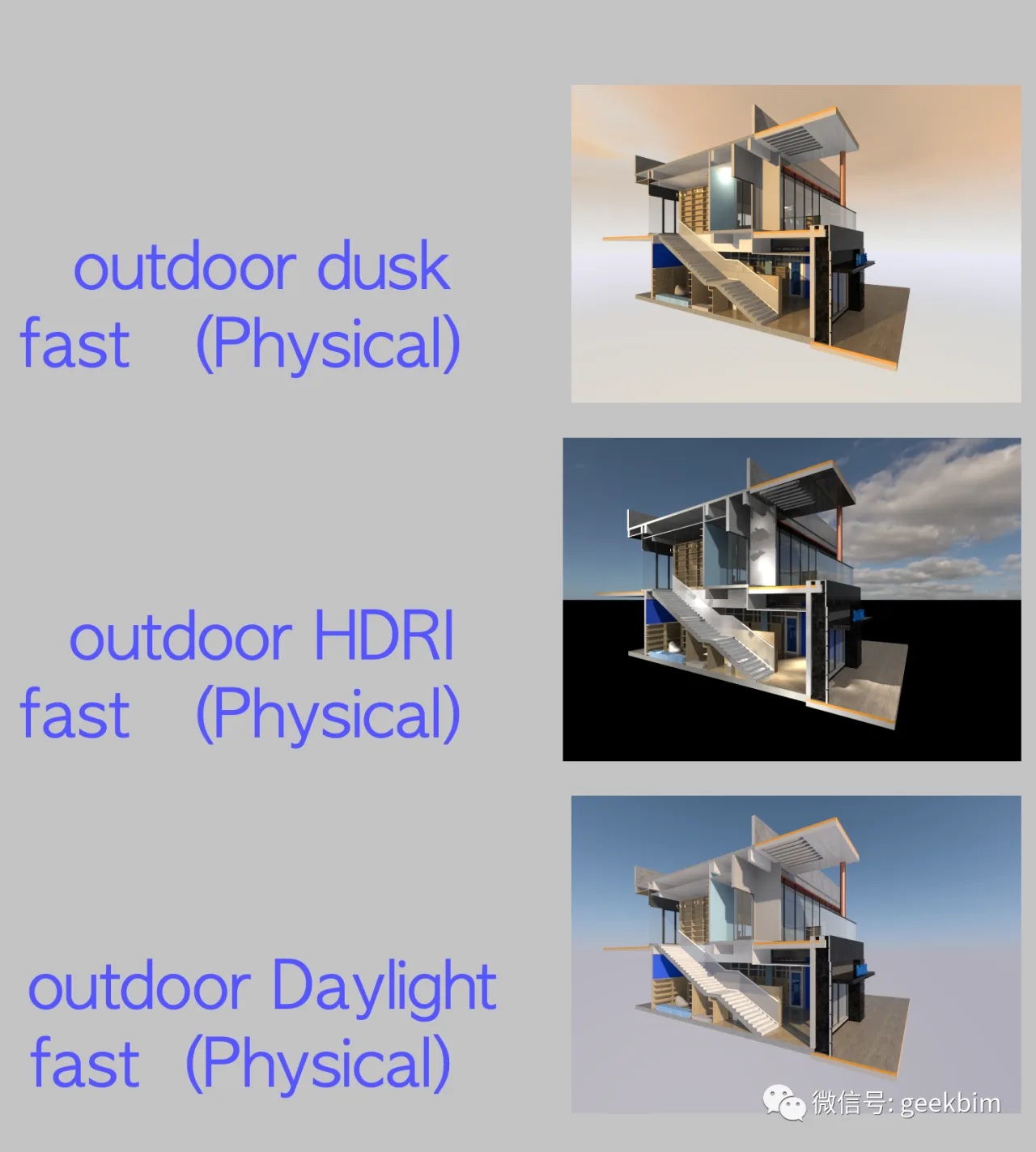
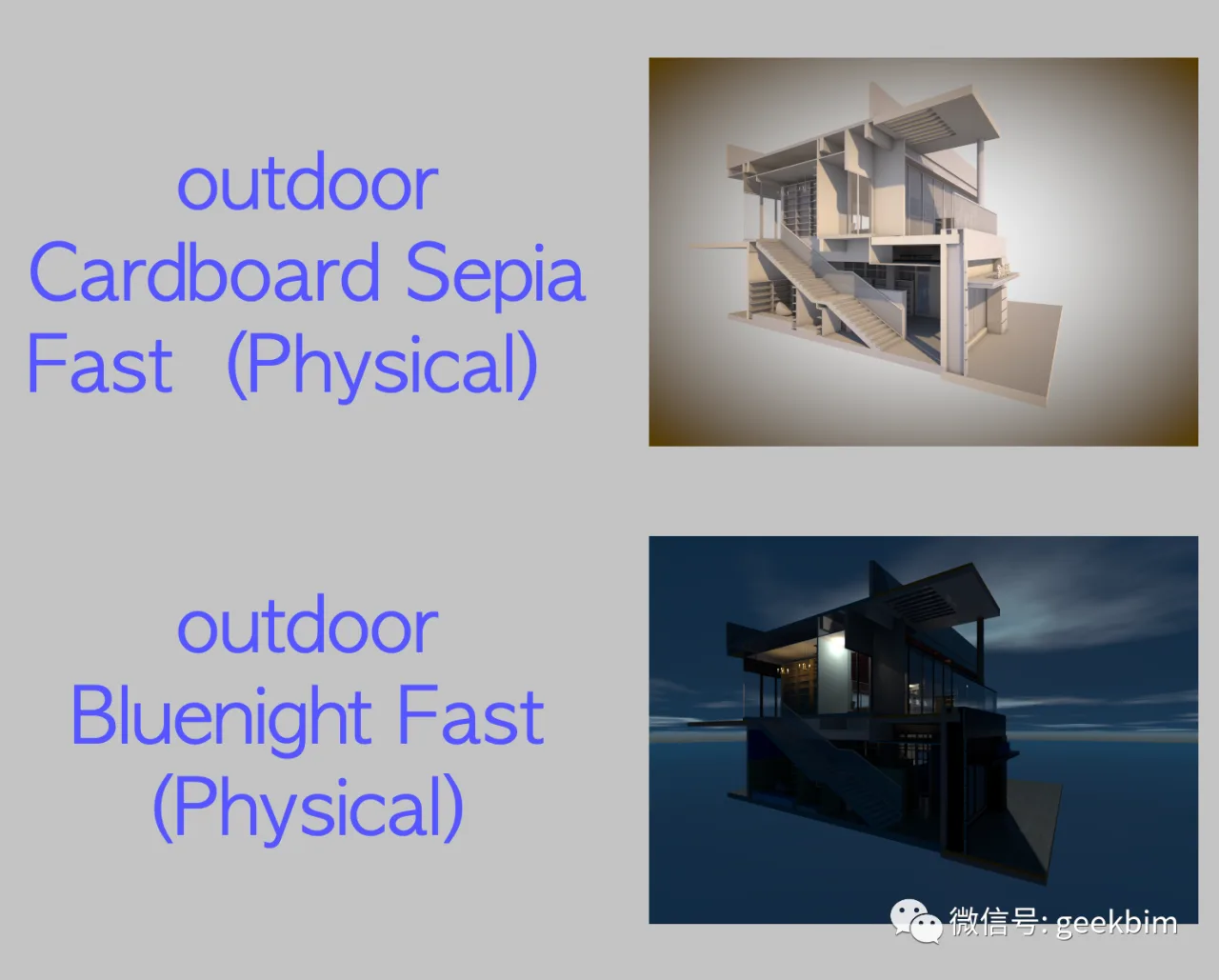
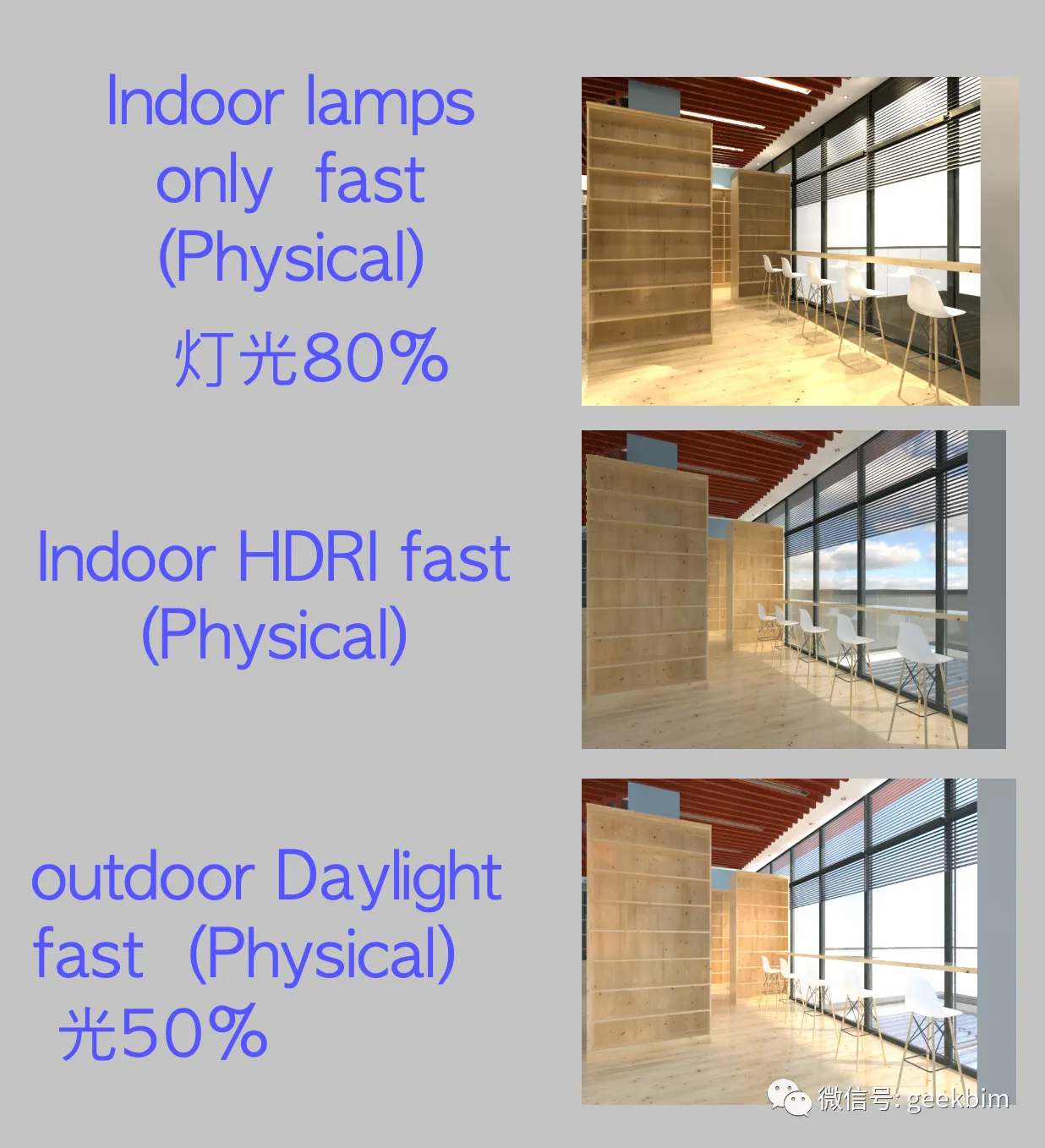
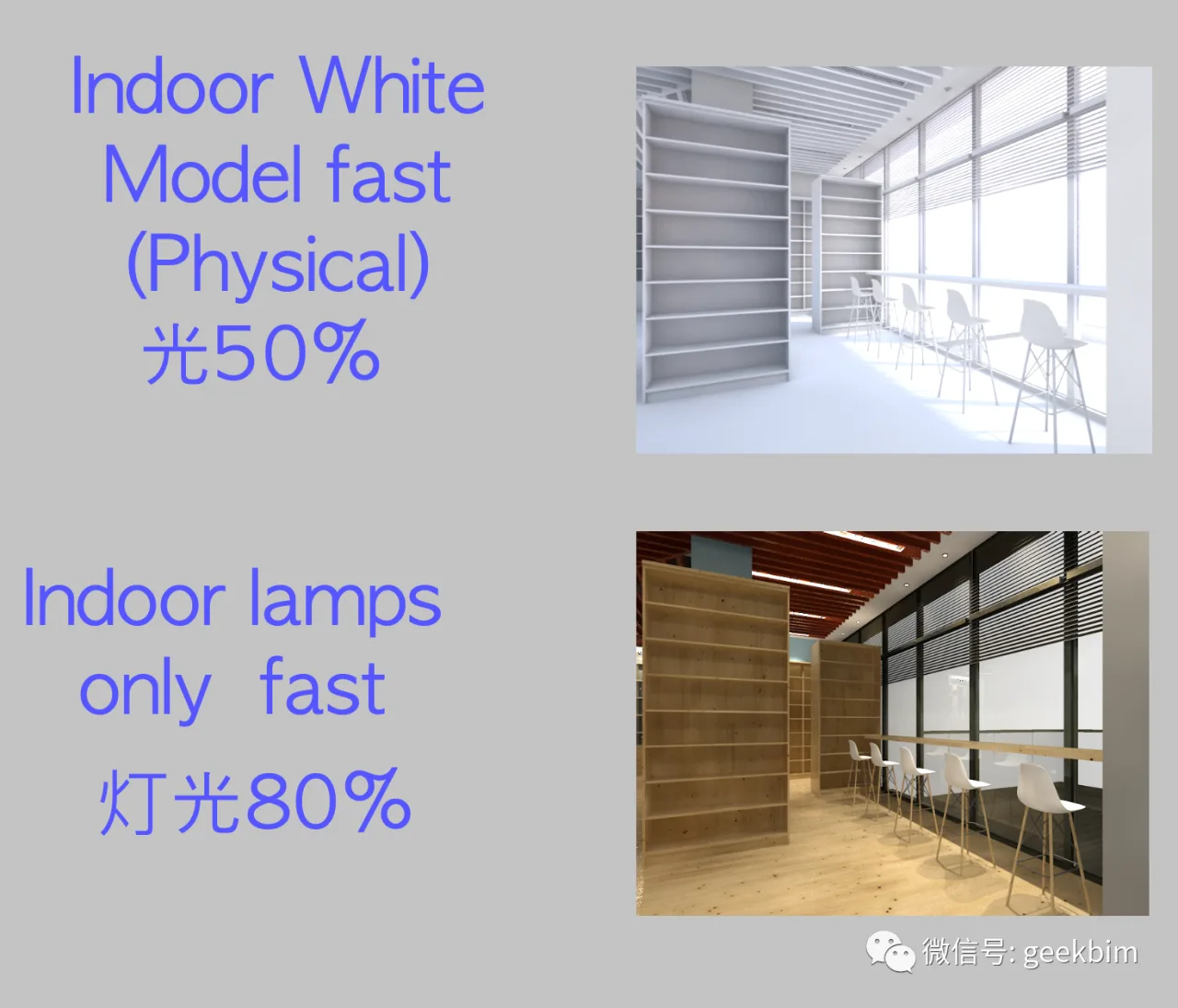
It’s important to note that outdoor and indoor lighting setups differ significantly. Rendering outdoor scenes with indoor lighting settings will result in unviewable images, so be cautious. Each rendering mode offers different quality levels, but testing shows the differences are minimal and can be adjusted based on your needs.
Below is a sample rendered in White mode; however, I find HDR mode better suited for image analysis.
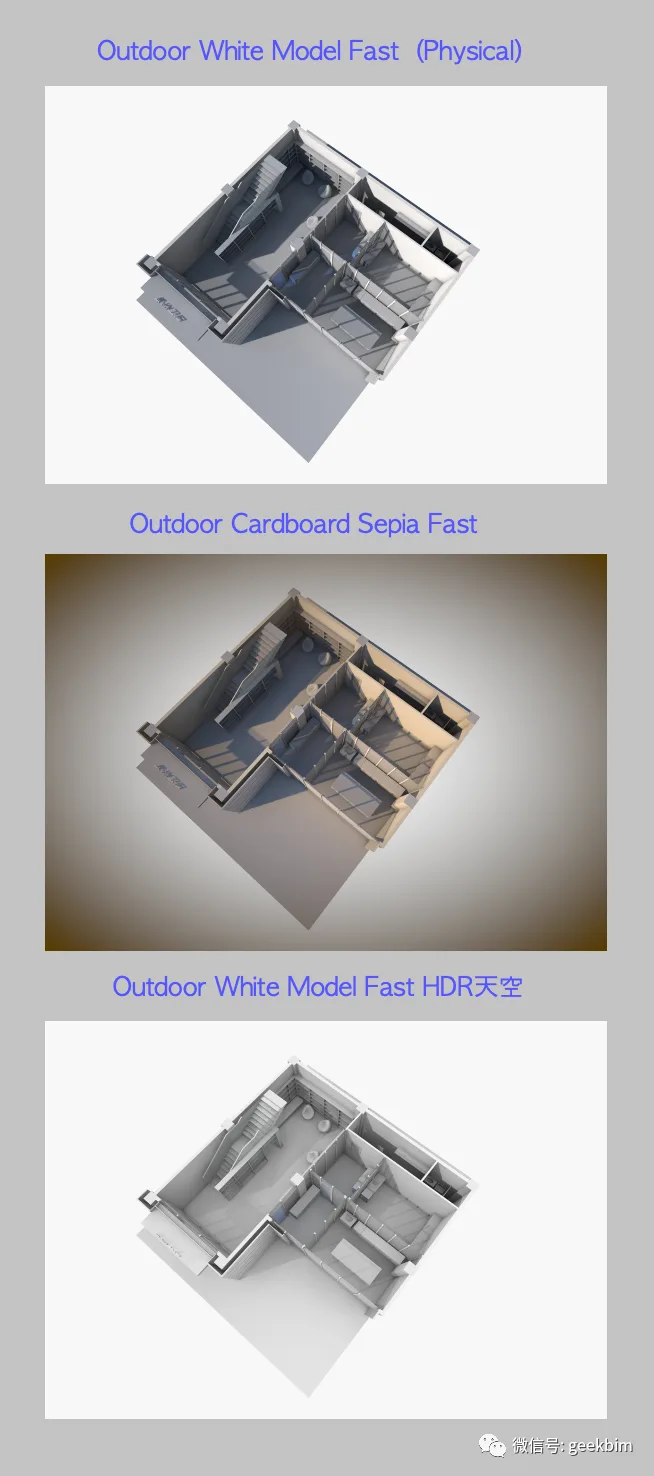
That’s all for now. I’ll share more when inspiration strikes.
















Must log in before commenting!
Sign Up