
SketchUp for iPad offers a fresh way to create, edit, and view 3D models wherever you are—whether at work, on the move, or in the office. Utilize Apple Pencil, multi-touch gestures, as well as mouse and keyboard inputs to bring your 3D ideas to life quickly through drawing, sliding, clicking, and more!
01 Feature Overview
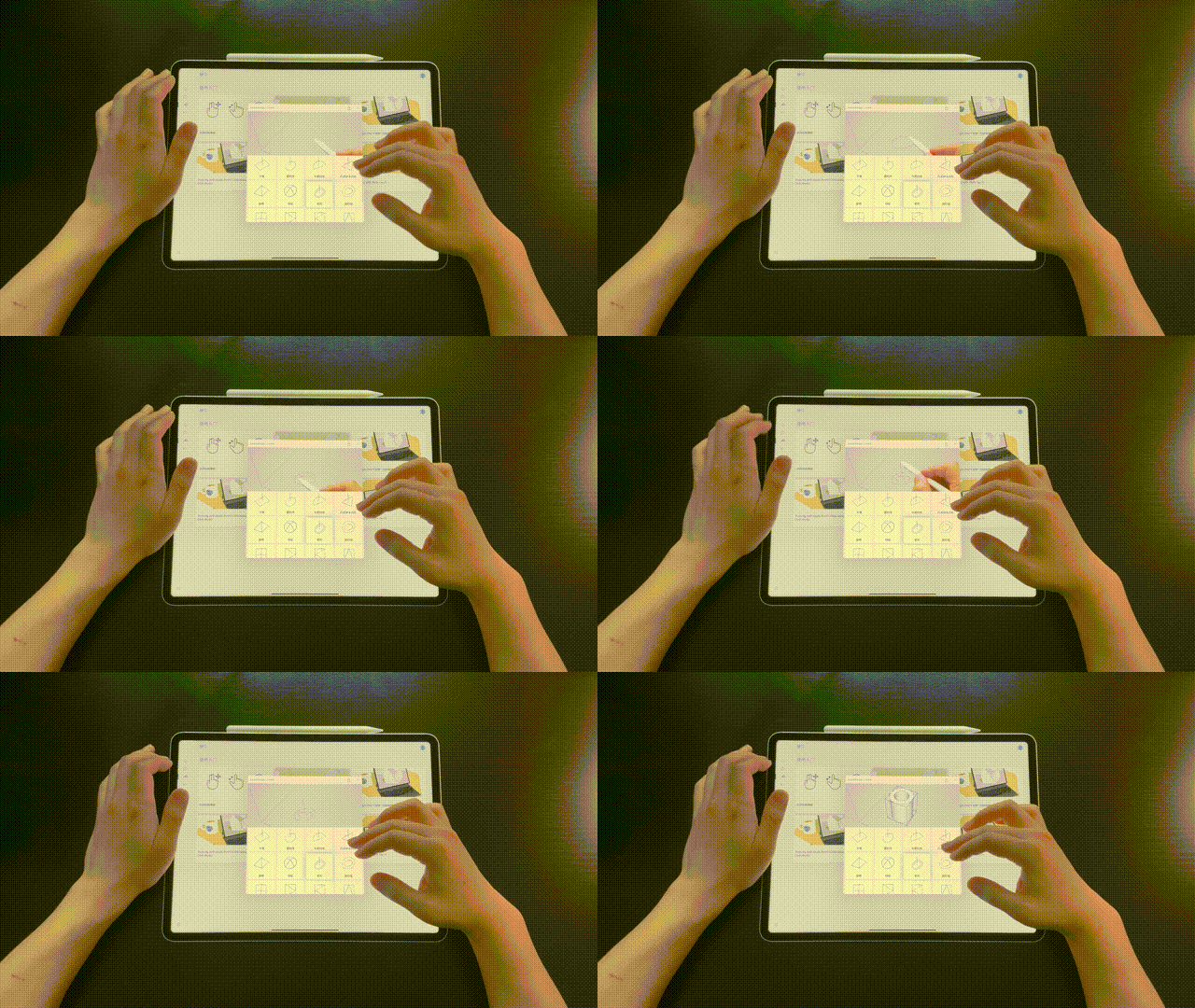
Autoshape – Automatically Generate Shapes
This innovative feature uses machine learning to instantly convert your sketches into 3D shapes. Additionally, real-time components such as Live Components allow you to adjust parameters and configurable objects on the fly, saving you valuable time.
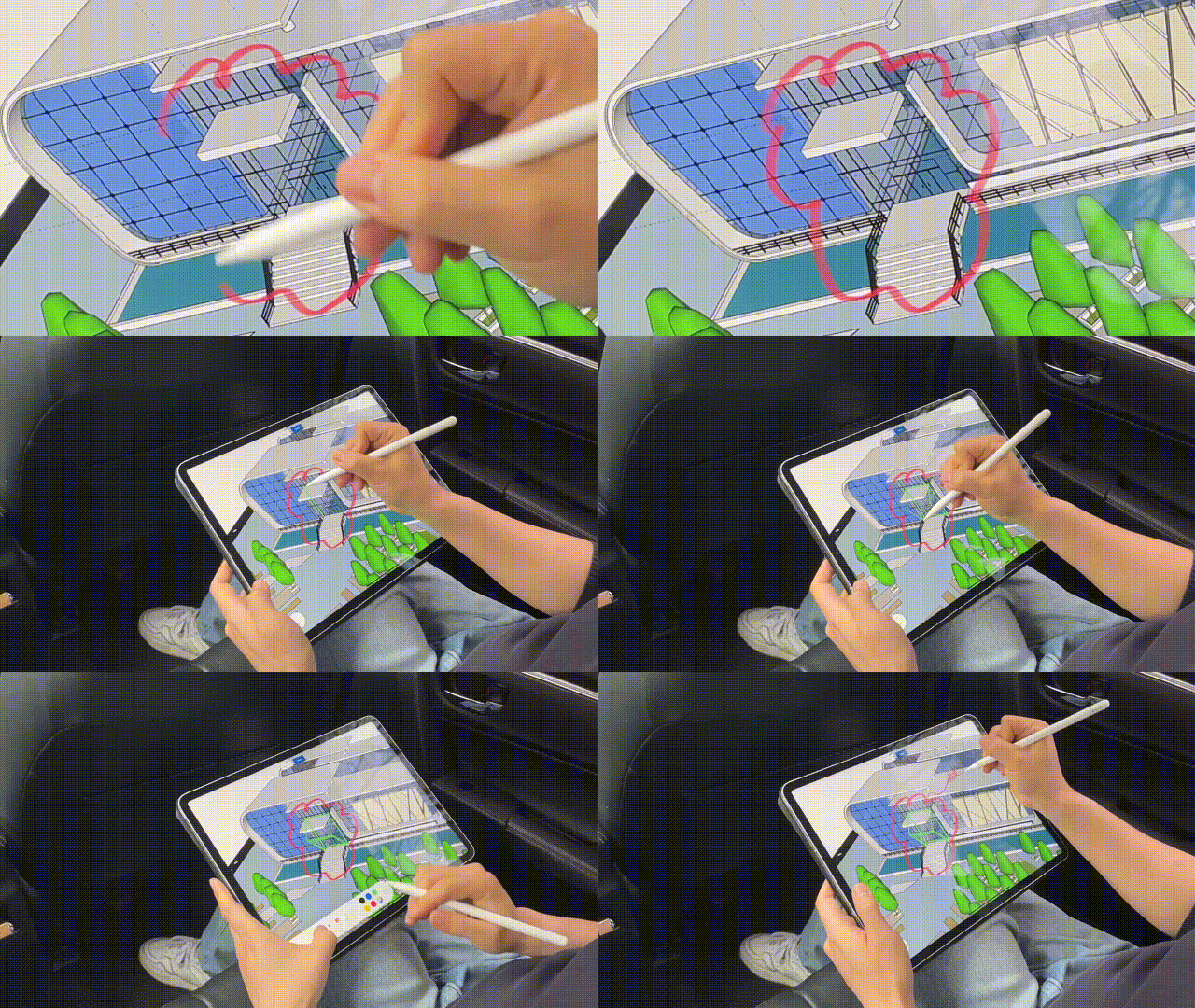
Markup – Hand Drawing Mode
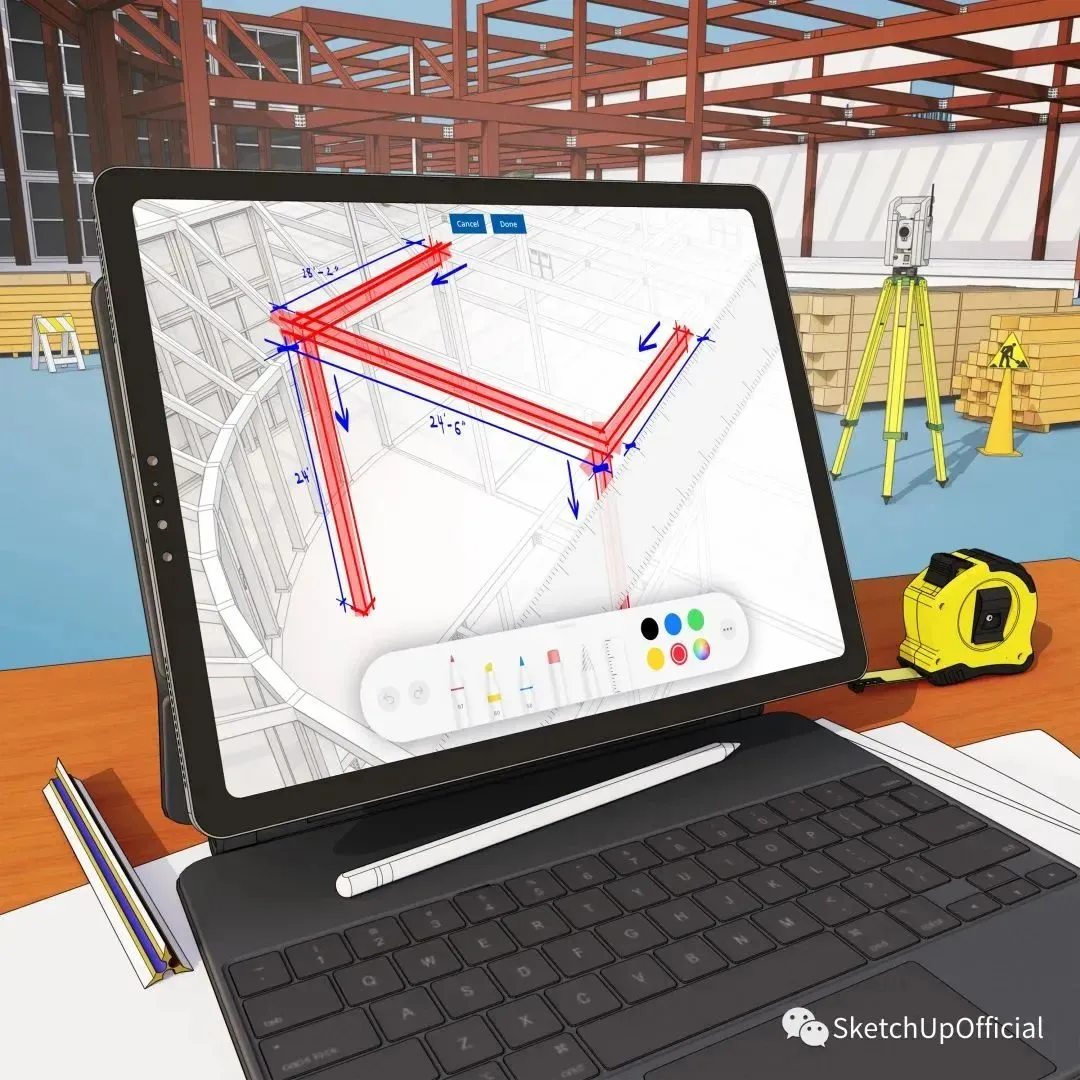
With Apple Pencil, you can annotate and sketch directly on your 3D models using various styles, colors, and strokes. This makes it easy to quickly modify your models right on the iPad.
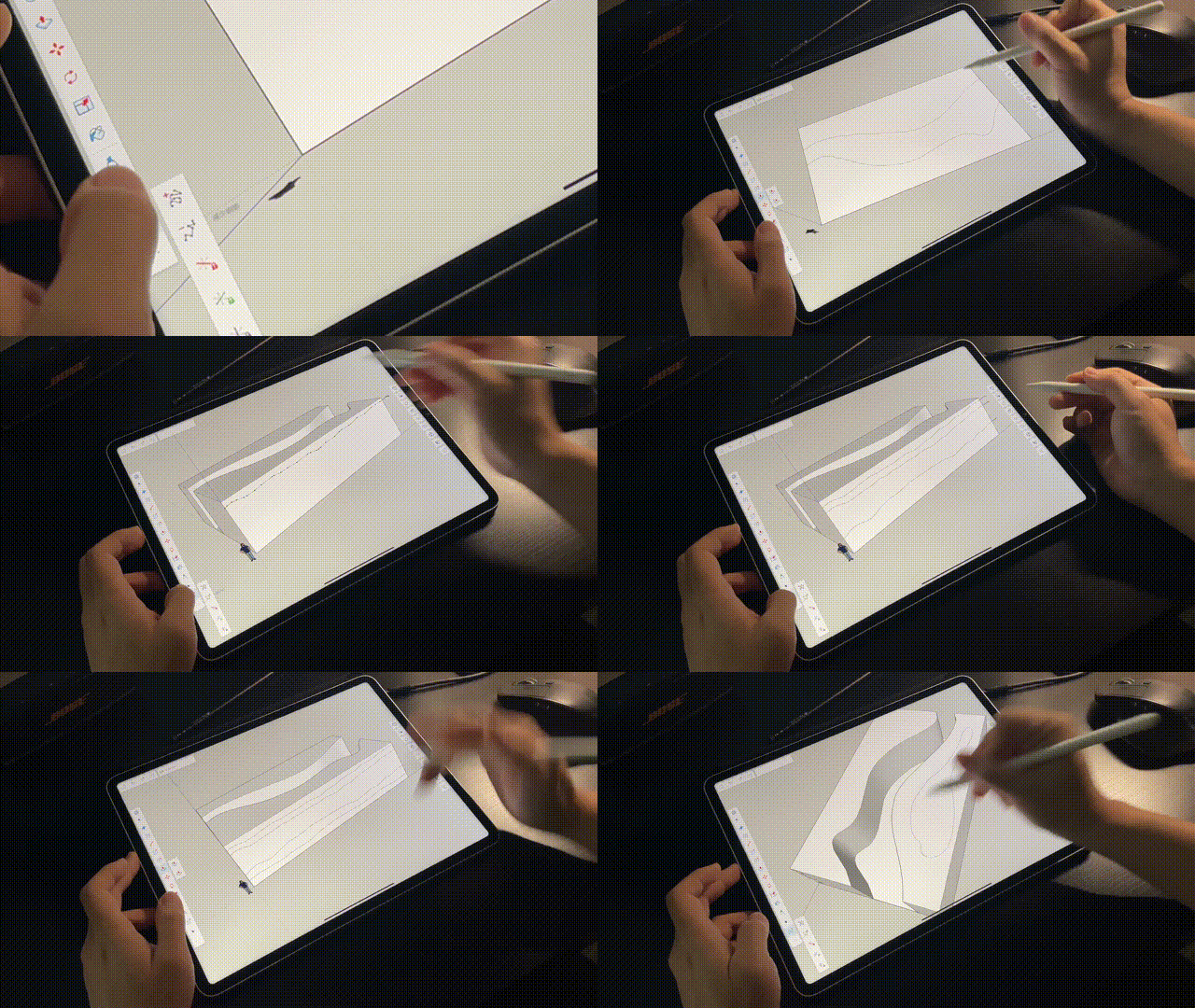
Powerful Hand-Drawn Line Modeling
Take advantage of the iPad’s robust hand drawing capabilities to sketch your desired shapes on the model’s surface. You can precisely control the overall shape by adjusting the line nodes.
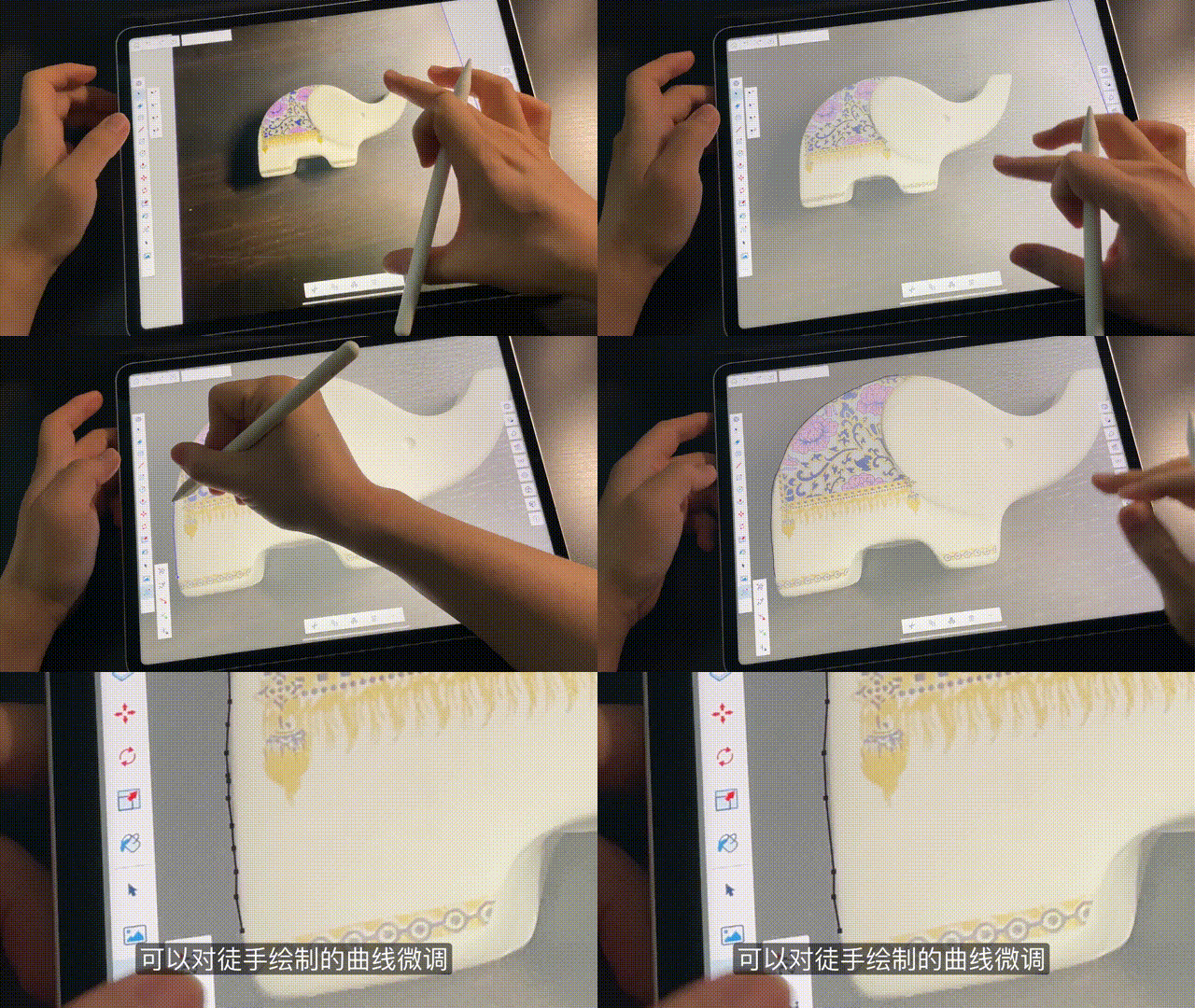
Add Photos for Reference
Use your iPad’s camera to capture real-world inspiration and bring it into your projects. Take photos to serve as base images for drawing and integrate them into your models.
Online Synchronization with Trimble Connect
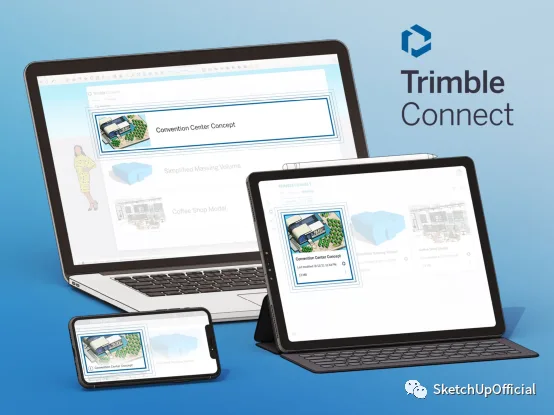
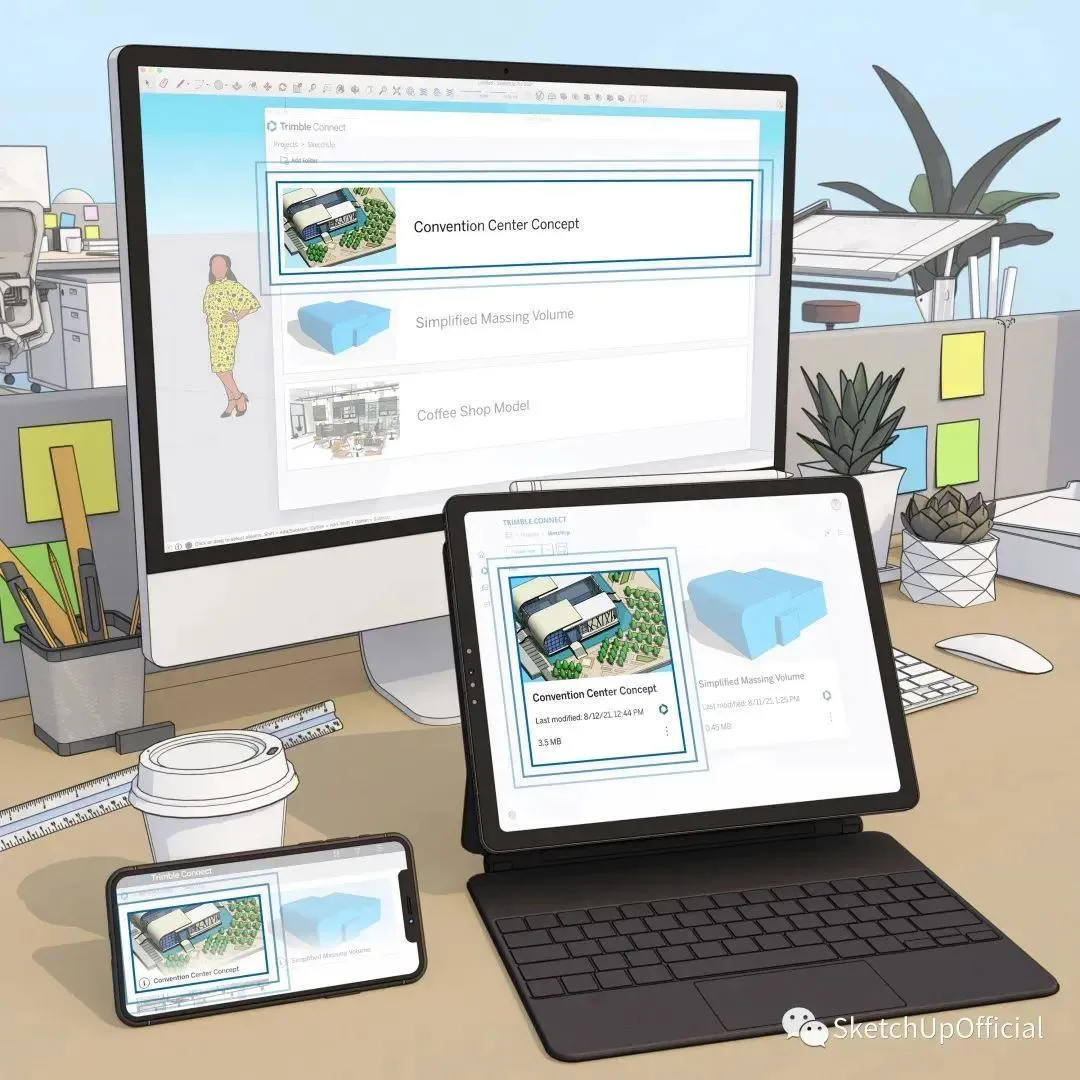
Integrated with Trimble Connect’s cloud technology, you can seamlessly access and work on your projects across SketchUp Pro, SketchUp for iPad, and SketchUp for Web. This ensures you always have the latest files at your fingertips, enabling work anytime, anywhere. Plus, machine learning helps transform sketches into 3D shapes instantly, and Live Components allow real-time parameter adjustments, streamlining your workflow.
02 User Trial Feedback
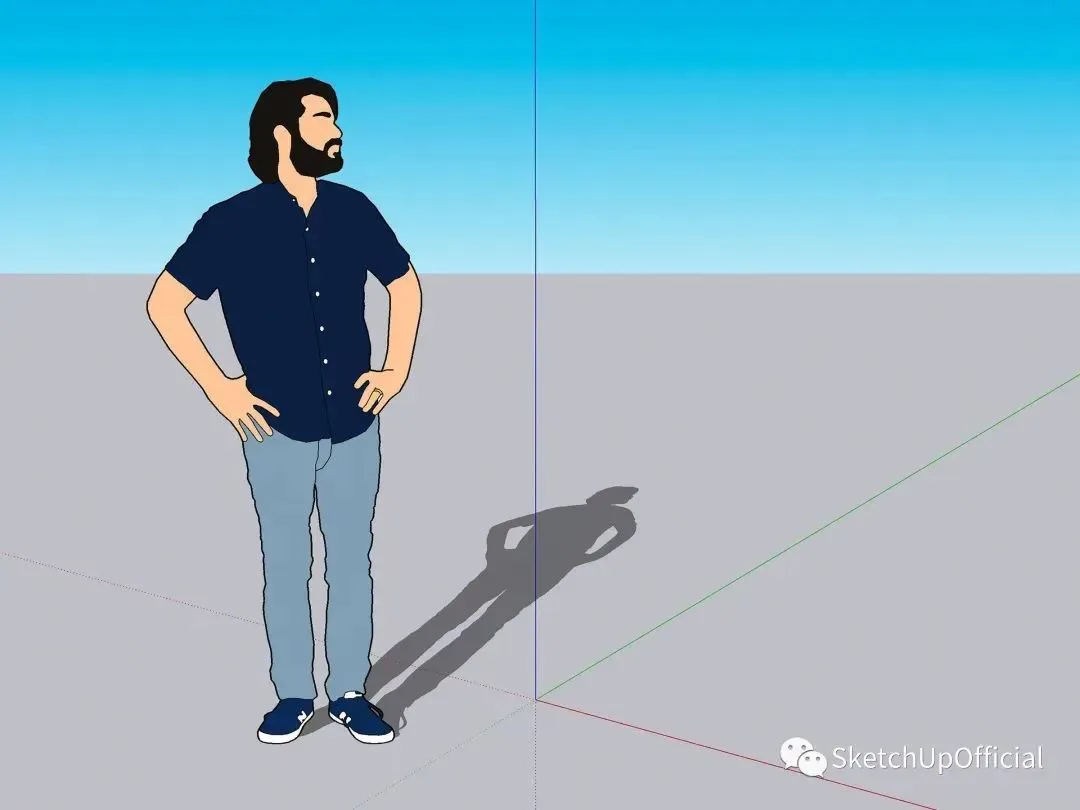
Using SketchUp on the iPad has transformed various workflows. We gathered feedback from beta users to understand their experiences.
1. Markup Mode is Highly Convenient
“I have been using SketchUp for iPad in many ways. It helps me capture and express my ideas in 3D during the conceptual design phase, replacing traditional paper sketches. During design and creation, I switch between my iPad and computer frequently, using the Apple Pencil markup mode to draw directly on 3D models. This is especially useful during meetings with clients, developers, partners, and design consultants. Finally, using the iPad version on construction sites adds great value. Previously, I relied on the desktop version to help developers understand solutions, but now the iPad handles this smoothly and conveniently.”
— Architect Jo? O Queiroz e Lima, Casca
2. Apple Pencil Enables More Accurate Measurements
“We use SketchUp for all our building projects. On site, we bring the SketchUp model to assist developers. SketchUp for iPad offers many features that meet workplace demands. I can easily zoom in on any part of the model and take precise measurements with the Apple Pencil, which improves communication with developers. They prefer viewing models on iPads over paper because it’s more detailed and easier to understand. I love the iPad version — it feels like digital paper and is much more convenient than a laptop.”
— Architect and SketchUp secondary developer Guy Wydouw
3. iPad Operation Saves Time
“Working in the film industry, I use SketchUp daily. Now I can carry my work wherever I go on my iPad. Before, I sketched on set and jotted dimensions on paper. Now, I work directly on my iPad, cutting my design time in half. The user interface’s drop-down menus save screen space, preventing loss of modeling area.”
— Luke Whitelock, Artistic Director of Top Films
Design Manager Trial Feedback

Perkins Eastman is a global design firm specializing in architecture, interiors, urban planning, landscape, and graphic design. Omar Calderon Santiago, the design lead at Perkins Eastman, handles preliminary conceptual design work and enjoys creating with SketchUp.
Creation Stage
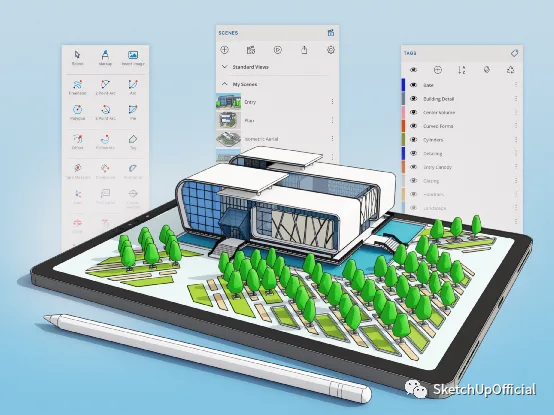
At the start of the design process, creativity needs to flow freely with tools that feel as natural as sketching on paper—SketchUp for iPad delivers exactly that experience.
Model Building Phase
Begin constructing models to help the team visualize the building size and its surroundings. The integration between desktop computers and iPads lets you work seamlessly on the same project across devices. Importing 3D models from the material library into the iPad further boosts efficiency.
Plan Modification and Development
This stage allows me to work remotely while maintaining communication with clients, taking my design work wherever I go. Recent shifts in work habits have enhanced our ability to work outside the office, and SketchUp for iPad enables a convenient mobile workspace.
Why SketchUp and iPad Make the Perfect (Design) Pair:
1. Work anytime, anywhere—online or offline
2. Easily create 3D models with Apple Pencil
3. Portable iPad access lets you review projects on the go
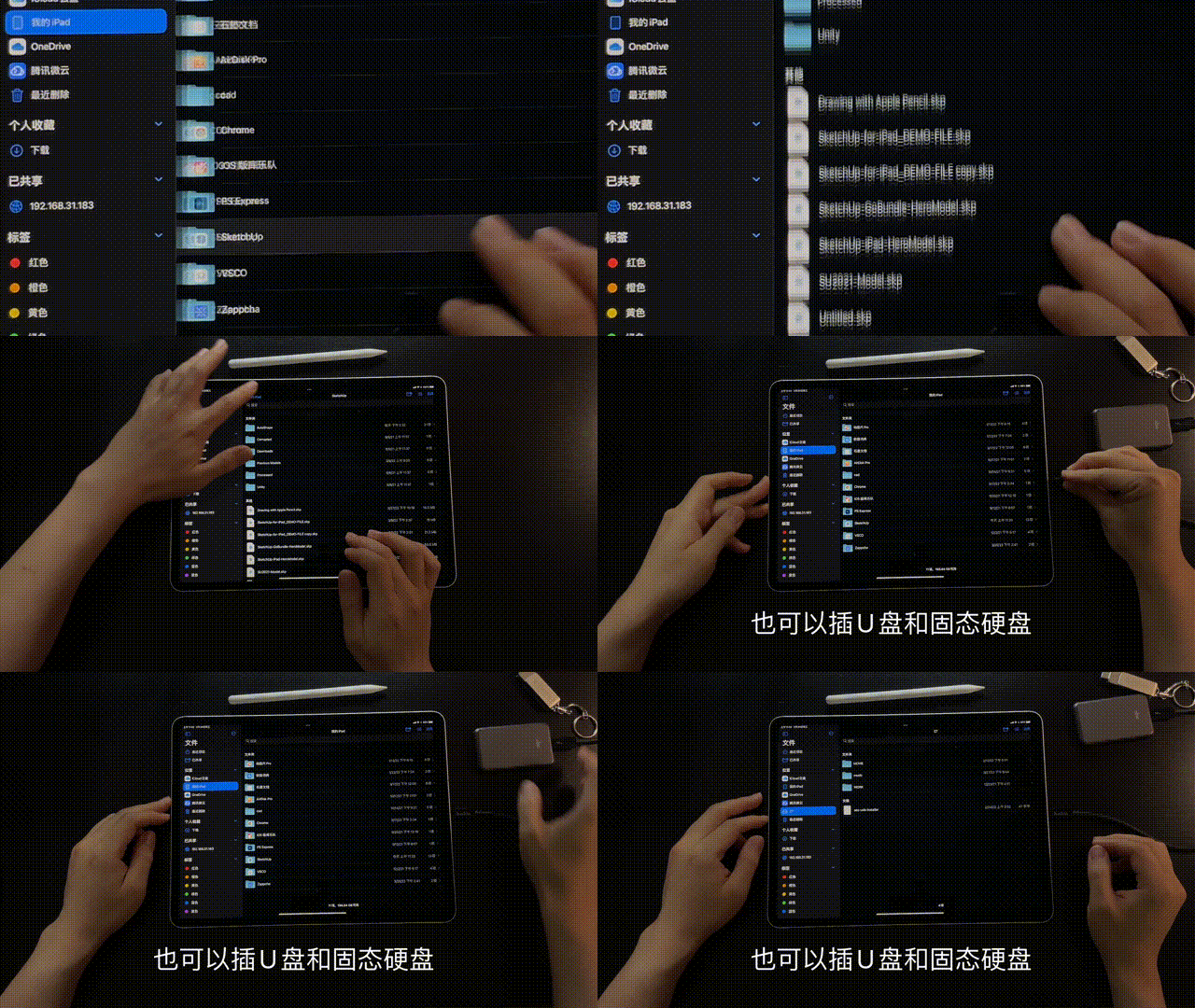
4. Cloud file synchronization and sharing options like AirDrop
Get Started with SketchUp for iPad
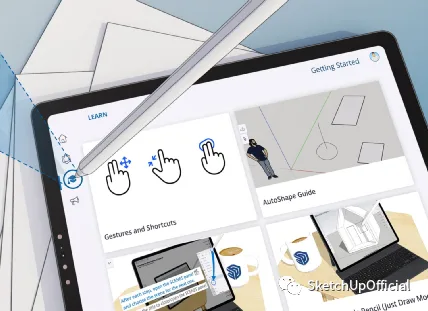
After launching the app, check out the Learning tab on the left side of the main screen. There, you’ll find tutorials designed to help you quickly master iPad modeling techniques.

Let your imagination soar and embark on your SketchUp creative journey with your iPad today!
Would you like to try it out? Click here to view details and download the app via Apple’s official website. Please note, in Mainland China, the app is only available for download, trial, and purchase through the App Store (cost: 768 yuan/year).
Want to see what else SketchUp for iPad can do? Check out the 13-part video series:
Original text: SketchUp official
Video: SketchUp official; Mag Tianbao
Editor: Darman
















Must log in before commenting!
Sign Up