
When starting a new project in Revit, the software defaults to using a file format with the suffix “.rte” as the initial project template. This “.rte” file serves as a template, similar to AutoCAD’s “.dwe” file format.
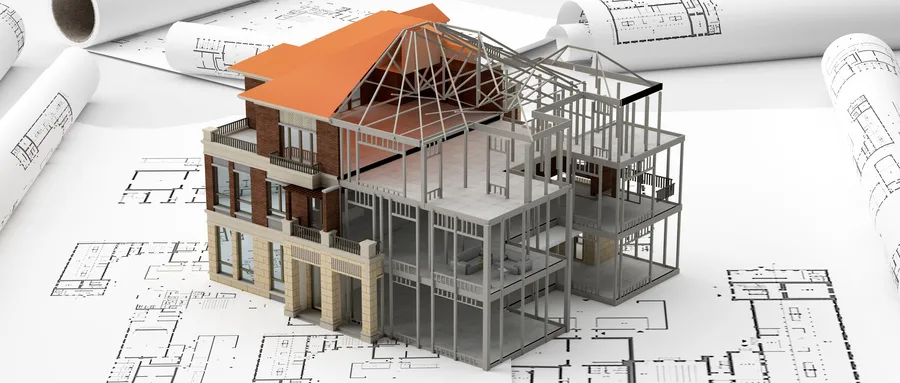
An effective project template can significantly improve collaboration, minimize the need for modifications during project execution and maintenance, and enhance the overall design capabilities in engineering projects. Designers can pre-load the template with necessary building elements, structural components, and mechanical and electrical systems tailored to the specific attributes of different projects. Additionally, they can define view names and drawing templates, creating customized project templates for each project. Team members then only need to reference the “default template file” to work consistently with the specified settings.
There are multiple ways to create project templates in Revit. One approach is to save a completed project directly as a “.rte” template file. Another method involves creating a new template by modifying the settings of an existing project template and saving those changes. By building a comprehensive library of diverse project templates, design efficiency can be greatly enhanced.
To learn more about Revit, visit Leg and Leg Teaching Network, where you can find a wealth of instructional videos and expert answers to support your learning journey.
















Must log in before commenting!
Sign Up