
This article is from the WeChat official account: Half City Courtyard.
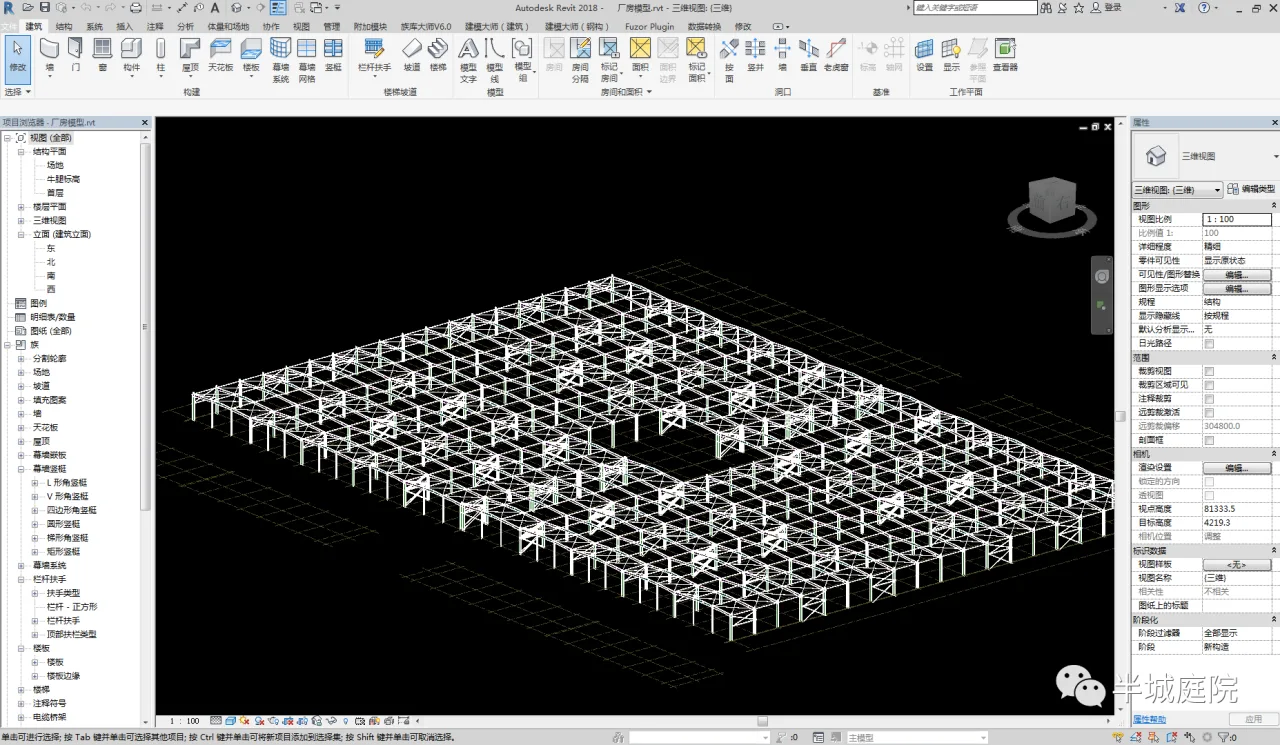
Using a specific engineering project as an example, this case involves a 30,000 square meter factory building along with two two-story concrete office buildings. I would like to share some insights on how to implement BIM in structural design and invite discussion on the following solutions.
Several key points need to be addressed:
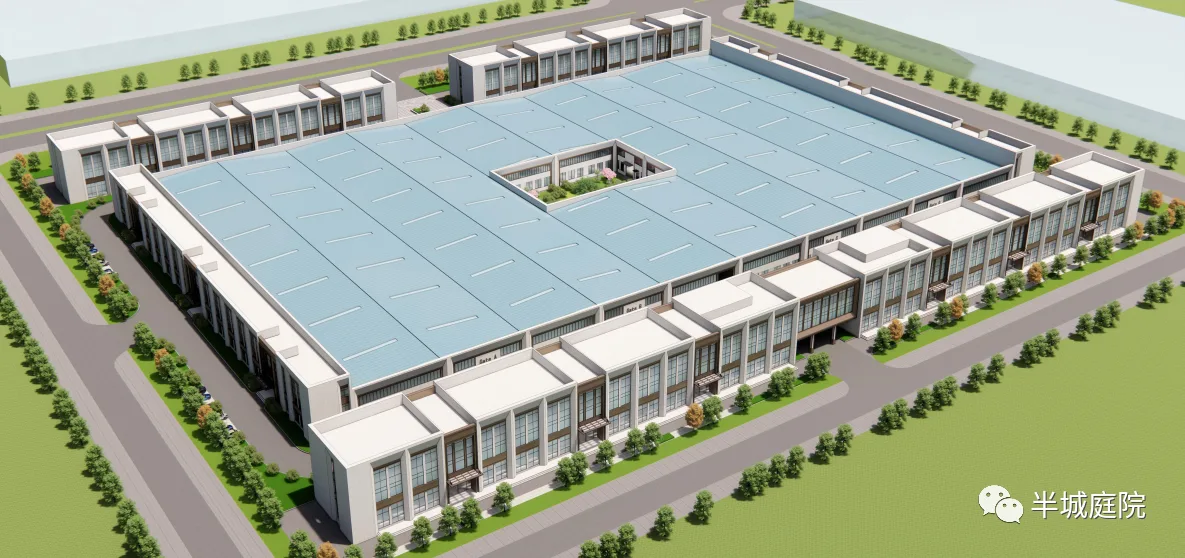
Concrete structures can be modeled in Revit to achieve detailed construction drawings, but due to efficiency limitations, this approach is not practical for typical projects.
Currently, using Revit to produce steel structure drawings is not very practical. However, I have observed workflows that utilize Tekla to first refine the model and then generate drawings.
The most valuable aspects of BIM structural design in this project are threefold:
- First, the 3D model greatly improves communication with clients who are not professionals.
- Second, it enables collaboration with equipment specialists to resolve pipeline clashes.
- Third, it facilitates detecting issues that may be overlooked during coordination between structural and other disciplines.
1. Tools Used
- The BIM platform is based on Revit 2018.
- Structural calculations are performed using PKPM 2010 V52.
- The PKPM Data Interface Plugin: PKPM Revit Setup 2018 (located at D:PKPMV52RibbonP-TRANSRevit plugin installation package).
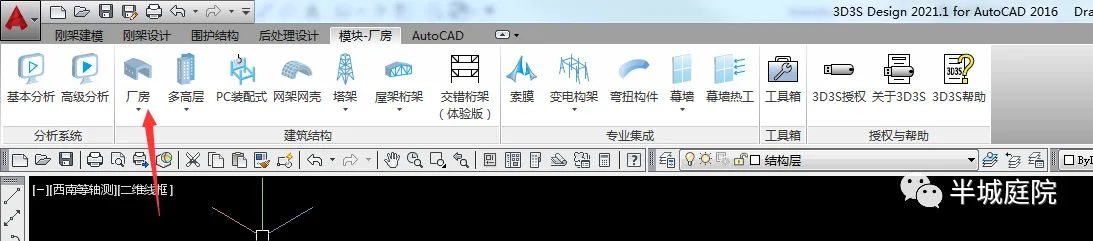
- 3D3S Design 2021 with AutoCAD 2016.
2. Design Concept
The design approach is as follows:
- Use PKPM for ordinary concrete structure design.
- Use 3D3S with 3D factory modules for steel structure design.
- Set up a local area network, create corresponding work directories, establish a shared model, and develop specialized models.
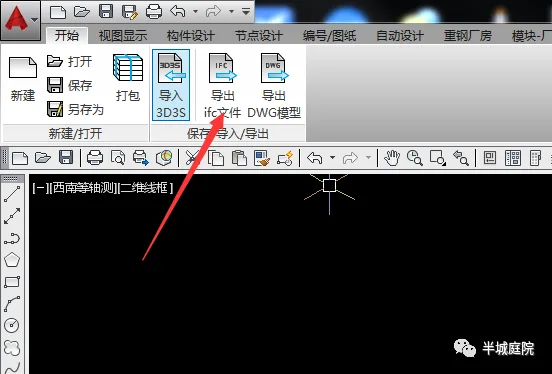
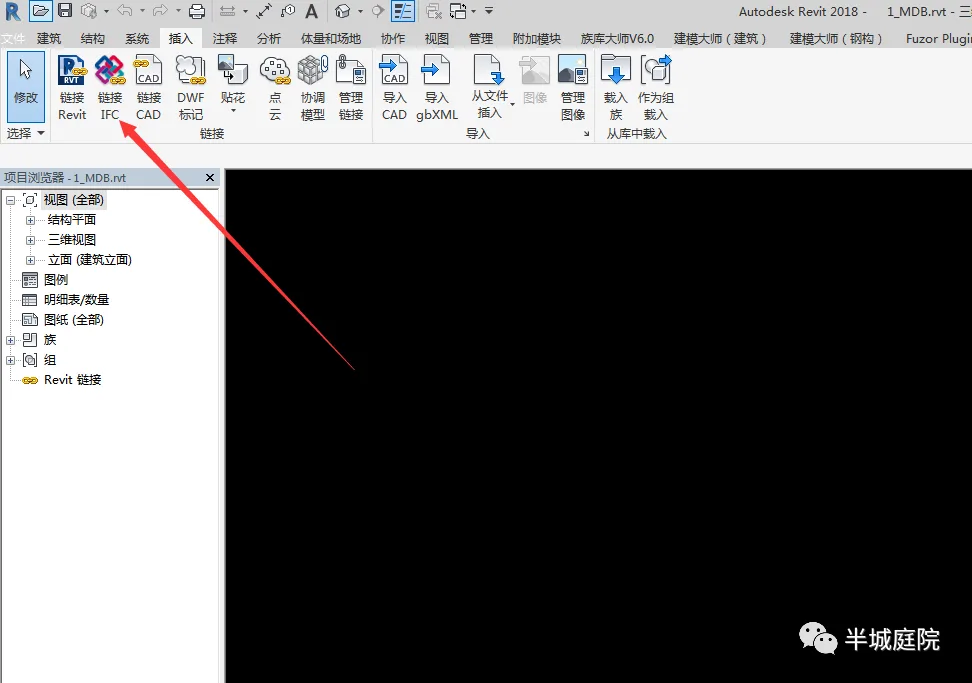
- Finally, export concrete structure models via the PKPM data conversion interface and steel structure models via 3D3S export (with accuracy aligned to the project requirements).
3. Practical Steps
PKPM operation steps:
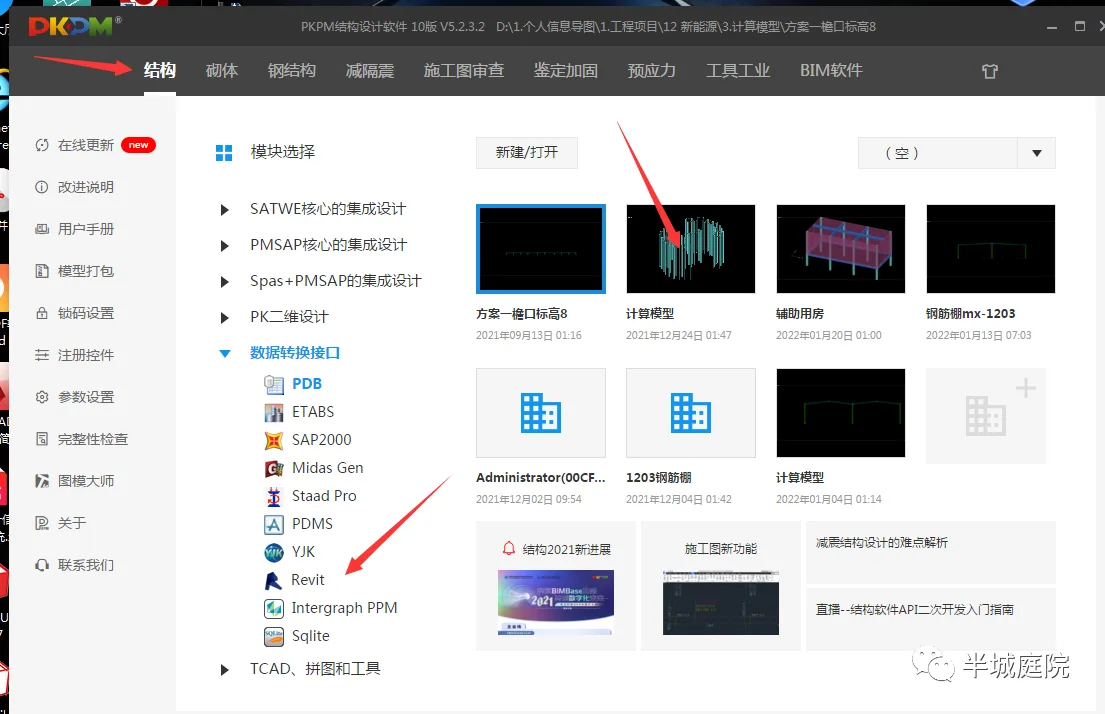
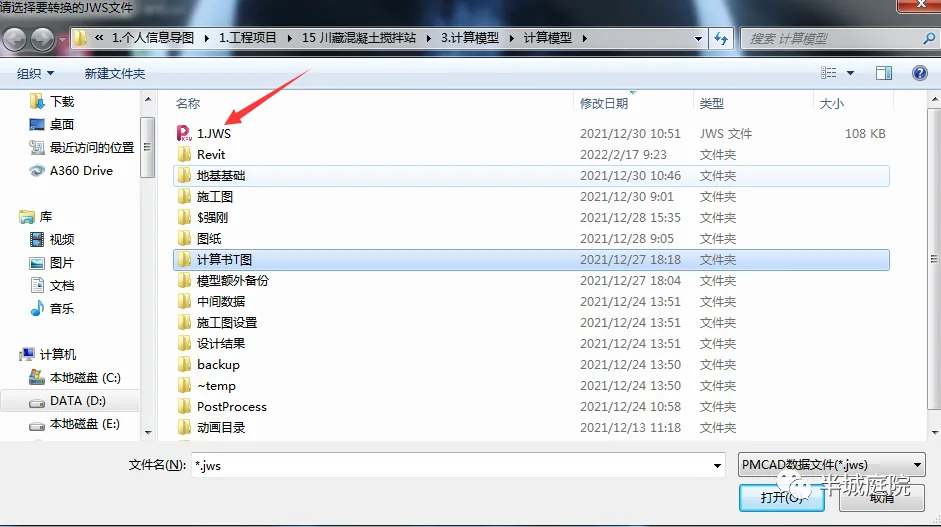
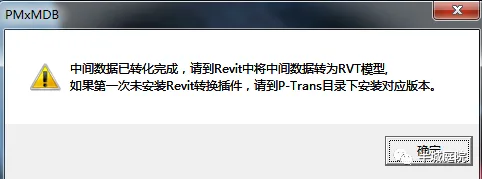
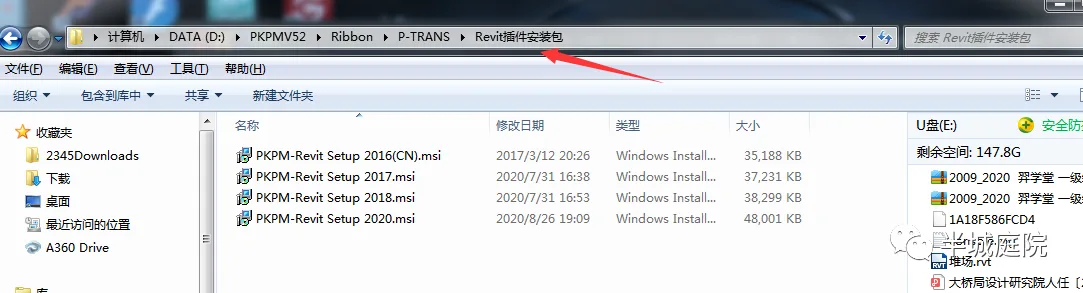
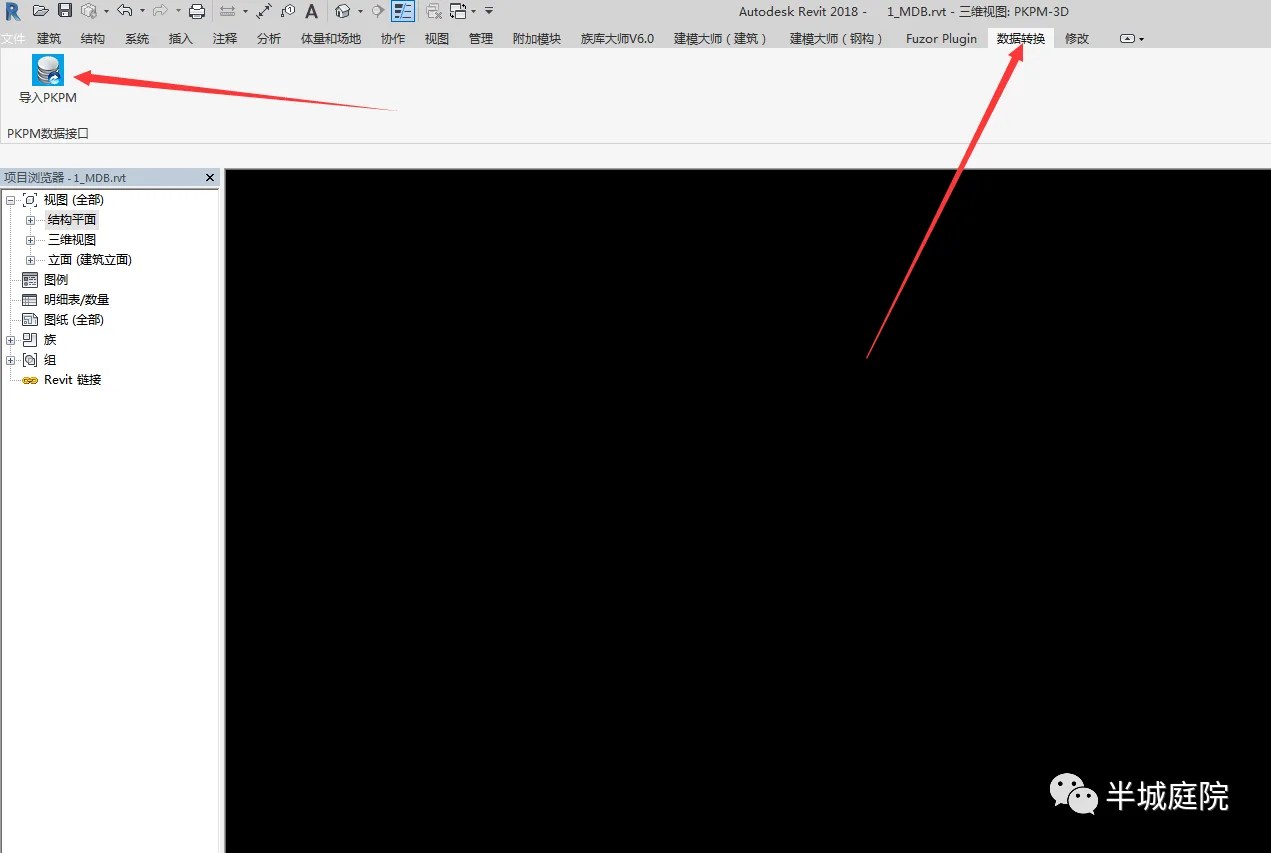
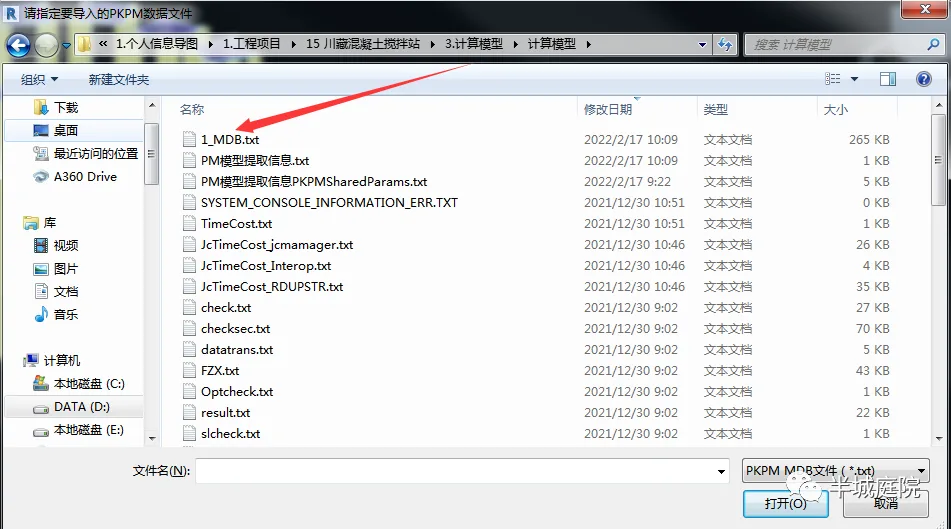
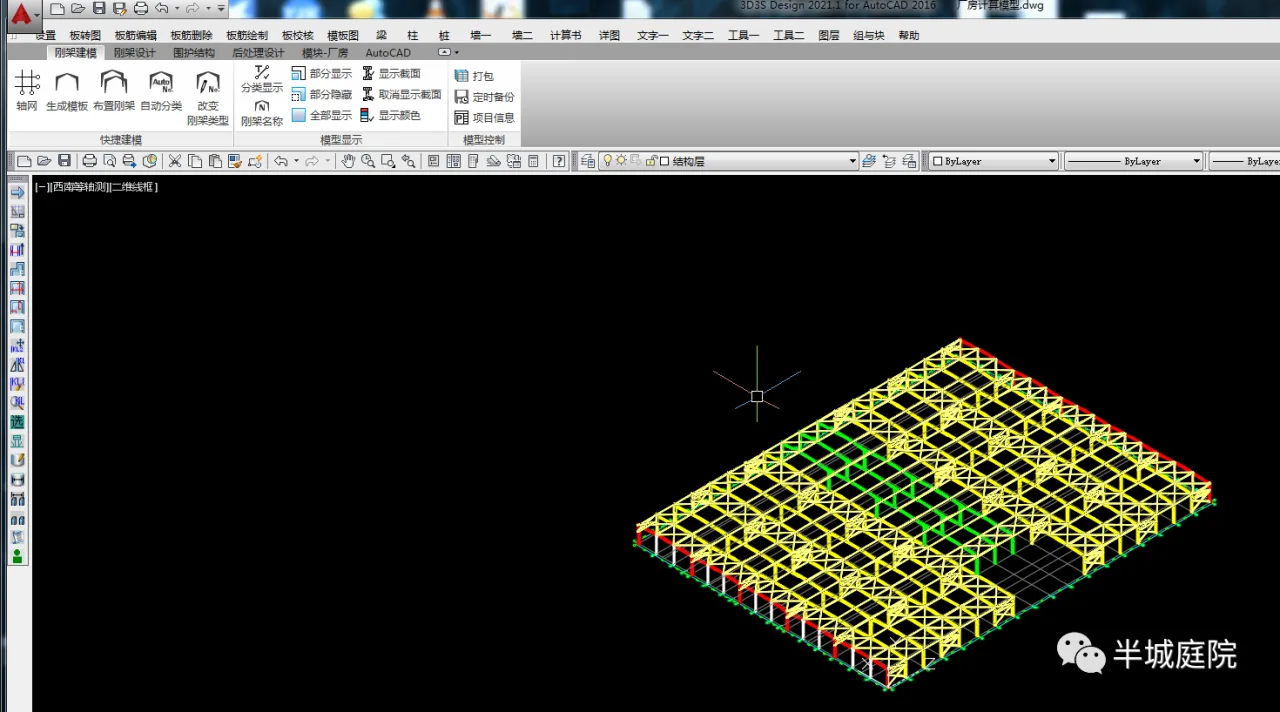
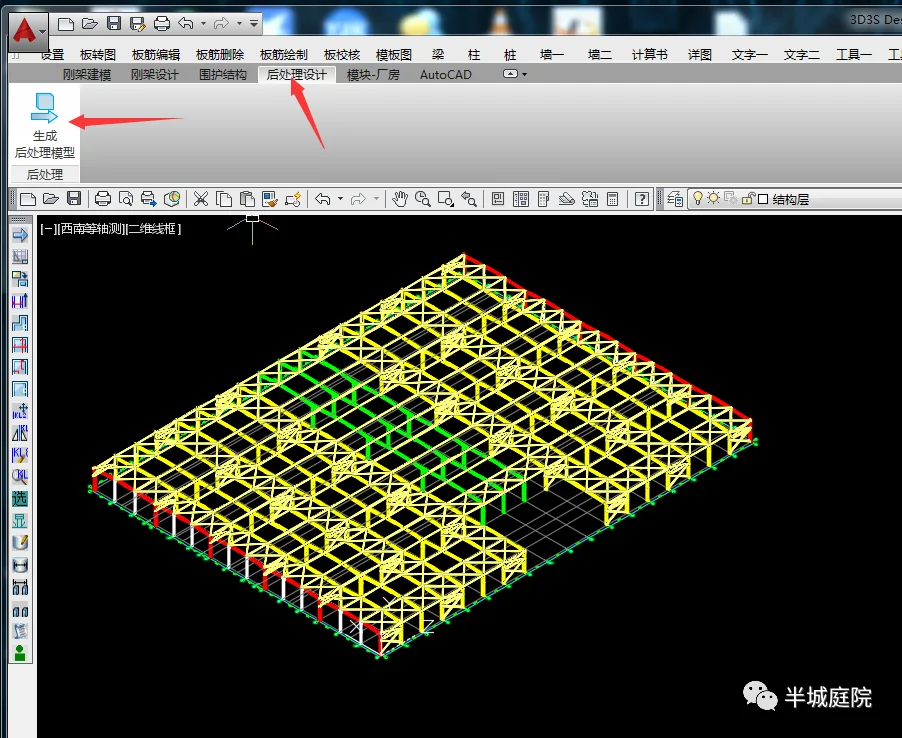
D3S operation steps:
















Must log in before commenting!
Sign Up