
This article is sourced from the WeChat official account: 3DMax Tutorial Resources.

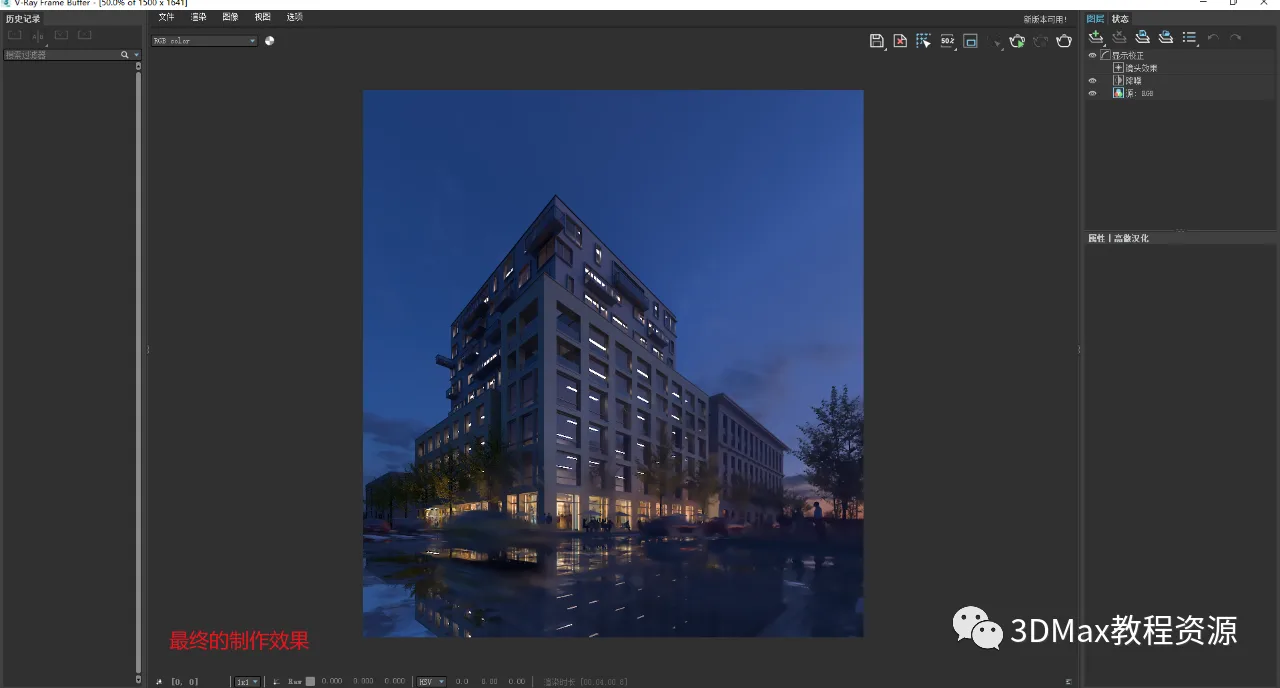
Final result.

Step-by-step tutorial:
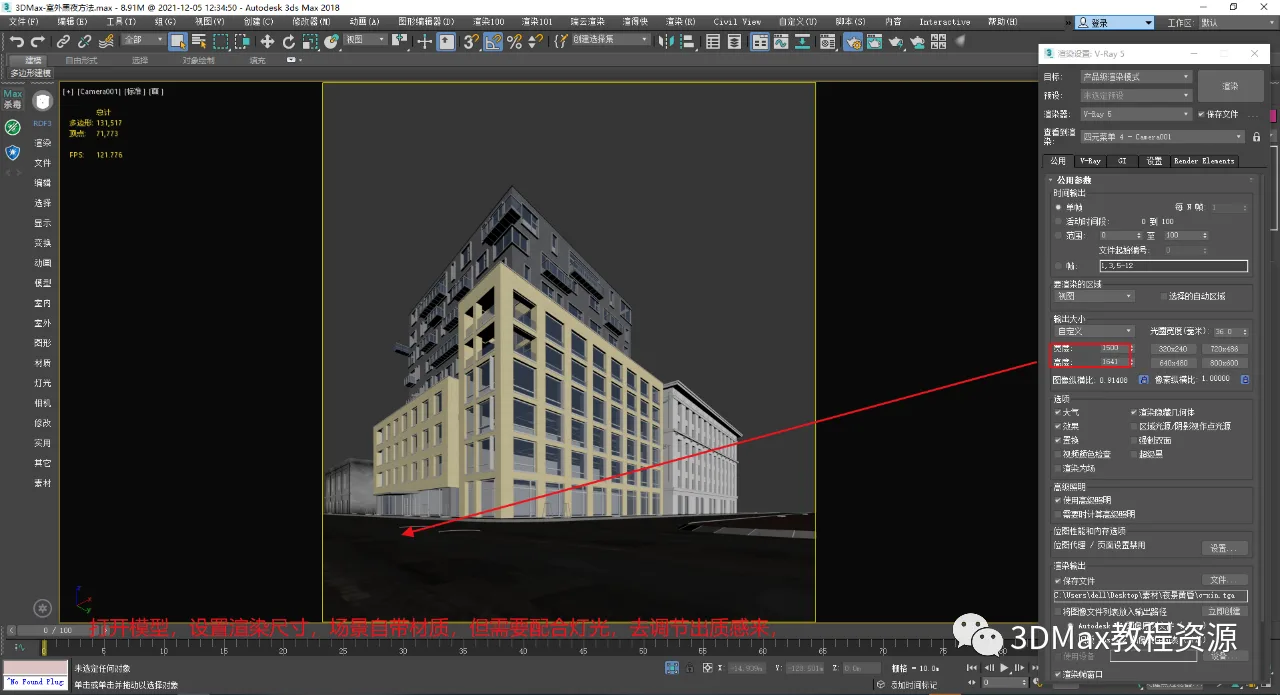
1. Open your model and set the rendering size as shown below.
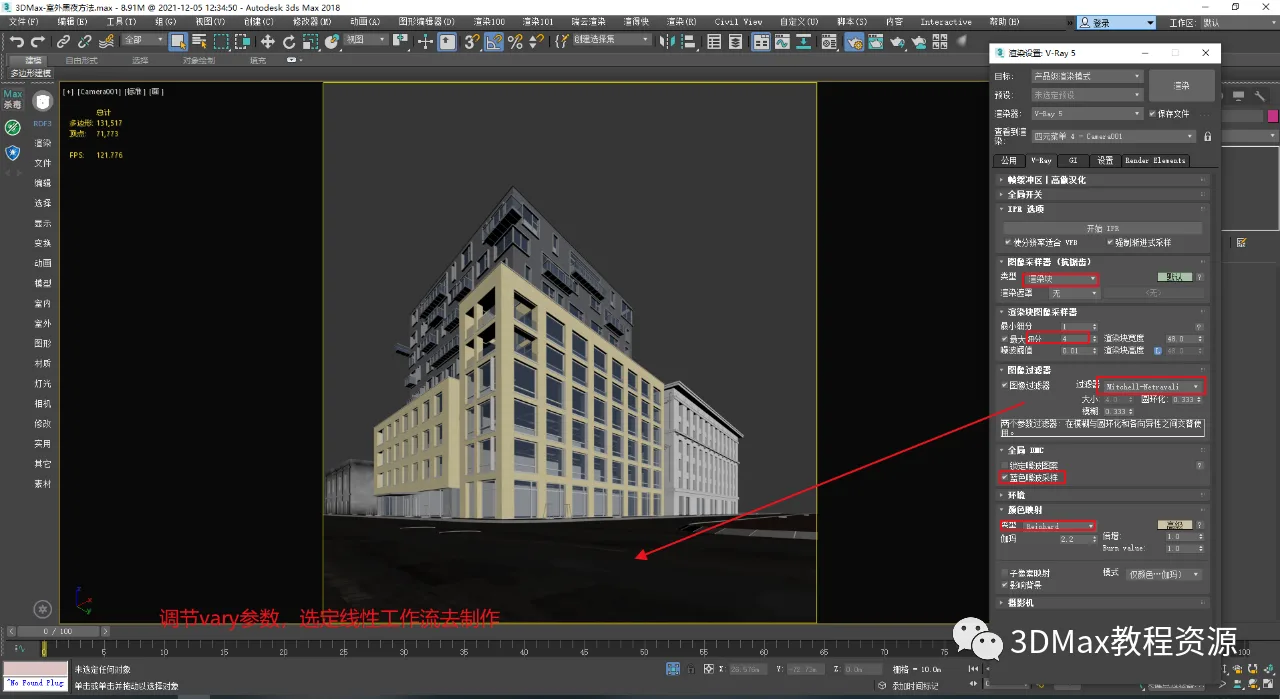
2. Configure a linear workflow as demonstrated below.
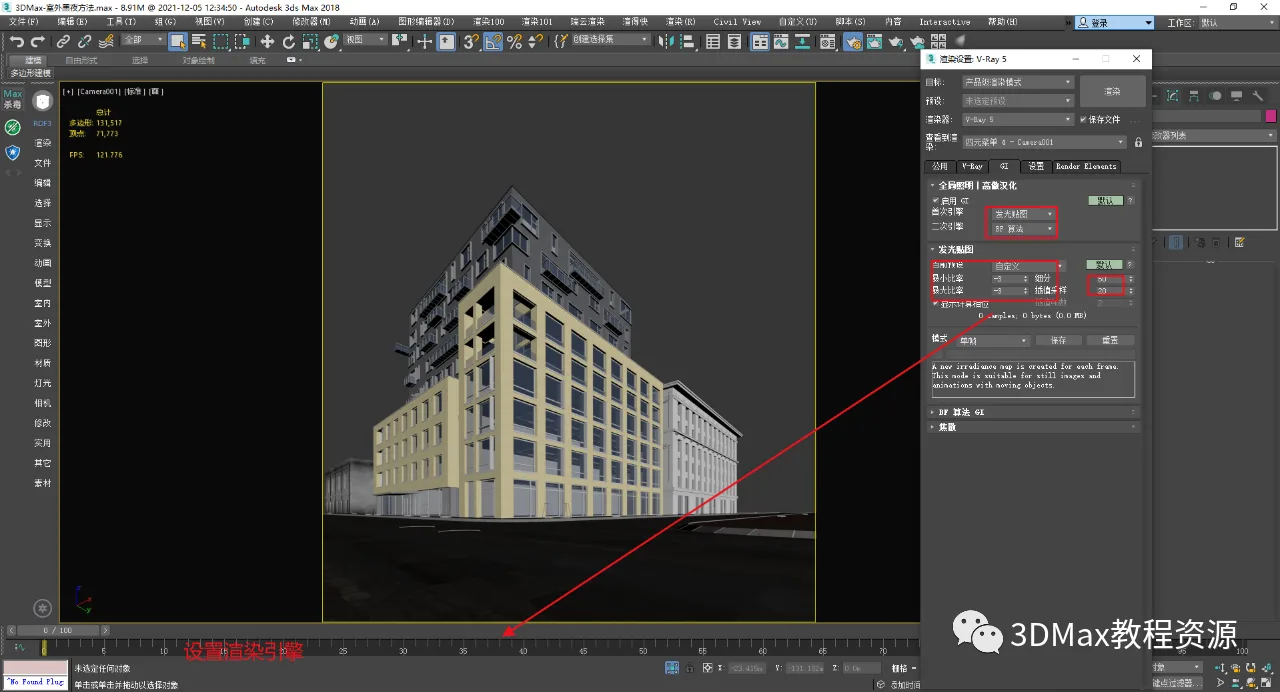
3. Select the rendering engine using Glow Map combined with the BF algorithm, as illustrated.
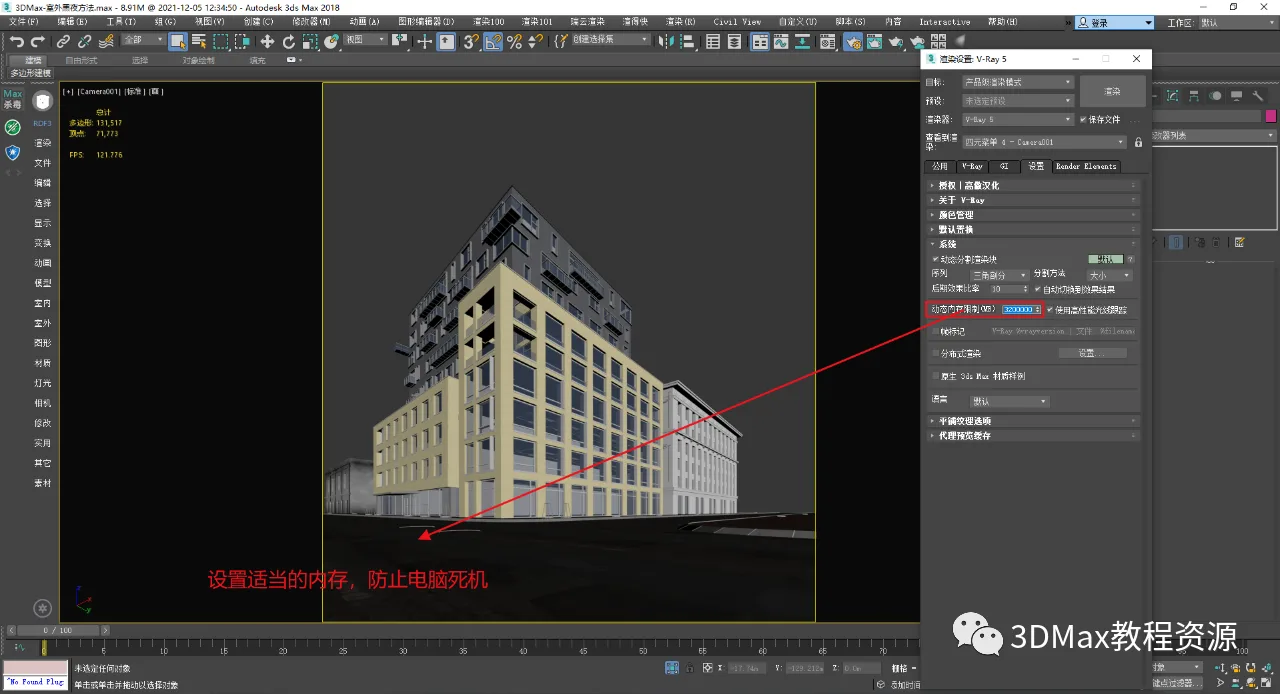
4. Enter the appropriate memory settings as shown below.
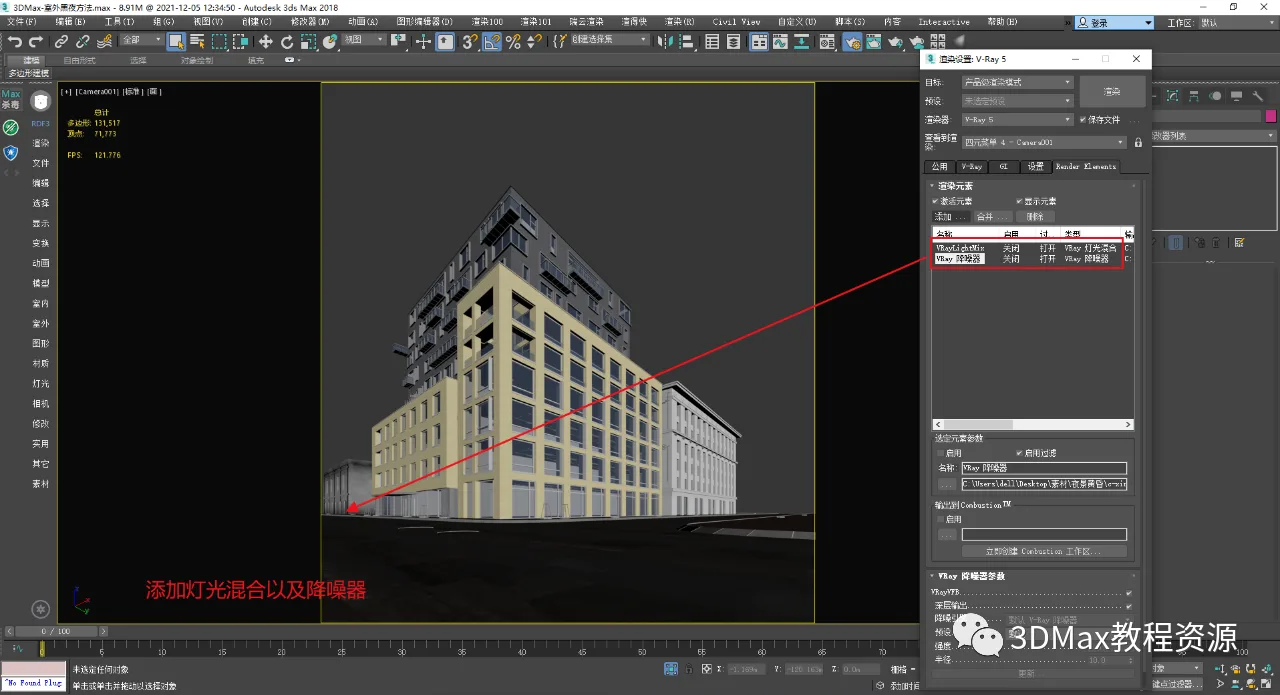
5. Add render elements as shown.
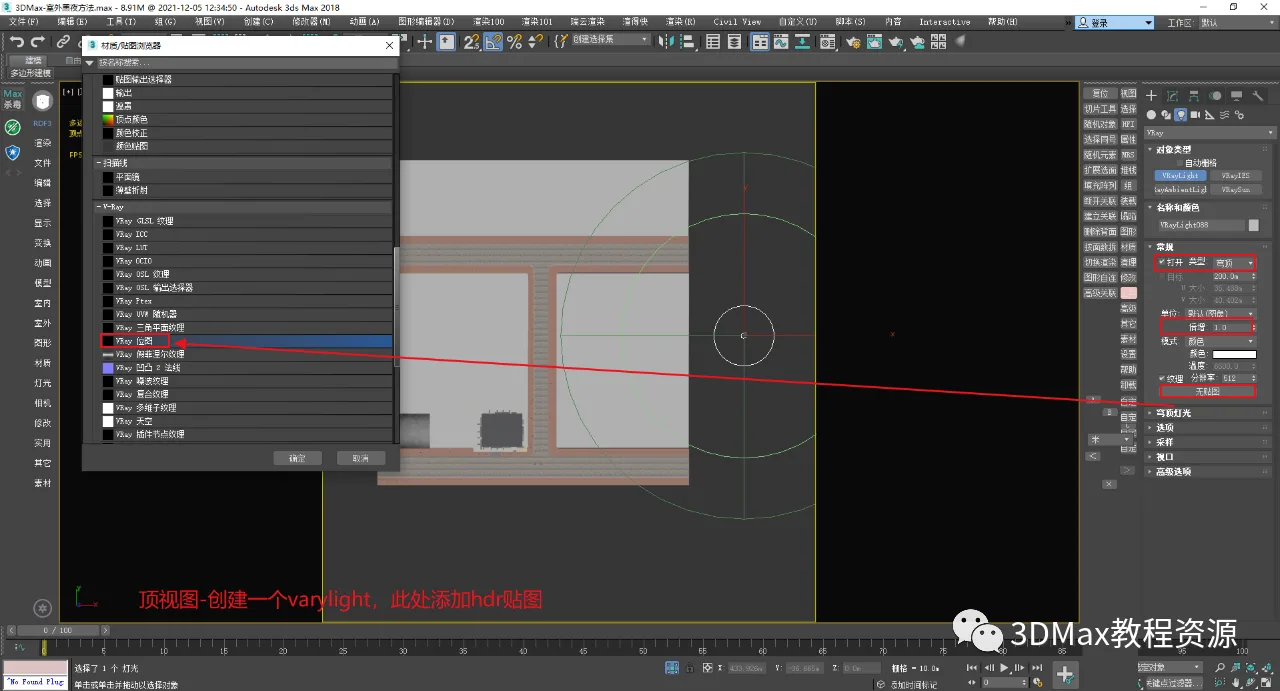
6. From a top view, create ambient lighting. Apply an HDR texture to the light source as illustrated.
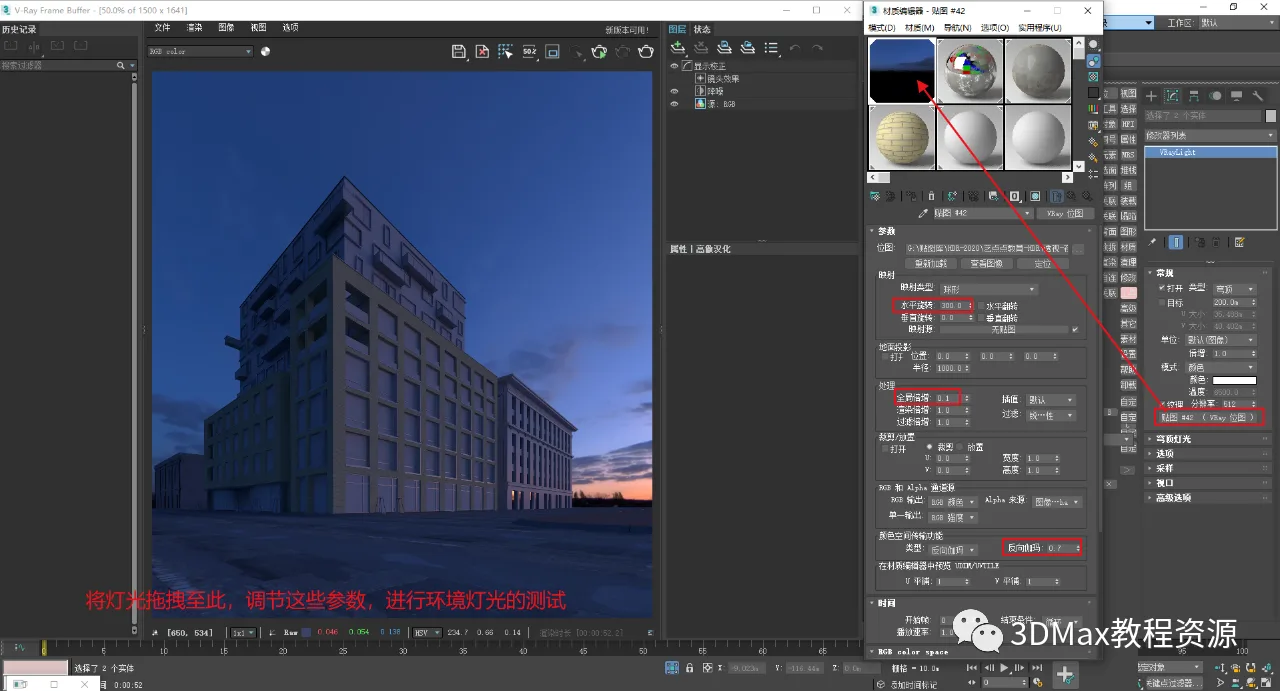
7. Adjust the ambient light parameters as shown below.
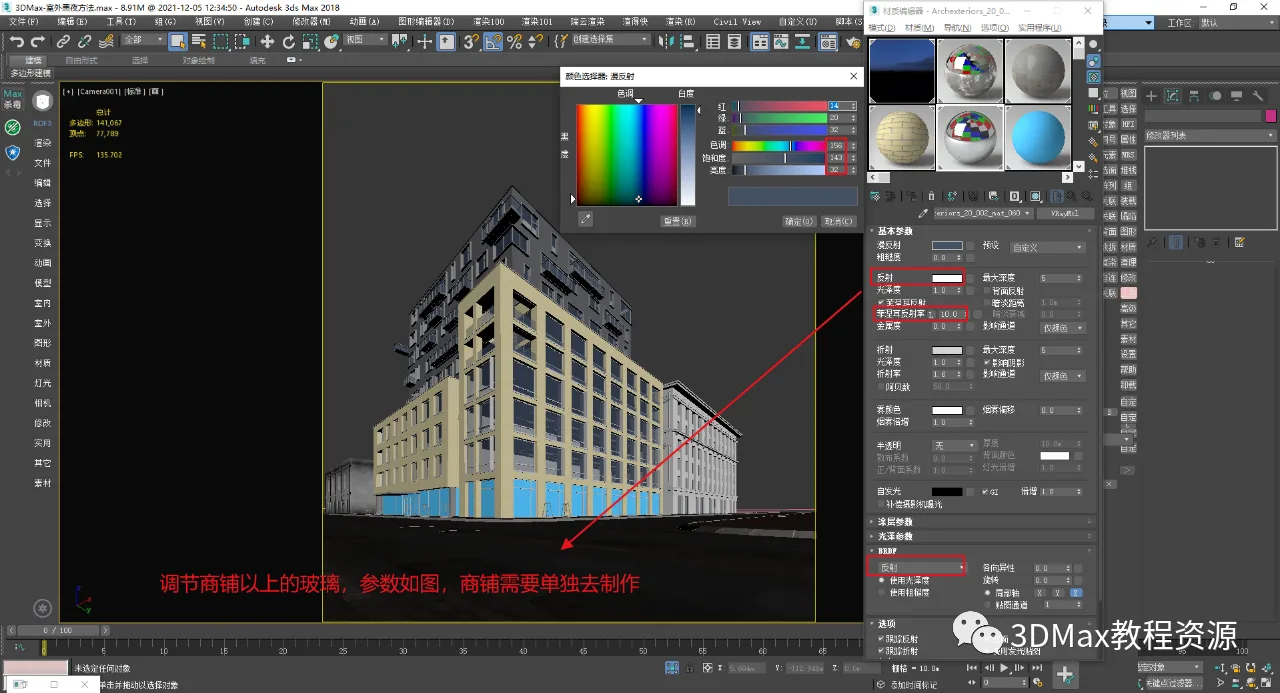
8. Modify the glass material on the shop’s rooftop, as demonstrated.
9. Glass texture preview from the rendering view.
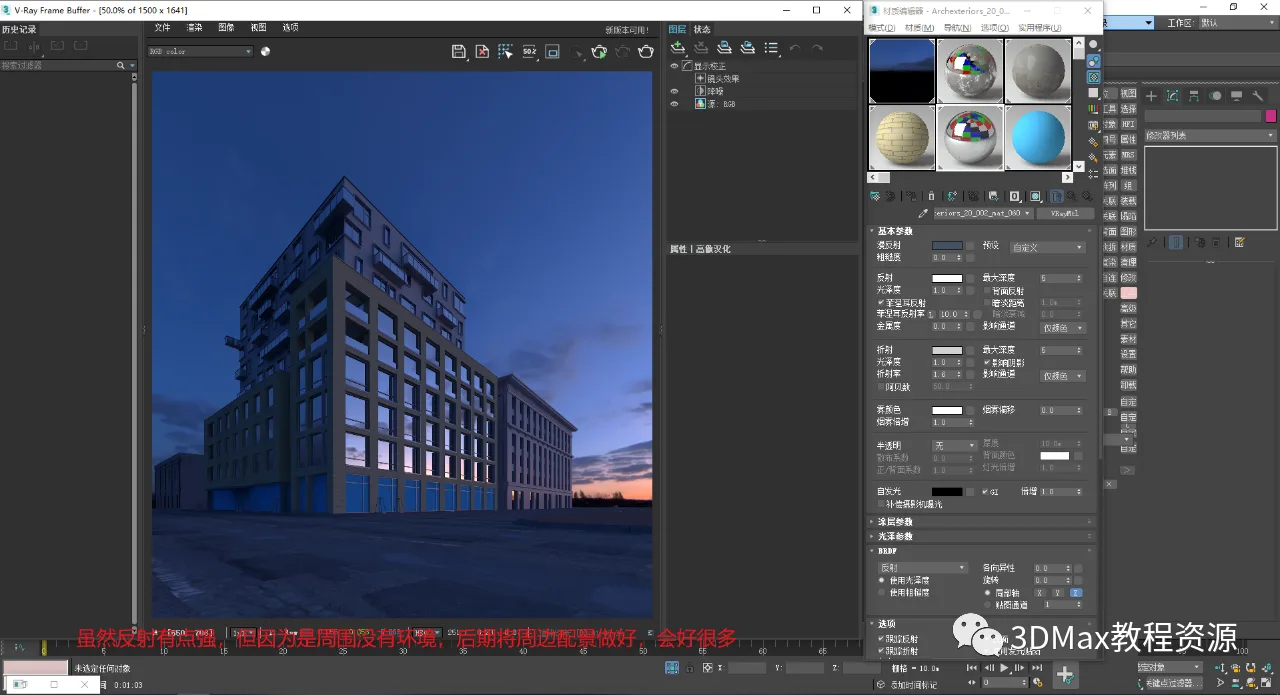
10. Isolate the lower-level shops by performing separation operations as shown.
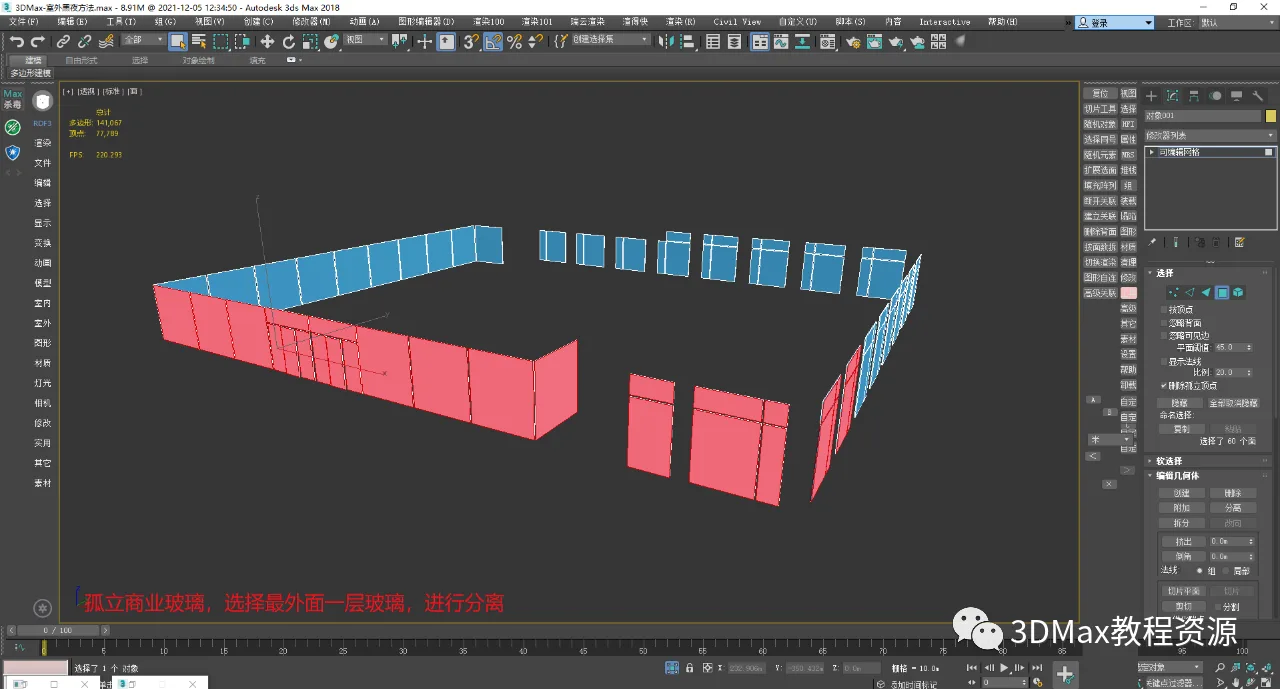
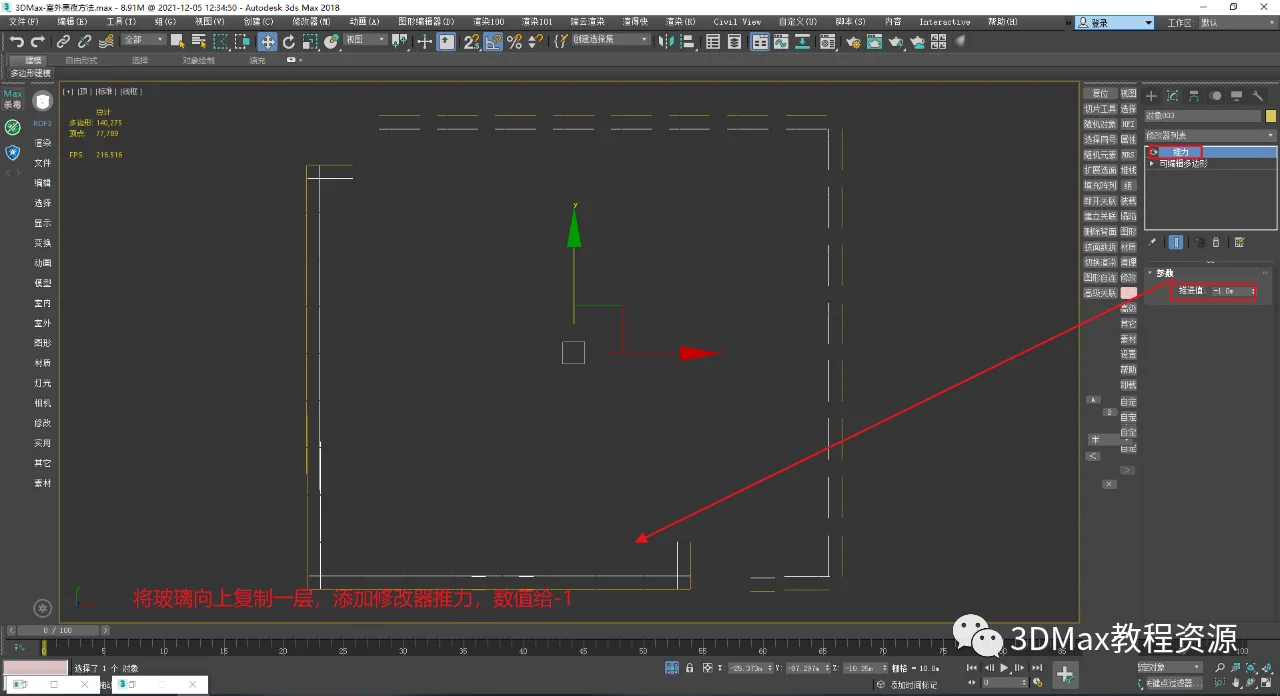
11. Duplicate and apply modifiers to the separated glass elements.
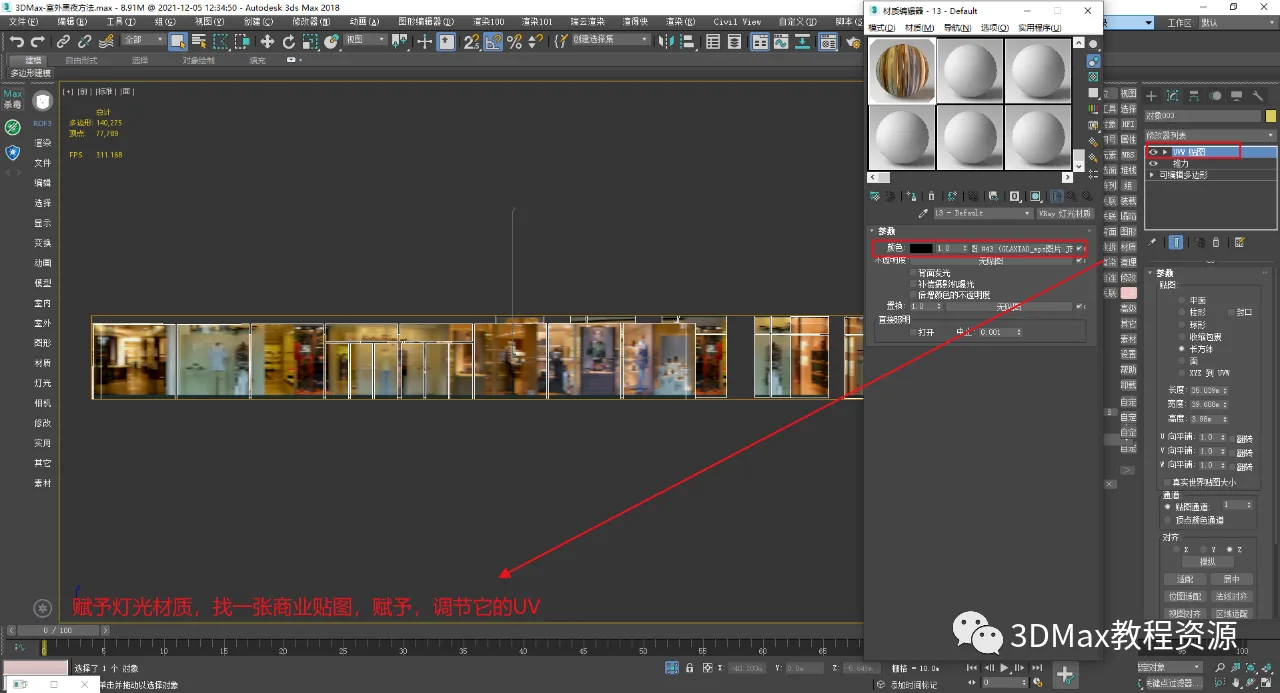
12. Assign lighting materials to the glass as demonstrated below.
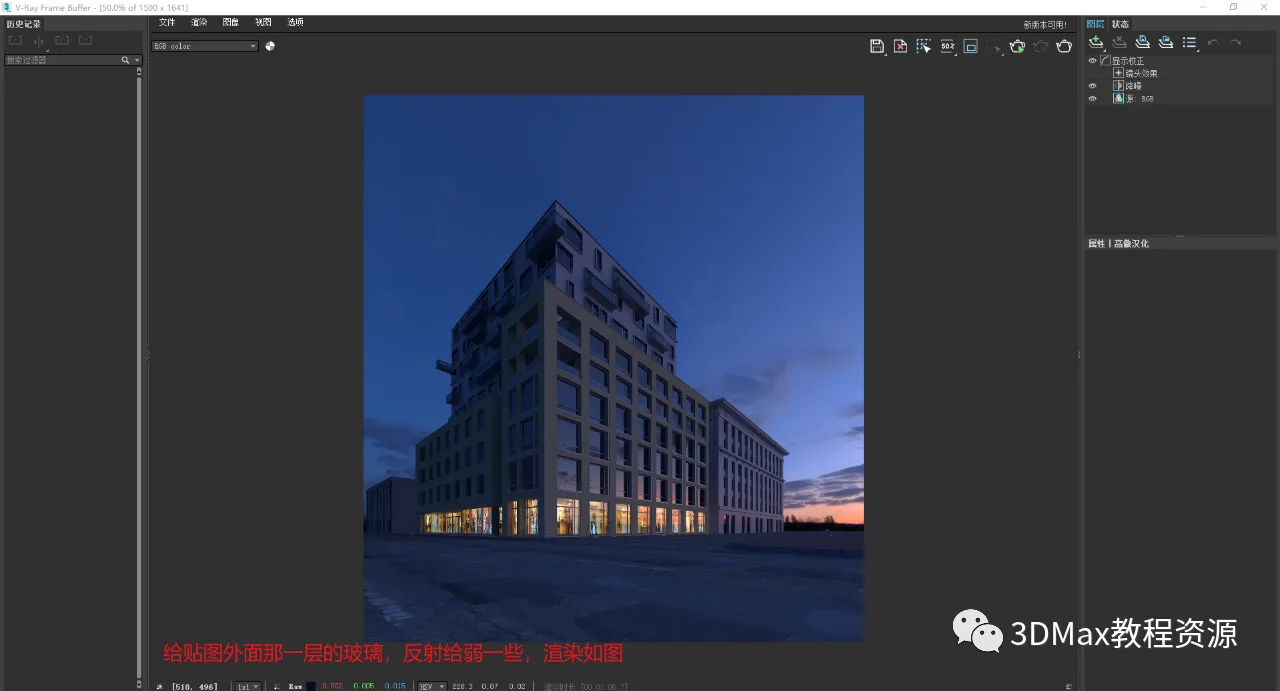
13. The outer facade of the ground floor shops features glass material with low reflection, as shown.
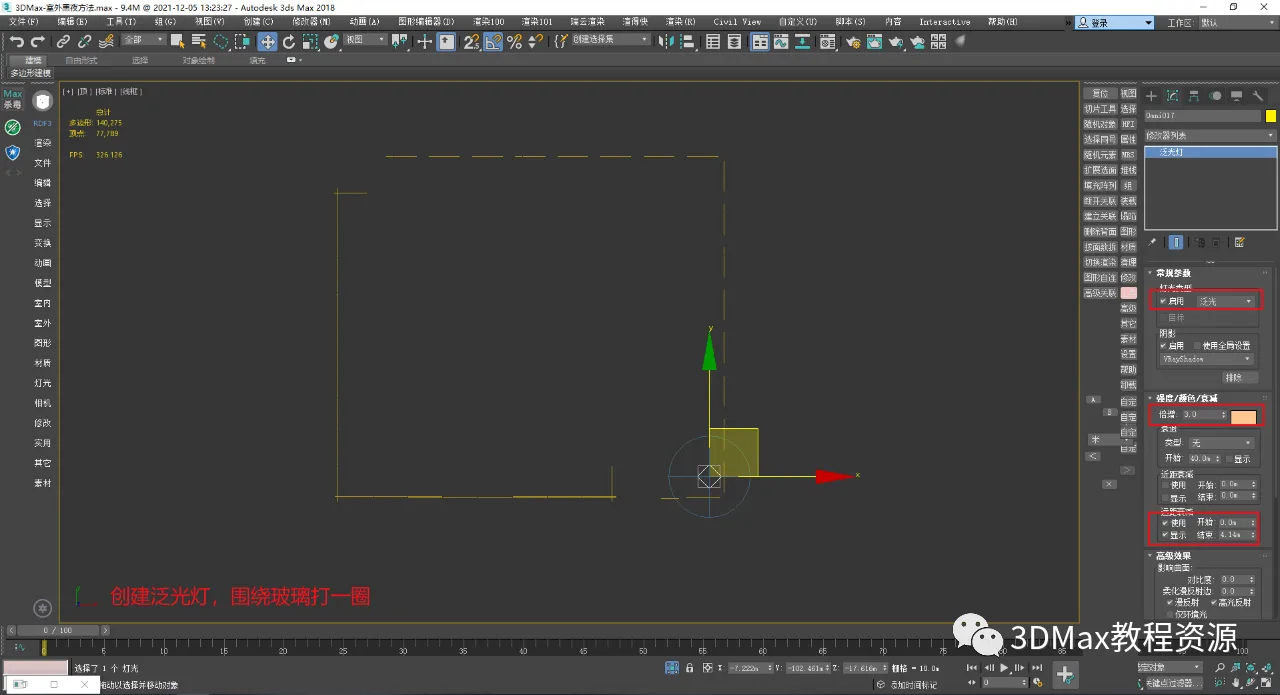
Create a floodlight to establish a warm atmosphere, as depicted.
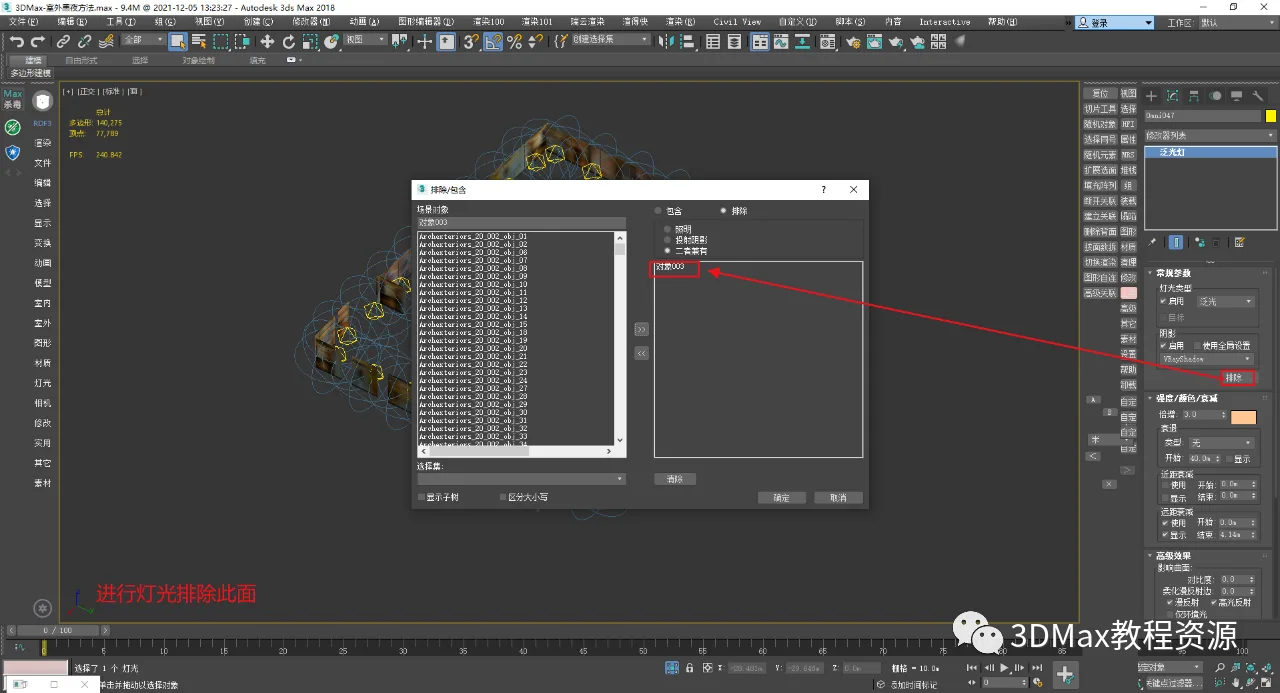
Exclude textures from the shops as shown below.
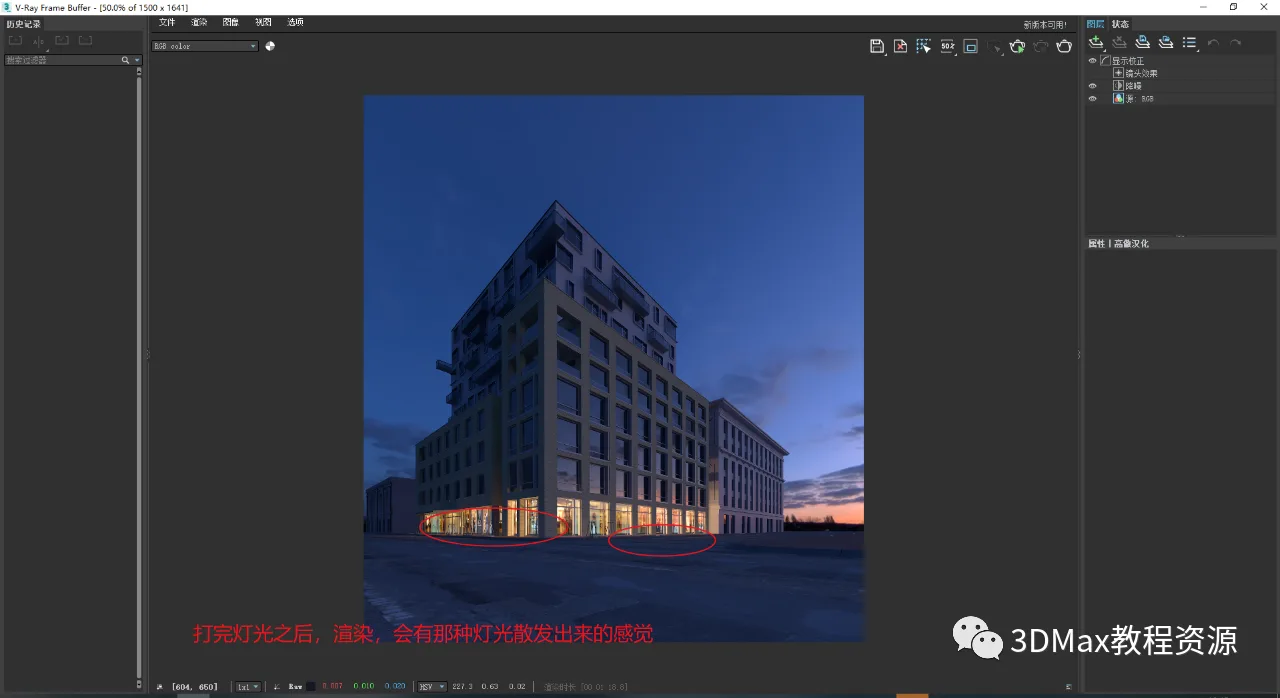
16. Evaluate the light scattering effect as shown.
17. Add sheet lights inside the glass layers above each floor of the shops, as illustrated.
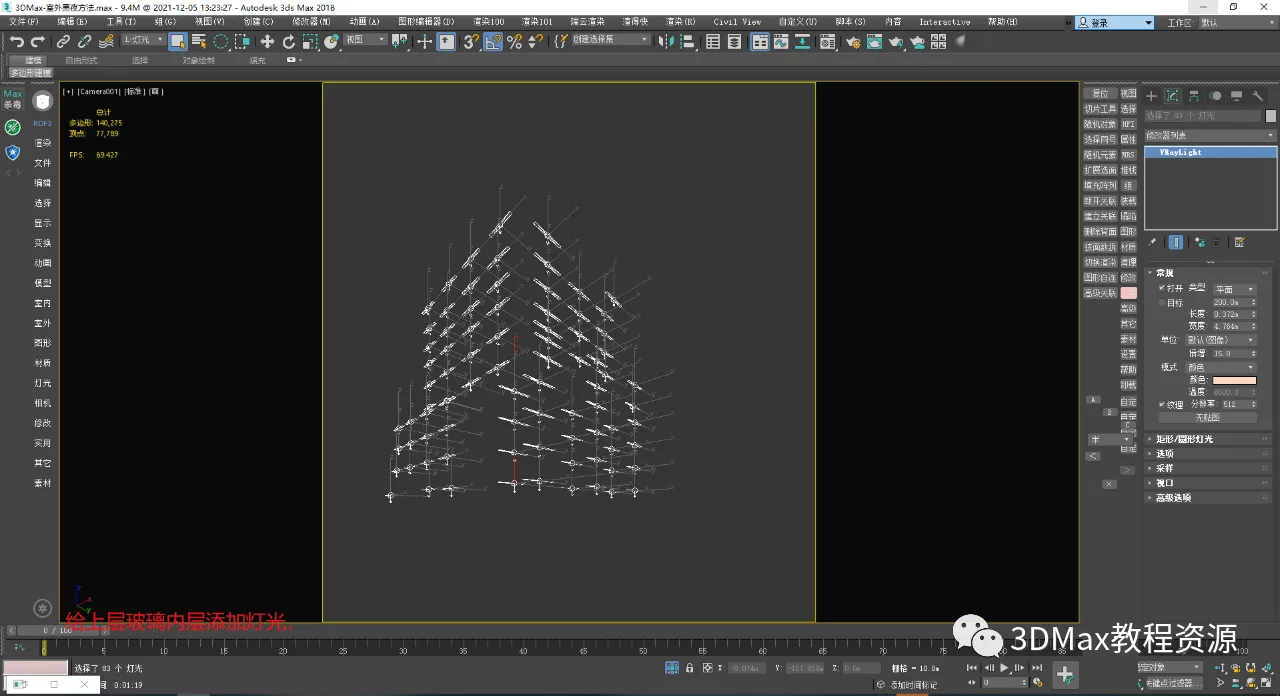
The rendering creates the impression that someone is working inside, as shown below.
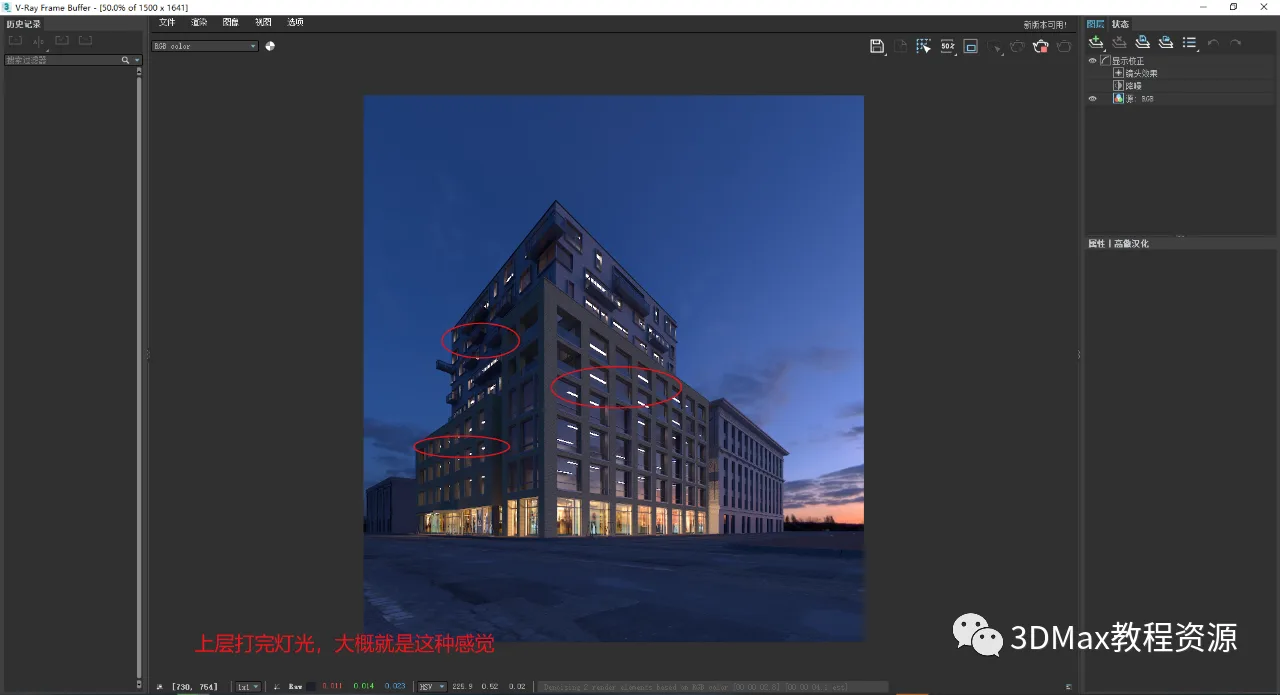
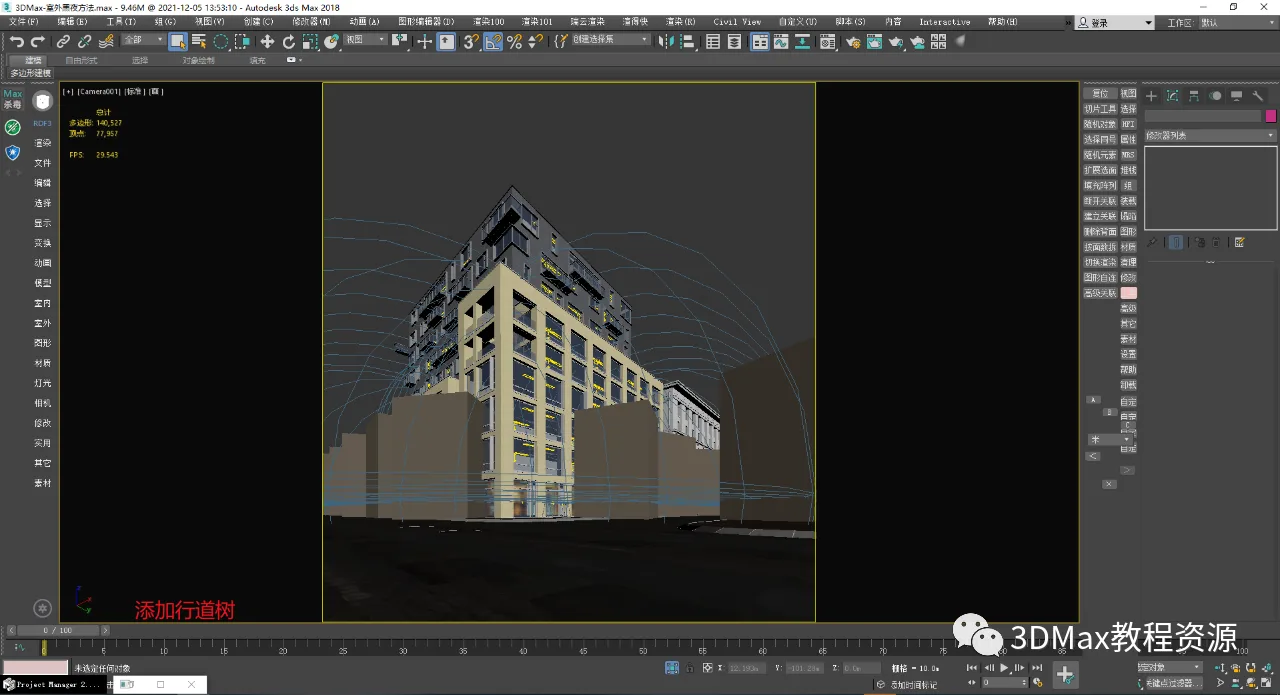
19. Add roadside trees to the scene as shown.
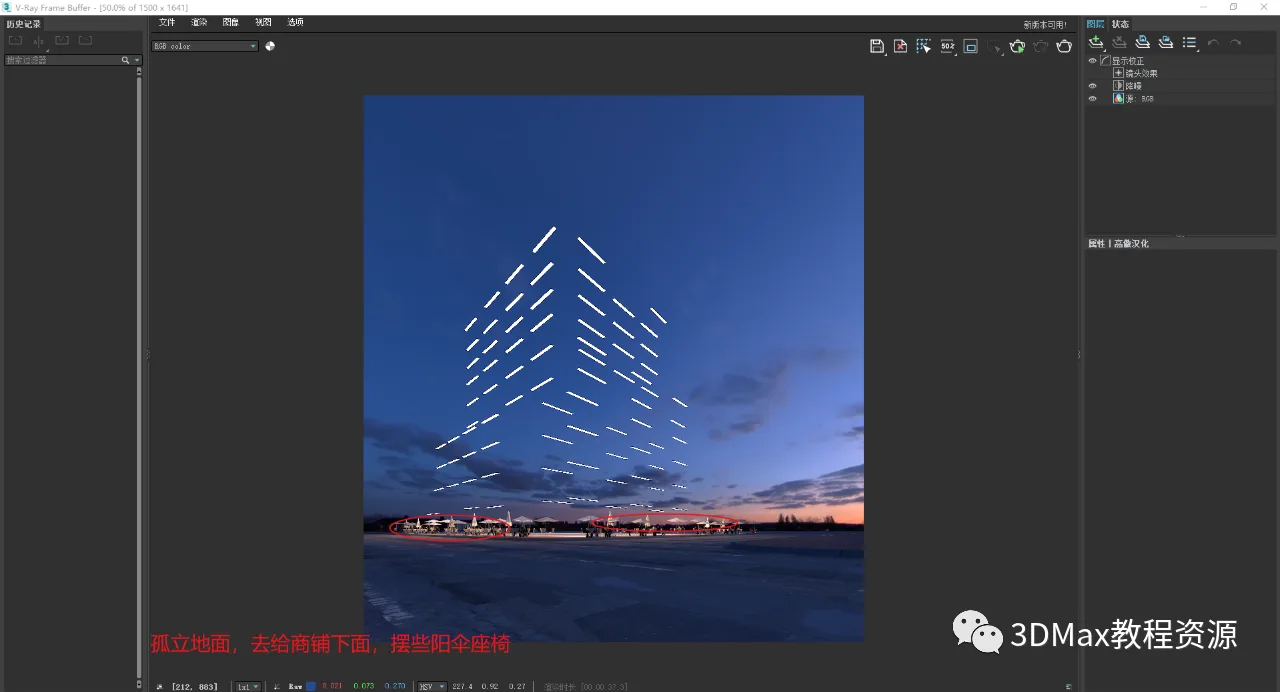
20. Isolate the ground area and add umbrella seating in front of the shops, then render as depicted.
Fine-tune the ground material to simulate a wet, rainy surface, as shown in the rendering.
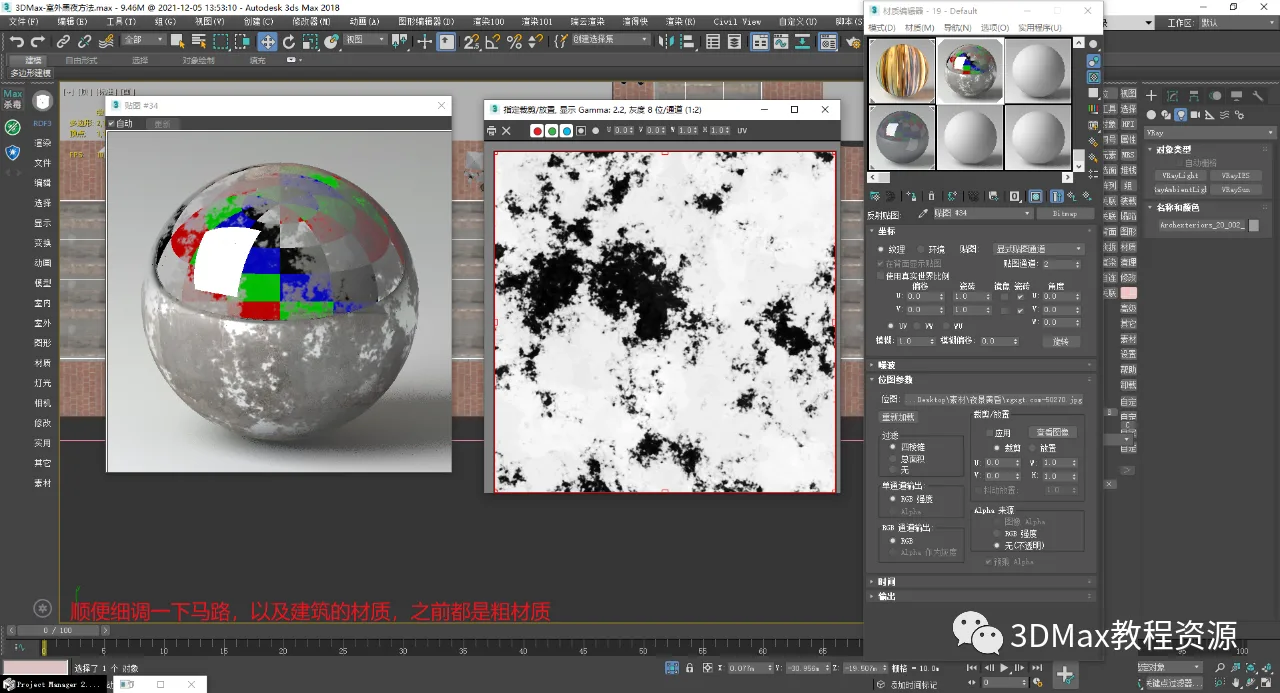
22. Review the rendering, add additional details, and render as shown.
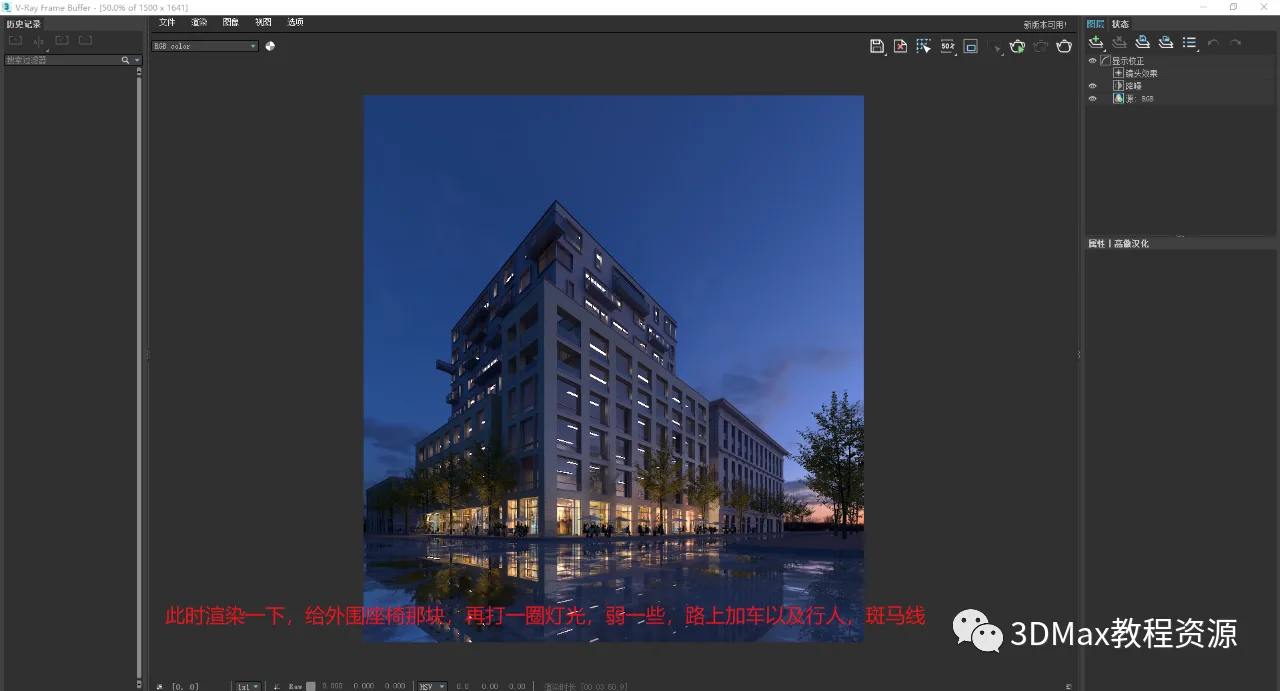
23. Add a lane and render accordingly.
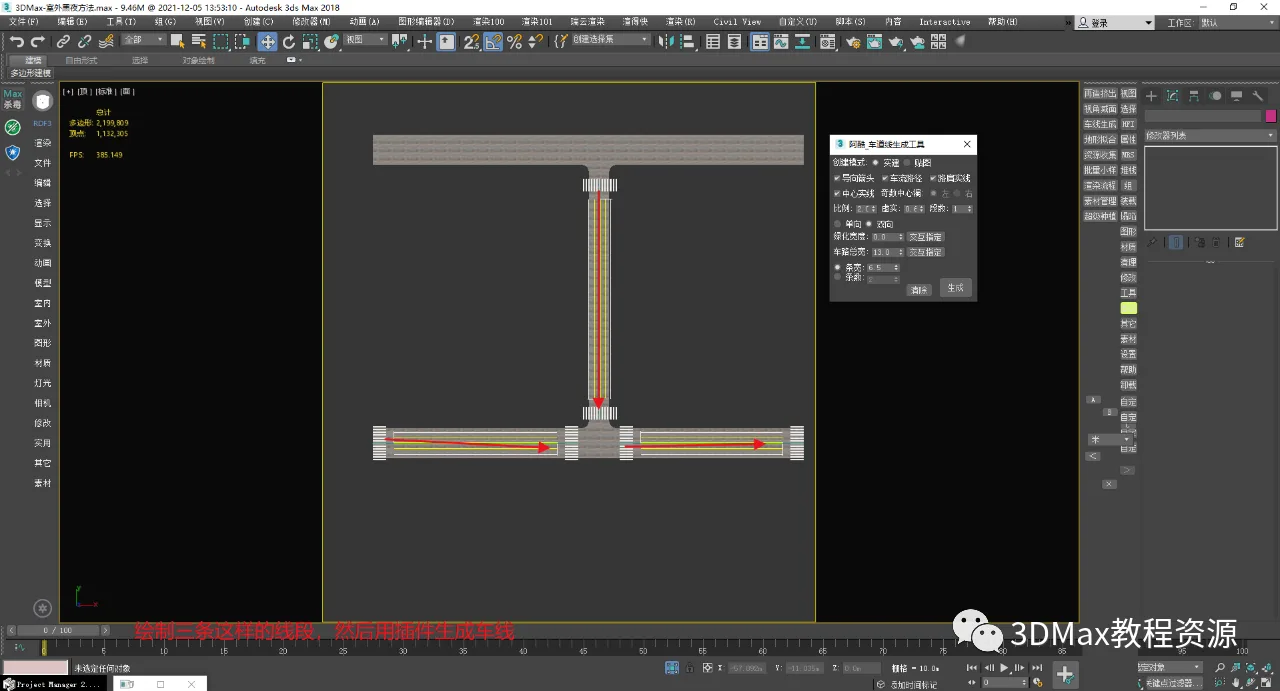
24. Add lane markings as shown.
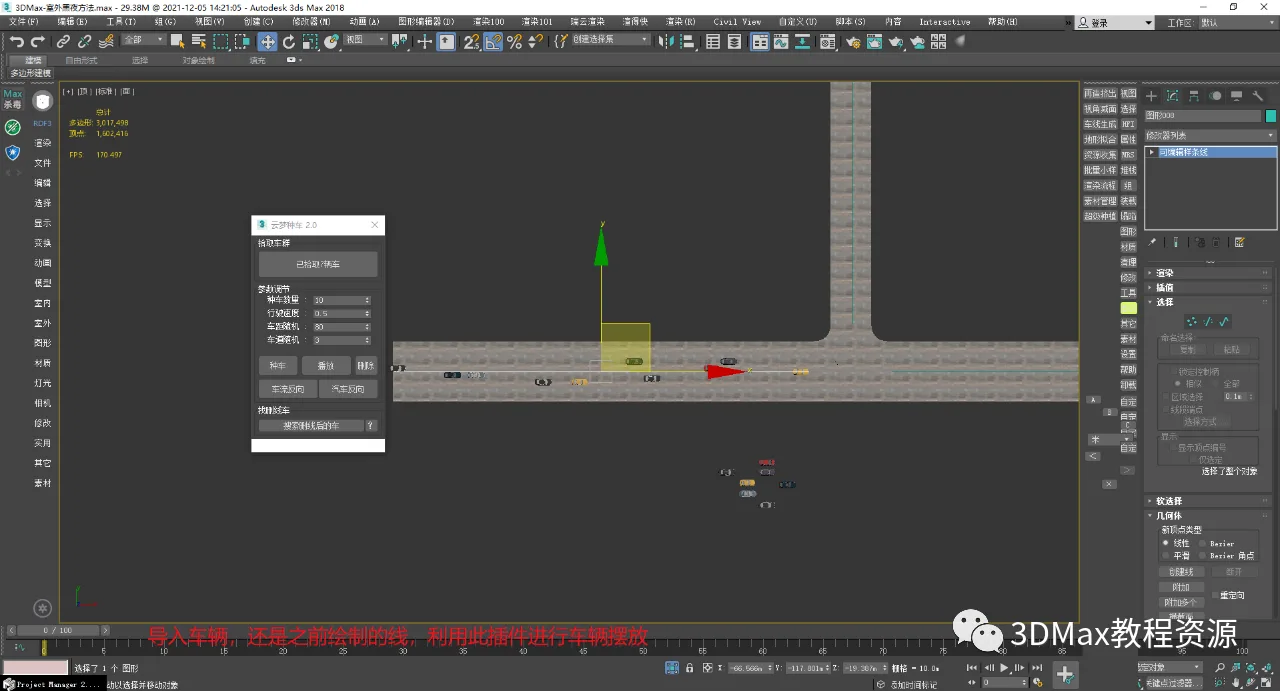
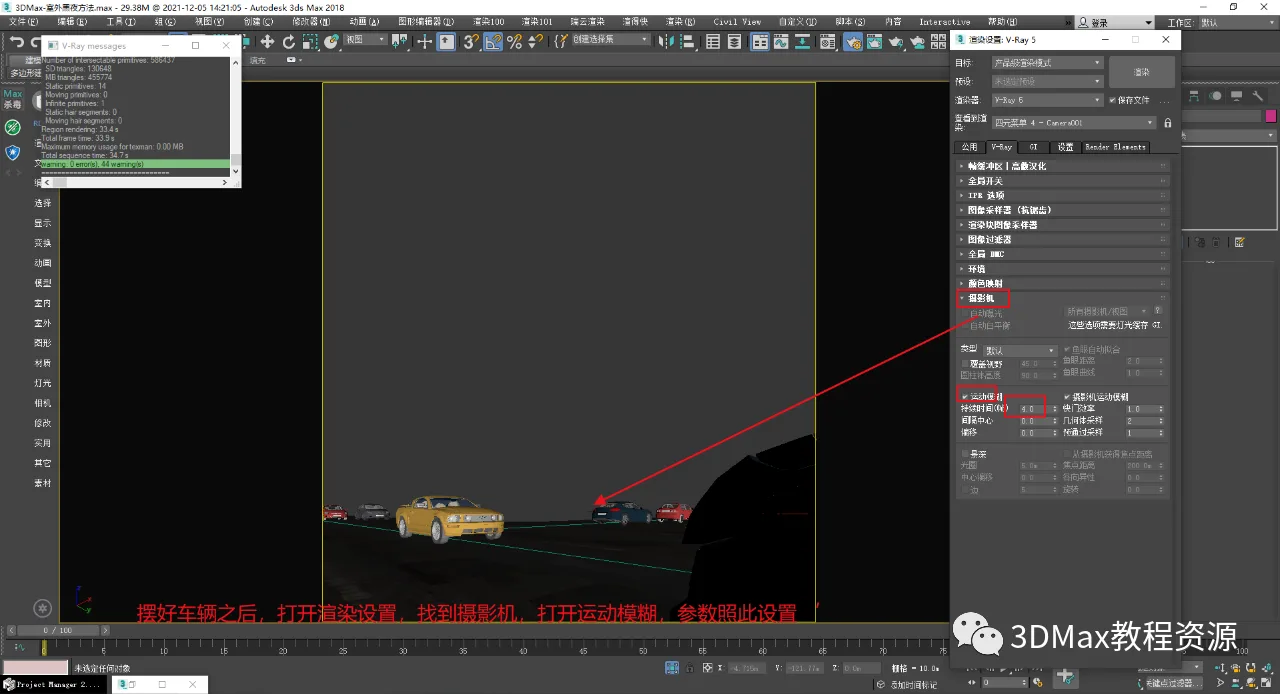
25. After arranging the scene, enable motion blur as demonstrated.
26. The final production result is rendered as shown below.
27. Use the 3ds Max color palette to add color tones, then render as shown.
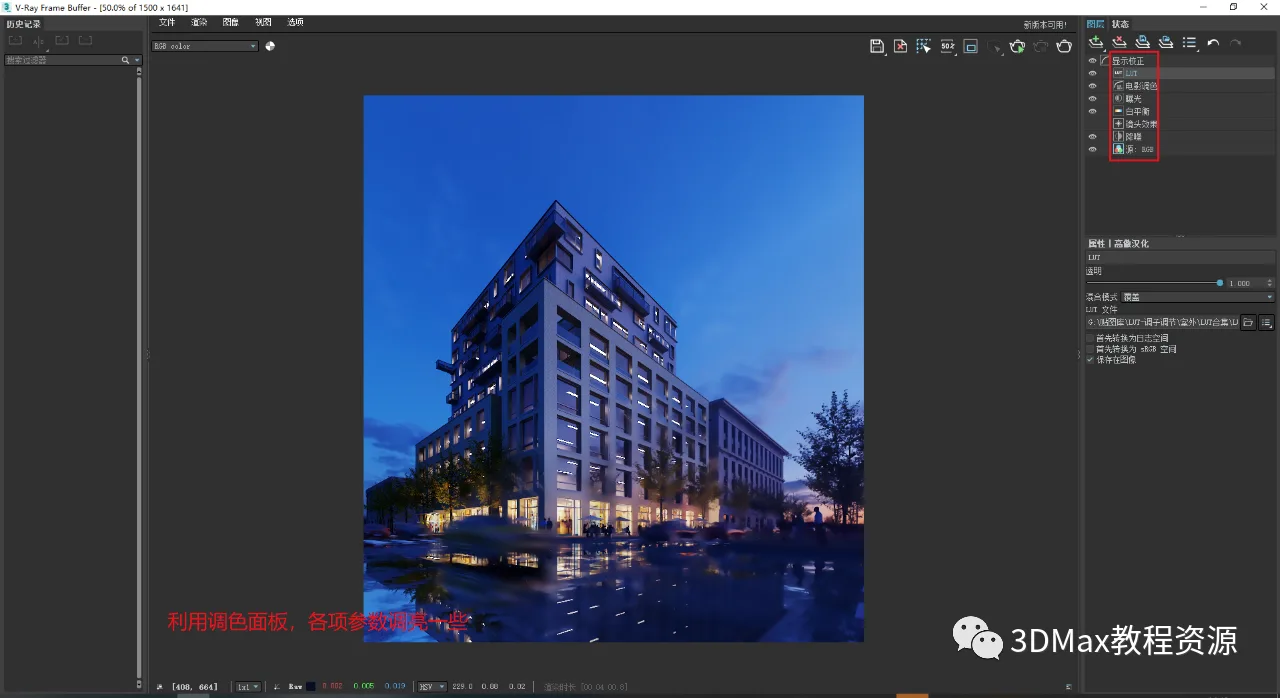
28. Final rendering as shown below.
This concludes today’s tutorial. Thank you for reading!
















Must log in before commenting!
Sign Up