
This article is from the official account: modulus engineer.
Today, we present a beginner’s tutorial on Grasshopper parametric design. Grasshopper is a plugin that operates within the Rhino environment, utilizing algorithmic programming to generate models. It has become the go-to entry-level software for parametric design in design disciplines. Unlike traditional modeling tools, Grasshopper’s key advantage is its ability to execute complex logical modeling instructions, enabling the computer to automatically produce model outcomes based on the defined algorithm.
Below is the main content of the tutorial:
At first, parametric design may seem unfamiliar or even intimidating to many. However, as you gradually explore it, you’ll realize that the concept of parametric design is already embedded in many aspects of the world around us.
To illustrate, let me show you a simple example of a seat texture.
By examining the image, you can see that this texture is straightforward, composed of simple Y-shaped elements arranged in varying sizes.
Using this image as a starting point, we can develop more dynamic textures by applying gradient variations, which also broadens the scope of potential applications.
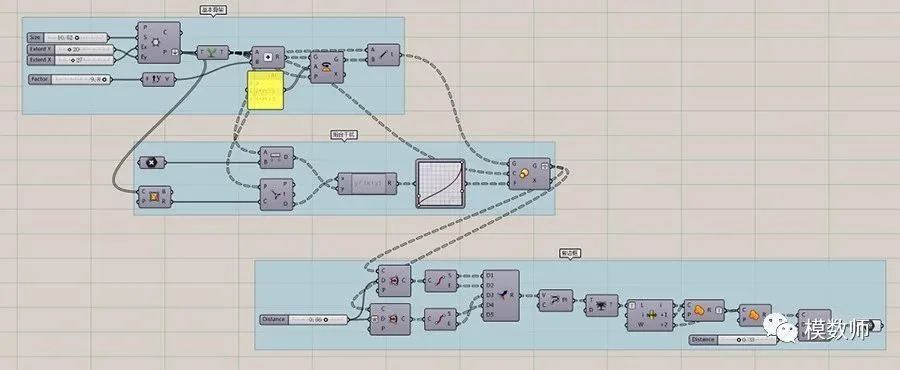
1. First, create a basic honeycomb array;
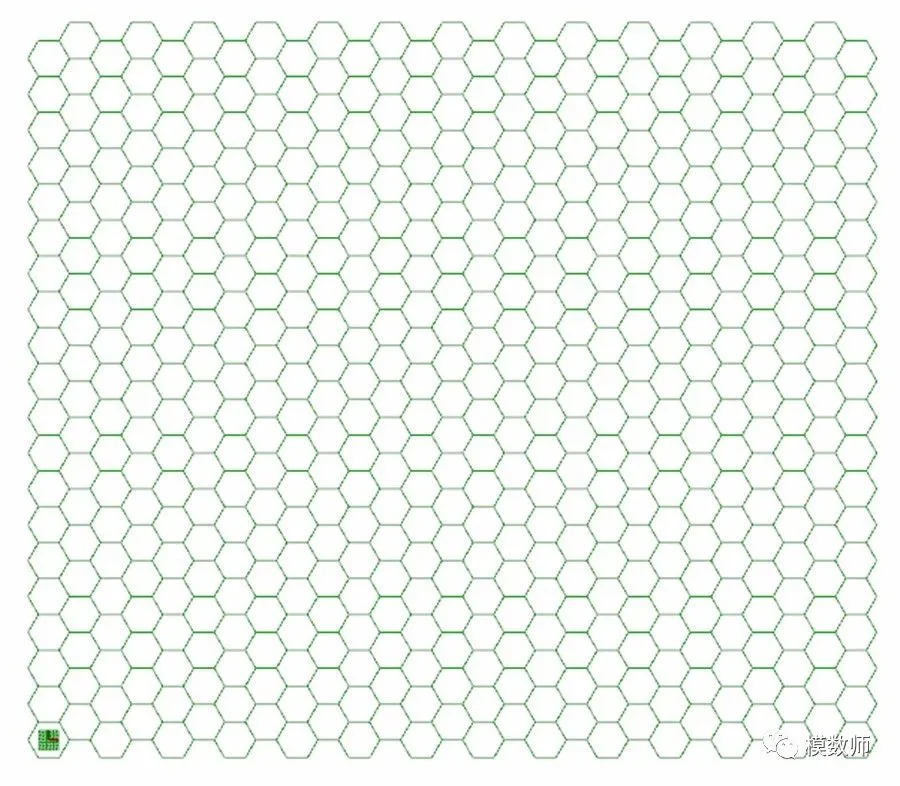
2. Construct a trident-shaped Y element inside each hexagon;
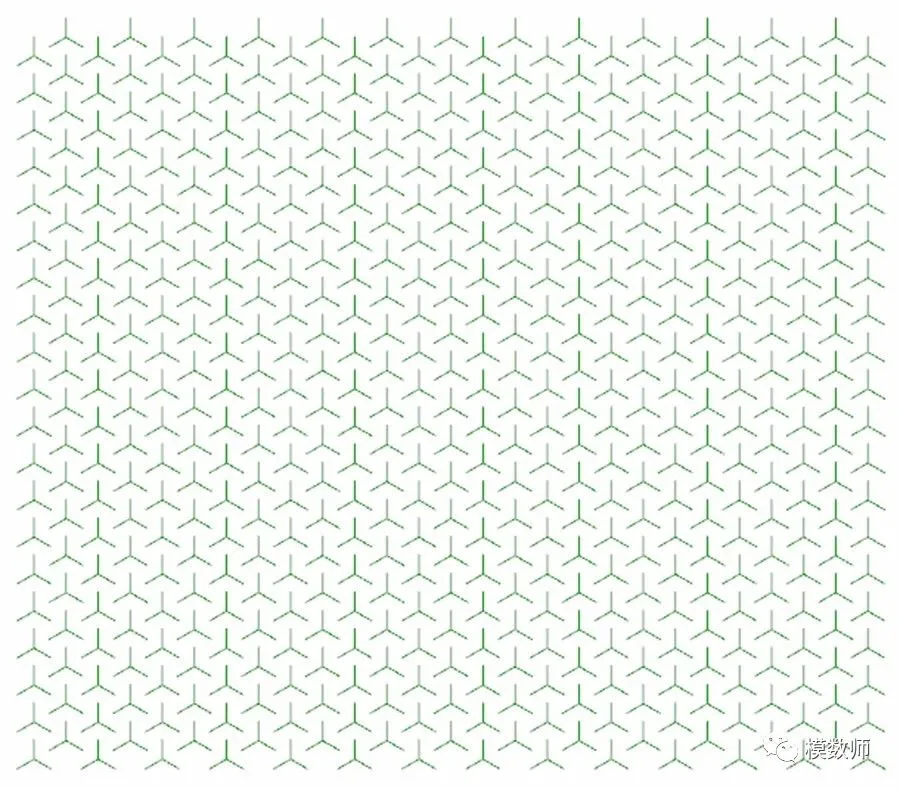
3. Apply interference or variation effects based on the desired pattern;
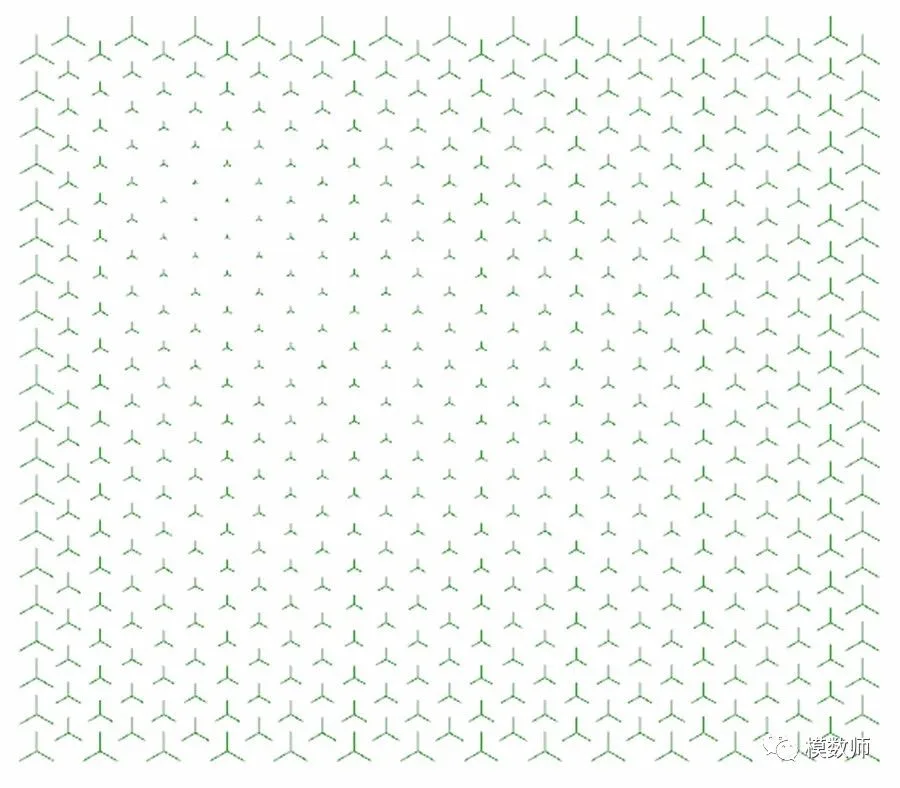
For example: gradually increasing the size from a specific point towards the boundary;
4. Add consistent width, chamfering, detailing, and coverage to each Y-shape;
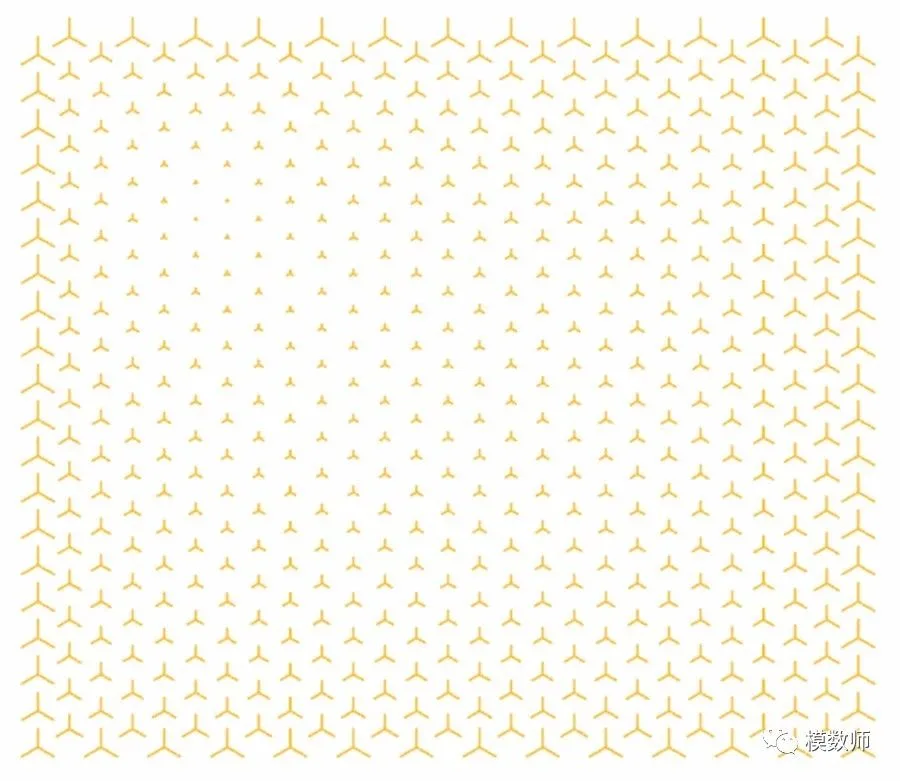
With these steps, a simple texture design is complete.
Now, let’s reflect on some important insights.
Great design often emerges from simplicity. Effective design is not about chasing flashy effects but about subtlety and refinement. Just as quality steel is essential for a blade, good materials and solid ideas elevate the final product. Even seemingly casual attention to detail can significantly enhance the overall design quality.
Returning to parametric design—avoid forcefully applying it to every project, as it may not always yield the best outcomes. Focus on carefully defining key elements to achieve a strong visual impact.
If you enjoy our content, please follow us and share with your friends!
Attachment: Battery diagram
















Must log in before commenting!
Sign Up