
This article is sourced from the official account: BIM Center of Guangdong Heavy Industry Institute.
Today’s Tip: How to Draw Irregular Stairs in ARCHICAD
Note: There is no default shortcut key for this process.
Start by opening ARCHICAD software. Locate the Polyline Tool and use it to sketch the outline of your staircase. (This tutorial will reference the example patterns shown below.)
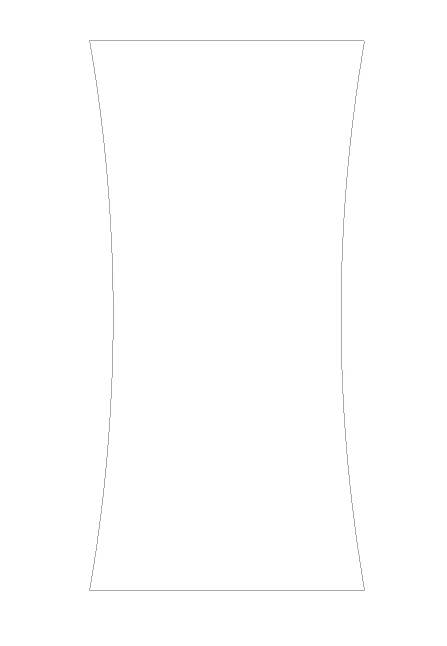
(Schematic diagram of the staircase outline)
(Illustration of the “Polyline Tool”)
Once you’ve drawn the staircase shape, double-click the Staircase Tool to open the staircase settings panel and configure the parameters.
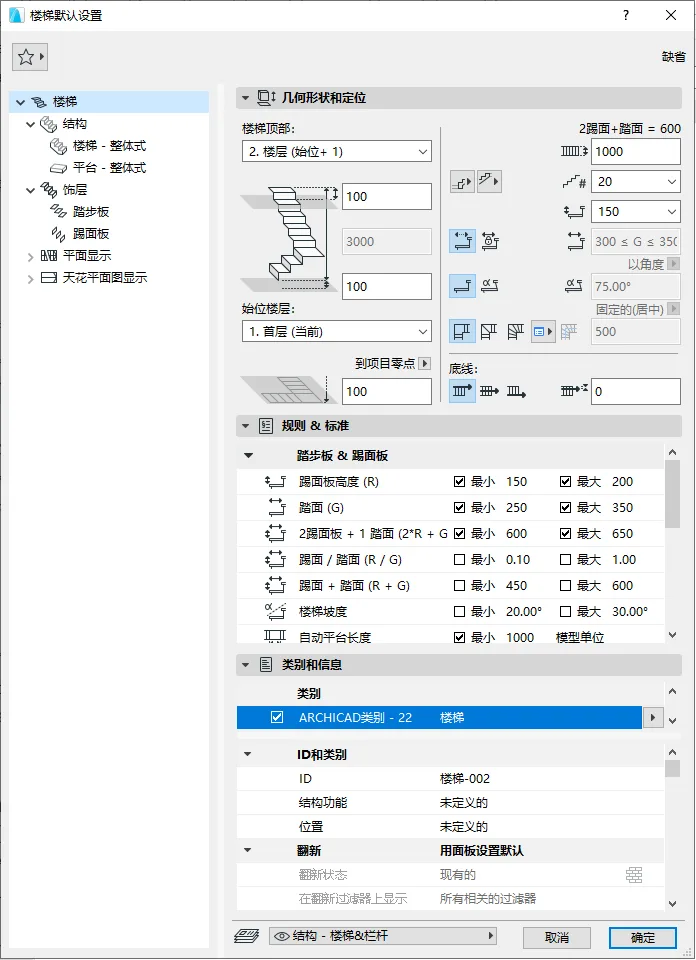
(The “Staircase Settings Panel”)
After setting the parameters, click OK. Then, draw a straight-running staircase from the start point to the end point of your stair outline, as shown below.
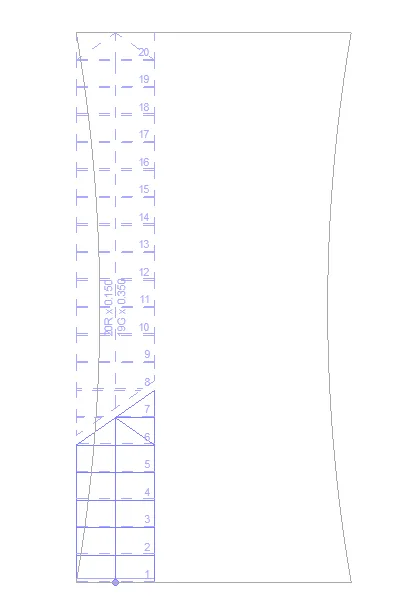
(Step-by-step schematic for drawing stairs)
After drawing the staircase, click on it to reveal the Edit option. Select Edit to modify the stair properties.
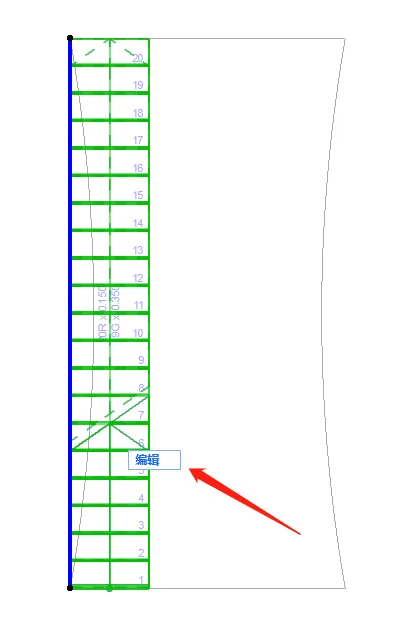
(Editing the staircase)
Next, click on the staircase and adjust its width to the desired size.
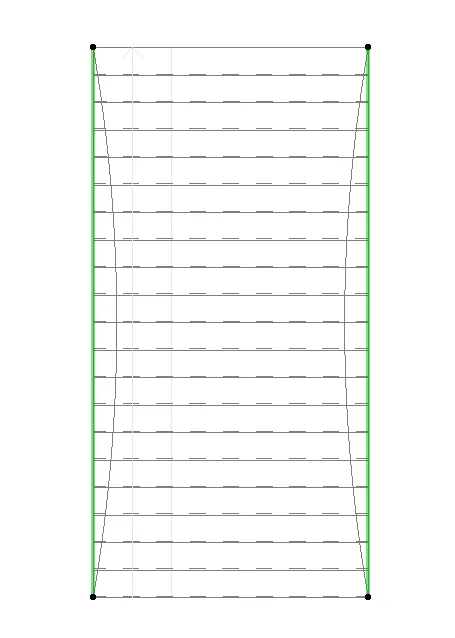
(Adjusting the staircase width)
To create curved edges on the staircase, click the edge you want to curve, then click its midpoint. From the small panel that appears, select the “Curved Edge” option and drag the edge to the desired shape. (A video demonstration is available for detailed steps.)
(Location of the “Curved Edge” option shown below)
The same process applies for curving edges on the opposite side, completing your irregular staircase design.
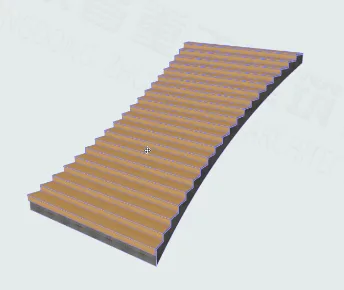
(3D schematic view of the completed stairs)
Next, let’s create a spiral staircase. Begin by using the Arc/Circle Tool to draw a circle. Then, double-click the Staircase Tool to open the settings panel, set your parameters, and click OK.
Click on the starting point of the staircase. In the small panel that appears, choose the “Arc Defined by Three Points” option.
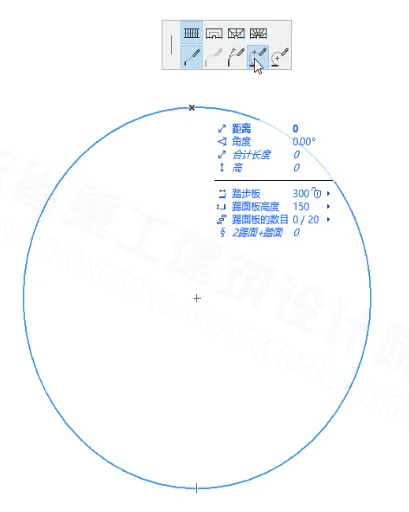
(Spiral staircase schematic)
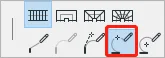
(Location of the “Three-Point Defined Arc” option)
After selecting the “Three-Point Defined Arc” option, click any two points along the circular line, then right-click to confirm. This completes the spiral staircase.
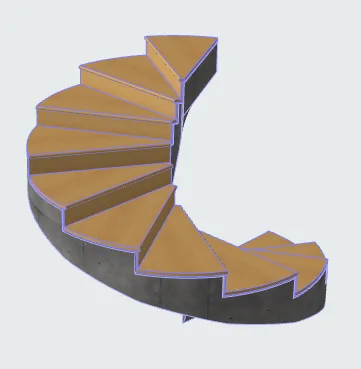
(3D schematic view of the spiral staircase)
















Must log in before commenting!
Sign Up