
Many users have noticed several significant changes in the 2020 version (with minor variations). The key updates are outlined below.
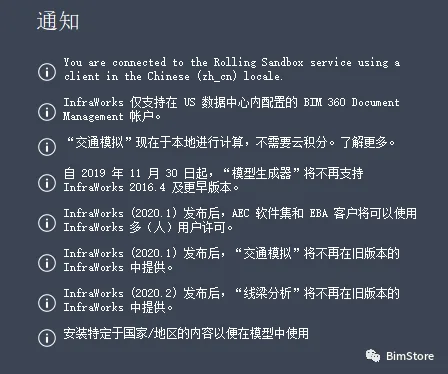
From the image above, we can observe the following:
- The older model generator is no longer supported.
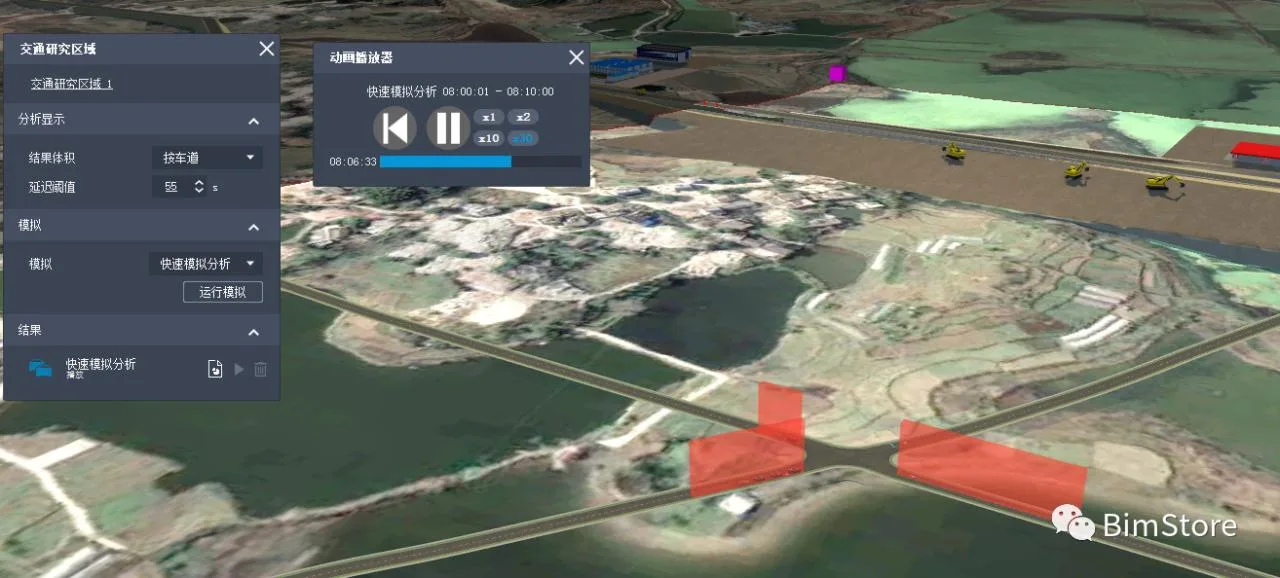
- Analysis features such as traffic simulation and bridge analysis no longer require cloud integration.
- Only the latest version is available, which means upgrading is mandatory.
If you have no pending tasks, it is recommended to upgrade. Post-upgrade, the interface menu is more organized, and the overall experience is smoother.
There is no need for cloud credits—just install the necessary environment.
Many users encounter a prompt about needing a JAVA environment when running bridge analysis or flood simulation. To help, here is a guide for setting up the JAVA environment for personal testing purposes.
The official sources offer three options: OpenJDK, Amazon Corretto, and Oracle JDK.
In theory, any of these should work. I have personally tested the Amazon Corretto option, and it works flawlessly.
Here is the download link for the JAVA environment:
https://docs.aws.amazon.com/corretto/latest/corretto-11-ug/downloads-list.html
For Windows 64-bit, download directly from:
https://corretto.aws/downloads/latest/amazon-corretto-11-x64-windows-jdk.msi
If you prefer to explore, feel free to try other JAVA environments as well.
















Must log in before commenting!
Sign Up