

SketchUp Pro 2020.1.235 Simplified Chinese
Updated to SketchUp Pro 2020.1.235 multilingual version on July 26, 2020.
Previously updated to SketchUp Pro 2020.1 multilingual version on May 1, 2020.
Earlier update to SketchUp Pro 2020.0.373 multilingual version on February 21, 2020.
Tianbao released SketchUp Pro 2020 earlier today. Let’s take a look at the key new features and improvements below.
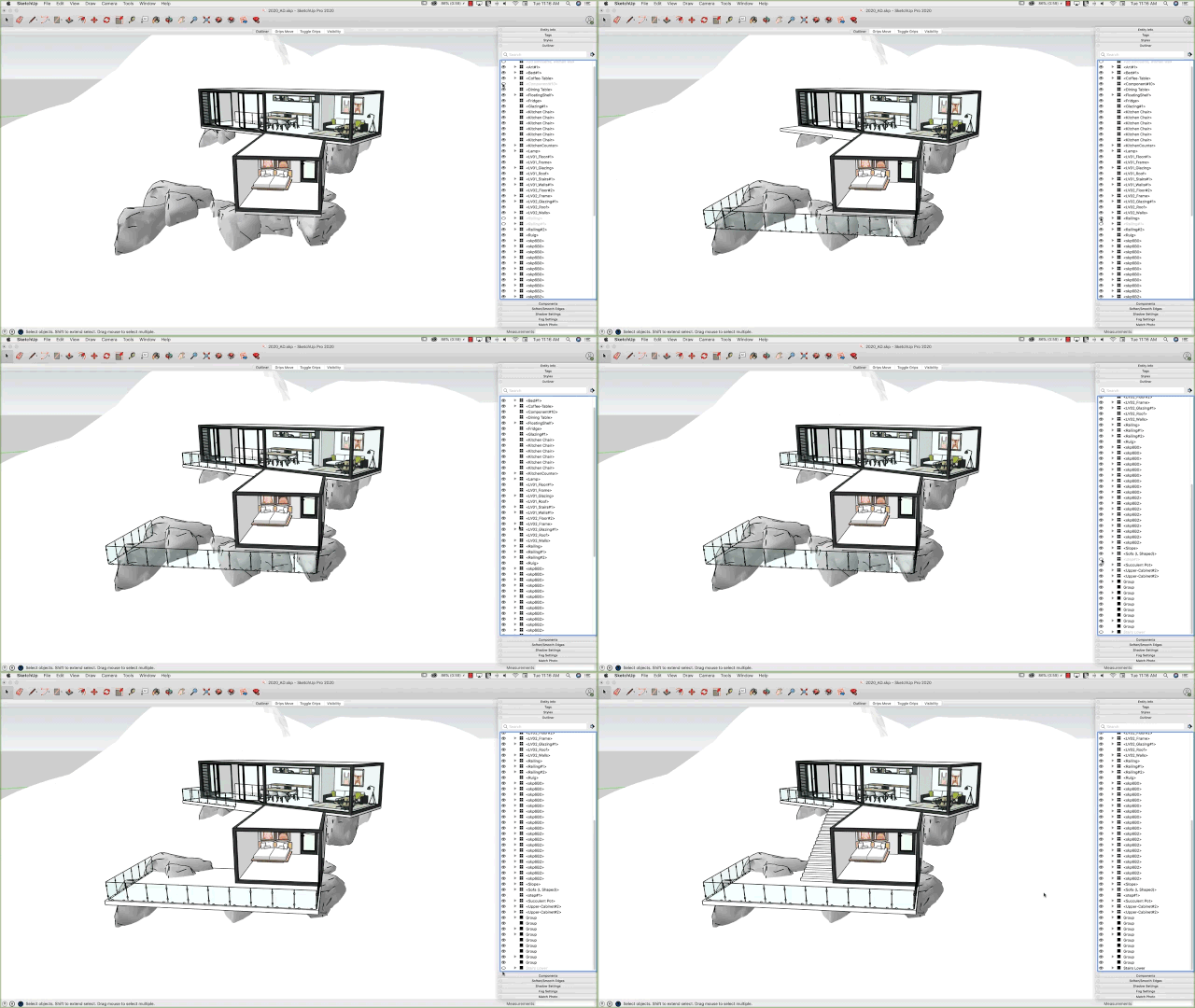
New Outliner (Outline Manager)
The first major enhancement improves organization for large models:
Outliner — To increase modeling efficiency, you no longer have to create layers individually. You can now manage and organize your model directly within the Outliner. Use the convenient eyeball icon to toggle visibility of major model components such as floor plans or furniture layers.
New Capture Point for Bounding Box
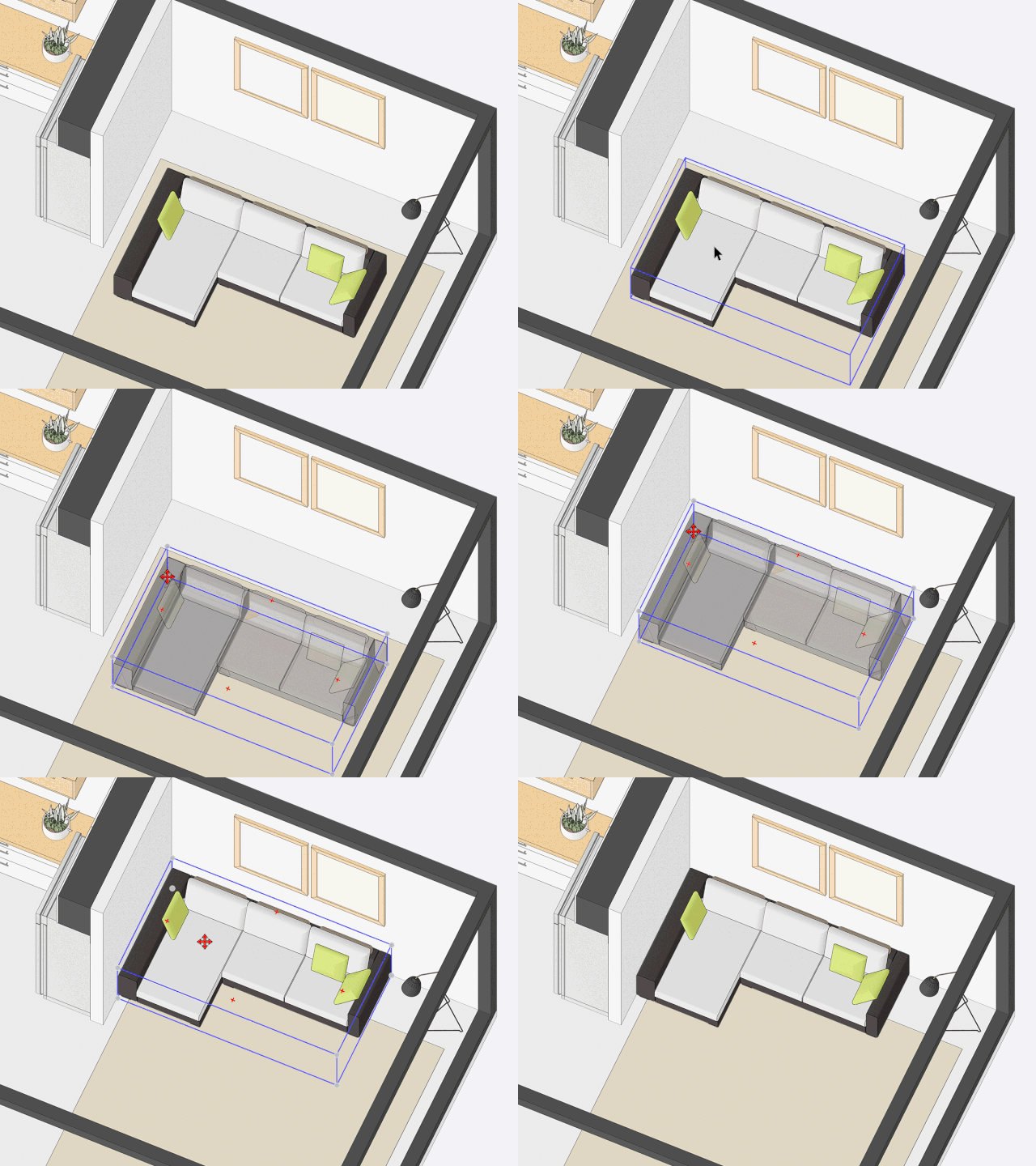
When selecting and moving a hidden point on an object—such as a corner or center point obscured by other elements—that object automatically becomes transparent if it’s blocked by other parts of the model. This functionality works with both the “Rotate” and “Move” tools, greatly improving your workflow.
Try placing objects in hard-to-reach areas and experience the difference!
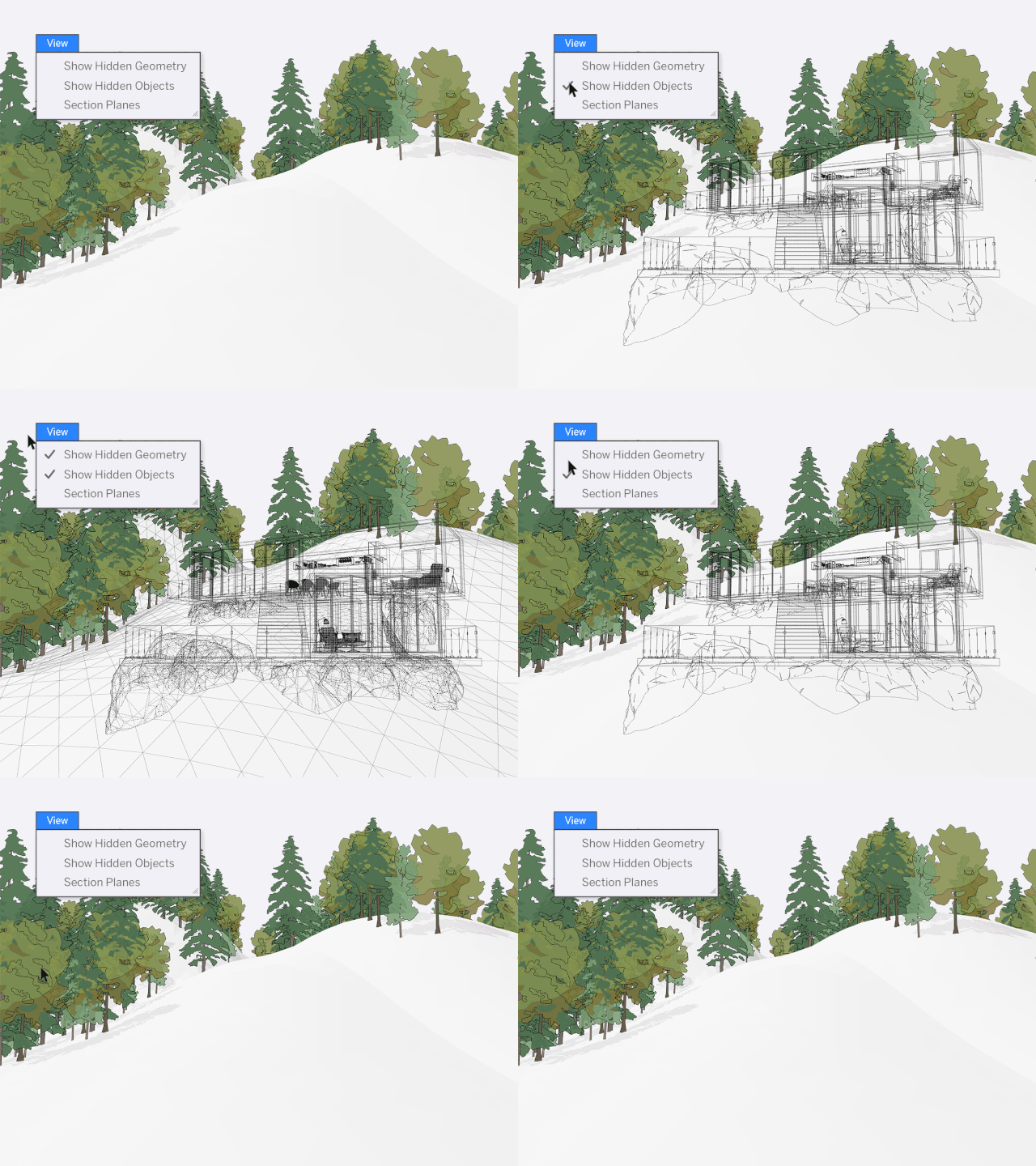
Improved Control Over Hidden Objects
Managing hidden objects just got better. The dropdown menu now separates hidden objects from hidden geometry.
This allows you to manage hidden geometry and objects independently for smoother modeling. For example, you can edit hidden edges on terrain or smooth surfaces while keeping nearby objects like trees or buildings hidden.
Updated Terminology in SketchUp
Some feature names and definitions have been updated for clarity. These changes won’t affect your workflow but are good to know.
The term “object” now collectively refers to groups, components, and dynamic components, simplifying language by removing the need to say “group/component”. Also, “layer” has been renamed to “label”. These are purely semantic changes without any impact on functionality.
LayOut 2020: Enhanced File Control
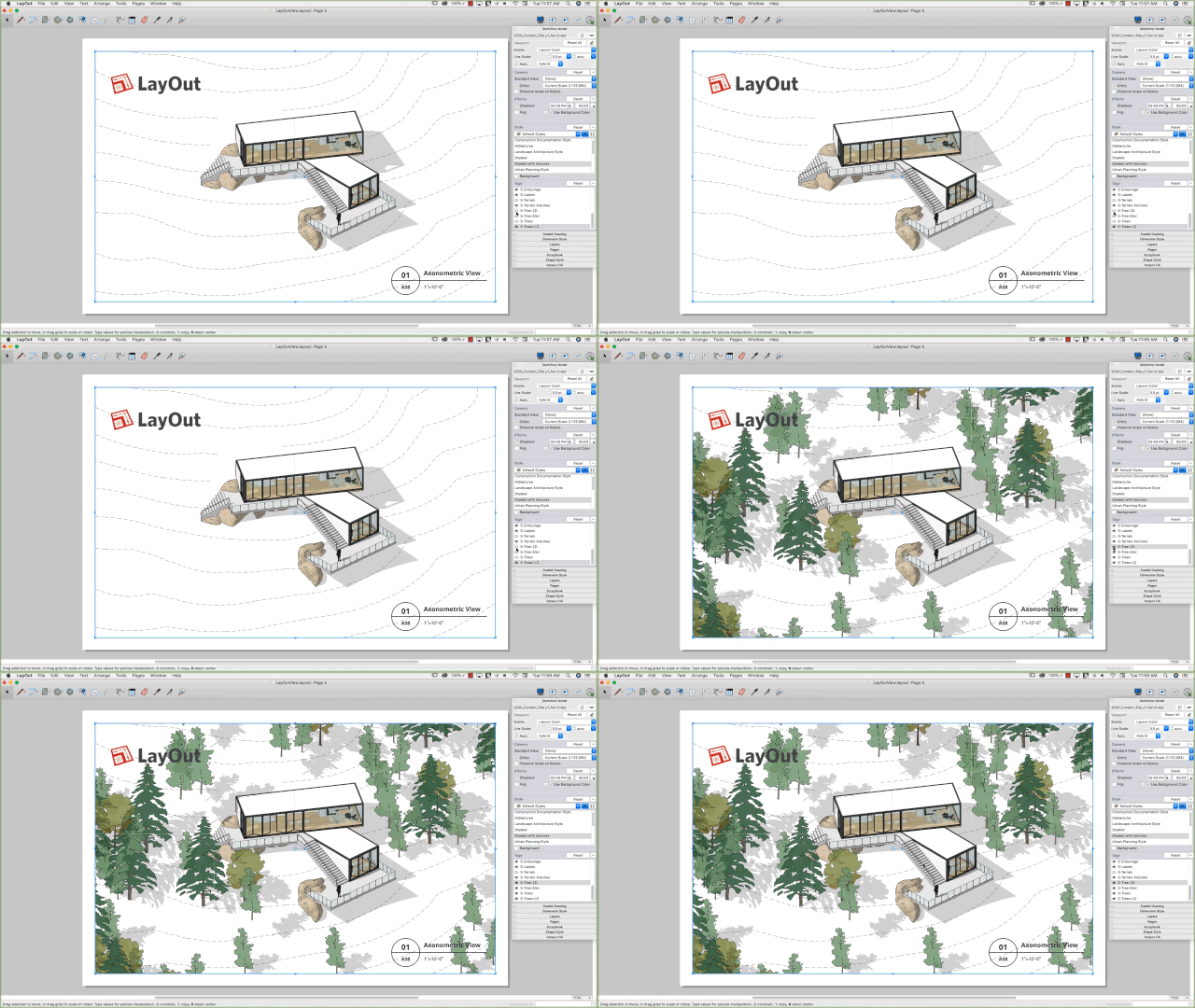
LayOut now helps you regain control over your files by working more seamlessly with SketchUp. This reduces the need to constantly update scenes back and forth, saving time and ensuring your drawings are more accurate and polished.
Additionally, you have access to more editing tools directly within LayOut.
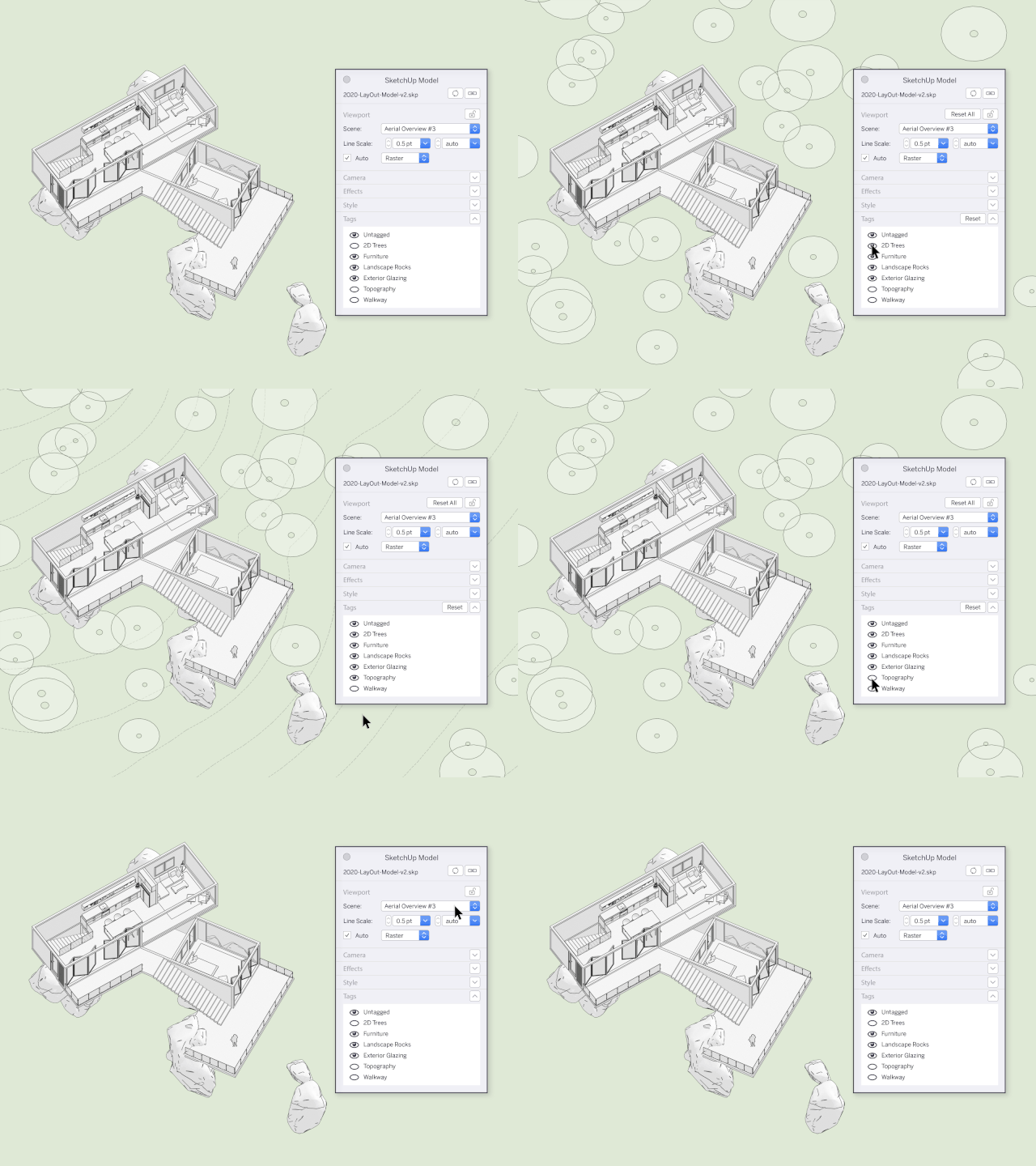
More Powerful View Adjustment Features
LayOut now better understands SketchUp models and their contents. You can change styles and camera angles directly within LayOut without losing previous edits.
How to distinguish between LayOut and model views? When you make changes in LayOut, some menu bar sections turn dark gray to indicate overrides. You can always resynchronize the view back to the SketchUp model if needed.
Improved Drawing Customization
Use different models and views to enhance your LayOut drawings. If your SketchUp model has multiple views, you can now link any view to a different SketchUp model.
Previously, you had to delete a view, insert a new SKP model, and reset all scale and sizing settings. Now, it’s much more efficient.
Additionally, you can toggle label visibility directly within the LayOut document, eliminating the need to create extra scenes in SketchUp and saving time switching between programs.
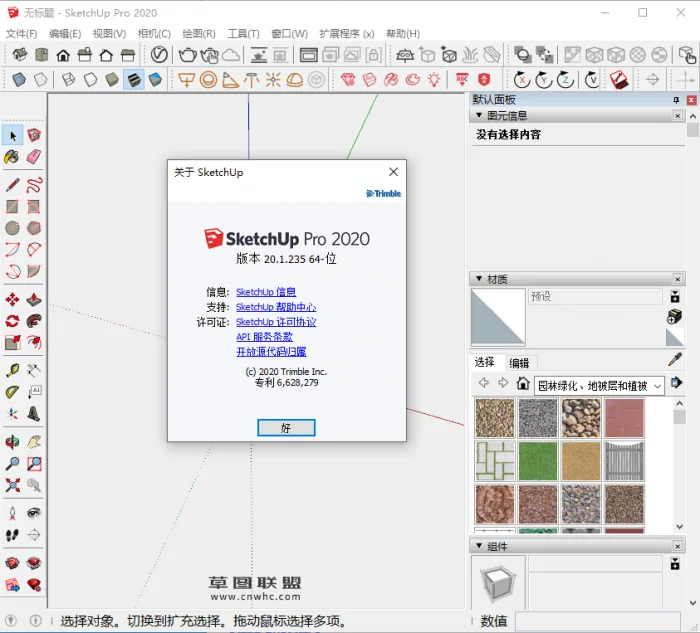
Installation Instructions:
- Install the original SketchUp 2020.1.235 .exe file and note your installation directory.
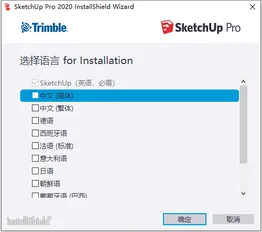
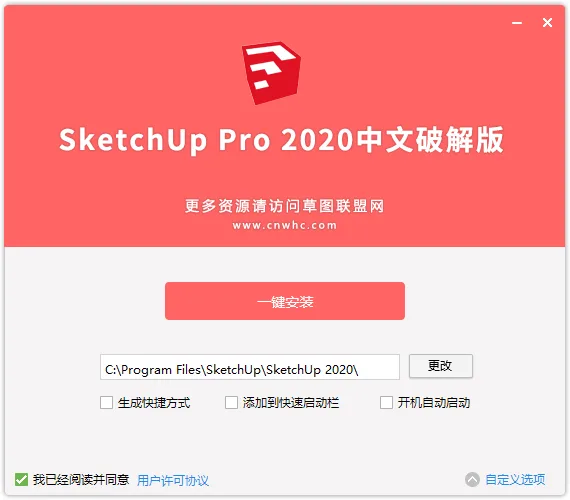
- Run the SketchUp Pro 2020.1 cracked patch and ensure the path matches your original installation directory.
- This is a complete multilingual version; the installation language will automatically match your system language.
SketchUp 2020 is a simple yet powerful tool that allows you to explore and express ideas in a 3D environment. SketchUp Pro offers capabilities beyond traditional CAD software, making it easy to learn and user-friendly. It is designed to facilitate the creation of design solutions.
Feature Overview
Search for 3D Models of Any Object
Whether you need a kitchen oven, a car on the street, or a rhinoceros in the zoo, find them all in the 3D Warehouse — the world’s largest free 3D model library.
Convert Models into Documents
Some 3D models eventually become professional 2D drawings. SketchUp Pro’s LayOut helps you showcase your models and create polished drawings you can be proud of.
Customize SketchUp
Extensions solve complex 3D modeling challenges. SketchUp offers hundreds of extensions that enhance and streamline your workflow.
Models and Documents Integration
With LayOut, you can insert SketchUp model views anywhere in your document. These ‘viewports’ update automatically as your model changes.
Create Beautiful Blueprints
LayOut brings SketchUp’s visual style into 2D with unmatched aesthetics — lines, shadows, textures, text, dimensions, and title blocks are all fully customizable.
Intuitive Vector Graphics
LayOut’s drawing tools are simple, intelligent, and fun. All drawings are vector-based, allowing precise scaling and rotation.
Annotate and Dimension
Use dimension tools that align with SketchUp edges and quickly set measurement formats, scales, and precision.
Reliable 3D Models from Trusted Manufacturers
Partners like Herman Miller, Formica, and Thermador provide accurate, high-quality models. For example, specifying a kitchen oven means you get a model that is both visually appealing and geometrically precise.
New Features
- Advanced properties allow users to embed information into models when creating and managing components.
- Improved report generation aggregates component data to extract and organize model information.
- Enhanced IFX export tool preserves properties imported from other BIM applications during export.
- Sectional views can now be named, with improved performance.
- SketchUp now includes cut surfaces with fills in styles, removing the need for third-party plugins.
- Drawing improvements: use modifier keys to draw rectangles from their center, faster rotation control, and enhanced tape measurement functionality.
- Process and axial color coding added to freehand tools.
- Native support for STL import and export.
Cracking Instructions
After installation, copy and replace the files from the Fix folder into the installation directory:
- Replace SketchUp.exe in
C:Program FilesSketchUpSketchUp 20XX - Copy the LayOut folder to
C:Program FilesSketchUpSketchUp 20XXLayOut - Copy the Style Builder folder to
C:Program FilesSketchUpSketchUp 20XXStyle Builder












Unzip password/?
Where is the fix folder?
Hello poster, why is the installation process interrupted with an error message. I haven’t installed it many times. Solve. Thank you!
Since the OP released the information without any conditions, why do they need to set a decompression password?
They are all installation packages without compression, why do we still need to unzip the password.
Is it 32-bit
It’s clearly 2019, but the host said 2020. There’s nothing to say. Not everyone is like you.
The latest version of 2020 has been updated and is now available for download.