
This article introduces the methods and steps for creating architectural construction drawings using AutoCAD 2010, demonstrated through three examples: villas, commercial buildings, and steel structure factories. Drawing from years of experience in architectural design and teaching, the editor combines fundamental AutoCAD 2010 knowledge with practical examples, using clear and concise language.
The content is detailed and focused, featuring typical cases with targeted explanations that are concise, clear, and fluent. It is suitable for a wide audience including architectural designers, university and vocational school students, as well as construction professionals with some foundational knowledge.
The book systematically explains the basic methods and operational steps for using AutoCAD 2010 to produce construction drawings. By integrating architectural principles with software operation through illustrated examples, readers will be able to proficiently create construction drawings using AutoCAD 2010.
Specifically, three typical projects are selected:
- A high-end villa with a cast-in-place reinforced concrete shear wall structure
- A public commercial building with a reinforced concrete frame structure
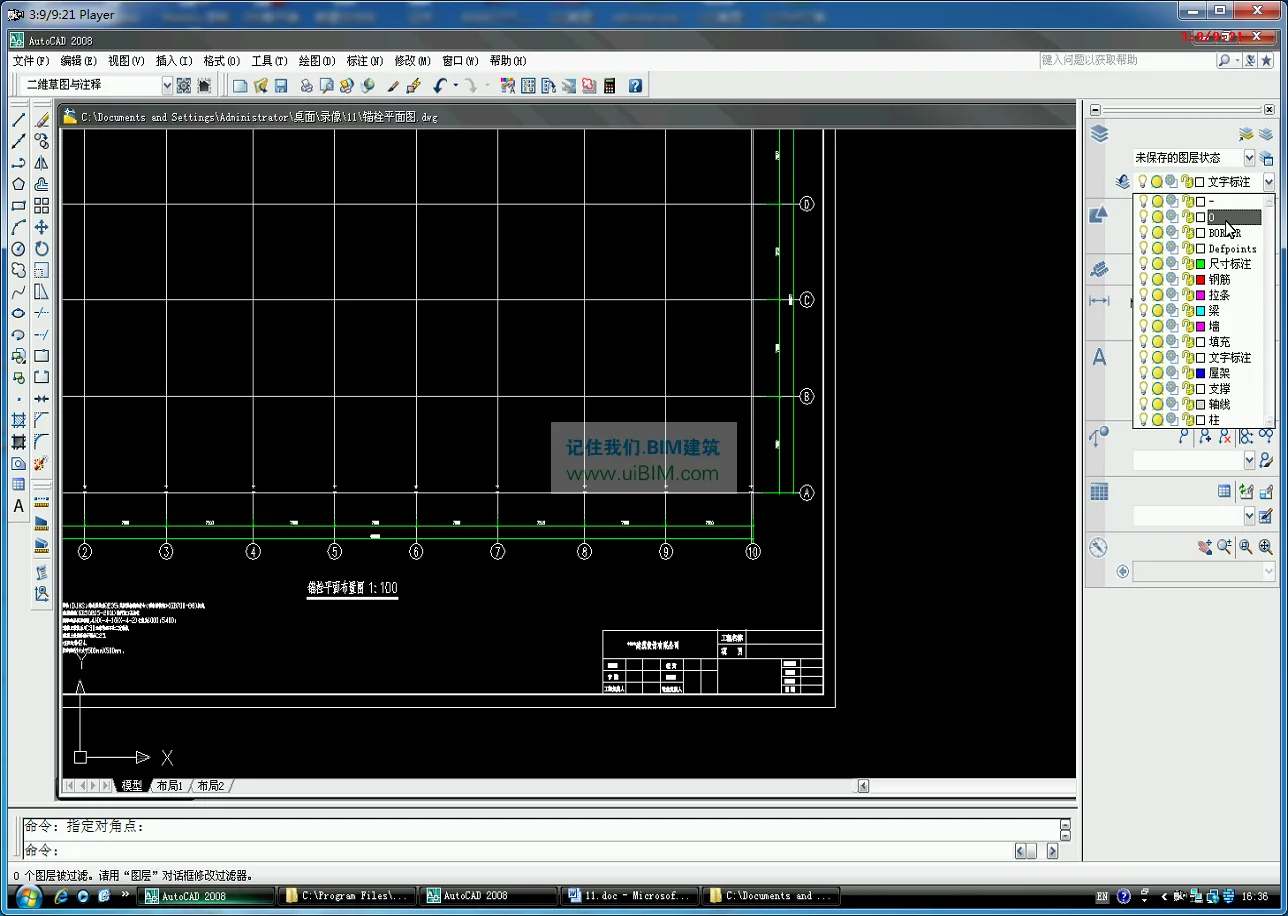
- A steel structure factory building
Detailed instructions are provided for drawing the overall plan, individual floor plans, elevations, sections, and detailed drawings for villas and commercial buildings. Additionally, various layout plans for steel structure factories are covered, along with foundational knowledge of construction drawings.
This resource serves as a valuable reference for certification training in related fields, vocational education, and drafting courses at colleges and universities. It is also well-suited for engineering designers and enthusiasts seeking to improve their skills.
Course Catalog
The first section focuses on creating construction drawings for villa buildings

Chapter 1: Drawing the Overall Plan of a Villa Building
1.1 Overview of the General Plan
1.2 Introduction to the Villa General Plan
1.3 Drawing Process of the Villa Master Plan
1.4 Practice

Chapter 2: Drawing the Floor Plans of Villas
2.1 Overview of Architectural Floor Plans
2.2 Analysis of Villa Floor Plans
2.3 Drawing the Villa Floor Plan Process
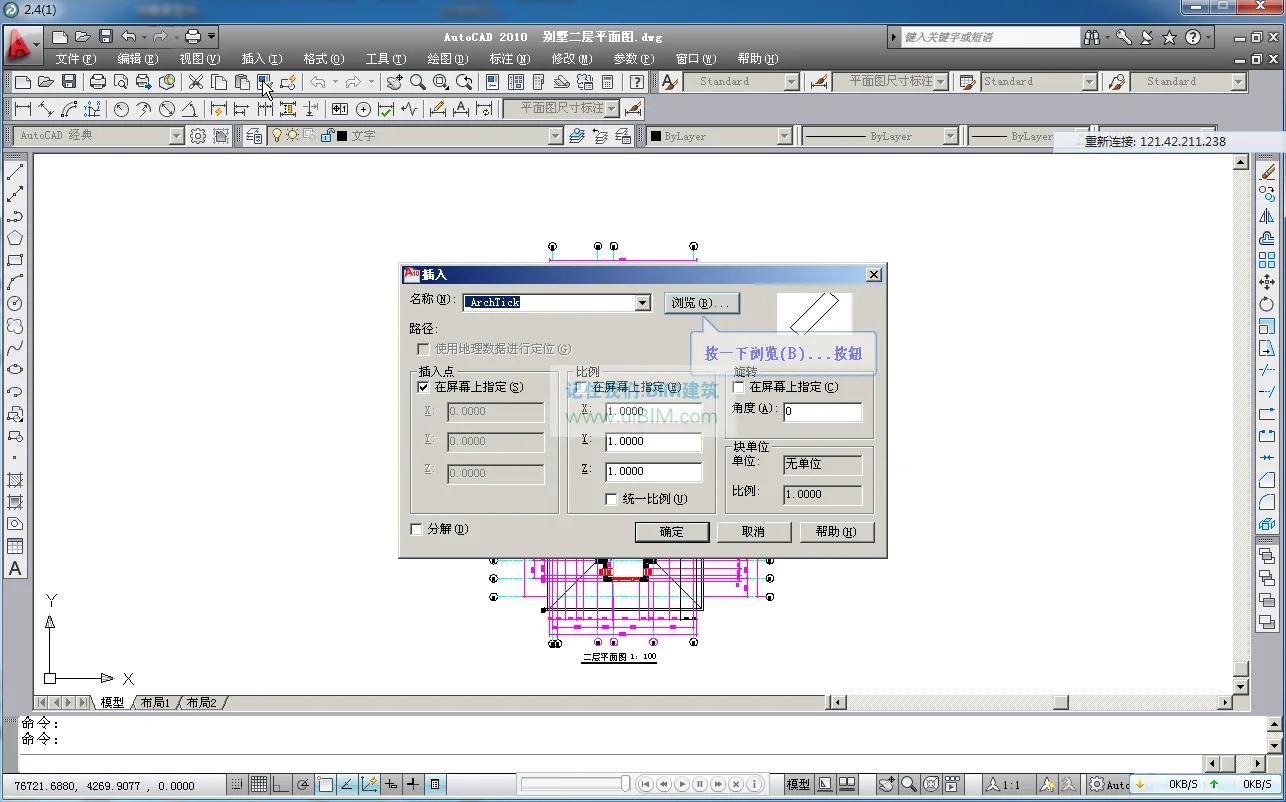
2.4 Drawing the Villa’s Second Floor Plan
2.5 Drawing the Villa Basement Plan
2.6 Practice

Chapter 3: Drawing Villa Elevations
3.1 Overview of Building Facades
3.2 Analysis of Example Elevations
3.3 Drawing Villa Elevation Drawings
3.4 Practice

Chapter 4: Drawing Villa Sections
4.1 Overview of Architectural Sections
4.2 Analysis of Example Sections
4.3 Drawing Villa Profiles
4.4 Practice

Chapter 5: Drawing Villa Details
5.1 Overview of Architectural Details
5.2 Drawing a Staircase Plan
5.3 Drawing a Staircase Section
5.4 Practice

The second section covers construction drawings for commercial buildings

Chapter 6: Drawing the General Plan for Commercial Buildings
6.1 Analysis of Commercial Building General Plans
6.2 Drawing Process for Commercial Building Plans
6.3 Practice

Chapter 7: Drawing Commercial Building Floor Plans
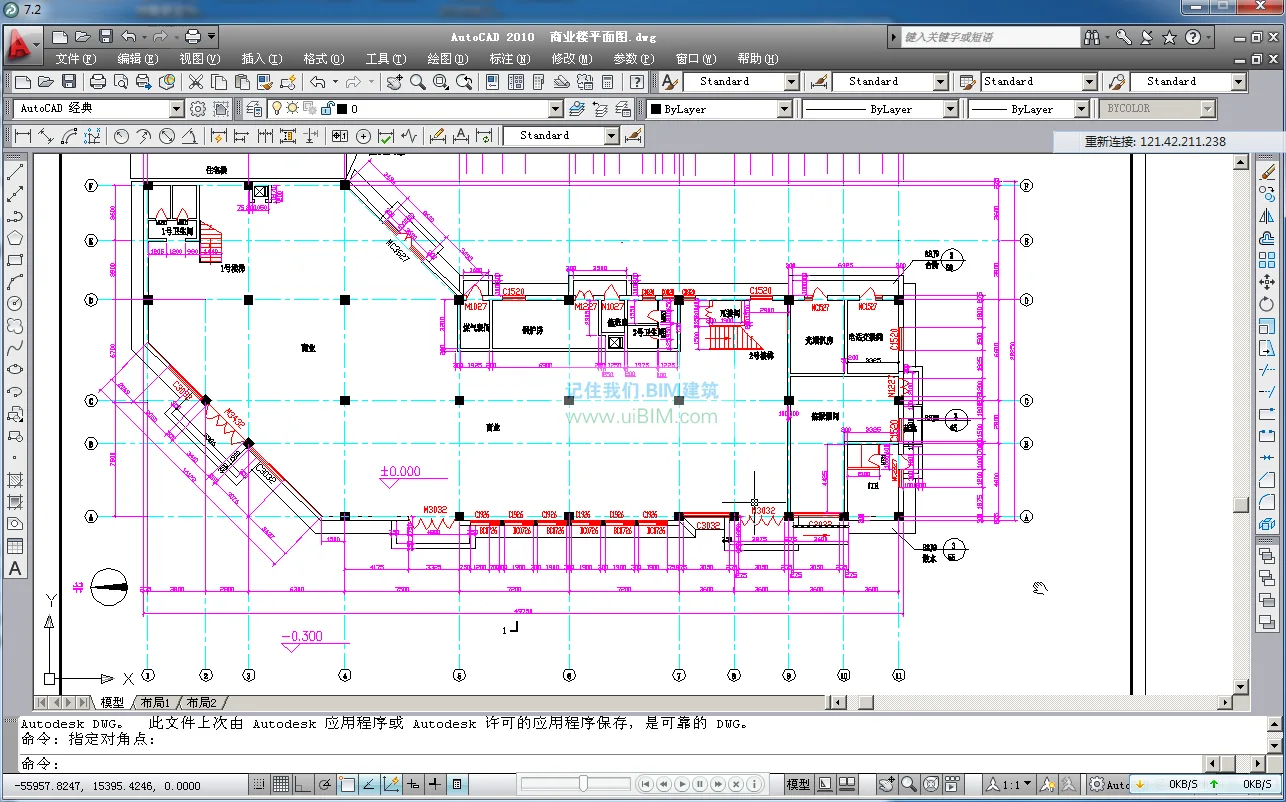
7.1 Analysis of Commercial Floor Plans
7.2 Drawing the Commercial Building First Floor Plan
7.3 Drawing the Commercial Building Second Floor Plan
7.4 Practice

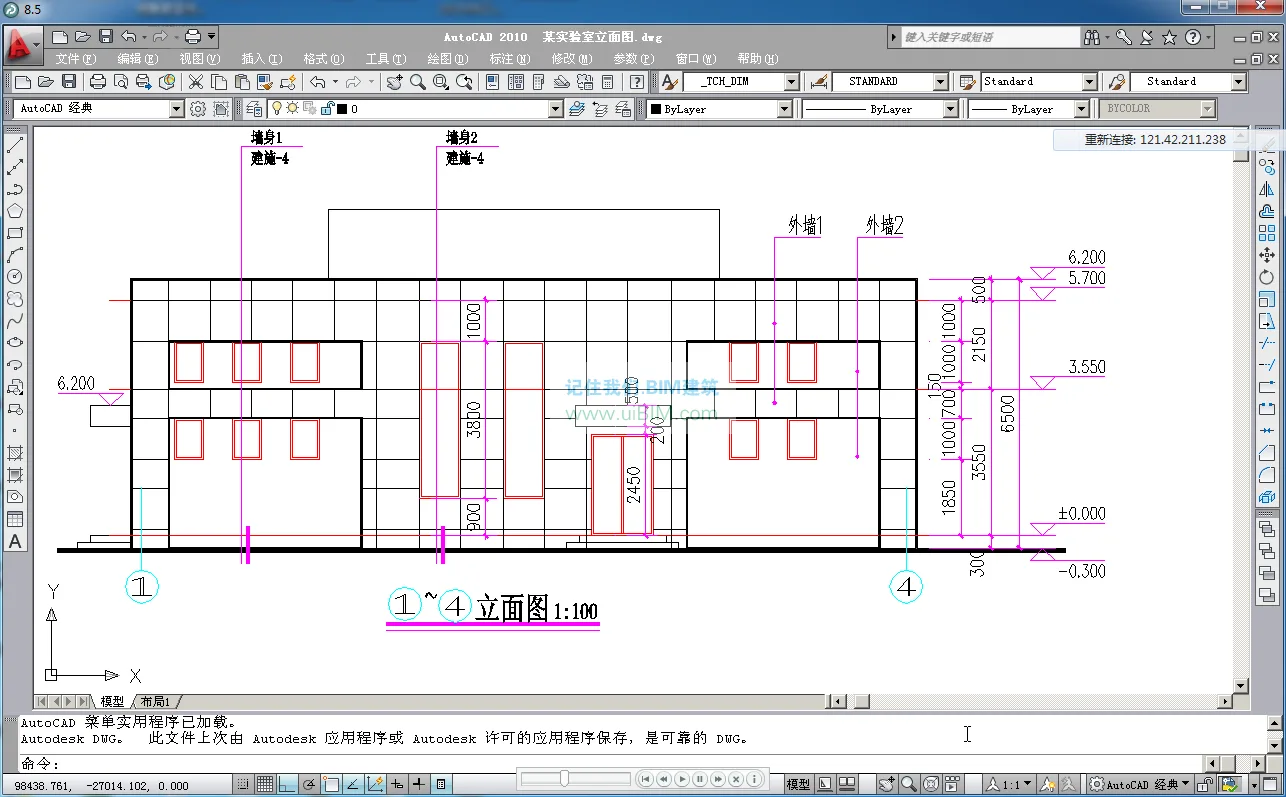
Chapter 8: Drawing Commercial Building Elevations
8.1 Analysis of Building Facades
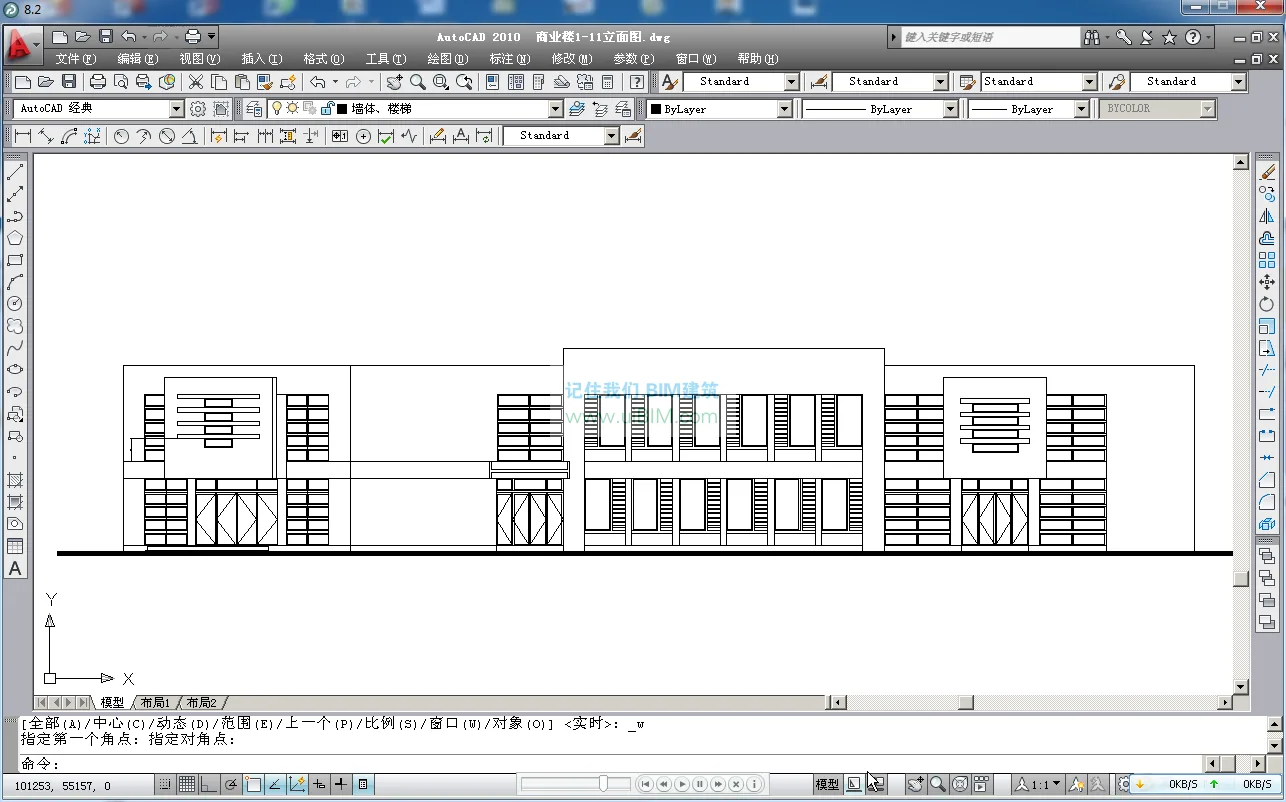
8.2 Drawing Commercial Building Elevations 1-11
8.3 Practice

Chapter 9: Drawing Commercial Building Sections
9.1 Analysis of Section Drawings
9.2 Drawing Commercial Building Sections
9.3 Practice

Chapter 10: Drawing Detailed Architectural Drawings for Commercial Buildings
10.1 Drawing Exterior Wall Details
10.2 Practice

Part 3: Drawing Construction Drawings for Steel Structure Factory Buildings

Chapter 11: Steel Structure Factory Construction Drawings
11.1 Foundations of Steel Structure Drawings
11.2 General Structural Design Description
11.3 Structural Design Drawing Overview
11.4 Column Anchor Bolt Layout
11.5 Structural Layout Diagram
11.6 Roof Structure Layout Drawing
11.7 Practice
Course Screenshots













Must log in before commenting!
Sign Up